
Let’s be completely honest for a second. If you’ve been hunting for a solid 4K IPTV US service recently, you already know how exhausting the process is.
You find a provider promising “50,000 channels” and “unlimited 4K sports” for pennies. You sign up, load the M3U link into your Firestick, and everything looks amazing on a random Tuesday afternoon. Then Saturday rolls around. The UFC main card starts, or the NFL playoffs kick off, and exactly when you need it most the screen freezes. You stare at a buffering wheel for three minutes, refresh the app, and the channel is dead.
I’ve been down this rabbit hole more times than I care to admit. I spent the better part of the last two years testing everything from the top-rated Reddit recommendations to the sketchy Telegram sellers. Here is what I learned about cutting the cord in 2026 without losing your sanity.
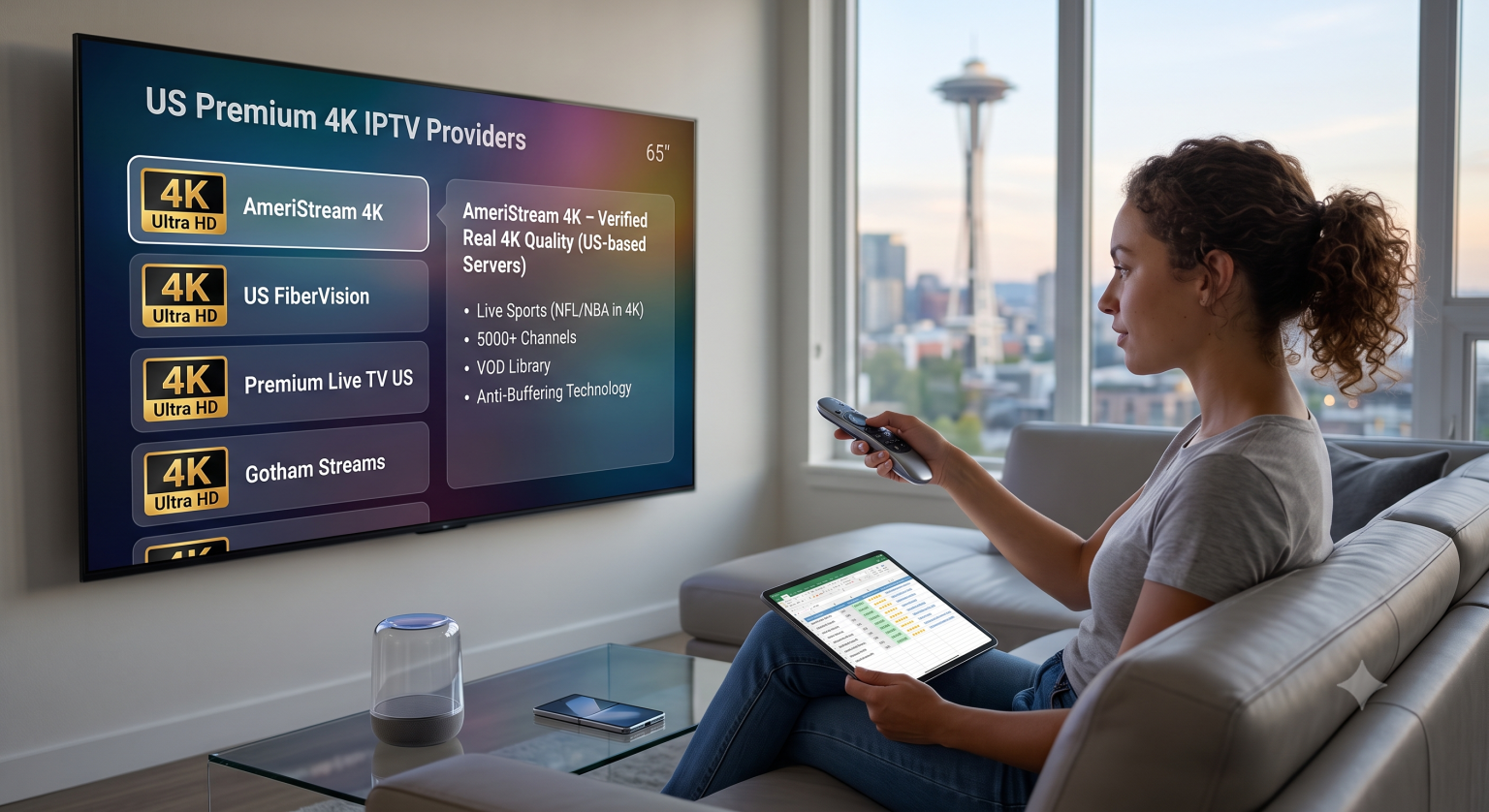
The "Fake 4K" Problem
First things first: 90% of providers advertising a 4K IPTV US subscription are lying to you.
Running a massive server infrastructure that can push raw, uncompressed 4K video to thousands of users simultaneously is incredibly expensive. Most budget resellers bypass this by taking a standard 1080p (or even 720p) feed, stretching it, and slapping a “4K UHD” label on the channel name.
When you’re watching a movie on demand, you might not notice the compression immediately. But turn on a fast-paced hockey game or a basketball match. If the puck looks like a blurry, pixelated comet trailing across the screen, you aren’t getting real 4K.
To get actual 4K streaming in the US, you need a provider that runs their own CDN (Content Delivery Network) with nodes located close to your region not just a reseller bouncing streams from a server rack in Eastern Europe.
The 3 Non-Negotiables for a Premium US Subscription
If you want an experience that actually rivals a $150/month cable package, stop looking at the sheer number of channels and start looking at the infrastructure. Here is exactly what I look for before I hand over my money:
1. Anti-Freeze Technology (That Actually Works)
The true test of an IPTV service isn’t how it handles a Wednesday night sitcom rerun. It’s how it holds up when 50,000 people log on simultaneously for a massive Pay-Per-View event. Premium providers use load-balanced servers. When one server gets slammed with traffic, the system automatically routes your stream to a backup server in milliseconds. You shouldn’t even notice a hiccup.
2. Built-in EPG (Electronic Program Guide)
There is nothing more frustrating than scrolling through 10,000 channels and having no idea what’s currently playing. A top-tier provider takes the time to sync an accurate TV guide so your interface actually looks and feels like a real television menu.
3. A Massive, Maintained VOD Library
Live TV is great, but the Video On Demand (VOD) section is where a service proves its worth. I don’t just want 60,000 random files dumped into a folder. I want them categorized perfectly: newly released movies, complete TV series, documentaries, and kids’ shows, all with working subtitles and 4K options.
How to Set Up Your Stream Like a Pro
Even if you find the absolute best 4K IPTV US provider on the market, you can ruin the experience by using a garbage setup.
Ditch the free apps. Stop using whatever random free player you found on the app store. Spend the few bucks to unlock TiviMate Premium (if you are on Android/Firestick) or IPTV Smarters Pro. The interface alone is worth the price of admission, and they handle heavy playlists way better than free alternatives.
Hardwire your connection. Wi-Fi is great for scrolling Instagram, but for pulling down heavy 4K live streams, plug an ethernet cable directly into your streaming device if you can.
Run a VPN. Internet Service Providers (ISPs) in the US have gotten really aggressive about throttling high-bandwidth streaming traffic, especially during live sports. Running a good VPN prevents your ISP from seeing what you are streaming, which stops them from artificially slowing down your connection and causing that dreaded buffering wheel.
The Bottom Line
You can absolutely cut out your massive monthly cable bill in 2026, but you have to stop falling for the “lifetime subscription for $30” traps. Running high-speed, stable servers costs real money. Expect to pay somewhere between $12 to $20 a month for a premium tier that actually delivers stable, high-bitrate 4K.
Never buy a 12-month package blindly. Any provider worth their salt will offer a 24-hour trial (or at least a very cheap 1-month plan). Get a short sub, test it out on a weekend during a major sports event, and see how the servers hold up. If it doesn’t buffer, you’ve found a keeper.