
Choosing the right streaming device for IPTV requires careful consideration. Amazon offers two popular options for 4K video resolution. These options are the Fire TV Stick 4K and the Fire TV Stick 4K Max. Both streaming sticks run the Fire OS operating system. Both streaming sticks allow users to install popular IPTV applications. However, the internal hardware is very different.
The Fire TV Stick 4K Max provides a faster processor. The Fire TV Stick 4K Max also includes more storage space and faster wireless networking. The technical differences between the two devices can affect IPTV performance. Live television requires a stable internet connection. Live television also requires good processing power for an electronic program guide (EPG). Our guide compares the Fire TV Stick 4K and the Fire TV Stick 4K Max. We explain the differences in hardware, networking, and IPTV compatibility.
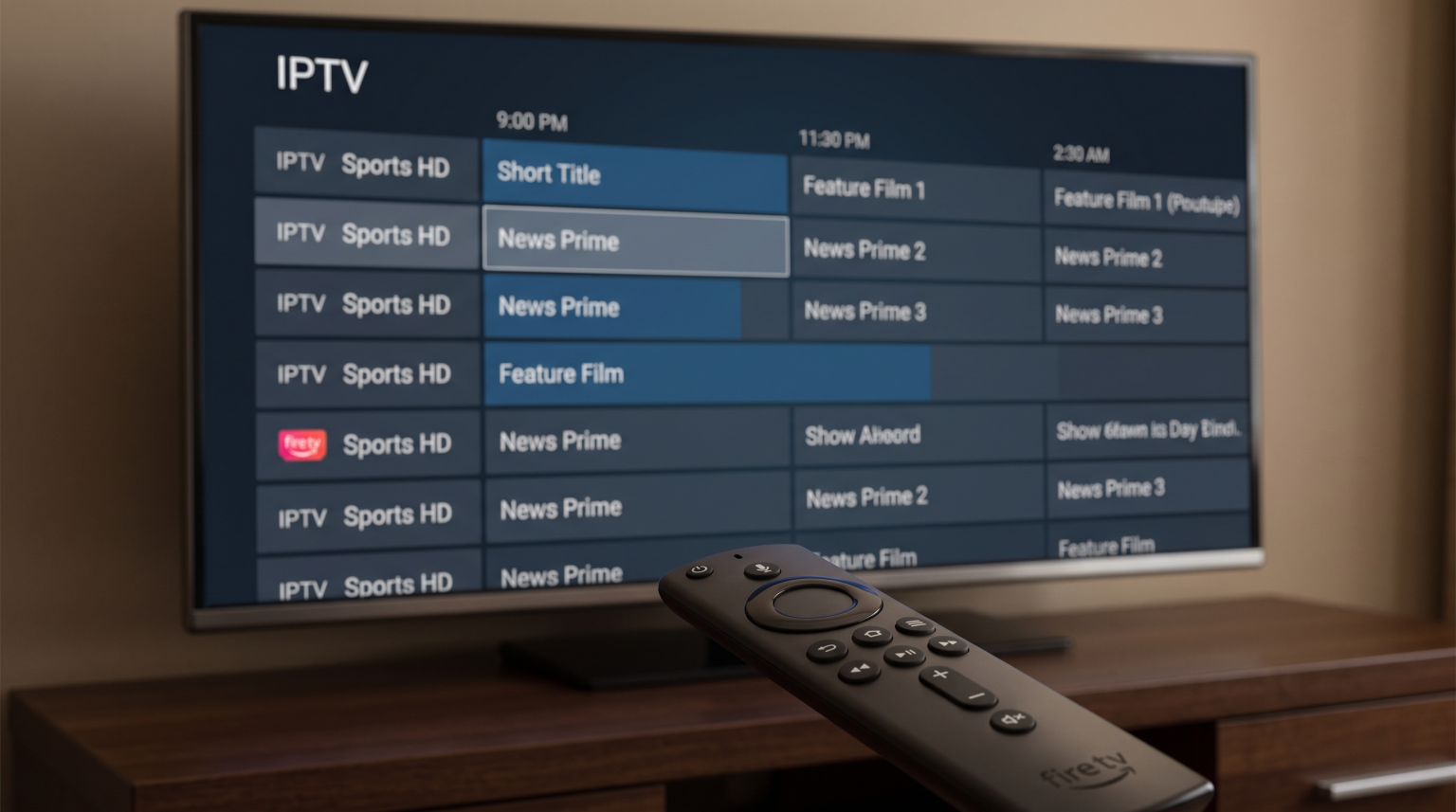
Quick Answer
Both the Fire TV Stick 4K and the Fire TV Stick 4K Max are good devices for IPTV. The standard Fire TV Stick 4K is suitable for users with one basic IPTV application and a standard Wi-Fi network. The Fire TV Stick 4K Max is better for heavy IPTV users. The Fire TV Stick 4K Max offers 16 gigabytes of internal storage. The extra storage space is useful for large electronic program guides and multiple applications. The Fire TV Stick 4K Max also features Wi-Fi 6E. Wi-Fi 6E provides better network stability for live sports streaming.
Main Specifications Compared
A hardware comparison shows clear differences between the two Amazon devices. Both devices support 4K video resolution. Both devices support High Dynamic Range (HDR) formats.
| Feature | Fire TV Stick 4K | Fire TV Stick 4K Max |
| Processor | 1.7 GHz Quad-Core | 2.0 GHz Quad-Core |
| RAM | 2 GB | 2 GB |
| Internal Storage | 8 GB | 16 GB |
| Wi-Fi Support | Wi-Fi 6 | Wi-Fi 6E |
| Operating System | Fire OS | Fire OS |
| Video Resolution | 4K Ultra HD | 4K Ultra HD |
| HDR Support | HDR10, HDR10+, Dolby Vision | HDR10, HDR10+, Dolby Vision |
Processor and Performance
The processor inside a streaming device controls how quickly applications open. The processor also manages the electronic program guide (EPG) inside IPTV applications.
The Fire TV Stick 4K uses a 1.7 GHz quad-core processor. The 1.7 GHz processor handles standard video streaming easily. Users can navigate IPTV menus without major delays.
The Fire TV Stick 4K Max uses a faster 2.0 GHz quad-core processor. The 2.0 GHz processor provides a faster user experience. When users scroll through a large IPTV channel list, the Fire TV Stick 4K Max responds more quickly. The faster processor also loads channel logos faster. For users who watch multiple live channels, the Fire TV Stick 4K Max provides smoother performance.
Storage Capacity: Why 16GB Matters for IPTV
Internal storage space is a very important specification for IPTV users. Streaming devices use internal storage to save applications and application data.
The standard Fire TV Stick 4K contains 8 gigabytes of storage. The operating system uses a large part of the available space. Users only have approximately 4 gigabytes available for new applications. A large IPTV application can use hundreds of megabytes for the electronic program guide. When the storage becomes full, the Fire TV Stick 4K can become slow.
The Fire TV Stick 4K Max provides 16 gigabytes of storage. The 16-gigabyte capacity solves the storage problem. Users can install multiple IPTV applications. Users can download large EPG files without slowing down the device. For serious IPTV users, the 16 gigabytes of storage makes the Fire TV Stick 4K Max a superior choice.
Wi-Fi 6 vs Wi-Fi 6E for Streaming
Live IPTV requires a continuous and stable internet connection. A weak internet connection causes video buffering. Video buffering ruins the television experience.
The Fire TV Stick 4K supports the Wi-Fi 6 standard. Wi-Fi 6 provides fast speeds on a modern wireless router. Wi-Fi 6 uses the 2.4 GHz and 5 GHz frequency bands. The 2.4 GHz and 5 GHz frequency bands are common. Many devices use the 2.4 GHz and 5 GHz bands, which can cause network congestion.
The Fire TV Stick 4K Max supports the newer Wi-Fi 6E standard. Wi-Fi 6E adds support for the 6 GHz frequency band. The 6 GHz band has less interference from other wireless devices. Less interference means a more stable internet connection. If you have a Wi-Fi 6E router, the Fire TV Stick 4K Max provides better network stability. The better network stability is excellent for live IPTV. Both Amazon devices also support an optional Amazon Ethernet adapter for a wired connection.
Using IPTV Apps on Fire OS
Amazon uses the Fire OS operating system on both devices. Fire OS is based on the Android operating system. The Android design makes Fire TV devices excellent for IPTV.
The Amazon Appstore does not contain every IPTV application. However, Fire OS allows users to install applications from outside the official store. The process of installing outside applications is called sideloading. Users can easily install popular IPTV players such as TiviMate or IPTV Smarters Pro using the Downloader application.
Both the Fire TV Stick 4K and the Fire TV Stick 4K Max run sideloaded applications well. Sideloaded applications support M3U playlists and Xtream Codes login methods. The user interface works perfectly with the Amazon remote control. If you are comparing television operating systems, our guide to the Best Smart TV OS for IPTV in 2026 explains the differences between Fire OS, Tizen, Google TV, and webOS.
Live Football and Sports Performance
Watching live football requires specific hardware capabilities. Fast motion on a television screen requires good video processing.
Both the Fire TV Stick 4K and the Fire TV Stick 4K Max support 60 frames per second (fps). Most high-quality IPTV sports streams use 50 fps or 60 fps. Both Amazon streaming sticks will display 50 fps and 60 fps streams smoothly. Both Amazon streaming sticks also support automatic frame rate matching. Automatic frame rate matching helps prevent stuttering during live sports.
However, the Fire TV Stick 4K Max is slightly better for live football. The faster processor decodes high-bitrate video streams more efficiently. The Wi-Fi 6E connection prevents buffering during important moments in a football match. If you want to understand how television screens handle fast motion, read our 60Hz vs 120Hz TV for Live Football.
Remote Control and Usability
Amazon provides a voice remote control with both streaming sticks. The remote control uses Bluetooth technology. You do not need to point the remote control directly at the television.
Both remote controls feature volume buttons, a mute button, and a power button. You can control your television and your soundbar with the Amazon remote control. The remote control works very well with standard IPTV applications. The directional buttons allow you to navigate the electronic program guide easily.
The Fire TV Stick 4K Max sometimes includes an Enhanced version of the Alexa Voice Remote. The Enhanced remote control includes extra buttons for television channels. However, the basic functionality for IPTV remains the same across both remote controls.
Conclusion
The choice between the Fire TV Stick 4K and the Fire TV Stick 4K Max depends on your IPTV usage. The Fire TV Stick 4K is a capable device. The Fire TV Stick 4K streams high-quality video and runs popular IPTV applications without major problems.
However, the Fire TV Stick 4K Max is the superior choice for serious IPTV viewers. The Fire TV Stick 4K Max provides a faster processor, Wi-Fi 6E networking, and 16 gigabytes of storage. The extra storage space is incredibly valuable for electronic program guides and application updates. The improved wireless connection helps prevent buffering during live sports. For a small difference in price, the Fire TV Stick 4K Max offers much better long-term performance for IPTV applications.
Frequently Asked Questions (FAQ)
Can I install any IPTV player on a Fire TV Stick?
Yes, you can install almost any Android-based IPTV player. Fire OS allows sideloading. You can use the Downloader application to install APK files for popular IPTV players.
Does the Fire TV Stick 4K Max stop buffering?
The Fire TV Stick 4K Max cannot fix a bad IPTV server. However, the Wi-Fi 6E connection improves network stability. The improved network stability reduces buffering caused by your local wireless network.
Is 8GB of storage enough for IPTV?
8 gigabytes is enough for one basic IPTV application. However, large electronic program guides use a lot of storage. If you use multiple applications, 8 gigabytes will fill up quickly.
Do I need a 4K television to use these devices?
No, you do not need a 4K television. Both the Fire TV Stick 4K and the Fire TV Stick 4K Max work on 1080p televisions. The Amazon devices will automatically adjust the video resolution to match your television.
Which device is better for TiviMate?
The Fire TV Stick 4K Max is better for TiviMate. TiviMate can use multiple playlists and large electronic program guides. The 16 gigabytes of storage and the faster processor make TiviMate run much smoother.