
Struggling to figure out how to watch live channels on your big screen? Setting up an IPTV Google TV configuration is the absolute best way to cut the cord in 2026. Whether you are tuning in from the United States or anywhere else globally, this guide reveals the top apps and easiest setup methods.
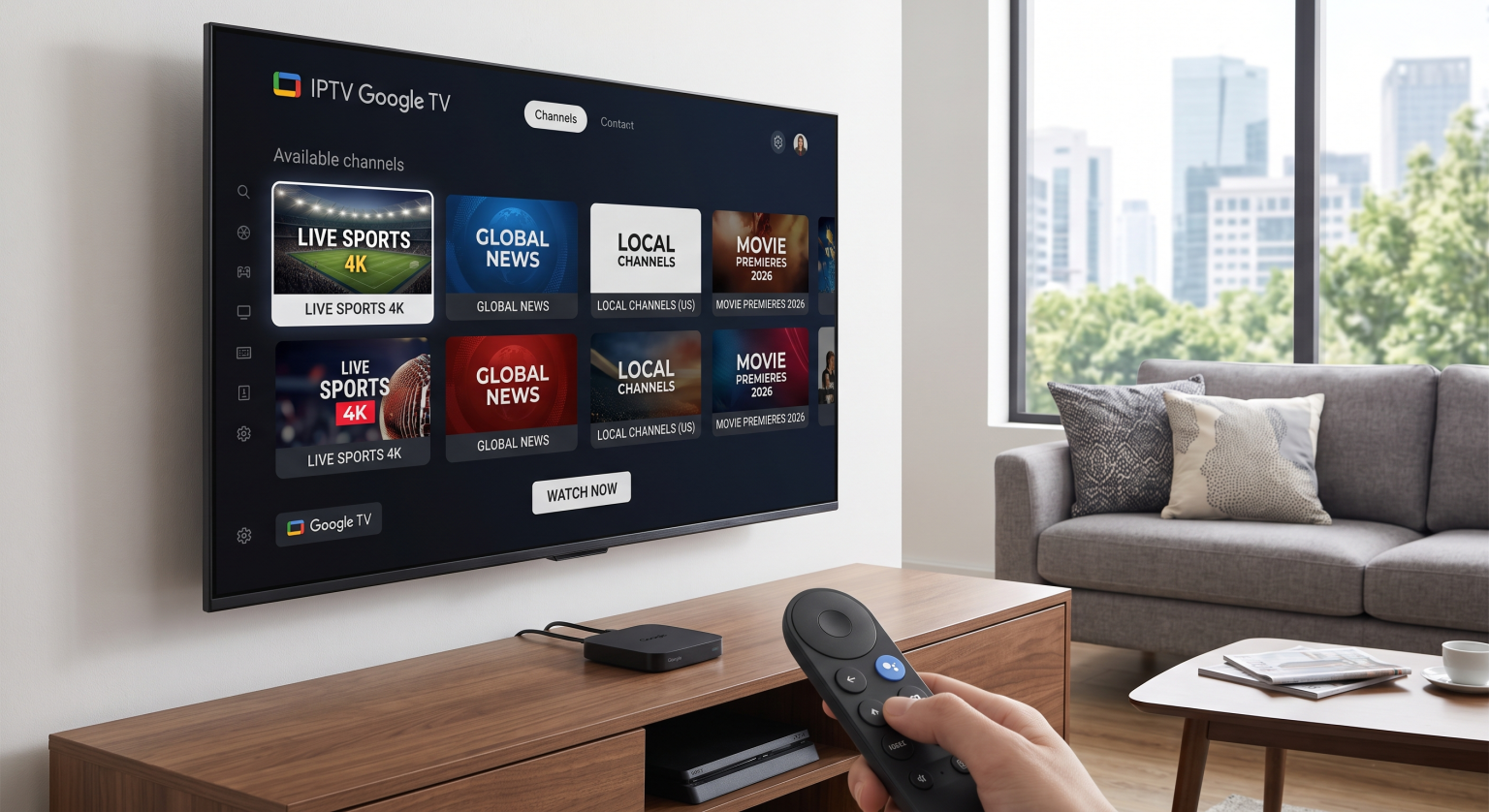
Why an IPTV Google TV Setup is the Ultimate Streaming Choice
The streaming landscape has evolved significantly. Instead of juggling dozens of expensive subscriptions, millions of users are consolidating their entertainment. Using an IPTV Google TV setup provides a seamless, centralized dashboard for all your media Ultimate Guide to Cord-Cutting.
Modern Android TV IPTV apps have transformed clunky interfaces into sleek, premium viewing experiences. You get the polish of a major streaming giant combined with the flexibility of custom channel lists. Plus, running this on a Chromecast with Google TV setup ensures hardware-accelerated playback and lightning-fast menu navigation.
For users in the US and globally, optimizing your local network is crucial. Make sure you pair your streaming device with a reliable router Best Wi-Fi Routers for 4K Streaming to avoid buffering during live sports or 4K movie nights.
Best IPTV Players for Android TV and Chromecast in the US and Abroad
Choosing the right IPTV player is critical for a smooth viewing experience. Not all apps handle complex channel directories or an EPG TV guide with the same efficiency. Below, we compare the top choices dominating the market in 2026.
| IPTV Player | Best For | Standout Features | Pricing Model |
| TiviMate | Power users & UI enthusiasts | Multi-view, advanced EPG, custom recording | Freemium / Paid Premium |
| Sparkle TV | PVR users & privacy focus | DVR, timeshift, Chromecast support | Freemium |
| IPTV Smarters | Beginners & family setups | Xtream Codes, VOD library, multi-screen | Free / Paid Pro |
TiviMate: The Premium Heavyweight
When it comes to the ultimate IPTV Google TV experience, TiviMate remains the gold standard. It offers a beautiful, cable-like interface designed specifically for television screens. With support for multiple playlists and scheduled recordings, it is perfect for demanding users.
Sparkle TV: The PVR Master
Sparkle TV is rapidly gaining ground as the best alternative for DVR and timeshift lovers. It closely mimics TiviMate’s modern design but focuses heavily on privacy and flexible recording capabilities. It seamlessly handles live TV streaming without lag or stuttering.
IPTV Smarters: The Beginner’s Go-To
If you want to avoid complicated configurations, IPTV Smarters is your best bet. It is incredibly user-friendly and usually the default app recommended by service providers. Simply enter your Xtream Codes login, and your live channels, movies, and series will load instantly.
How to Install and Set Up Your Player
Installing an app on your Chromecast or Google TV device is remarkably straightforward. Follow these quick steps to get your entertainment running in minutes:
Step 1: Navigate to the Google Play Store on your TV’s home screen.
Step 2: Use the search function to look for your preferred player (e.g., TiviMate or Sparkle TV).
Step 3: Click “Install” and open the application.
Step 4: Add your provider’s details, typically by uploading an M3U playlist URL or entering an Xtream Codes API login.
Step 5: Allow the app a few minutes to download the channels and sync your electronic program guide (EPG).
Start Streaming Your Local and Global Favorites Today
Mastering an IPTV Google TV setup unlocks endless entertainment possibilities. Whether you are tracking local US sports broadcasts or exploring international cinema globally, the right app transforms your television. Don’t settle for sluggish, outdated interfaces when premium solutions are just a download away.
Ready to upgrade your home theater experience? [Download our Top IPTV Setup ] today to stay updated on the best apps, hardware deals, and streaming tricks in 2026!
People Also Ask (FAQ)
Is watching IPTV legal on Google TV?
Yes, using an IPTV player app itself is 100% legal. The legality depends entirely on the content provider or the specific M3U playlist you use to stream the media. Always ensure you are subscribing to licensed, legitimate services How to Verify Legal Streaming Services.
Do I need a VPN for IPTV streaming?
While not strictly required, using a VPN is highly recommended for security and privacy. A VPN prevents internet service providers from throttling your connection during high-traffic events, ensuring a buffer-free experience.
Can I cast channels directly from my phone?
Yes! Many modern apps, like IPTV Smart Player and Sparkle TV, offer native casting features. You can browse the guide on your smartphone and cast the stream directly to your Chromecast device.