
If you are cutting the cord in the United States, you’ve likely seen features like cloud storage and replay TV. But what is the real difference when comparing IPTV DVR vs catch up? Let’s break down these essential streaming features so you never miss your favorite broadcasts again.
Whether you live in a bustling city like New York or a quiet suburb, streaming flexibility is crucial. Let’s explore how these technologies work and which one suits your daily viewing habits best.
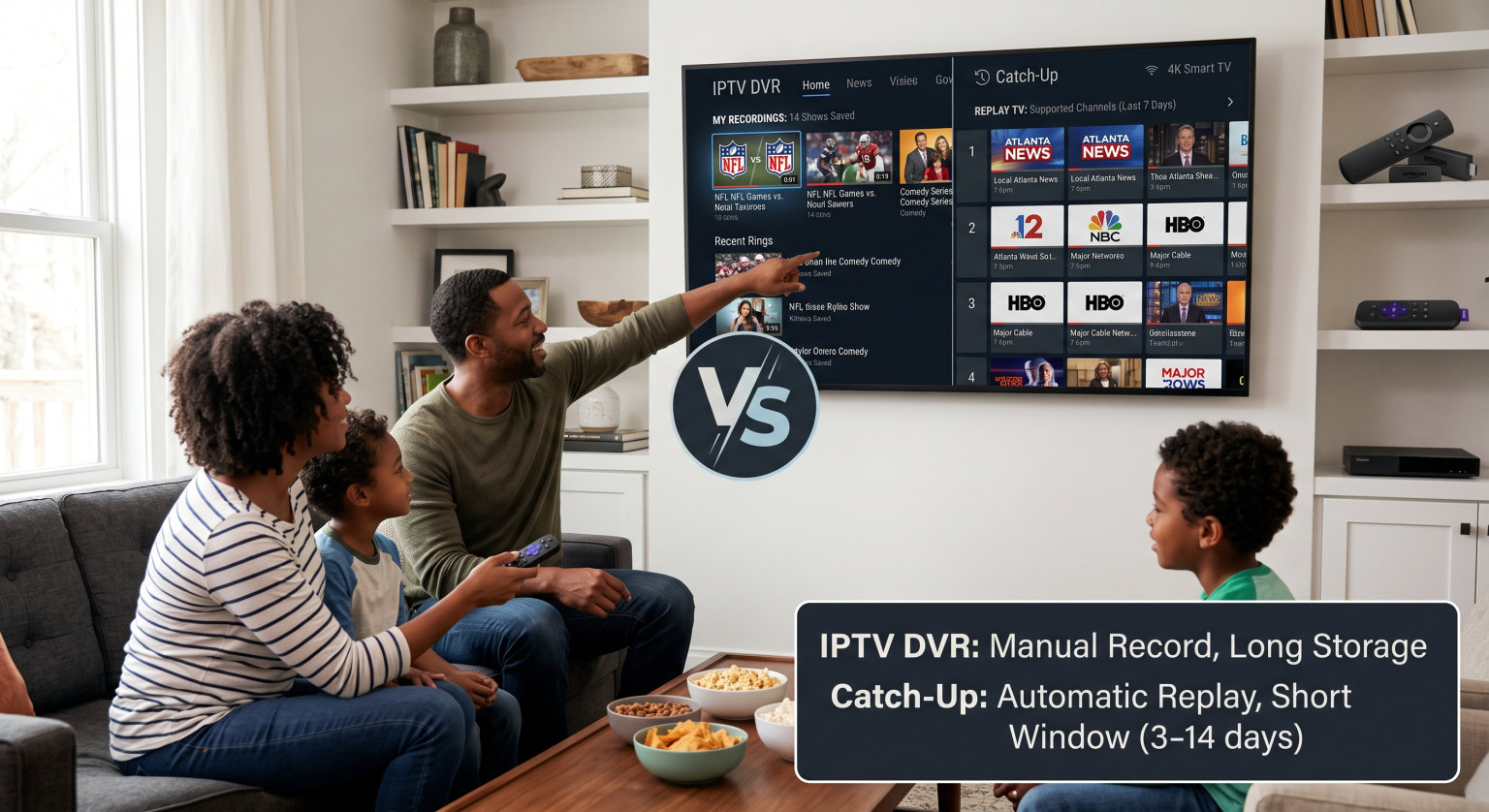
Exploring the Technologies: IPTV DVR vs Catch Up
Understanding how your content is stored and accessed can save you from daily frustration. While both features let you watch past broadcasts, they function entirely differently behind the scenes.
What is an IPTV DVR (Cloud PVR)?
An IPTV DVR, often called a cloud PVR or network DVR, allows you to manually record live TV. Instead of saving video files to a physical hard drive in your living room, the recordings are stored remotely on your provider’s servers.
This gives you a personal library of saved content. You get to choose exactly what to record using your electronic program guide (EPG), and you can typically keep the files indefinitely depending on your plan.
What is Catch-Up TV?
Catch-up TV, also known as replay TV or time-shifted viewing, requires absolutely zero manual effort on your end. The streaming provider automatically records eligible channels and holds them on their servers for a specific catch-up window.
Usually, this window lasts anywhere from 3 to 14 days. If you miss a Sunday night football game or a primetime US drama, you simply open your guide, navigate to the past date, and press play.
Feature Comparison: Cloud DVR and Replay TV
To make things simple, we have broken down the main distinctions. Here is a quick reference table highlighting the functional differences between these two options.
| Feature | IPTV DVR (Cloud PVR) | Catch-Up TV (Replay) |
| User Action | Manual (You must set it to record) | Automatic (Provider handles recording) |
| Storage Limit | Based on your personal cloud quota | No impact on your personal storage |
| Lifespan | Indefinite (or based on plan rules) | Typically expires in 3 to 14 days |
| Ad Skipping | Usually allowed (fast-forwarding enabled) | Often restricted (must watch as aired) |
| Availability | Any recordable program you choose | Limited to provider-supported channels |
Which Option is Best for US Cord-Cutters?
When choosing a streaming service in the United States, consider your daily routine and watching habits. To decide what you need most, weigh the following benefits:
For Planners: A robust network DVR is perfect if you want to stockpile entire seasons of shows for future binge-watching.
For Spontaneous Viewers: Catch-up TV is ideal for instantly pulling up yesterday’s local news or catching the end of a missed sports match.
For Multi-Device Users: Remote cloud storage means you can access both features across multiple screens without buying external hard drives.
Ultimately, top-tier providers will offer a hybrid of both options. Having access to both time-shifted viewing and manual recording gives you total control over your entertainment setup.
Ready to Upgrade Your US Streaming Experience?
Now that you understand the true difference when comparing IPTV DVR vs catch up, it is time to take control of your television. Don’t settle for restrictive US cable contracts or limited viewing windows.
Sign up for a premium streaming package today to enjoy unlimited cloud recording and seamless replay features! Click here to explore our top-rated subscription plans and start watching TV on your own terms.
People Also Ask (FAQ)
Does catch-up TV use my local storage space?
No, catch-up TV streams directly from the provider’s shared servers. It does not take up any hard drive space on your smart TV, streaming stick, or set-top box.
Can I skip commercials on catch-up TV?
It depends on the channel’s specific licensing agreements. While traditional IPTV DVR recordings usually allow you to fast-forward through ads, catch-up TV often restricts seeking and forces you to watch commercial breaks.
Are all channels available on catch-up?
Not always. Providers typically enable replay features only on popular networks and specific programs due to strict broadcasting rights. Always check your provider’s supported channel list before committing.