
Is your IPTV player not working in Denmark right after a recent app update? You’re not alone. From frustrating streaming player crashes to sudden black screens, app updates can disrupt your favorite shows. Let’s get your stream back online quickly with proven fixes tailored for Danish internet connections.
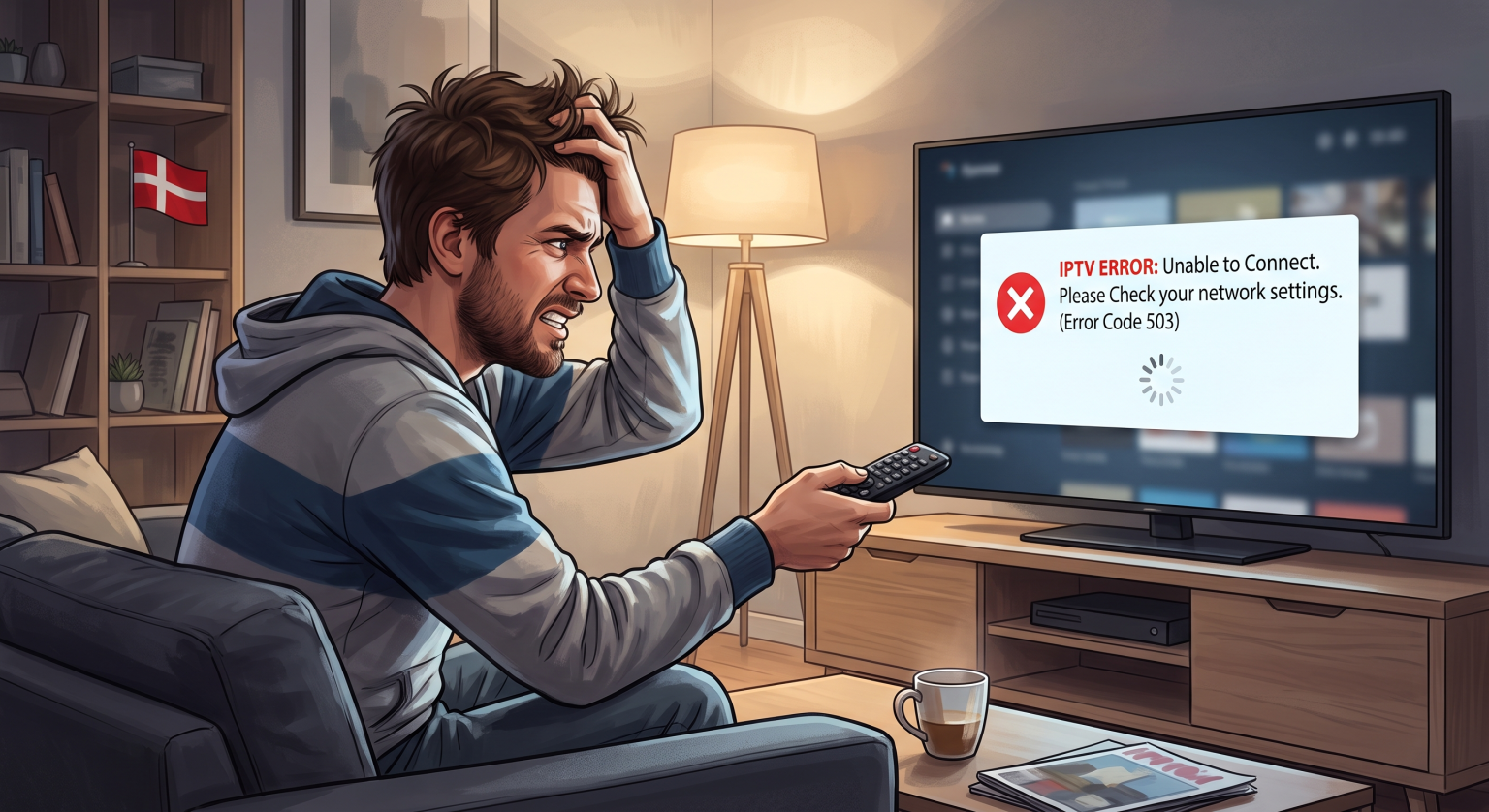
Why Your IPTV Player Fails After an Update
When you update your IPTV app, it often resets critical settings or creates conflicts with stored temporary data. Sometimes, the new software version simply struggles to process an M3U playlist error correctly.
Other times, the issue isn’t just the app. Your local network settings or your internet provider’s routing protocols may suddenly clash with how the newly updated app requests video streams.
Top Fixes When Your IPTV Player is Not Working in Denmark
1. Clear Cache IPTV and Reset App Data
App updates frequently leave behind outdated or corrupted temporary files. This conflict is a leading cause of sudden streaming player crashes and frozen screens.
Android & Google TV: Go to Settings > Apps > select your IPTV app > hit Clear Cache and Clear Data.
Firestick: Navigate to Settings > Applications > Manage Installed Applications > select the app and clear the cache.
Once cleared, relaunch the app and re-enter your login details to see if stability returns.
2. Overcome a Danish ISP DNS Block
Major Danish internet service providers like YouSee, Norlys, TDC, and Hiper routinely update their security filters. A new app update might ping servers that accidentally trigger a Danish ISP DNS block.
Change your DNS: Switch your router or streaming device’s DNS settings to Google (8.8.8.8) or Cloudflare (1.1.1.1) to bypass basic filters.
Use a secure connection: A premium VPN for IPTV Denmark bypasses strict ISP throttling and DPI (Deep Packet Inspection) instantly. Always connect to a nearby European server to maintain high speeds and low latency.
3. Perform an Update Rollback
If the newest app version is fundamentally bugged on your specific Smart TV or Android box, downgrading the software is your best bet.
Uninstall the current, problematic version of the app.
Sideload the previous, stable APK version to perform an update rollback.
Temporarily disable “Auto-Update” in your device’s app store settings until the developer releases a reliable patch.
Comparing the Best Fixes for Danish Streamers
If you aren’t sure where to start, use this quick breakdown to choose the best troubleshooting step based on your symptoms:
| Troubleshooting Method | Best For This Symptom | Success Rate in Denmark |
| Clear App Cache | App freezing, heavy UI lag, or crashing on launch. | High (Quickest fix) |
| Change DNS / Use VPN | “Connection Timeout” or sudden channel blocks. | Very High (ISP related) |
| Rollback App Update | Incompatible user interface, completely broken video player. | Medium (Temporary fix) |
Optimize Network Settings for Danish ISPs
Even with a perfectly functioning app, your router might be the hidden bottleneck. Live video streaming relies heavily on fast UDP traffic. If your router’s built-in security strictly filters this traffic after an app update, you will face endless buffering loops.
Disable advanced ISP firewalls like those found in default YouSee or Norlys routers temporarily to test your connection. Additionally, always plug in an Ethernet cable if possible. A hardwired setup bypasses Wi-Fi interference completely, ensuring a perfectly stable stream.
Don't Let Updates Ruin Your Viewing Experience
Dealing with an IPTV player not working Denmark issue doesn’t have to ruin your evening. By taking a few minutes to clear your cache, tweak your DNS settings, or try an update rollback, you can easily overcome Danish ISP restrictions and pesky app bugs.
Ready to enjoy buffer-free, uninterrupted streaming? Upgrade your entertainment setup today by securing your connection. Sign up for a top-rated premium VPN now to bypass local Danish ISP blocks, protect your privacy, and stream your favorite channels without limits!
People Also Ask (FAQ)
Why is my IPTV suddenly not working?
Sudden outages usually result from a corrupted app update, an expired provider subscription, or a fresh network block implemented by your ISP. Always try clearing your IPTV app’s cache as your first step.
Does a VPN stop my IPTV from buffering in Denmark?
Yes. If your Danish ISP is secretly throttling your bandwidth or blocking the IPTV server, using a high-quality VPN for IPTV Denmark encrypts your traffic and restores smooth, buffer-free playback.
How do I fix an M3U playlist error after updating?
App updates can sometimes wipe, format, or corrupt your saved playlist URLs. Delete the current playlist from the app entirely, restart your device, and manually paste the fresh M3U link provided by your service.