
Are you considering a new Sony BRAVIA television for streaming? Many buyers ask if Sony BRAVIA is a good choice for IPTV. In 2026, Sony uses the Google TV operating system on almost all its smart televisions. This operating system provides excellent flexibility for streaming applications.
This article explains how Sony BRAVIA handles IPTV services, live sports broadcasts, and daily television viewing. We will also explore the differences between Google TV and other smart television systems. This guide will help you decide if a Sony television is the correct choice for your entertainment needs.
Quick Answer
Yes, Sony BRAVIA is an excellent television for IPTV in 2026. Modern Sony televisions use the Google TV operating system. This system includes the Google Play Store. The Google Play Store offers hundreds of different IPTV player applications. You can easily install popular applications such as TiviMate and IPTV Smarters Pro. Furthermore, Sony televisions feature advanced processors that provide excellent motion handling for live sports. However, Sony televisions are often more expensive than similar Samsung or LG televisions.
Understanding Sony BRAVIA and Google TV in 2026
Sony BRAVIA is the official brand name for televisions manufactured by Sony. In 2026, Sony continues to produce high-quality televisions using LED, Mini-LED, and OLED display technologies. These televisions are famous worldwide for their excellent picture processing.
Every smart television needs an operating system to manage applications. Modern Sony BRAVIA televisions use the Google TV operating system. Google TV is a software interface built directly on top of the Android TV operating system.
This technical detail is very important for IPTV users. Because Google TV is based on Android, it gives users access to the massive Android application ecosystem. This ecosystem provides a huge advantage compared to other television brands. You do not need to purchase a separate Android TV stick or an external set-top box. The Sony television already contains the necessary Android software inside the device.
What Makes the Sony 2026 Lineup Different?
Sony offers a wide range of televisions for different budgets. The 2026 lineup includes standard LED models, advanced Mini-LED models, and premium OLED models.
Standard LED models offer good performance at a reasonable price. Mini-LED models provide very high brightness. High screen brightness is excellent for watching television in a room with large windows. OLED models offer perfect black levels. OLED screens have millions of pixels that create their own light. This OLED technology creates incredible visual contrast for watching movies in a dark room.
Regardless of the display technology, almost all new Sony smart televisions use the same Google TV software. Therefore, a basic Sony television has the same application compatibility as a very expensive Sony television.
The Google Play Store Advantage
The biggest benefit of a Sony BRAVIA television is the Google Play Store. The Google Play Store is the official application market for Android devices.
Other television manufacturers use closed operating systems. For example, Samsung uses the Tizen operating system and LG uses the webOS operating system. These closed systems have their own private application stores. However, their application stores are much smaller. Many independent software developers do not create applications for Tizen or webOS.
Software developers almost always create an Android version of their application first. Therefore, the Google Play Store contains hundreds of different IPTV player applications. You can choose the player application that you like best. If you do not like one application, you can simply download a different application.
The Google Play Store also updates your applications automatically. When a developer releases a new version of an IPTV player, your Sony television will download the update in the background. Automatic updates ensure that your applications remain secure and functional.
If you are comparing television operating systems, our guide to Best Smart TV OS for IPTV in 2026 explains the technical differences between Tizen, Google TV and webOS.
How to Install IPTV Applications on Sony BRAVIA
Installing an IPTV player on a Sony BRAVIA television is a simple process. You have two main methods.
Method 1: Using the Google Play Store
This method is the easiest and safest way to install applications.
Turn on your Sony television and press the “Home” button on your remote control.
Navigate to the “Apps” tab or select the Google Play Store icon.
Select the search icon (the magnifying glass symbol).
Type the name of an IPTV player. Popular choices include TiviMate, IPTV Smarters Pro, and XCIPTV.
Select the application from the search results.
Press the “Install” button.
Wait for the installation to finish. The application will appear on your home screen automatically.
Method 2: Sideloading Android Applications
Sometimes, a specific application is not available in your local Google Play Store. Google TV allows you to install applications manually. This manual process is called “sideloading”.
To sideload an application, you need an Android Package Kit file. This file is known as an APK file.
Download a file manager application from the Google Play Store to your television.
Go to the television settings menu. Find the “Security and Restrictions” menu.
Enable the option to install applications from “Unknown Sources”.
Download the desired APK file from a trusted website using your computer.
Copy the APK file to a USB memory stick.
Insert the USB memory stick into your Sony television.
Open the file manager application, locate the APK file, and select the file to begin the installation.
This sideloading capability makes Sony BRAVIA highly suitable for advanced IPTV users.
Important Hardware Features for IPTV Viewers
Software is only one part of the television experience. The physical hardware is equally important. Sony BRAVIA televisions include several hardware features that improve streaming quality.
The XR Processor and Picture Quality
Modern premium Sony televisions use an advanced computer chip called the XR Processor [1]. This processor analyzes the video signal in real time. The processor adjusts brightness, color, and contrast automatically. This processing technology makes standard IPTV streams look vivid and realistic on the screen.
4K Upscaling Technology
Many IPTV channels broadcast in standard High Definition (HD) resolution, such as 1080p. However, modern Sony televisions have 4K screens. A 4K screen has four times more pixels than an HD screen.
If you display a 1080p video image on a 4K screen without processing, the image will look blurry. Sony includes advanced 4K upscaling technology in its televisions. The television uses artificial intelligence to add missing detail to the HD video. This upscaling process makes the standard HD channel look almost as sharp as a native 4K broadcast.
Storage Space for Applications
IPTV player applications require internal storage space. Some IPTV applications download a large Electronic Program Guide (EPG). The EPG is the digital menu that shows the daily television schedule. A large EPG file can use hundreds of megabytes of storage space.
Many 2026 Sony BRAVIA models include generous internal storage capacity [1]. This capacity provides enough space for the operating system, several streaming applications, and your EPG data.
Watching Live Football on a Sony BRAVIA Television
Live sports broadcasts are a popular reason to use IPTV. Football is a particularly demanding sport for a television screen.
Motion Handling and Refresh Rates
A football moves very quickly across the pitch. The camera also pans quickly from side to side. Televisions with slow processors struggle to display this fast motion. The result is a blurry picture or a visual “ghosting” effect behind the ball.
Sony is widely recognized by industry experts for having excellent motion handling technology. The XR Processor keeps fast-moving objects sharp and clear.
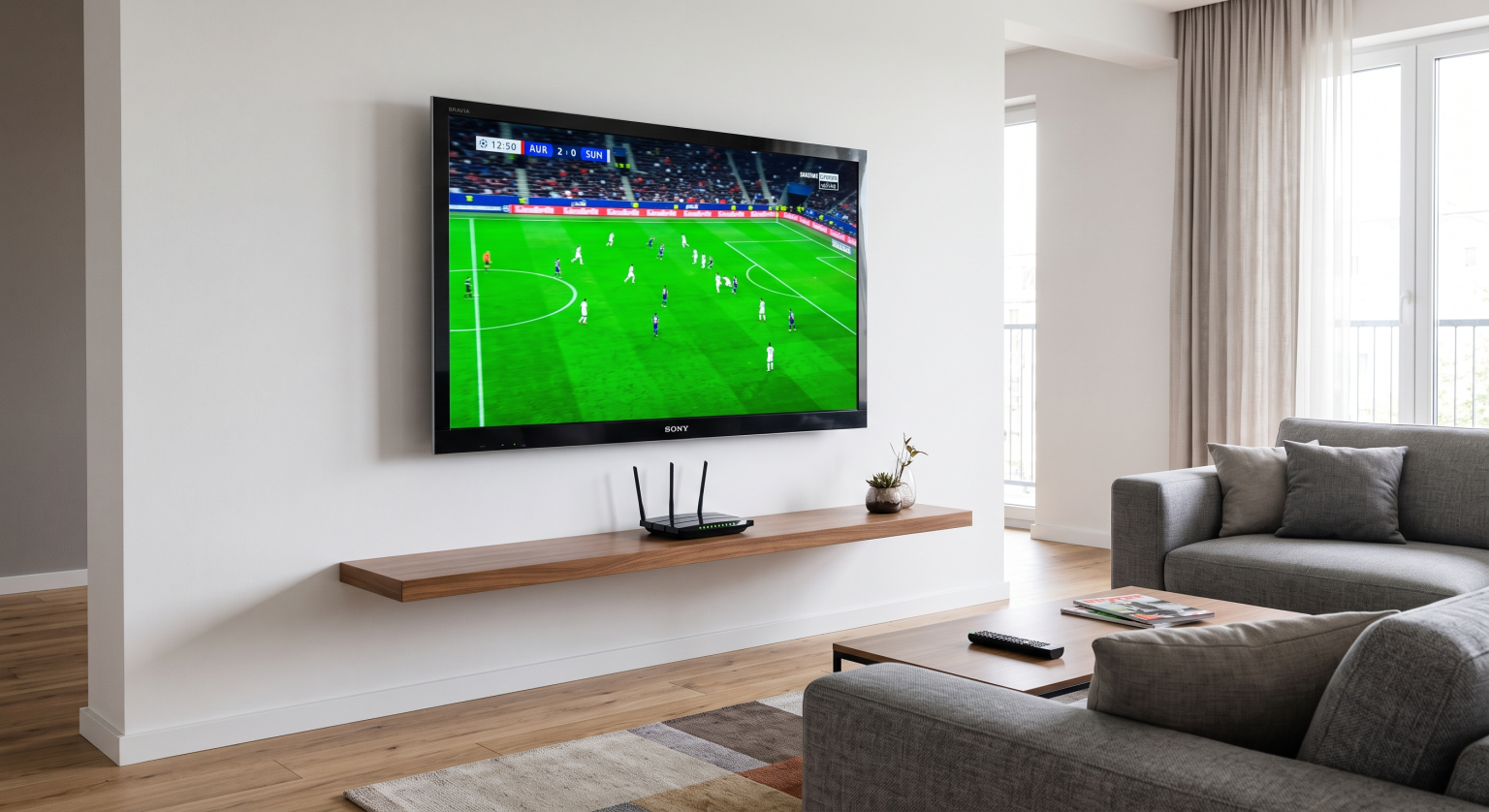
Additionally, mid-range and premium Sony BRAVIA models feature a 120Hz refresh rate. The refresh rate is the number of times the screen updates the video image every second. A standard television has a 60Hz refresh rate. A 120Hz television provides much smoother motion during live football. If you are choosing a television specifically for sports, our guide about choosing a 60Hz vs 120Hz TV for Live Football] explains this technical difference in more detail.
Network Connection: Ethernet vs Wi-Fi
A stable internet connection is essential for watching live football. If your internet connection drops, the video will buffer and pause. You might miss an important goal.
Sony televisions have excellent Wi-Fi receivers. However, Wi-Fi signals can be interrupted by thick walls or other electronic devices. For the best IPTV experience, we strongly recommend connecting your Sony BRAVIA television directly to your internet router. You should use a standard Ethernet network cable. A wired Ethernet connection guarantees a constant and stable internet speed.
How Does Sony Compare to Samsung and LG?
Samsung and LG are the two largest television manufacturers in the world. Sony is their main competitor in the premium television market.
Samsung televisions use the Tizen operating system. Tizen is fast and easy to navigate. However, Tizen is a closed software system. Tizen only allows applications from the official Samsung Apps store. The Samsung store has a good selection of IPTV players, but the store is much smaller than the Google Play Store. You cannot install Android applications on a Samsung television. If an application is removed from the Samsung store, you lose access to the application permanently.
LG televisions use the webOS operating system. The webOS interface features a unique remote control that moves a cursor on the screen. Like Samsung, LG uses a closed software ecosystem. You must download applications from the official LG Content Store. You cannot install an APK file on an LG television.
Our detailed comparison of the Best Smart TVs for IPTV in 2026: Samsung, Sony, LG & TCL Compared provides more information about other television brands.
Here is a simple factual comparison between the three main television brands:
| Feature | Sony BRAVIA (Google TV) | Samsung (Tizen) | LG (webOS) |
| Operating system | Google TV | Tizen | webOS |
| Application store | Google Play Store | Samsung Apps | LG Content Store |
| Android application support | Yes | No native support | No native support |
| Sideloading capability | Yes (Via APK files) | No | No |
| IPTV application choice | Excellent | Good (Store dependent) | Good (Store dependent) |
Samsung Tizen may be suitable for users who prefer the simple Samsung Smart TV interface. Sony BRAVIA with Google TV may be more suitable for users who want deeper integration with the Android application ecosystem.
TV Shadow IPTV Compatibility
We must clarify how TV Shadow IPTV interacts with Sony televisions. TV Shadow IPTV is a streaming service provider. We provide access to live television channels and video-on-demand content.
We do not manufacture televisions. TV Shadow IPTV does not have an official relationship with Sony, Samsung, LG, or Google. We do not have a dedicated application in the Google Play Store.
However, TV Shadow IPTV is completely compatible with Sony BRAVIA televisions. Our service uses standard industry protocols. We provide your subscription details in two common formats:
An M3U playlist URL.
Xtream Codes login credentials (username, password, and server URL).
Almost every IPTV player application in the Google Play Store accepts these standard formats. You simply install a player application, enter your TV Shadow IPTV details, and begin watching. The Google TV interface makes navigating your channel list very easy.
Conclusion
Sony BRAVIA televisions are an excellent choice for IPTV users in 2026. The Google TV operating system provides incredible software flexibility. You have direct access to the massive Google Play Store. This store contains the best IPTV player applications available today.
If an application is missing from the store, you can still install the application manually using an APK file. This flexibility makes Sony televisions highly useful compared to televisions with closed operating systems.
Furthermore, Sony’s advanced hardware improves the viewing experience. The XR Processor provides excellent picture quality. The 120Hz refresh rates ensure that live football remains smooth and clear on the screen. If you want a premium smart television that handles IPTV effortlessly, a Sony BRAVIA model is a very smart investment.
Frequently Asked Questions (FAQ)
Is Sony BRAVIA better than Samsung for IPTV?
Sony provides more application choices because Sony uses the Google TV operating system. Samsung uses the Tizen operating system, which does not support Android applications. Both brands offer excellent picture quality for streaming.
Do I need an Android TV box with a Sony television?
No. Modern Sony BRAVIA televisions have the Google TV software built inside the device. You can install Android applications directly onto the television. You do not need to buy external hardware.
How do I install IPTV apps on a Sony Google TV?
You can open the Google Play Store on your television. Search for your preferred IPTV player using the text search bar. Select the application and press the “Install” button on your screen.
Can I watch 4K live football on a Sony BRAVIA?
Yes. If your IPTV provider offers channels in 4K resolution, your Sony 4K televison will display the channels correctly. The television will also use upscaling technology to make standard HD channels look better on a large screen.
Does TV Shadow IPTV have an official app for Sony?
No. TV Shadow IPTV is a service provider. You can use any compatible IPTV player application from the Google Play Store to connect our service. We provide standard M3U or Xtream Codes login details.
Why does my IPTV stream buffer on my Sony television?
Buffering usually happens because of an unstable internet connection. We recommend connecting your television directly to your internet router using an Ethernet cable. A wired Ethernet connection is more stable than a wireless Wi-Fi connection.
Can I use the standard Sony remote control for IPTV?
Yes. The standard Sony remote control works perfectly with most Android IPTV applications. You can use the directional buttons to navigate the Electronic Program Guide (EPG) and change channels easily.