
If you recently upgraded to the latest Fire TV Stick 4K Select or Fire Stick HD, you might have noticed a major change: Amazon has moved away from Android to a brand-new operating system. This shift has left many streamers in the United States wondering: can you still use Vega OS VPN apps to secure your connection?
The short answer is yes, but the rules have changed significantly. You can no longer sideload standard Android APKs onto these new devices. Fortunately, top VPN providers have stepped up to release native applications for this new Linux-based Fire TV environment.
Let’s dive into how the Fire OS transition impacts your streaming and which virtual private networks actually work.
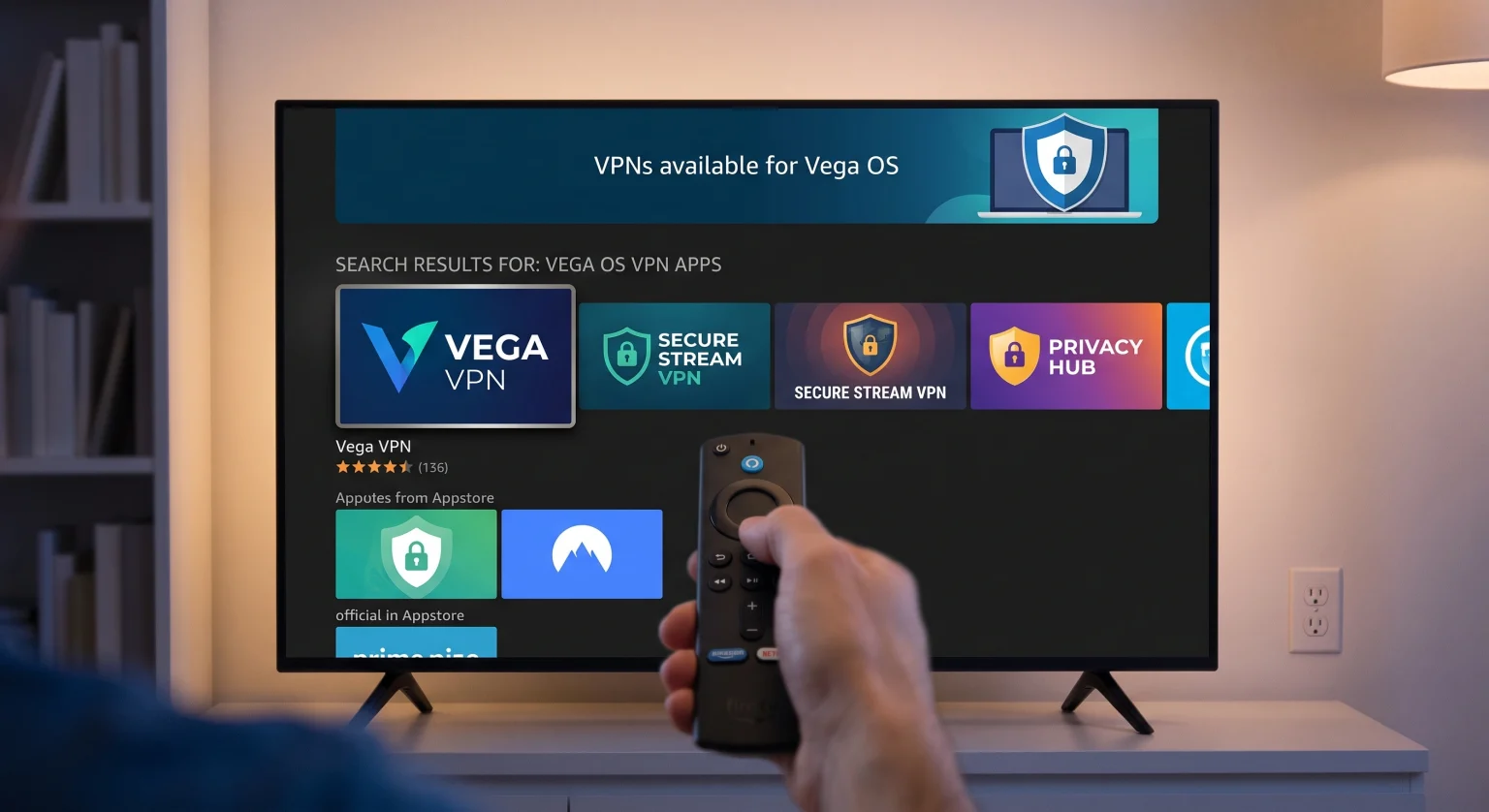
The Rise of Vega OS VPN Apps for US Streamers
Amazon’s transition to its proprietary Linux-based operating system was initially seen as an attempt to block unauthorized streaming setups and unverified apps. For a brief period, the lack of VPN compatibility frustrated users trying to bypass regional blackouts for live sports and media in the United States.
Thankfully, an Amazon software update officially enabled VPN support, allowing dedicated Vega OS VPN apps to be listed directly on the Amazon Appstore. This means you can now encrypt your internet traffic natively without relying on complicated sideloading workarounds.
Providers like NordVPN and IPVanish were the first to adapt, rolling out compatible software in late 2025. More recently, industry giants like ExpressVPN and Surfshark joined the ecosystem in 2026.
Top VPNs for the New Amazon Fire TV Operating System
Not every provider has transitioned from the old Android framework to the new architecture. If you are shopping for a VPN, you must ensure the provider explicitly offers an application for the Linux-based Fire TV.
Here is how the top contenders stack up regarding device compatibility:
| VPN Provider | Vega OS App Status | Sideloading Required? | Best Feature for Fire Stick |
| NordVPN | Available (Since Nov 2025) | No | Ultra-fast 4K speeds & SmartPlay |
| ExpressVPN | Available (Since Sept 2026) | No | Easy QR Code login via Appstore |
| Surfshark | Available (Since May 2026) | No | Unlimited simultaneous connections |
| Proton VPN | Not Supported Yet | N/A | Still limited to old Fire OS |
Why Native VPNs on Amazon Appstore Matter
The biggest restriction on the newest Fire TV sticks is the total inability to sideload traditional Android APK files. Your chosen VPN must be available natively on the official Appstore.
Using official Vega OS VPN apps ensures:
Automatic Updates: Background patching keeps your encryption and security protocols current.
Remote Control Compatibility: Interfaces are designed specifically for the Fire Stick remote, removing the need for a clunky mouse toggle.
Optimized Performance: Native Linux code runs faster on the stick’s hardware, reducing buffering during high-definition streaming.
How to Install a VPN on the Latest Fire Stick
Getting your security tools running on the new OS is easier than ever. Because sideloading is blocked, the installation process is incredibly straightforward.
Search the Appstore: Use your remote to search for supported Vega OS VPN apps (like ExpressVPN or NordVPN).
Download: Click the download icon; the app will install directly to your device.
Log In: Open the application and scan the on-screen QR code with your smartphone to link your active subscription instantly.
Secure Your Streaming in the United States Today
While the shift away from Android caused initial confusion, the application ecosystem has rapidly matured. Streamers in the United States can now easily protect their privacy, avoid ISP throttling, and safely access their favorite content using official Vega OS VPN apps.
There is no need to risk your digital privacy with unprotected devices. The industry’s best providers have already optimized their software for Amazon’s latest hardware.
Ready to unlock the full potential of your new Fire TV Stick? Check out top-rated providers like NordVPN or ExpressVPN today, download the native app directly from the Appstore, and enjoy buffer-free, secure streaming right now!
People Also Ask (FAQ)
Can I sideload Android APKs on Vega OS?
No. Amazon’s new Linux-based Fire TV operating system explicitly blocks the sideloading of traditional Android APK files. You must download applications directly from the Amazon Appstore.
Does ExpressVPN work on the Fire TV Stick 4K Select?
Yes! ExpressVPN officially released its native application for the new OS on September 3, 2026. You can download it natively without relying on complicated developer workarounds.
Are old Fire Sticks affected by this update?
No. Older devices running the Android-based Fire OS will continue to work perfectly with legacy VPN apps. Only the newest models, like the Fire TV Stick 4K Select and the 2026 Fire TV Stick HD, utilize the new Linux-based architecture.