
You do not need a video game console to play Xbox games on a modern Samsung television. Microsoft provides the Xbox application for compatible smart televisions. This application uses cloud gaming technology. The television streams the game from Microsoft servers through your internet connection.
Many users want to know about Samsung TV Xbox app compatibility before they buy a new television or a gaming controller. Samsung supports the Xbox application, but this support depends on the manufacturing year of the television. Samsung televisions use the Tizen operating system. The Tizen operating system receives software updates, but older televisions do not receive new cloud gaming features.
This article explains how to verify if your specific Samsung television model can run the Xbox application.
Quick Answer
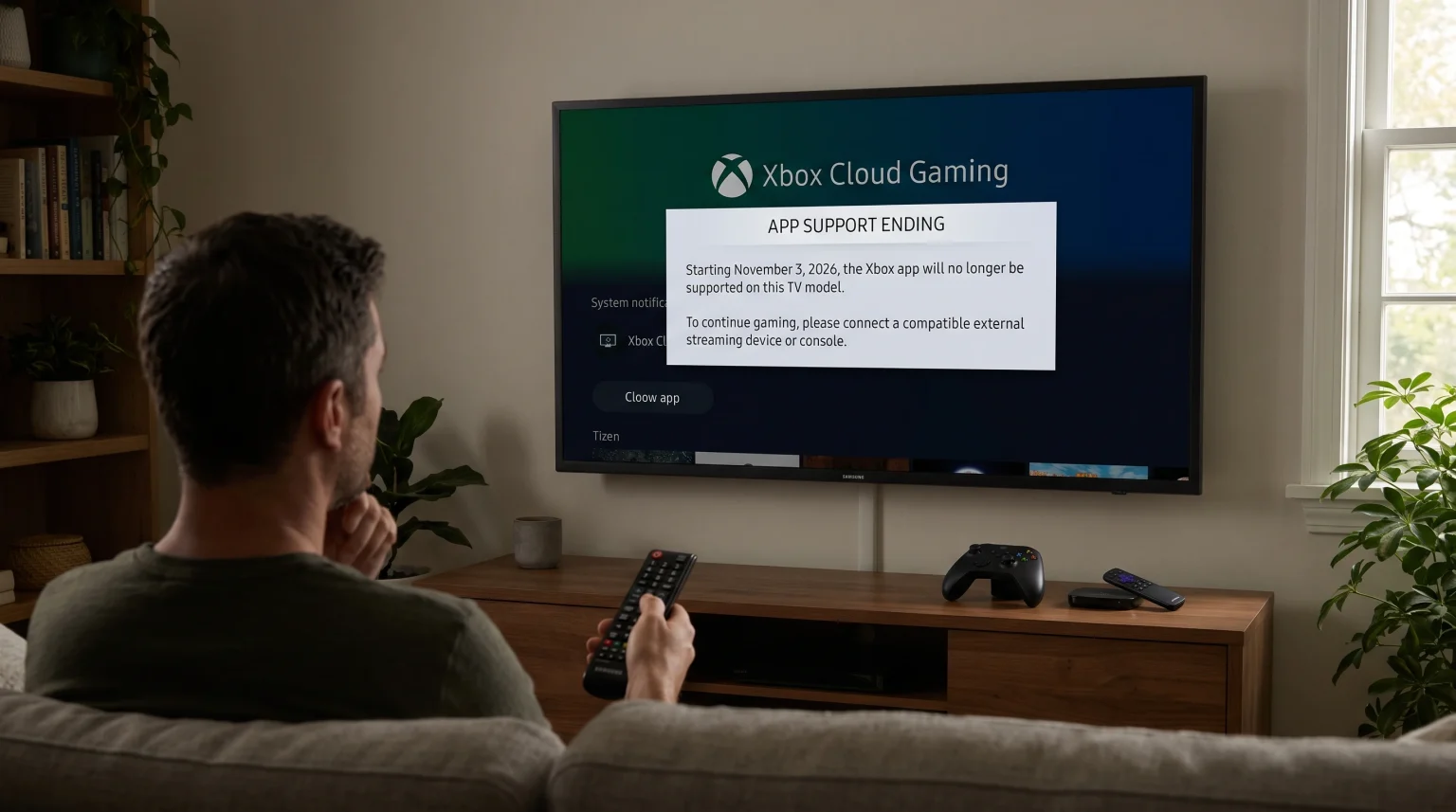
You can check Samsung TV Xbox app compatibility by looking at the model year of your television. Samsung televisions manufactured in 2021 and newer support the Xbox application for cloud gaming.
Models from 2022, 2023, 2024, 2025, and 2026 include the Samsung Gaming Hub. The Samsung Gaming Hub is a dedicated menu for video games. Select 2021 models support the Xbox application as a standard downloadable application. Televisions manufactured in 2020 or earlier do not support the Xbox application. You also need a compatible Bluetooth controller, a fast internet connection, and an Xbox Game Pass Ultimate subscription.
Which Samsung TV Models Support Xbox Cloud Gaming?
Samsung releases new television models every year. The availability of the Xbox application changes based on the release year.
2022 to 2026 Samsung Televisions
If you bought a new Samsung television between 2022 and 2026, the television supports Xbox Cloud Gaming. These televisions feature the Samsung Gaming Hub. The Samsung Gaming Hub is integrated directly into the Tizen operating system.
The Samsung Gaming Hub groups all gaming applications in one place. You can find the Xbox application inside this hub. This compatibility applies to Samsung Neo QLED, OLED, QLED, and standard UHD smart televisions from these years.
2021 Samsung Televisions
Many 2021 Samsung televisions support the Xbox application. However, these 2021 models do not have the Samsung Gaming Hub menu. You must manually download the Xbox application from the standard Samsung app store.
Supported 2021 models include the QN800A, QN900A, QN90A, QN85A, Q80A, Q70A, Q60A, AU9000, AU8000, and AU7000 series. If your television is on this list, you can play Xbox cloud games.
2020 and Older Samsung Televisions
Samsung televisions manufactured in 2020 and earlier do not support the Xbox application. The hardware inside these older televisions cannot run the cloud gaming software. If you have an older television, you must connect a physical Xbox console or a separate streaming device to the HDMI port.
How to Check Your Samsung TV Model Year
If you do not know the manufacturing year of your Samsung television, you can find this information in the television settings.
Turn on the Samsung television.
Press the Home button on the Samsung remote control.
Navigate to the Settings menu.
Select the Support menu.
Select About This TV.
The screen will display the Model Code. The letters in the Model Code indicate the manufacturing year. For example, a “B” indicates a 2022 model. A “C” indicates a 2023 model. A “D” indicates a 2024 model. You can search for your specific Model Code on the official Samsung website to confirm the exact year.
How to Find and Install the Xbox App
The installation process depends on your television menu interface.
For televisions with the Samsung Gaming Hub (2022 and newer):
Press the Home button on the remote control.
Navigate left to the main sidebar menu.
Select the Game icon (this opens the Samsung Gaming Hub).
Locate the Xbox application in the featured list.
Select the application and log in with your Microsoft account.
For 2021 televisions without the Samsung Gaming Hub:
Press the Home button on the remote control.
Navigate to the Apps section.
Select the Search icon (magnifying glass) in the top corner.
Type “Xbox” using the on-screen keyboard.
Select the Xbox application from the search results.
Select Download or Install.
If you search for the Xbox application and the application does not appear in the search results, your television is not compatible.
Comparison: Samsung Gaming Hub vs. Standard App Store
Here is a simple comparison between the two different ways Samsung televisions run the Xbox application.
| Feature | Samsung Gaming Hub (2022–2026 Models) | Standard App Store (2021 Models) |
| Menu location | Dedicated Gaming Hub menu | Standard Apps menu |
| Xbox application | Pre-installed or easily visible | Requires manual search and download |
| Controller pairing | Managed inside the Gaming Hub | Managed in general Bluetooth settings |
| Background music | Supported through music applications | Not supported |
Requirements for Xbox Cloud Gaming on Samsung TVs
Checking Samsung TV Xbox app compatibility is only the first step. You need three additional things to play games successfully.
1. Xbox Game Pass Ultimate Subscription
The Xbox application is free to download. However, cloud gaming requires an active Xbox Game Pass Ultimate subscription. A standard Xbox Game Pass subscription is not sufficient. You must pay the monthly fee for the Ultimate version to unlock cloud streaming.
2. Compatible Bluetooth Controller
You cannot play Xbox games using the Samsung television remote control. You must connect a wireless controller to the television. Microsoft recommends the official Xbox Wireless Controller. You can also use the Sony PlayStation DualSense controller. The controller connects to the television using Bluetooth technology.
3. Fast and Stable Internet Connection
Cloud gaming requires a very fast internet connection. Microsoft recommends a minimum download speed of 20 Megabits per second (Mbps). A stable connection is more important than maximum speed.
For the best experience, connect your Samsung television directly to your internet router using an Ethernet cable. An Ethernet cable prevents signal interference. If you must use Wi-Fi, connect the television to a 5GHz Wi-Fi network. A 2.4GHz Wi-Fi network is too slow for cloud gaming.
How to Enable Game Mode on Samsung Televisions
Game Mode is a specific picture setting on Samsung televisions. Game Mode reduces input lag. Input lag is the delay between pressing a button on the controller and seeing the action on the television screen.
When you use the Xbox application, the Samsung television should activate Game Mode automatically. If the television does not activate Game Mode, the game will feel slow and unresponsive.
You can check the Game Mode status manually:
Press the Home button.
Go to Settings.
Go to All Settings.
Go to Connection.
Go to Game Mode Settings.
Set Game Mode to Auto or On.
Using Samsung Tizen for IPTV Services
Many users who stream video games also stream live television. Samsung televisions use the Tizen operating system. If you want to use IPTV services on your television, you must understand how Tizen works.
Samsung Tizen does not support Android applications from Google Play. You cannot install standard Android APK files on a Samsung television. If you read our guide about Best Smart TV OS for IPTV in 2026: Tizen vs Google TV vs webOS, you will see that Google TV offers more native IPTV applications.
However, Samsung Tizen still provides good IPTV options. The Samsung app store contains several popular IPTV player applications. You can download an IPTV player, open the application, and add your playlist. TV Shadow IPTV provides customers with standard M3U playlists and Xtream Codes login details. You can enter these details into any compatible Tizen IPTV player to watch live channels and video-on-demand content.
If you are comparing different television brands, you can read our comparison article: Samsung Tizen vs Sony BRAVIA Google TV: Which Is Better for IPTV in 2026?.
Best TV Settings for Live Football and Fast Motion
Both video games and live sports require a television that can handle fast motion. When you watch live football on TV Shadow IPTV or play a fast racing game on the Xbox application, you want a clear picture.
Motion Handling and Refresh Rate
Modern Samsung televisions offer excellent motion handling. The refresh rate is very important for sports and gaming. The refresh rate measures how many times the screen updates the image every second.
Cheaper televisions have a 60Hz refresh rate. Premium Samsung televisions have a 120Hz or 144Hz refresh rate. A 120Hz television displays a moving football much more clearly than a 60Hz television. You can learn more about this in our guide: 60Hz vs 120Hz TV for Live Football.
Picture Processing Settings
When watching live football, you may need to adjust the Samsung picture settings. Samsung televisions include a feature called Picture Clarity or Auto Motion Plus. This feature smooths the motion on the screen.
Some users like this feature for football because it makes the camera movement smooth. Other users dislike this feature because it can create visual errors around the players. You should test this setting by turning Picture Clarity on and off during a live football match. Choose the setting that looks most natural to your eyes.
Remember that you should always turn off motion smoothing features when playing video games. Motion smoothing increases input lag. Game Mode automatically disables motion smoothing to provide the fastest response time.
Conclusion
Understanding Samsung TV Xbox app compatibility is simple when you know your television model year. If you own a Samsung smart television from 2021, 2022, 2023, 2024, 2025, or 2026, you can enjoy Xbox Cloud Gaming directly on your screen. You only need a compatible Bluetooth controller, a fast internet connection, and an Xbox Game Pass Ultimate subscription.
For the best entertainment experience, connect your television to your router using an Ethernet cable. This ensures stable video quality for both cloud gaming and high-definition streaming with TV Shadow IPTV.
Frequently Asked Questions (FAQ)
Does the Xbox application on Samsung TVs cost money?
No, the application is free to download. However, you must pay for an Xbox Game Pass Ultimate subscription to play the games.
Can I play Xbox games on a 2020 Samsung TV?
No. The Xbox application is only available on Samsung televisions manufactured in 2021 or later. Older televisions do not have the required software.
Do I need an Xbox console to use the Samsung Xbox app?
No. Cloud gaming streams the games directly from Microsoft servers to your television. You do not need to own a physical Xbox console.