
You enter your server URL, username, and password into your player, only to see an authorization error. Yet, pasting your raw playlist URL plays every channel instantly. If your Xtream Codes login failed M3U works scenario is driving you crazy, your subscription is not expired.
The issue lies in how your media player communicates with the hosting server. In regions like the UK and Europe, strict internet service provider (ISP) filters and database handshake timeouts frequently disrupt API connections while leaving raw file links untouched.
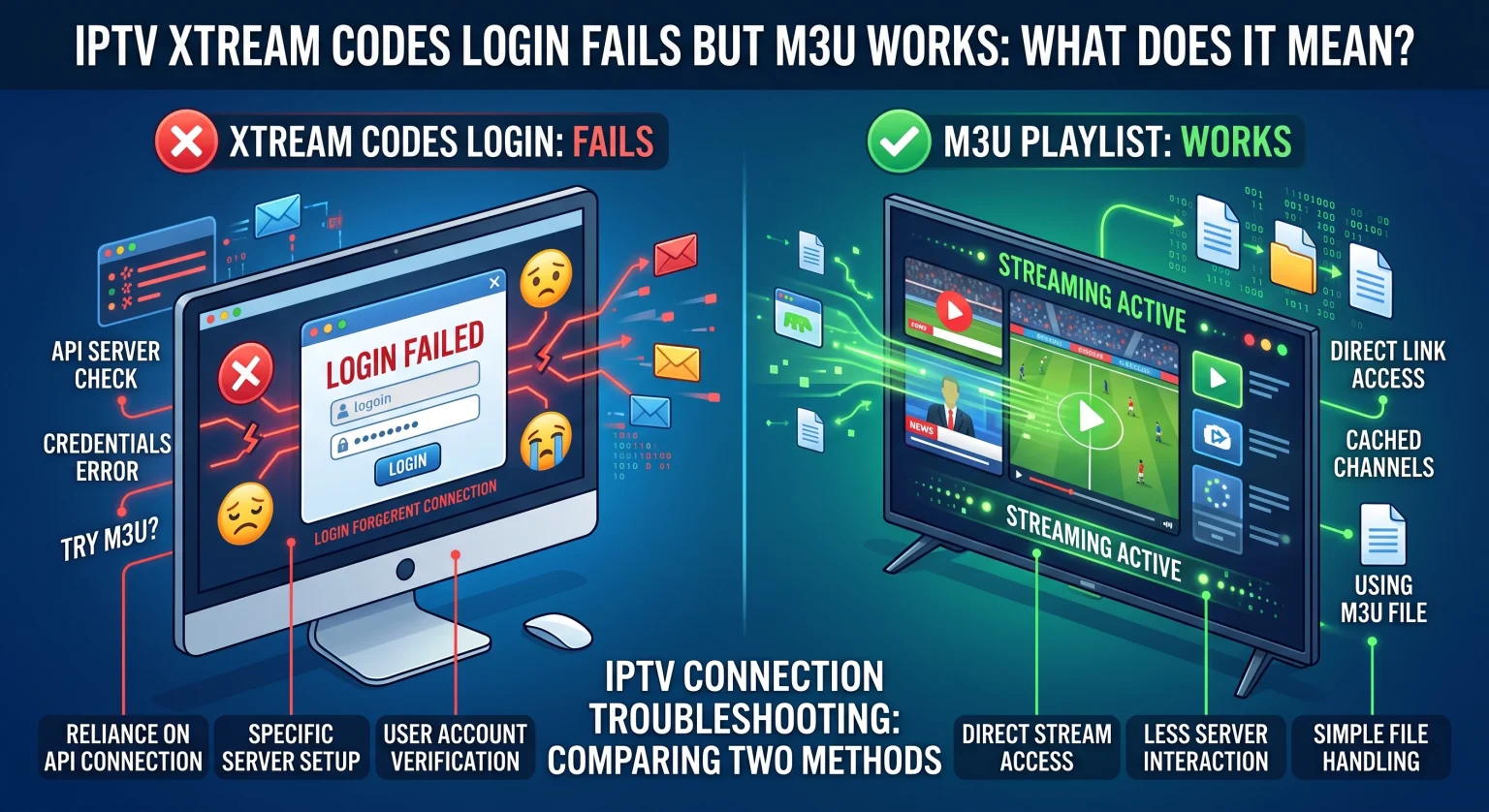
What Does It Mean When Xtream Codes Fails but M3U Still Works?
Xtream Codes (XC) and M3U playlists retrieve television content differently. Xtream Codes relies on an active API handshake to query categories, live streams, and electronic program guides (EPG).
When the XC login fails, the player’s request to the server’s authentication endpoint (player_api.php) is rejected, dropped, or timed out. In contrast, an M3U link simply downloads a static index of stream paths in plain text. Because the M3U file does not require an active API authentication exchange to parse, your media player bypasses the specific point of failure.
4 Root Causes Behind the Xtream Codes Authentication Error
1. API Endpoint Blocking by Regional ISPs
In countries like the United Kingdom, major internet providers such as BT, Sky, and Virgin Media deploy automated filtering systems. These firewalls often flag and block known Xtream Codes API ports (such as 8080, 2086, or 8000) and authentication queries. If your ISP throttles or blacklists the API server, your login request never reaches the host database.
2. Provider Database and player_api.php Overload
The Xtream Codes API queries an active SQL database to generate categories and metadata in real-time. During peak sporting events or high-traffic hours, the authentication server can run out of memory and drop API calls. Meanwhile, the static .m3u file is cached on an edge Content Delivery Network (CDN), allowing it to load without stressing the main database.
3. Syntax, SSL, and Port Formatting Mismatches
Xtream Codes login requires three separate fields: the base URL, username, and password. Adding an accidental trailing slash (/), typing https:// instead of http://, or omitting the specific port number breaks the API call completely. An M3U link bundles these parameters into a single string, which eliminates field-splitting formatting mistakes.
4. Player App Parser Failures
Popular streaming applications like IPTV Smarters Pro, TiviMate, and XCIPTV must parse large JSON responses returned by the API. If your provider’s channel lineup contains corrupt characters or exceeds memory limits, the app aborts the handshake with a generic “Login Failed” message. The M3U reader parses plain text line-by-line, avoiding this memory crash.
Xtream Codes API vs. M3U Playlist: Technical Comparison
Understanding the structural differences between these two delivery protocols helps pinpoint where your playback chain breaks down:
| Architecture Feature | Xtream Codes API (XC) | M3U Playlist URL | M3U Plus (m3u_plus) |
| Connection Method | Real-time JSON database handshake | Direct static text file download | Dynamic text file with metadata tags |
| Authentication Point | Host server endpoint (player_api.php) | URL query string parameters | URL query string parameters |
| Vulnerability to ISP Blocks | High (Commonly targeted API ports) | Low (Treated as standard web traffic) | Moderate (Can be flagged by domain) |
| EPG & Catchup Integration | Built-in dynamic synchronization | Requires manual external XML link | Embedded channel attributes & logos |
| VOD & Series Categorization | Native organized folders & posters | Flat list (often unorganized) | Semi-structured group titles |
| Server Resource Usage | High (Real-time SQL database queries) | Minimal (Cached CDN delivery) | Minimal (Light server overhead) |
How to Fix Xtream Codes Login Failed When M3U Works in the UK & Worldwide
Try these troubleshooting steps in order to restore your API login:
Activate a Secure Streaming VPN
If your UK or local ISP blocks the API port, a reliable VPN encrypts your traffic and bypasses regional DNS filters. Connect to an optimized local server and attempt the Xtream Codes login again.
Clean Your Server URL Syntax
Remove any trailing slash at the end of your server domain (use [http://example.com:8080], never [http://example.com:8080/]). Verify whether your provider uses secure https:// or standard http://, as using the wrong protocol causes instant handshake drops.
Convert Your M3U Link Back into Clean XC Parameters
Examine your functional M3U link to verify your exact credentials:
(http://domain.com):port/get.php?username=YOUR_USER&password=YOUR_PASSWORD&type=m3u_plus
Use the exact domain, port, username, and password directly inside your player’s Xtream Codes fields.
Clear Application Cache and Data
Corrupted authentication tokens in apps like IPTV Smarters can prevent new logins. Navigate to your streaming device settings, force stop your player, clear the cache, and re-enter your details.
Upgrade to a Premium, Uninterrupted Streaming Service
Tired of troubleshooting broken API handshakes, random buffering, and unresponsive server logins? You deserve an entertainment experience that connects on the first try, every time.
Discover our high-performance streaming plans featuring 99.9% uptime, dedicated anti-freeze technology, and fully redundant Xtream Codes servers optimized for UK and international viewers. Sign up for your premium access pass today and enjoy seamless, crystal-clear streaming without connection limits!
People Also Ask (FAQ)
Is an M3U playlist safer to use than Xtream Codes?
Neither format is inherently safer regarding privacy, as both transmit your account credentials over the web. However, M3U playlists are more resilient against server-side crashes because they do not rely on an interactive API database query to populate your channel list.
Why does IPTV Smarters say "Authorization Failed" with Xtream Codes?
This error means the application could not validate your credentials with the provider’s player_api.php file. Common culprits include active ISP filtering, an incorrect port number in the server URL field, or an expired service token.
Can I convert my working M3U link to Xtream Codes?
Yes. As long as your M3U link contains a host domain, a port number, a username, and a password, you already have full Xtream Codes credentials. Simply extract each parameter from the URL string and enter them into the corresponding app fields.