
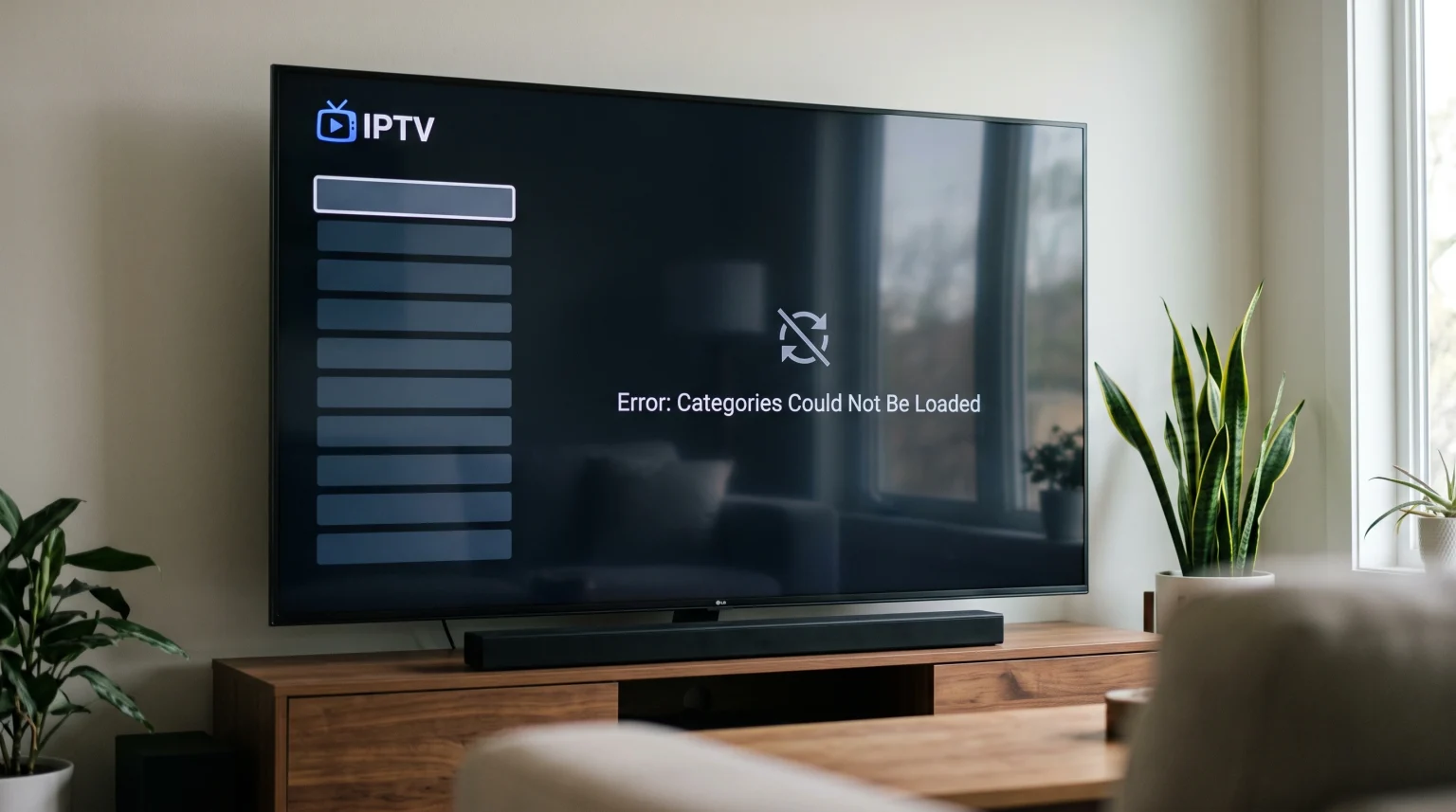
Many IPTV users see the message “categories could not be loaded” on their television screen. This error prevents the IPTV player from showing live television channels, movies, and series. The IPTV player remains empty because it cannot organize the content. This problem can happen on any device, including Smart TVs, Android TV boxes, and smartphones. This article explains why this error happens and how you can fix it.
Quick Answer
The error message “IPTV categories could not be loaded” means your IPTV application cannot download the channel list from the server. This problem usually happens because the M3U playlist URL is typed incorrectly, the server is temporarily offline, or your internet connection is unstable. To fix this error, check your internet connection first. Next, verify that your M3U link or Xtream Codes login details are exactly correct. If the problem continues, you should clear the cache of your IPTV application or restart your television.
Common Causes of the Category Loading Error
When the IPTV player fails to load categories, the application cannot connect to the content database. There are four main reasons for this connection failure.
1. Incorrect Login Details
The most common cause is a typing mistake. If you use an M3U URL, one wrong letter or number will break the link. If you use Xtream Codes API, a wrong username or password will block your access. The IPTV player will reject the connection and the categories will not load.
2. Server Problems
Sometimes the problem is not your device. The server hosting the IPTV service may be offline for maintenance. If the server is offline, your IPTV player cannot download the category list. You must wait until the server is online again.
3. Internet Connection Issues
Your IPTV player needs a stable internet connection to download the channel list. If your Wi-Fi signal is weak, the download process will fail. The application will stop trying and show the “categories could not be loaded” error.
4. Application Cache Errors
IPTV applications store temporary files in a system called a cache. Sometimes these temporary files become corrupted. When the cache is corrupted, the IPTV application cannot load new data correctly.
How to Fix the Error: Step-by-Step
You can usually fix this error in a few minutes. Follow these steps in order.
Step 1: Check Your Network Connection
First, test your internet connection. Open a different application on your Smart TV, such as YouTube. If YouTube does not load, your internet connection is the problem. Restart your internet router. Wait three minutes and try to open your IPTV application again.
Step 2: Verify Your M3U Link or Xtream Codes
Open the settings menu in your IPTV application. Look at the M3U URL or the Xtream Codes details. Compare these details with the information provided by TV Shadow IPTV or your service provider. Make sure there are no extra spaces. Make sure all capital letters and lowercase letters are correct.
Step 3: Clear the Application Cache
If your internet works and your login details are correct, clear the application cache. Go to the settings menu of your Smart TV. Find the list of installed applications. Select your IPTV application and choose “Clear Cache”. Do not choose “Clear Data” unless you want to delete your login details.
Step 4: Update the IPTV Application
Software bugs can cause loading errors. Check your television app store for updates. If an update is available for your IPTV player, install the update immediately. Restart your television after the update finishes.
M3U Link vs Xtream Codes API
You can connect to an IPTV service using an M3U link or the Xtream Codes API. Both methods can experience the category loading error, but they behave differently.
| Feature | M3U Link | Xtream Codes API |
| Format type | One long web address | Server URL, username, and password |
| Ease of typing | Difficult to type on a TV | Easy to type on a TV |
| Category loading speed | Usually slower | Usually faster |
| Error frequency | High (due to typing mistakes) | Low (easier to verify) |
For the best experience, use the Xtream Codes API when your IPTV player supports this feature. This method is faster and reduces typing errors.
Smart TV Limitations and IPTV Apps
The device you use can affect how well your IPTV player loads categories. Smart TVs have limited memory compared to computers or mobile phones.
If you use a Smart TV, the television operating system manages the memory. If the television has very little memory available, the IPTV application might fail to load a large channel list. If you are comparing televisions for this purpose, our guide to Best Smart TV OS for IPTV in 2026 explains the differences between Tizen, Google TV, and webOS.
Sometimes, the IPTV player application itself is the problem. Some applications are poorly programmed and struggle with large playlists. If you continuously see the “categories could not be loaded” error, try installing a different IPTV player from your television app store.
How This Error Affects Live Football Viewing
This error is very frustrating when you want to watch live football. Live sports require immediate access to the correct channel category. If the categories do not load, you cannot select the sports channel.
To prevent this problem before a major football match, update your playlist one hour before the game starts. This gives you time to fix any errors.
Also, consider your network connection type. For live football, a wired Ethernet connection is always better than a wireless Wi-Fi connection. Ethernet provides a constant data stream. This prevents the IPTV player from losing the server connection during the match. If you want the best picture quality for sports, read our article about Why Does IPTV Look Blurry on a New 4K TV? to optimize your television settings.
Conclusion
The “IPTV categories could not be loaded” error is a common problem with a logical explanation. The error occurs when the application cannot communicate with the database. By checking your internet connection, verifying your login details exactly, and clearing your application cache, you can usually solve the problem quickly. TV Shadow IPTV recommends using the Xtream Codes API login method instead of a long M3U link to minimize typing mistakes. Always keep your IPTV application updated to ensure the best performance.
Frequently Asked Questions
Why does my IPTV player say categories could not be loaded?
This error means your IPTV application cannot download the channel list from the server. This is usually caused by an incorrect M3U URL, an offline server, or a weak internet connection.
How do I refresh my IPTV categories?
Most IPTV applications have a “Refresh” or “Update Playlist” button in the main menu or settings. Pressing this button forces the application to download the categories again.
Does a slow internet connection cause category errors?
Yes. If your internet connection is very slow, the IPTV application will time out before it can download the complete list of categories.
Should I use M3U or Xtream Codes?
You should use Xtream Codes if your application supports it. Xtream Codes separates the server URL, username, and password. This makes typing mistakes less common.
Why does my IPTV app crash when loading categories?
Your IPTV application might crash if the playlist is too large for your device memory. This happens frequently on older Smart TVs. Clearing the application cache can solve this problem.
Do I need a VPN to load IPTV categories?
Sometimes internet service providers block IPTV servers. If your internet provider blocks the server, the categories will not load. Using a VPN can bypass this block and allow the categories to load successfully.