
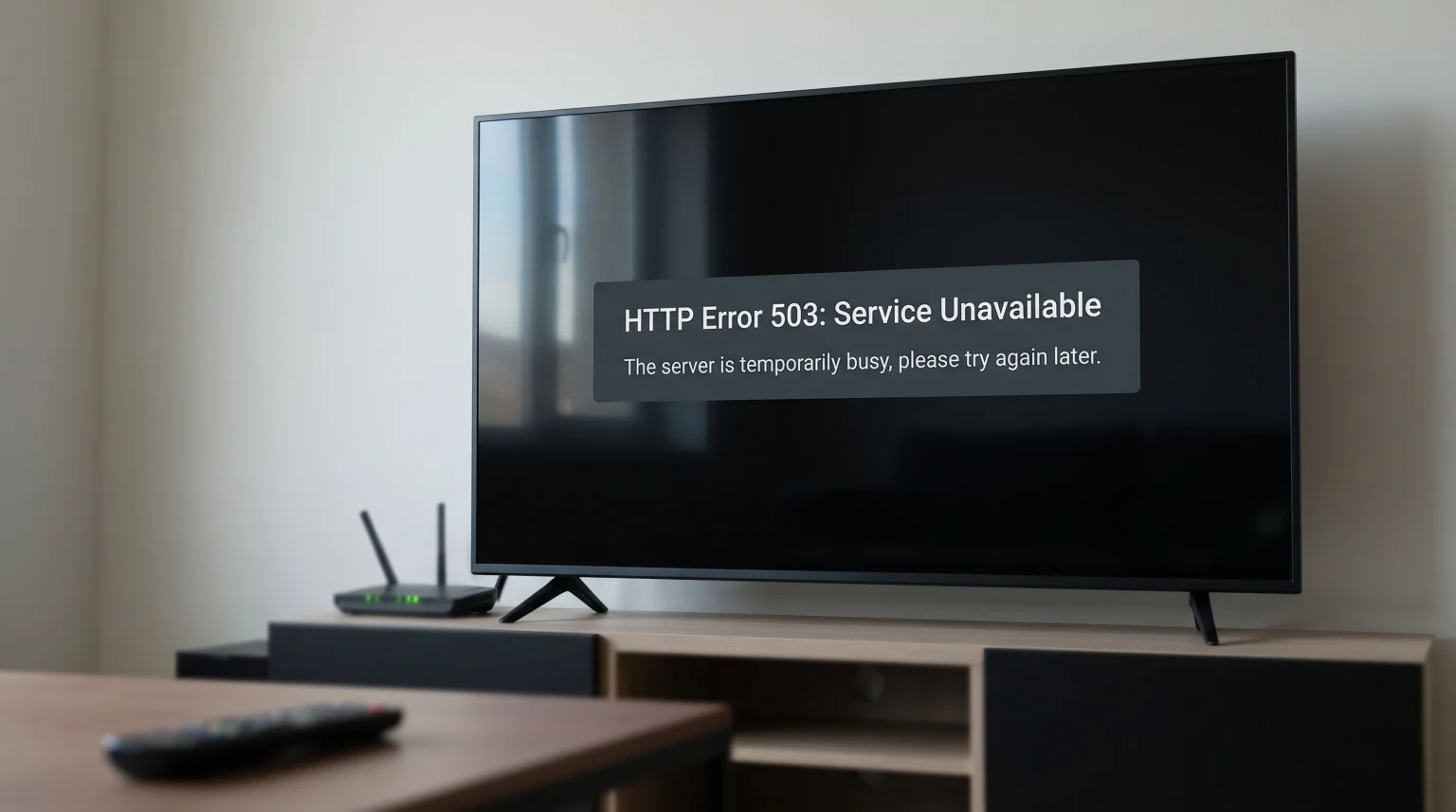
You turn on your television to watch a video stream. The screen goes black and shows a message: “Error 503 Service Unavailable”. This is a frustrating experience for any user. An IPTV error 503 means that the remote server providing the video stream cannot process your request right now.
The problem is usually temporary. It happens because the server is overloaded with internet traffic or is undergoing scheduled system maintenance. In this article, we explain exactly why this specific error happens. We also provide clear, simple steps you can take to fix the problem, bypass network blocks, and restore your IPTV connection quickly.
Quick Answer
An IPTV error 503 means “Service Unavailable”. This happens when the IPTV provider’s server receives too many simultaneous connection requests and cannot handle the traffic. It often occurs during popular live sports events.
To fix the issue, wait a few minutes and try again. You can also restart your router, restart your IPTV application, or use a Virtual Private Network (VPN) if your Internet Service Provider is blocking the connection. If the problem continues for several hours, contact your IPTV service provider.
What Exactly Is an HTTP 503 Error?
When your IPTV application requests a video stream, it communicates with a remote computer called a server. The server uses standard numerical HTTP codes to reply to your application. The number 503 is a standard HTTP status code. It literally translates to “Service Unavailable”.
This specific code tells your application that the server is currently turned on and functioning, but it cannot accept any new requests. The server is actively rejecting new connections to protect its hardware from crashing.
This is very different from an error where the server is completely offline, broken, or permanently deleted. The 503 code is a temporary defense mechanism used by the server software.
Common Causes of IPTV Error 503
Several different situations can trigger this error. Understanding the exact cause can help you choose the correct solution.
Server Overload During High Demand
The most common cause of an IPTV error 503 is server overload. Every computer server has a strict maximum capacity. It can only send video data to a specific number of users at the same time.
If an IPTV provider has a server limit of 10,000 simultaneous users, the 10,001st user will see an error 503. The server simply lacks the bandwidth and memory to send the video stream to more devices. The server automatically denies the connection.
Scheduled Server Maintenance
IPTV providers must perform regular technical maintenance to keep their systems stable and secure. During this maintenance, the provider may take specific servers offline to update software or upgrade hardware.
When a server is placed into maintenance mode, it will automatically show an error 503 to any user trying to connect. This usually lasts for a short period, often during the night or early morning.
Internet Service Provider (ISP) Blocks
Sometimes the IPTV server works perfectly, but your Internet Service Provider (ISP) blocks the connection. Many ISPs actively monitor internet traffic. They often block or slow down IPTV traffic during certain times of the day.
When the ISP blocks the communication between your television application and the video server, the connection fails. The application may display a 503 error because it cannot reach the destination.
Why Error 503 Happens During Live Football Matches
Many users only see the IPTV error 503 when they try to watch a major live football match. This happens because live sports create massive and sudden spikes in internet traffic.
During a normal television broadcast, users connect to the server at many different times throughout the day. The traffic is balanced. However, during a major live football final, thousands of users try to connect to the exact same server at the exact same minute. This sudden spike in traffic overloads the server network immediately.
If you experience buffering or errors during live football, buying a better television can improve picture quality, but it cannot fix server overload. If you are researching televisions specifically for sports, you can read our guide about OLED vs Mini-LED for Live Football to understand how different display technologies handle fast motion. You can also learn more about display speeds in our article about choosing a 60Hz vs 120Hz TV for Live Football.
How to Fix IPTV Error 503
While you cannot increase the IPTV provider’s server capacity, you can take several practical steps on your side to resolve the connection issue.
1. Wait and Retry Later
Because error 503 is usually a temporary overload, the easiest and most effective solution is to wait. Close your IPTV application completely. Wait five to ten minutes. Open the application and try to connect to the channel again. Often, the server traffic decreases as other users disconnect, and you can connect successfully.
2. Restart Your Devices
Your television, streaming device, or internet router may hold outdated network data in their temporary memory. You should create a fresh network connection.
First, turn off your Smart TV or streaming box. Disconnect the power cable from the wall for one minute. Reconnect the power cable and turn the device on. Second, do the exact same process for your internet router. This clears the memory and establishes a new path to the server.
3. Use a Virtual Private Network (VPN)
If your ISP is blocking the IPTV server, a VPN can solve the problem immediately. A VPN encrypts your internet traffic and hides it from your ISP. The ISP cannot see that you are connecting to an IPTV server, so it will not block the connection.
To use this method, install a VPN application on your television or streaming device. Turn on the VPN, connect to a secure server in a different city or country, and load your IPTV stream again.
4. Update Your IPTV Application
Old software can misread server codes and cause connection failures. Ensure you are using the latest version of your IPTV player. Developers regularly release updates to fix bugs and improve server communication.
If you use a Smart TV, open the digital app store and check for updates. If you want to know which television operating systems work best for modern applications, read our complete guide to the Best Smart TV OS for IPTV in 2026: Tizen vs Google TV vs webOS.
Error 503 vs Other Common IPTV Errors
It is helpful to understand how the 503 error compares to other common HTTP errors you might see in your application.
| Error Code | Meaning | Common Cause | Recommended Solution |
| 401 | Unauthorized | Incorrect username or password | Check your login details |
| 403 | Forbidden | Your IP address is blocked | Use a VPN or contact support |
| 404 | Not Found | The channel link is broken or changed | Update your M3U playlist |
| 500 | Internal Server Error | The server software crashed | Wait for the provider to fix it |
| 503 | Service Unavailable | The server is overloaded with users | Wait and try connecting later |
TV Shadow IPTV and Server Stability
When you use an IPTV service, connection stability is very important. No IPTV service is completely immune to global internet issues or local ISP blocks. However, premium systems utilize large server networks to distribute internet traffic efficiently.
A modern IPTV system uses multiple servers. If one server becomes completely full, a good system routes new users to a different server automatically. This load balancing reduces the chance of seeing an error 503.
To get the best possible experience with TV Shadow IPTV, we highly recommend using a wired Ethernet connection instead of a wireless Wi-Fi connection. An Ethernet cable provides a direct, stable connection to your internet router. This stable connection helps prevent data loss when servers are busy and video bitrates fluctuate. Furthermore, ensure your IPTV application fully supports modern Xtream Codes API, which often connects faster and more reliably than older M3U playlist files.
Conclusion
An IPTV error 503 is a clear signal that the service is temporarily unavailable due to server overload or routine maintenance. It is one of the most common errors users experience during major live internet events, such as high-demand football matches.
While you cannot directly increase the remote server capacity yourself, you can take practical steps to improve your connection. Restarting your devices, trying a VPN to bypass ISP restrictions, and simply waiting a few minutes are the best and most effective solutions. By understanding exactly what this error means, you can manage your IPTV setup better, avoid unnecessary frustration, and return to watching your favorite television content quickly.
Frequently Asked Questions (FAQ)
Does a faster internet connection prevent error 503?
No, upgrading to a faster internet connection does not prevent this specific error. Error 503 is a capacity problem on the provider’s server side, not a speed problem on your local network side.
Will buying a new Smart TV fix the 503 error?
No, a new television will not fix server overload. However, a new television will run IPTV applications faster and process menus better. If you are looking for a new television, see our guide on the [INTERNAL LINK: best Smart TVs for IPTV in 2026 → Best Smart TVs for IPTV in 2026: Samsung, Sony, LG & TCL Compared].
Can I fix error 503 by updating my M3U playlist?
Usually, updating the playlist does not fix this specific error. A 503 error means the server address is correct, but the server is busy. If the link was completely broken or old, you would see a 404 error instead.
Why does the error only happen on one specific channel?
Different channels are often hosted on different physical servers. If only one channel shows an error 503, that specific server is overloaded. The other servers providing different channels are operating normally.
How long does a 503 error usually last?
The error usually lasts between five minutes and one hour. The duration depends entirely on when the server traffic decreases or when the provider finishes the scheduled server maintenance.
Does using an Ethernet cable stop the error 503?
An Ethernet cable will not stop the server from becoming overloaded. However, an Ethernet cable provides a more stable connection than Wi-Fi. This can help your application connect faster when server space becomes available again.
Should I uninstall my IPTV app if I see error 503?
No, you do not need to uninstall the application. The error is caused by the external server, not the application itself. Restarting the application is usually enough to fix minor connection issues.