
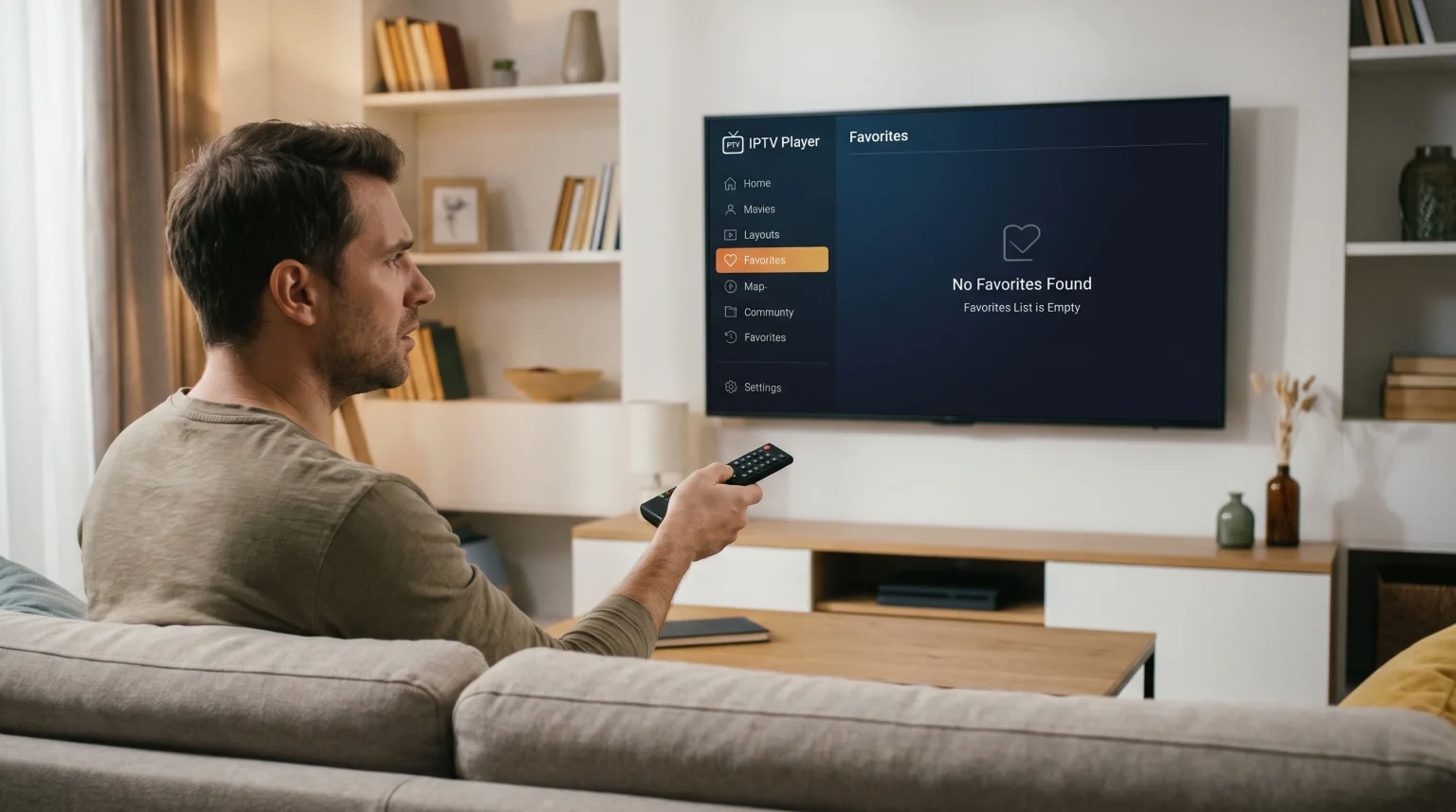
Many users experience a common problem where their carefully organized television channels suddenly vanish. You open your streaming application, install the latest software version, and discover an empty favorites list. This issue occurs across many different devices, including Smart TVs, Android TV boxes, and mobile phones.
When you configure an IPTV player, you often spend hours selecting specific movie channels, sports networks, and news stations. Saving these channels into a custom list makes daily viewing much faster. Therefore, losing this custom list is very frustrating.
This article explains the technical reasons why this data loss happens during software updates. We will explore how different applications store your data. Finally, we will explain practical methods you can use to protect your saved channels before you install the next application update.
Quick Answer
If your IPTV favorites disappeared after update, the cause is usually local data deletion. Many IPTV applications save your custom channel list directly inside the device’s internal memory. When the operating system installs a new application version, the system often overwrites the old application files and clears the temporary data cache. This automatic process erases your saved list. To prevent this problem, you should use IPTV applications that sync your favorites to an external cloud account, or manually export your channel list before you update the software.
How IPTV Apps Store Your Favorite Channels
To understand why data disappears, you must understand how applications save information. IPTV players generally use one of two methods to store your custom channel lists.
Local Device Storage
Most basic IPTV applications use local storage. This means the application writes a small data file onto your Smart TV or streaming stick memory. This file contains the exact sequence of your chosen channels. Because the file lives only on that specific device, you cannot see your favorites if you install the same application on a different television in your bedroom.
Cloud Account Storage
Premium IPTV applications often use cloud storage. You create a user account with an email address and password. When you save a channel, the application sends this information to a secure external server. When you update the application, the application simply connects to the internet and downloads your saved list again.
Storage Method Comparison
| Feature | Local Device Storage | Cloud Account Storage |
| Data location | Internal memory of the TV | External internet server |
| Internet required to load list | No | Yes |
| Survives app updates safely | Rarely | Almost always |
| Multi-device synchronization | No | Yes |
| Account registration required | No | Yes |
Why an Update Erases Your Channel List
Several technical events happen during a software update. Any of these events can cause data loss.
Cleared Cache and Data
When your television operating system installs a new version of an application, it sometimes removes old configuration files to prevent software conflicts. This process cleans the device memory. Unfortunately, the system cannot always distinguish between temporary junk files and your valuable channel list. The system deletes everything.
If you are currently choosing a new television to avoid system errors, our guide to the Best Smart TV OS for IPTV in 2026: Tizen vs Google TV vs webOS explains how different television brands manage application data.
New Database Formats
Developers frequently change the internal code of their applications. A new update might introduce a different database structure for organizing channels. If the new application code cannot read the old channel file format, the application will simply ignore the old file and create a new, empty list.
Permissions Changes
Modern television operating systems frequently update their security rules. A new application update might require new storage permissions. If the application does not automatically request these new permissions, the application will fail to access the folder where your favorites are saved.
Understanding operating systems can help you manage these permissions. You can read more in our comparison: Tizen vs Google TV for IPTV Apps: What’s the Difference?.
How to Prevent IPTV Favorites Disappeared After Update
You can take specific actions to protect your channel lists before you accept a software update.
Exporting Your Playlist
Some advanced IPTV applications include a backup feature. This feature allows you to export your settings and channel lists as a small file. You can save this file to a USB memory stick or send it to your email address. After you update the application, you can use the “Import” or “Restore” button to load your exact channel list back into the software.
Using Cloud-Sync Apps
The most reliable prevention method is switching to an application that requires user registration. Applications such as TiviMate (Premium) or Smart IPTV allow you to connect a specific hardware MAC address to an external server. Your lists remain safely on the internet server, completely immune to local device updates.
Impact on Live Football and Sports Viewing
Losing your custom channels is especially problematic for sports fans. Live football matches require immediate access to the correct network. If your IPTV favorites disappeared after update exactly five minutes before the UEFA Champions League match begins, you will waste valuable time searching through a massive main playlist.
Sports networks are often hidden among thousands of international channels. To ensure you do not miss the start of the match, always verify your channel lists the day before a major sporting event. Do not install application updates on the same day as an important live football match.
If you also experience visual issues during fast sports action, the problem is likely your television hardware, not the application data. Learn how television processing affects your picture in our guide: What Is TV Upscaling and Does It Help IPTV?.
TV Shadow IPTV Compatibility
TV Shadow IPTV provides the core streaming connection via M3U links or Xtream Codes. Our service delivers the live video, the movie library, and the Electronic Program Guide (EPG).
However, TV Shadow IPTV does not control how your chosen application stores your favorite channels. Your application manages that data locally. Our service is compatible with almost all modern IPTV players. If you lose your custom list due to an application update, your TV Shadow IPTV subscription remains completely active and safe. You simply need to mark the channels as favorites again within your application interface.
Conclusion
Finding that your IPTV favorites disappeared after update is a common problem caused by how applications manage local data. When a television or streaming device installs new software, the system frequently overwrites internal memory files and clears the data cache.
To solve this problem permanently, you should look for IPTV applications that offer manual backup options or cloud synchronization. By understanding how your specific application stores data, you can safely install updates without losing your carefully organized channel lists. Remember that TV Shadow IPTV always keeps your main subscription and full channel access secure, regardless of what happens to the application on your device.
Frequently Asked Questions
Can I recover my favorites after an application update erases them?
No, you usually cannot recover them. If the application deleted the local storage file during the update, the data is permanently gone. You must select the channels again manually.
Does TV Shadow IPTV delete my favorite channels?
No. TV Shadow IPTV only provides the stream access. Your chosen player application is entirely responsible for saving and managing your custom lists.
Why do my channels remain safe on my smartphone but disappear on my Smart TV?
Mobile operating systems often handle application updates differently. Android and iOS usually preserve user data during updates, while some Smart TV operating systems aggressively clear the data cache to save internal memory.