
Looking to stream live channels, sports, and movies without exorbitant cable bills? Learning how to install and set up IPTV Google TV is your ultimate solution. Whether you are in the USA or streaming globally, this 2026 guide will help you configure your Chromecast and unlock limitless entertainment in minutes.
Setting up your entertainment hub has never been easier. With a few simple tweaks, your device can replace traditional broadcast television. Let’s dive into the quickest way to configure your system for buffer-free viewing.
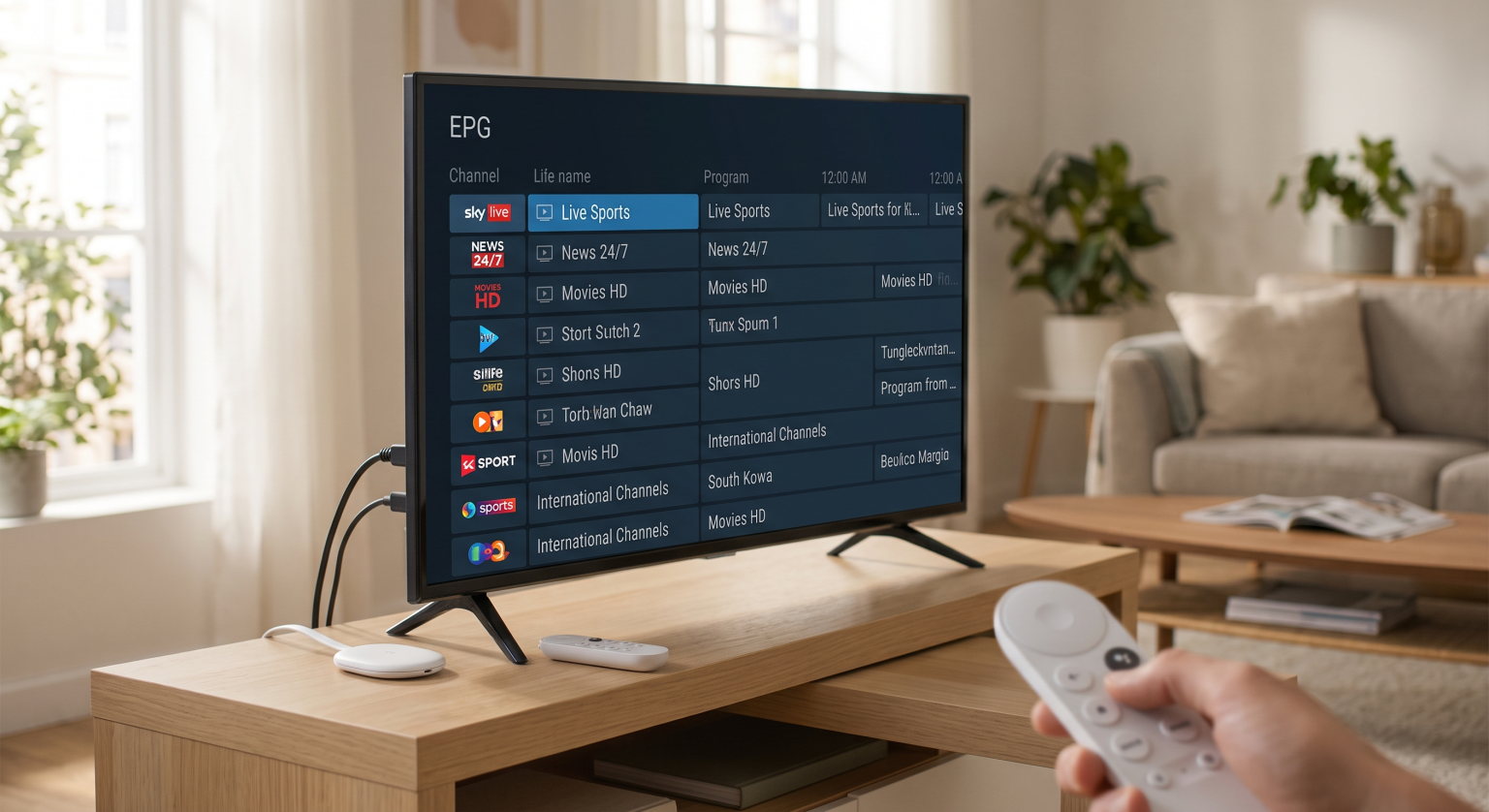
Why Choose Chromecast with Google TV for Live Streaming?
The modern Chromecast with Google TV offers incredible processing power and a user-friendly interface. This makes it an ideal hardware choice for managing massive channel lists and high-definition streams. Viewers across the USA and beyond love its seamless integration with smart home ecosystems.
Voice Control: Quickly search for content using the built-in Google Assistant.
4K Capabilities: Enjoy crisp, buffer-free live TV streaming on Google TV.
Massive App Library: Easily access the Google Play Store to find your favorite media applications.
The Benefits of a Dedicated IPTV Player for Android TV
A dedicated IPTV player for Android TV transforms raw stream data into a beautiful, navigable menu. Instead of dealing with clunky web interfaces, you get a premium, cable-like experience. This elevates your daily viewing habit into something intuitive and deeply customizable.
How to Install IPTV Google TV: A Step-by-Step Guide
Setting up your IPTV Google TV environment takes less than ten minutes. You just need your device, an internet connection, and your provider’s subscription details. Follow these precise steps to get started.
Step 1: Download Your Preferred App
First, navigate to the Google Play Store on your home screen. Search for a reputable player like TiviMate or Smarters Pro. Click “Install” to add the application directly to your device.
Step 2: Input Your M3U Playlist or Xtream Codes API
Open your newly installed application and navigate to the settings menu. You will be prompted to enter your subscription credentials. You can either paste your M3U playlist URL or log in using your Xtream Codes API details.
Step 3: Finalize Your EPG Setup
An Electronic Program Guide (EPG) is essential for seeing what is currently airing. Most modern apps auto-populate this data once you log in. If your screen remains blank, manually force a refresh in the settings to complete your EPG setup.
Top Apps for IPTV Google TV (2026 Comparison)
Not all applications provide the same viewing experience. Here is a quick comparison of the top choices available right now:
| Player Application | Ideal User Profile | Key Features | Pricing Model |
| TiviMate | Power users wanting a traditional UI | Multi-view, advanced EPG, catch-up | Free / Premium Upgrade |
| IPTV Smarters Pro | Beginners looking for simplicity | VOD categorization, parental controls | Free / Premium Unlock |
| OTT Navigator | Tech-savvy users | Highly customizable filters, timeshift | Free / Premium Unlock |
Essential Tips for Seamless USA & Global Viewing
To maximize your IPTV Google TV experience, always use a high-speed, stable internet connection. Hardwiring your Chromecast via an Ethernet adapter can eliminate buffering completely. Furthermore, utilizing a premium VPN is highly recommended for users in the USA and globally to prevent ISP throttling.
Clear Cache Regularly: Keep your app running smoothly by clearing the cache monthly.
Update Software: Always ensure your Chromecast operating system is on the latest version.
Organize Favorites: Curate a “Favorites” list to avoid scrolling through thousands of international channels.
Conclusion: Upgrade Your Setup Today
Transforming your living room into a digital powerhouse is incredibly simple. By optimizing your IPTV Google TV configuration, you gain instant access to a world of premium global and USA-based entertainment. Don’t settle for expensive cable packages or limited local broadcasts.
Ready to cut the cord for good? [Subscribe to our premium newsletter today] to get exclusive discounts on the best VPNs and top-rated streaming services delivered straight to your inbox!
Complete Google TV and Chromecast Setup Walkthrough for 2026
This tutorial provides a step-by-step visual guide on configuring your device from scratch, making it easier to prepare your system for app installations.
People Also Ask (FAQ)
Can I install IPTV directly on my Google TV?
Yes, you can easily download compatible players directly from the built-in Google Play Store. Simply search for your preferred app and install it without needing complex sideloading methods.
What is the best player for Chromecast with Google TV?
TiviMate is widely considered the top choice due to its intuitive interface, seamless EPG setup, and lag-free performance. However, Smarters Pro is an excellent alternative for beginners.
Do I need a VPN for live TV streaming on Google TV?
While not strictly required, using a VPN is highly recommended to protect your privacy and prevent your internet service provider from throttling your streaming speeds.