
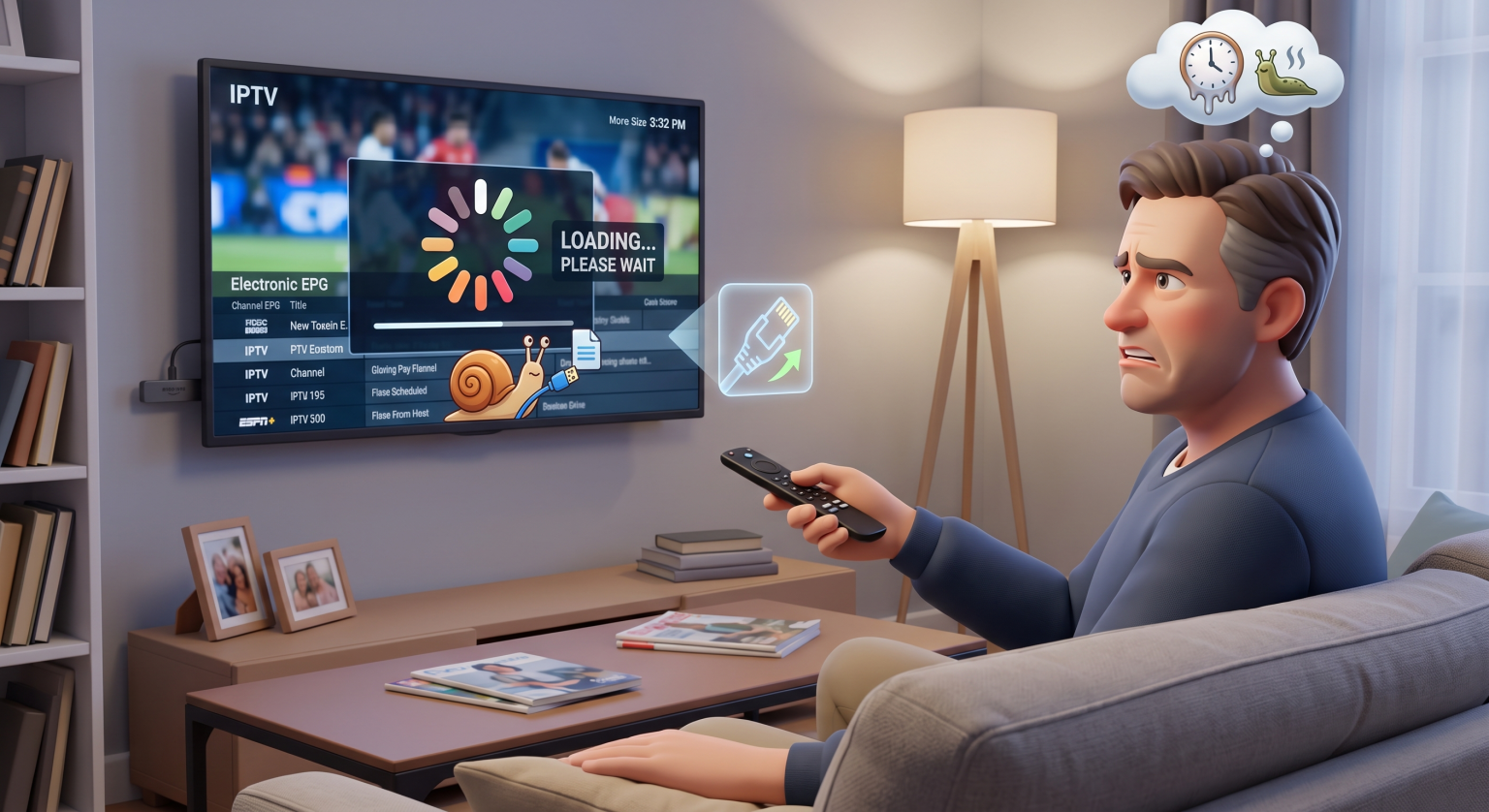
Are you tired of missing crucial live sports moments because of IPTV slow channel switching? You’re not alone. When you press the remote and wait seconds for the picture to load, it ruins the entire viewing experience. Let’s fix that frustrating zap delay right now.
For many cord-cutters in the US, dealing with sluggish streaming latency is a daily headache. Fortunately, you don’t have to settle for endless loading screens or delayed broadcasts.
Why You Experience IPTV Slow Channel Switching in the US
The delay you experience between pressing a button and seeing the video stream is known as IPTV zapping speed. Several variables contribute to this frustrating lag.
Internet Speed and Latency
Your internet ping plays a massive role in how fast a new stream loads. Even with a high-speed fiber connection, high latency or unstable Wi-Fi will delay the initial video packets from reaching your screen.
Server Hardware and Overcrowding
Sometimes the issue isn’t on your end at all. Overcrowded provider servers struggle to process simultaneous stream requests, resulting in live TV buffering and sluggish channel change delays.
App and Device Limitations
The processor in your streaming stick and the coding of your specific software dictate how quickly a video stream decodes. Older devices simply cannot process modern high-definition streams fast enough to provide instant zapping.
Hardware vs. Software: What Actually Impacts Zapping Speed?
Not all fixes are created equal. Here is a breakdown of the primary factors impacting your zapping speed and how to upgrade them effectively.
| Factor | Impact on Zapping Speed | Best Upgrade/Fix Option |
| Streaming-enhed | Høj | NVIDIA Shield TV Pro or Apple TV 4K |
| IPTV Player Settings | Mellem | TiviMate eller IPTV Smarters Pro |
| Internetforbindelse | Høj | Switch from Wi-Fi to a hardwired Ethernet cable |
| Buffer Size Configuration | Mellem | Adjust player buffer to “Zero” or “Minimal” |
5 Quick Fixes to Speed Up Your IPTV Zapping
Ready to eliminate that channel change delay? Implement these proven technical tweaks to optimize your setup instantly.
Switch to an Ethernet Connection: Wi-Fi is prone to interference and packet loss. Hardwiring your streaming device instantly stabilizes your connection and reduces load times.
Adjust Your Buffer Size: Dive into your IPTV player settings and locate the buffer size options. Lowering the buffer size speeds up zapping, though it requires a highly stable internet connection to prevent mid-stream freezing.
Upgrade Your Player App: Not all apps decode video equally. Premium applications like TiviMate are specifically optimized for lightning-fast channel surfing.
Clear App Cache Data: Over time, your streaming app accumulates junk files that bog down performance. Go into your device settings and clear the cache for your player app regularly.
Use a Premium Provider: Free or cheap servers are notoriously overcrowded. A high-quality provider ensures dedicated bandwidth, drastically reducing IPTV slow channel switching.
Stop Waiting and Start Watching Today
You don’t have to tolerate IPTV slow channel switching ruining your movie nights and sports weekends in the US. By optimizing your network, tweaking your buffer size, and using the right hardware, you can achieve cable-like zapping speeds.
Ready for a flawless, buffer-free viewing experience? Upgrade your streaming device today or Sign up for our premium high-speed IPTV service and never miss a second of the action again!
Ofte stillede spørgsmål (FAQ)
How can I speed up my IPTV loading?
You can speed up loading by connecting your device via Ethernet, lowering your app’s buffer size, and clearing the app cache. Upgrading to a more powerful streaming device also makes a significant difference.
Why does my IPTV buffer when I change channels?
Buffering during a channel change happens because your device is downloading the initial data packets of the new video stream. High internet latency, low device processing power, or a heavy server load will extend this buffering period.
Is Wi-Fi or Ethernet better for IPTV streaming?
Ethernet is vastly superior for live streaming. A hardwired connection provides lower latency and prevents the signal drops common with Wi-Fi, directly improving your zapping speed.