
When you choose a new streaming device, application support is one of the most important factors. The Google TV Streamer and the Amazon Fire TV Stick 4K are two of the most popular media players in 2026. Both devices offer excellent 4K video quality, but their operating systems handle applications very differently.
This guide compares the Google TV Streamer and the Fire TV Stick 4K. We will examine their official app stores, storage capacity, sideloading rules, and compatibility with IPTV players. By the end of this article, you will know exactly which device offers the best app ecosystem for your entertainment setup.
Hurtigt svar
Den Google TV-streamer offers better overall app support than the Fire TV Stick 4K. The Google TV Streamer uses the official Google Play Store, which contains more applications than the Amazon Appstore. The Google device also features 32 GB of internal storage, which allows you to install many more apps. Both devices currently support sideloading for third-party apps. However, the Google TV Streamer is the safer long-term choice for users who want maximum app freedom and IPTV compatibility.
Operating Systems: Google TV vs Fire OS
The foundation of any app ecosystem is the operating system.
The Google TV Streamer runs on the Android TV operating system. Google TV is the user interface that sits on top of this system. Because the underlying system is Android, it is highly compatible with thousands of global and regional applications. Developers often build apps for Android TV first because it has a massive global market share.
The Amazon Fire TV Stick 4K (2nd generation) runs on Fire OS. Fire OS is a modified version of Android. Amazon created Fire OS specifically for its own hardware. Because it is based on Android, many apps are easy for developers to port to Fire OS. However, Amazon uses its own application store instead of Google Play.
Official App Stores Compared
To download standard applications, you will use the official app store on your device.
The Google TV Streamer gives you direct access to the Google Play Store for Android TV. This store contains more than 10,000 optimized applications. You will find almost every major streaming service, including Netflix, Disney+, YouTube, and Max. You will also find many specialized tools, utility apps, and media players.
The Fire TV Stick 4K uses the Amazon Appstore. The Amazon Appstore is large, but it is strictly controlled by Amazon. You will easily find the major streaming services. However, you might not find smaller, independent applications or specific utility apps. If an app developer does not submit their app to Amazon, you cannot find it in the official store.
When we compare Google TV vs Fire TV apps in their official stores, the Google Play Store provides significantly more options.
Storage Capacity and Hardware Performance
Application support is useless if your device cannot hold the applications. In 2026, storage capacity is a major difference between these two devices.
The Google TV Streamer features 32 GB of internal storage. The system uses some of this space, leaving approximately 24 GB for the user. This is a massive amount of space for a streaming player. You can install dozens of large applications, media players, and games without seeing a “storage full” warning. The device also includes 4 GB of RAM, which allows multiple apps to stay open in the background without slowing down the device.
The Fire TV Stick 4K (2nd generation) features only 8 GB of internal storage. After the Fire OS system files are accounted for, you have less than 5 GB available for apps. If you download many streaming apps, this space fills up very quickly. The device has 2 GB of RAM. This is acceptable for basic streaming, but it makes switching between heavy apps slower than on the Google TV Streamer.
Sideloading and Third-Party Apps in 2026
“Sideloading” is the process of installing an application from outside the official app store. This is crucial for users who want specialized media players or independent tools.
The Google TV Streamer allows standard Android sideloading. You simply need to enable “Developer Options” in the system settings. Then, you can download APK files using a browser app and install them directly. Google allows you to install almost any compatible Android TV app this way.
The Fire TV Stick 4K (2nd generation) also allows sideloading. You can use the popular “Downloader” app to install APK files. However, Amazon’s approach to sideloading is changing in 2026. Amazon is moving its newest entry-level devices to a new system called Vega OS, which blocks standard APK sideloading completely. The Fire TV Stick 4K still uses the older Android-based Fire OS, so sideloading still works. But the Google TV Streamer remains the safer long-term choice for users who want guaranteed sideloading freedom.
IPTV App Compatibility
For customers of TV Shadow IPTV, application compatibility is incredibly important. You need a reliable IPTV player to load your M3U playlist or Xtream Codes.
The Google TV Streamer is excellent for IPTV. The Google Play Store contains hundreds of reliable IPTV players. Popular applications such as TiviMate, Smarters Pro, and Sparkle TV are easily available. Because the device has 32 GB of storage, it easily stores large Electronic Program Guide (EPG) files and channel logos without slowing down. The 4 GB of RAM helps the IPTV menu load very quickly.
The Fire TV Stick 4K is good for IPTV, but it has limitations. Many popular IPTV players are not available in the official Amazon Appstore. You must sideload them using the Downloader app. This process is relatively easy, but it requires extra steps. Furthermore, the 8 GB storage limit means you must regularly clear your cache if you use a very large IPTV playlist with a heavy EPG.
If you want to learn more about TV operating systems for streaming, read our guide to Det bedste Smart TV-operativsystem til IPTV i 2026.
Watching Live Football and Sports
Live sports demand high performance from your streaming hardware. Fast motion and live broadcasts expose weak devices.
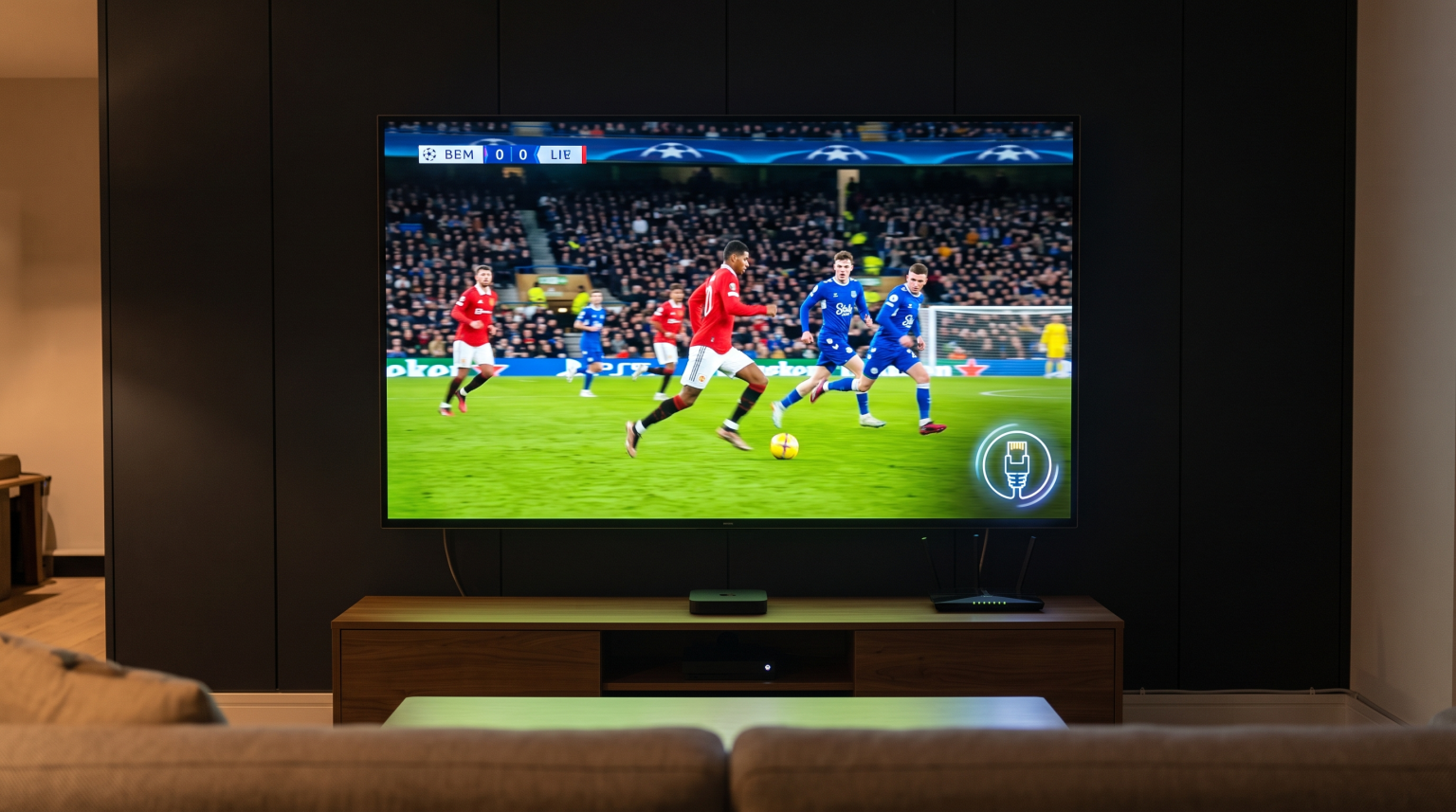
The Google TV Streamer is superior for live football. It includes a built-in Gigabit Ethernet port on the power adapter. A wired internet connection provides maximum stability for live sports streaming. A stable connection prevents buffering when thousands of people watch the same football match. The faster processor also handles 60 frames-per-second (fps) video signals smoothly.
The Fire TV Stick 4K relies on Wi-Fi out of the box. Wi-Fi can suffer from interference, which causes buffering during live sports. You can buy an official Amazon Ethernet Adapter separately, but this adapter is limited to 100 Mbps. The Fire TV Stick 4K processes 60fps motion well, but the Wi-Fi dependency makes it slightly less reliable for live football than the wired Google TV Streamer.
For more information on optimizing your sports viewing, see our article on 60 Hz kontra 120 Hz-tv til livefodbold.
Comparison Table: Google TV Streamer vs Fire TV Stick 4K
This table summarizes the main differences in hardware and app support.
| Funktion | Google TV-streamer | Fire TV Stick 4K (2nd Gen) |
| Operativsystem | Android TV-operativsystemet | Fire OS |
| Official app store | Google Play Store | Amazon Appstore |
| Lagringskapacitet | 32 GB | 8 GB |
| Hukommelse (RAM) | 4 GB | 2 GB |
| Sideloading support | Yes (APK files) | Yes (APK files) |
| Wired internet | Yes (Built-in Gigabit) | No (Requires extra adapter) |
| Tilgængelighed af IPTV-apps | Excellent (Google Play) | Good (Requires sideloading) |
Which Device is Easier to Use?
Both devices offer clean, modern interfaces, but they prioritize different things.
The Google TV Streamer focuses heavily on content recommendations across all your services. The home screen shows movies and shows from Netflix, Prime Video, Disney+, and more, all in one place. It is very easy to find what to watch without opening individual apps.
The Fire TV Stick 4K interface heavily promotes Amazon Prime Video content and Amazon Freevee. It also shows more display advertisements than the Google TV interface. The menus are easy to navigate, but the heavy focus on Amazon content can be annoying if you mainly use third-party applications.
Both devices include excellent voice remotes. You can use Google Assistant or Amazon Alexa to search for apps, control smart home devices, and launch shows.
Konklusion
When comparing Google TV vs Fire TV apps, the Google TV Streamer is the superior device. The combination of the massive Google Play Store, 32 GB of internal storage, and 4 GB of RAM makes it a powerful media player. It offers maximum freedom to install any application you want without worrying about storage limits.
The Fire TV Stick 4K remains a very capable device for a lower price. It streams 4K video beautifully and supports all major streaming services. However, its 8 GB storage limit and reliance on the Amazon Appstore make it less flexible. If you want the best performance for IPTV applications, live football, and a massive app library, the Google TV Streamer is the clear winner in 2026.
Ofte stillede spørgsmål (FAQ)
Can I install Google Play Store on a Fire TV Stick 4K?
No, you cannot install the Google Play Store on a Fire TV device. Amazon devices use the Amazon Appstore. You must sideload individual Android apps if they are missing from the Amazon Appstore.
Which device is better for IPTV?
The Google TV Streamer is better for IPTV. It has direct access to the best IPTV players through the Google Play Store. It also has 32 GB of storage, which handles large TV guides (EPG) easily.
Does the Google TV Streamer support 4K resolution?
Yes. The Google TV Streamer supports 4K resolution at 60 frames per second. It also supports HDR10, HDR10+, and Dolby Vision for excellent picture quality.
Can I plug an Ethernet cable directly into the Fire TV Stick 4K?
Yes. The Google TV Streamer supports 4K resolution at 60 frames per second. It also supports HDR10, HDR10+, and Dolby Vision for excellent picture quality.
Will my Fire TV Stick 4K stop supporting sideloaded apps?
Currently, the Fire TV Stick 4K (2nd gen) supports sideloading. However, Amazon is moving newer device models to a system called Vega OS, which does not support sideloading. The current 4K stick is safe, but the platform’s future is changing.