
Er du træt af, at de endeløse indlæsningshjul ødelægger din yndlingssportskamp eller dit yndlingsprogram i prime time? I 2026 kræver streaming af live-tv i HD mere end blot en almindelig internetforbindelse.
At finde det rigtige Internethastighed til IPTV sikrer problemfri og krystalklar afspilning uden forsinkelser, hakken eller pludselige afbrydelser, uanset om du streamer fra USA, Storbritannien, Canada eller hvor som helst i verden.
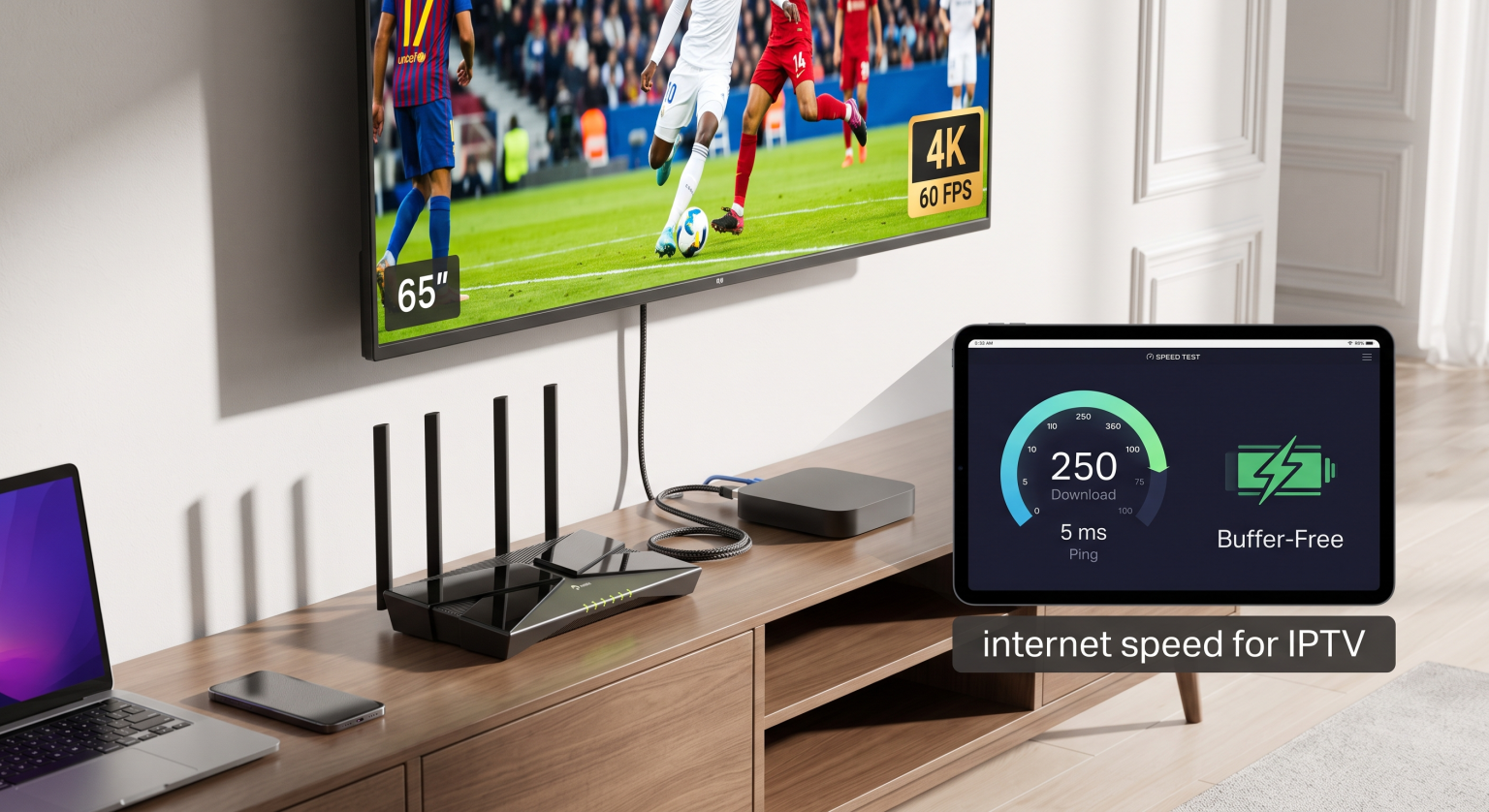
Hvorfor forbindelsens stabilitet er vigtigere end den maksimale hastighed
Den nominelle downloadhastighed udgør kun halvdelen af ligningen, når man streamer live-udsendelser. I modsætning til on-demand-platforme som Netflix, der indlæser flere minutters video på forhånd, sender IPTV live-datapakker i realtid.
For at sikre en fejlfri datastrøm kræver dit netværk tre afgørende præstationsindikatorer:
Downloadhastighed (Mbps): Den datamængde, som din forbindelse kan hente pr. sekund.
Forsinkelse og ping (ms): Responstiden mellem din enhed og streamingserveren; sigt efter under 50 ms.
Jitter og pakketab: Udsving i pakkernes ankomsttider, der forårsager lydforskydning og pludselige billedfrysninger.
Kontroller din nuværende forbindelsesydelse ved hjælp af et pålideligt hastighedstestværktøj, inden du går i gang med fejlfinding af din opsætning.
Anbefalet internethastighed til IPTV efter streamingskvalitet
Forskellige videoopløsninger kræver betydeligt forskellige båndbreddetildelinger. Moderne komprimeringsstandarder som HEVC (H.265) og AV1 har forbedret effektiviteten, men højere billedfrekvenser (f.eks. 60 FPS ved live-sportsudsendelser) kræver stadig en betydelig sikkerhedsmargen.
Her er den nøjagtige oversigt over den minimale og anbefalede båndbredde, der er nødvendig for at sikre uafbrudt afspilning:
| Videokvalitet og opløsning | Minimumsfart (én enhed) | Anbefalet hastighed (med netværksbuffer) | Den ideelle forbindelsestype |
| Standardopløsning (SD / 480p) | 5 Mbps | 10 Mbps | Stabilt Wi-Fi / 4G LTE |
| High Definition (FHD / 1080p ved 60 fps) | 15 Mbps | 25–30 Mbps | 5 GHz Wi-Fi / Ethernet |
| Ultra HD (4K UHD / 2160p HDR) | 35 Mbps | 50–60 Mbps | Gigabit Ethernet / Fiberbredbånd |
| Streaming til flere rum / flere enheder | 75 Mbps | Over 100 Mbps | Højhastighedsfiberoptik |
Regionale tendenser inden for båndbredde: Internethastighed til IPTV i USA og på verdensplan
Afhængigt af, hvor du befinder dig, kan din internetudbyder (ISP) håndtere international routing på forskellige måder. I områder med en tæt fiberinfrastruktur, såsom USA, Europa og de store globale metropolområder, overstiger de gennemsnitlige hastigheder for privatkunder let 100 Mbps.
Mange regionale internetudbydere indfører dog aktivt begrænsninger af båndbredden i de travleste aftentimer eller i forbindelse med store sportsbegivenheder.
Begrænsning af internetudbyderens båndbredde: Internetudbydere overvåger videostreaming-trafikken og bremser kunstigt protokoller, der kræver stor båndbredde.
Geografisk afstand: Når man opretter forbindelse til en server i udlandet, øges forsinkelsen, hvilket kræver en højere grundhastighed.
Virtuelle private netværk: Ved at bruge et dedikeret VPN omgår du internetudbyderens hastighedsbegrænsninger og dirigerer datapakkerne gennem optimerede internationale hovednetværk. Lær, hvordan du sikrer din streaming med vores guide til De bedste VPN-tjenester til streaming af live-tv.
4 gennemprøvede måder at optimere dit netværk til IPTV på
Hvis din internetforbindelse opfylder hastighedskravene, men du stadig oplever buffering, kan dit lokale hjemmenetværk være flaskehalsen.
Skift til et direkte Ethernet-kabel: Wi-Fi-signaler er udsat for fysisk interferens og pakketab; et kablet Cat6-kabel sikrer en stabil datahastighed.
Opgrader til 5 GHz eller Wi-Fi 6: Hvis kabler ikke er en mulighed, skal du udelukkende forbinde din tv-boks til 5 GHz-båndet for at undgå overbelastning på 2,4 GHz-netværket.
Genstart netværkshardwaren regelmæssigt: Hvis du slukker og tænder for dit modem og din router, ryddes midlertidige cachefiler og DNS-flaskehalse.
Prioriter trafik med QoS: Aktivér indstillingerne for Quality of Service (QoS) i din routers kontrolpanel for at prioritere din streaming-enhed frem for downloads, der kører i baggrunden.
Få adgang til live-streaming uden buffering i dag
At have det rette Internethastighed til IPTV er grundlaget for et førsteklasses hjemmeunderholdningssystem i 2026. For at sikre en jævn 4K-visning og underholdning i flere rum bør du sørge for en stabil forbindelse på mindst 50 til 100 Mbps.
Er du klar til at opgradere din underholdningsoplevelse? Se nærmere på vores Premium-abonnementer med højhastighedsstreaming i dag, og nyd en ultralav forsinkelse, ingen buffering, samt tusindvis af live-kanaler fra hele verden.
Ofte stillede spørgsmål (FAQ)
Kan jeg streame IPTV via en internetforbindelse på 10 Mbps?
Ja, en forbindelse på 10 Mbps er tilstrækkelig til streaming i standardopløsning (SD) og grundlæggende 720p HD på en enkelt enhed. Du kan dog opleve afbrydelser, hvis andre enheder i husstanden bruger netværket samtidig.
Hvorfor bufferer min IPTV, selvom jeg har en internethastighed på 100 Mbps?
Buffering på højhastighedsinternet skyldes som regel overbelastning på serversiden, tab af Wi-Fi-pakker lokalt eller begrænsning af båndbredden fra internetudbyderen i spidsbelastningsperioder. Ved at skifte til en Ethernet-forbindelse eller bruge et VPN løses dette problem ofte med det samme.
Hvor meget internetdata bruger IPTV pr. time?
I gennemsnit bruger 1080p HD-streaming omtrent 1,5 GB til 3 GB i timen, mens streaming i 4K Ultra HD bruger mellem 7 GB og 10 GB pr. time.