
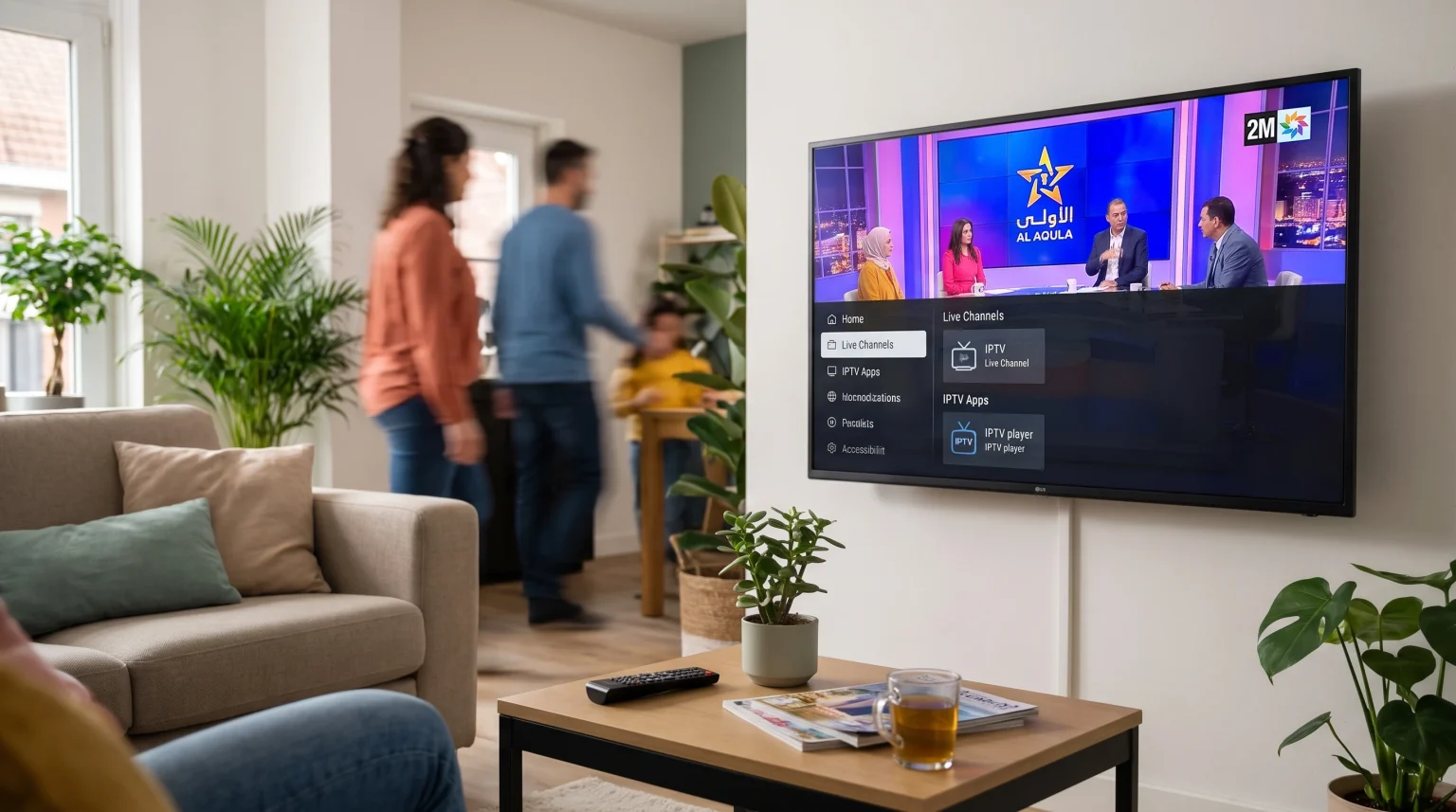
Many people in Belgium want to watch Moroccan television channels directly on a Smart TV. Modern televisions connect to the internet and offer different ways to stream international content. You do not always need a satellite dish or a traditional cable subscription to watch channels from Morocco.
If you live in Belgium, you can watch channels like 2M, Al Aoula, and Arryadia using Smart TV applications. However, the available methods depend on your television brand and the operating system it uses. Samsung, LG, and Sony all use different software. This means the installation process is different for each television.
This guide explains how to watch Moroccan TV in Belgium using different Smart TV models. We will compare the best television operating systems and explain how to watch live sports with clear picture quality.
Hurtigt svar
To watch Moroccan TV in Belgium on a Smart TV, you can use an Internet Protocol Television (IPTV) application. You must download a compatible video player from your television’s official app store. Samsung televisions use the Tizen operating system and have specific applications in the Samsung Apps store. LG televisions use webOS and have different applications in the LG Content Store. Sony televisions use Google TV, which supports the Google Play store. Google TV offers the largest selection of applications for watching international television channels.
Which Moroccan TV Channels Are Popular in Belgium?
Viewers in Belgium frequently watch several main channels from Morocco. The most popular networks include:
2M TV: This is a general entertainment channel. It broadcasts news, movies, and popular television series.
Al Aoula: This is the primary national channel owned by the Société Nationale de Radiodiffusion et de Télévision (SNRT). It shows official news and cultural programs.
Arryadia: This is the national sports channel. Viewers watch this channel for live football matches and athletic events.
Medi1TV: This channel focuses on news and information for the Maghreb region and Africa.
You can find these channels through various digital providers, streaming applications, and IPTV services.
Watching Moroccan TV on Different Smart TV Brands
The method for watching Moroccan TV in Belgium depends on the television you own. Every television manufacturer uses a specific operating system. The operating system controls which applications you can install.
Samsung Smart TVs (Tizen)
Samsung uses the Tizen operating system. Tizen does not support Android applications from Google Play. Instead, you must use the official Samsung Apps store.
To watch Moroccan channels on a Samsung television, you can install a dedicated IPTV player. You can find several player applications in the Samsung Apps store. The availability of these applications depends on your exact television model and your registered country. If your Samsung account is registered in Belgium, you will only see applications approved for the Belgian market.
LG Smart TVs (webOS)
LG televisions use the webOS operating system. Like Samsung, LG does not support Android applications. You must download applications from the LG Content Store.
LG provides a good selection of IPTV player applications. You can use these applications to load a channel playlist. The webOS interface is very fast. You can use the LG Magic Remote to navigate through the channel list easily. The LG Magic Remote functions like a computer mouse on the television screen.
Sony and Philips (Google TV)
Modern Sony BRAVIA and Philips televisions use the Google TV operating system. Google TV is based on Android. This means you have access to the Google Play store.
Google TV offers the highest number of streaming applications. If you want to watch Moroccan TV in Belgium, a television with Google TV gives you many options. You can easily find and install popular IPTV players. You can also install official applications from specific Moroccan broadcasters if they are available in the Belgian Google Play store.
If you are deciding between different television brands, our guide comparing Samsung Tizen vs. Sony BRAVIA Google TV: Hvilket er bedst til IPTV i 2026? provides a detailed explanation of the differences.
Comparing Smart TV Operating Systems for IPTV
The table below shows the differences between the main Smart TV operating systems in 2026. This information will help you understand how your television handles streaming applications.
| Funktion | Samsung Tizen | LG webOS | Sony Google TV |
| Operativsystem | Tizen | webOS | Google TV (Android) |
| App Store | Samsung Apps | LG Content Store | Google Play |
| Support til Android-apps | Nej | Nej | Ja |
| Interface Speed | Hurtigt | Very Fast | Hurtigt |
| Tilgængelighed af IPTV-apps | Godt | Godt | Fremragende |
| Fjernbetjeningsmodel | Standard or SolarCell | Magic Remote (Pointer) | Standard with Voice |
Using TV Shadow IPTV for Moroccan Channels
If you use an IPTV service to watch Moroccan TV in Belgium, you need a compatible video player application on your television. TV Shadow IPTV provides a service that works with many different player applications.
TV Shadow IPTV does not have an official relationship with Samsung, Sony, LG, or Google. You cannot find a specific “TV Shadow IPTV” application in the television app stores. Instead, you must download a third-party IPTV player application.
After you install a player application, you can connect your IPTV service using one of two methods:
M3U Playlist: This is a long web address (URL) that contains the list of video channels. You enter this URL into the player application.
Xtream Codes: This method uses a server address, a username, and a password. This is usually faster to type with a television remote control.
Most modern Smart TV applications support the Electronic Program Guide (EPG). The EPG shows you the television schedule. You can see which program is playing now and what will play later on 2M, Al Aoula, or Arryadia.
To learn more about how different operating systems handle these features, read our article about the best Smart TV operating systems for IPTV.
Watching Live Moroccan Football on a Smart TV
Many people want to watch live football matches from the Moroccan Botola Pro league or the national team. The sports channel Arryadia broadcasts many of these matches.
When you watch live football on a Smart TV, the picture quality and motion handling are very important. The football moves quickly across the screen. If the television cannot process the movement fast enough, the picture will look blurry.
Here are the most important technical factors for watching live football:
Opdateringshastighed
The refresh rate is how many times the television updates the picture every second. A 60Hz television updates 60 times per second. A 120Hz television updates 120 times per second. A 120Hz television provides smoother motion for fast sports. You can read more about this in our comparison of 60Hz vs 120Hz televisions for live football.
Picture Upscaling
Many television channels broadcast in standard High Definition (HD). If you have a modern 4K television, the television must stretch the HD picture to fit the 4K screen. This process is called upscaling. High-quality televisions from Sony, Samsung, and LG have powerful processors that make upscaled sports look very clear. If you want to understand how this works, read our explanation of television upscaling].
Internetforbindelse
Live video streaming requires a stable internet connection. If the internet signal is weak, the football match will pause or stop. For the best stability, you should connect your Smart TV directly to your internet router using an Ethernet network cable. A wired Ethernet connection is always more stable than a wireless Wi-Fi connection.
Belgian Telecom Providers vs. Smart TV Apps
In Belgium, traditional telecom providers like Proximus, Telenet, Orange, and VOO offer digital television packages. Some of these providers include a few Moroccan channels in their standard packages or as an extra paid option.
However, traditional telecom packages often have limitations:
They may only offer one or two Moroccan channels, such as 2M or Al Aoula.
They may charge extra monthly fees for international channel packages.
They require you to use the provider’s specific decoder box.
Using Smart TV applications gives you more flexibility. You can choose your own IPTV provider and watch a larger variety of channels without needing an extra hardware box from the telecom company.
Konklusion
Watching Moroccan TV in Belgium is very easy with a modern Smart TV. You do not need expensive satellite equipment to watch 2M, Al Aoula, or Arryadia. The best method depends on the television brand you own.
Sony televisions with Google TV provide the largest selection of applications. Samsung Tizen and LG webOS also offer reliable streaming options, but you must use their specific official app stores. For the best experience, especially when watching live football, connect your television to the internet with a network cable.
By understanding your television’s operating system, you can choose the correct application and enjoy high-quality international television directly in your living room.
Ofte stillede spørgsmål (FAQ)
Can I install Android applications on a Samsung TV?
No, you cannot install Android applications on a Samsung television. Samsung uses the Tizen operating system, which is not compatible with Android files. You must use the official Samsung Apps store to find video players.
Which Belgian internet providers are best for streaming Moroccan TV?
All major Belgian internet providers, including Proximus, Telenet, Orange, and VOO, provide sufficient internet speed for streaming. You need a stable download speed of at least 15 to 20 Megabits per second (Mbps) for reliable live television streaming.
Do I need a VPN to watch Moroccan channels in Belgium?
Usually, you do not need a Virtual Private Network (VPN) to watch Moroccan channels through an IPTV application. However, some official broadcaster applications may restrict their content to viewers inside Morocco. In that specific situation, a VPN can change your internet location.