
Stremio MPV player freezing when exiting playback is a known issue on Android TV, Google TV, and Android Mobile devices. Many users experience a locked screen or an unresponsive app immediately after pressing the back button to return to the Stremio menu. In November 2026, Stremio released an official software update that directly addresses this bug. Understanding why the internal MPV video player hangs and how to apply the latest fixes restores smooth navigation on your television or streaming box.
Hurtigt svar
To fix Stremio MPV player freezing when exiting, update Stremio to version 1.13.0 on Android TV or version 2.6.0 on Android Mobile. Stremio released these updates on November 25, 2026, specifically to resolve app freezes during MPV exit. If you cannot update immediately or use an older device, switch the default player to ExoPlayer in Stremio settings, disable hardware-accelerated decoding, or turn off frame rate matching. Different devices benefit from different video players depending on your subtitle and audio needs.
Why Does Stremio MPV Player Freeze When Exiting?
Stremio added the built-in MPV video player to Android TV and Android Mobile in June 2026. While MPV offers strong support for complex subtitle formats and high-bitrate video files, closing the player requires the operating system to release video memory and switch back to the Stremio user interface.
Several technical factors cause the application to freeze during this transition:
Memory release delays: When you stop a video stream, MPV must unload the video buffer and audio decoders. If the app fails to close the MPV process cleanly, the Stremio interface hangs.
Frame rate switching conflicts: When frame rate matching is active, the television changes its display refresh rate to match the video file. Exiting playback forces the television to switch back to the menu refresh rate, which can trigger a screen freeze.
MPEG-TS live stream bugs: Live television streams often use the MPEG-TS (MPEG Transport Stream) container format. Earlier versions of Stremio on Android TV frequently crashed or froze when exiting MPV during MPEG-TS playback.
Android background process limits: Newer versions of Android TV and Google TV strictly manage background memory. If the system restricts background activity while MPV closes, the main Stremio interface becomes unresponsive.
Official November 2026 Stremio Update Fixes
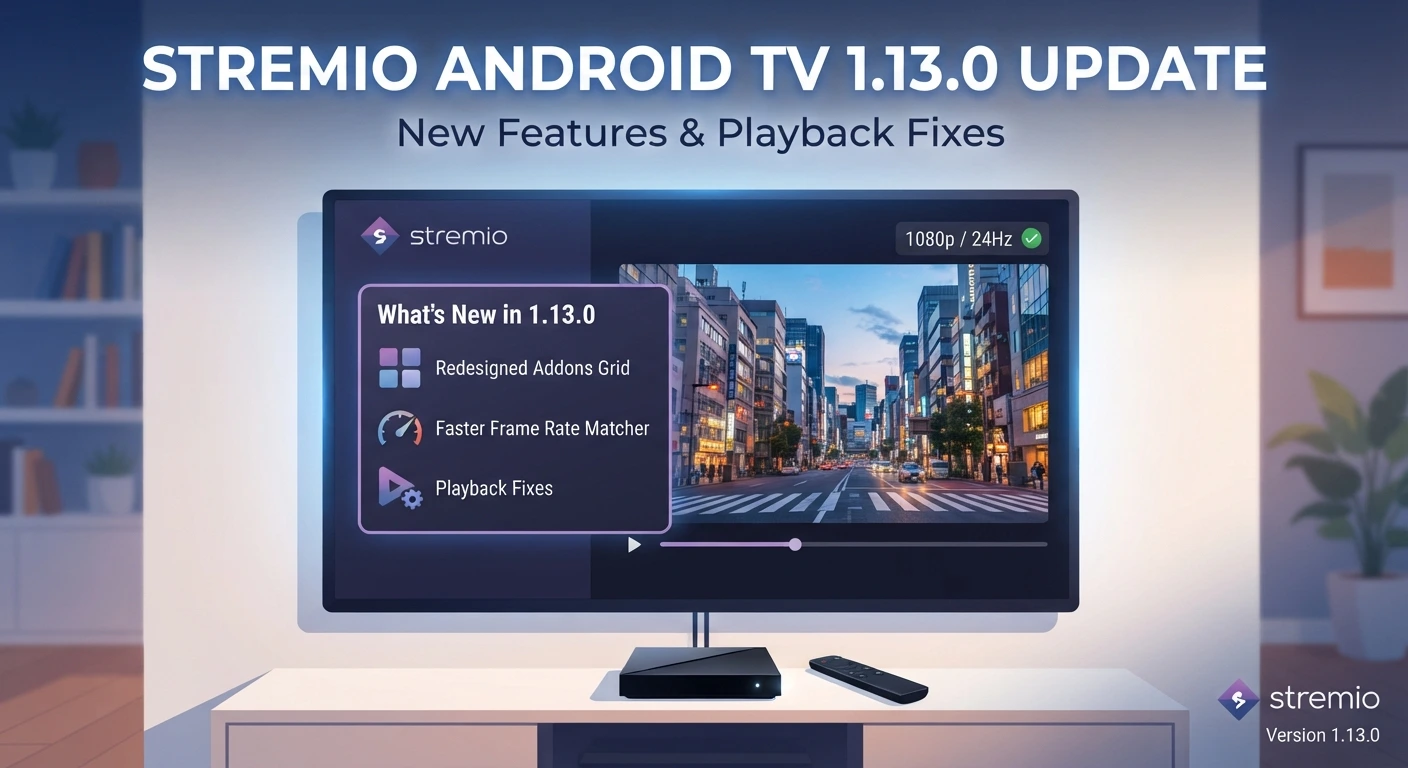
On November 25, 2026, the Stremio development team published Stremio Tech Update #91. This release specifically targets playback stability and exit behavior for both television and mobile platforms.
The official changelog includes the following relevant improvements:
MPV exit freeze fix: Resolves the potential application freeze when closing the MPV player and returning to the main screen.
Frame rate matcher rework: Improves the speed and stability of refresh rate switching when starting or stopping videos on Android TV.
Watch progress synchronization: Fixes issues where playback progress was not saved properly after exiting external or alternative players.
To get these fixes, install Stremio Android TV v1.13.0 eller Stremio Android Mobile v2.6.0.
How to Update Stremio on Google TV and Android TV
Åbn den Google Play Store on your Smart TV or streaming box.
Navigate to your profile icon in the top-right corner.
Vælg Manage apps & games.
Vælg Updates and look for Stremio.
Vælg Opdatering to install version 1.13.0.
Restart your television or streaming device after the installation finishes.
If you use an Amazon Fire TV Stick or an Android TV device without Google Play access, download the official ARM APK for version 1.13.0 directly from the Stremio website and install it manually.
Step-by-Step Troubleshooting If Freezing Continues
If you have already installed the November 2026 update or your device has not received it yet, adjust your Stremio playback settings to prevent freezes.
1. Switch to ExoPlayer for Standard Streams
Stremio includes multiple internal video players. ExoPlayer is the default player on Android devices and integrates closely with the Android media framework.
Åben Stremio and go to Indstillinger (gearknappen).
Vælg Afspilning.
Locate the Default Player setting.
Change the option from libMPV til ExoPlayer.
ExoPlayer is suitable for standard MP4 and MKV files, as well as live streams. Keep MPV selected only if you watch videos with complex ASS/SSA styled subtitles that ExoPlayer cannot render properly.
2. Adjust Frame Rate Matching Settings
Display refresh rate transitions often cause temporary black screens or freezes when exiting MPV.
Åben Stremio Settings.
Gå til Afspilning.
Find Frame Rate Matching.
Ændr indstillingen til De handicappede eller Frame Rate Only (avoid resolution switching if your television struggles with HDMI handshakes).
3. Toggle Hardware-Accelerated Decoding
Hardware decoding uses your device’s graphics chip to process video. On certain MediaTek or Amlogic processors, MPV hardware decoding can lock up when closing a stream.
Åben Stremio Settings.
Vælg Afspilning.
Turn off Hardware-accelerated decoding.
Test exiting a video stream to check if the freeze stops.
Note that disabling hardware decoding increases processor usage. High-bitrate 4K streams may stutter on older streaming sticks when software decoding is active.
4. Clear the Stremio App Cache
Corrupted temporary files can interfere with how Stremio closes video sessions.
Open your device’s main Indstillinger menu (outside of Stremio).
Gå til Apps og vælg Se alle apps.
Find and select Stremio.
Vælg Clear cache. Do not select “Clear data” unless you want to log in to your account again.
Vælg Force stop and reopen Stremio.
Comparison of Stremio Video Players on Smart TVs
Choosing the right video player inside Stremio depends on your television hardware and the type of content you watch.
| Funktion | Built-in MPV (libMPV) | Built-in ExoPlayer | External Player (VLC / Just Player) |
| Exit stability | Fixed in v1.13.0 (Nov 2026) | High stability across Android versions | Depends on Android background memory limits |
| Styled subtitles (ASS/SSA) | Fuld indbygget understøttelse | Limited formatting support | Supported in VLC and mpv-android |
| Live stream (MPEG-TS) handling | Improved in recent updates | Reliable for live TV channels | Reliable, depending on the external app |
| Watch progress tracking | Automatic | Automatic | Fixed in v1.13.0 for supported players |
| Hardware resource usage | Moderate to high | Low to moderate | High (runs a separate application) |
ExoPlayer may be more suitable for users who want fast menu navigation and reliable live stream playback. Built-in MPV may be more suitable for users who watch anime or foreign-language content with custom subtitle styling.
IPTV Compatibility and Smart TV Operating Systems
Many users rely on Smart TVs and streaming boxes to run both Stremio and dedicated IPTV applications. Understanding how different television operating systems handle video players helps prevent freezing and playback errors.
Android TV and Google TV: These platforms offer the widest application support. You can install Stremio, dedicated IPTV players, and external media players from the Google Play Store. However, devices with limited RAM (Random Access Memory) may freeze if too many apps run in the background. For a broader look at platform differences, read our guide on Tizen vs. Google TV til IPTV-apps: Hvad er forskellen?.
Samsung Tizen and LG webOS: Stremio is available on newer Samsung and LG Smart TV models, though app updates often arrive later than on Android TV. Furthermore, Samsung Tizen and LG webOS use their own internal web-based media players rather than Android’s MPV or ExoPlayer engines. App availability always depends on your TV model, model year, operating-system version, and regional app-store policy.
When using a service like TV Shadow IPTV, compatibility depends on the IPTV player application installed on your television. Most dedicated IPTV players support M3U-spillelister, Xtream Codes API logins, and an Elektronisk programguide (EPG). While Stremio supports live TV addons, dedicated IPTV players generally handle MPEG-TS and HLS (HTTP Live Streaming) live channel switching with fewer exit freezes than general media centers.
If you are choosing a new television for streaming apps, our comparison of Det bedste Smart TV-operativsystem til IPTV i 2026: Tizen vs. Google TV vs. webOS explains how each platform manages memory and third-party apps.
Optimizing Live Sports and High-Bitrate Playback
Live football and sports broadcasts place heavy demands on video players. Unlike pre-recorded movies, live sports streams require continuous real-time decoding at 50 or 60 frames per second.
If your player freezes during or after watching live sports, check these settings:
Use an Ethernet connection: Wi-Fi interference can cause packet loss during live broadcasts. Connecting your Smart TV or streaming box via an Ethernet cable provides a stable network connection.
Match display refresh rate carefully: Live European football broadcasts typically run at 50Hz, while North American sports run at 60Hz. Ensure your streaming device outputs the correct refresh rate to avoid motion judder. You can learn more in our guide on 60 Hz kontra 120 Hz-tv til livefodbold.
Check TV picture processing: Disable aggressive motion interpolation settings on your television if the screen stutters when exiting a high-frame-rate sports stream.
Note: TV Shadow IPTV does not own broadcasting rights for any sports leagues or competitions. Always use authorized streaming services and legal playlists in your region.
Konklusion
Stremio MPV player freezing when exiting is primarily caused by memory release delays, refresh rate switching conflicts, and MPEG-TS stream handling bugs on Android devices. Installing the November 25, 2026 update (version 1.13.0 for Android TV or version 2.6.0 for Android Mobile) directly resolves the exit freeze issue. If you continue to experience interruptions, switching to ExoPlayer, disabling frame rate matching, or clearing the app cache provides immediate relief. For users who watch live television and sports alongside on-demand content, pairing a well-configured streaming device with dedicated IPTV players ensures reliable navigation and smooth playback.
Ofte stillede spørgsmål (FAQ)
Why does Stremio freeze when I press the back button on MPV?
Stremio freezes when exiting MPV because the video player fails to release graphics memory or complete a refresh rate switch back to the main menu. Updating Stremio to version 1.13.0 on Android TV or version 2.6.0 on Android Mobile fixes this bug.
How do I change the video player in Stremio from MPV to ExoPlayer?
Open Stremio, go to Indstillinger, vælg Afspilning, and click on Default Player. Change the selection from libMPV til ExoPlayer. ExoPlayer exits streams faster on most Android devices.
Is MPV player available on Samsung Tizen or LG webOS Stremio apps?
No, the built-in MPV player is specific to Android TV, Android Mobile, and desktop versions of Stremio. Samsung Tizen and LG webOS versions of Stremio use the native media players built into those television operating systems.