
If your favorite streaming app suddenly won’t install on your brand-new Amazon Fire TV, you aren’t alone. With Amazon shifting from its classic Android system to a completely new operating system, Vega OS app compatibility has become a major headache for streamers. Here is exactly why your app is failing.
For years, German households have relied on Fire TV sticks to stream everything from local news to the latest Bundesliga matches. However, Amazon’s recent hardware updates have introduced a massive software shift.
Forståelse Vega OS app compatibility is now essential before you upgrade your living room setup. Let’s break down why your old Android packages (APKs) are no longer working.
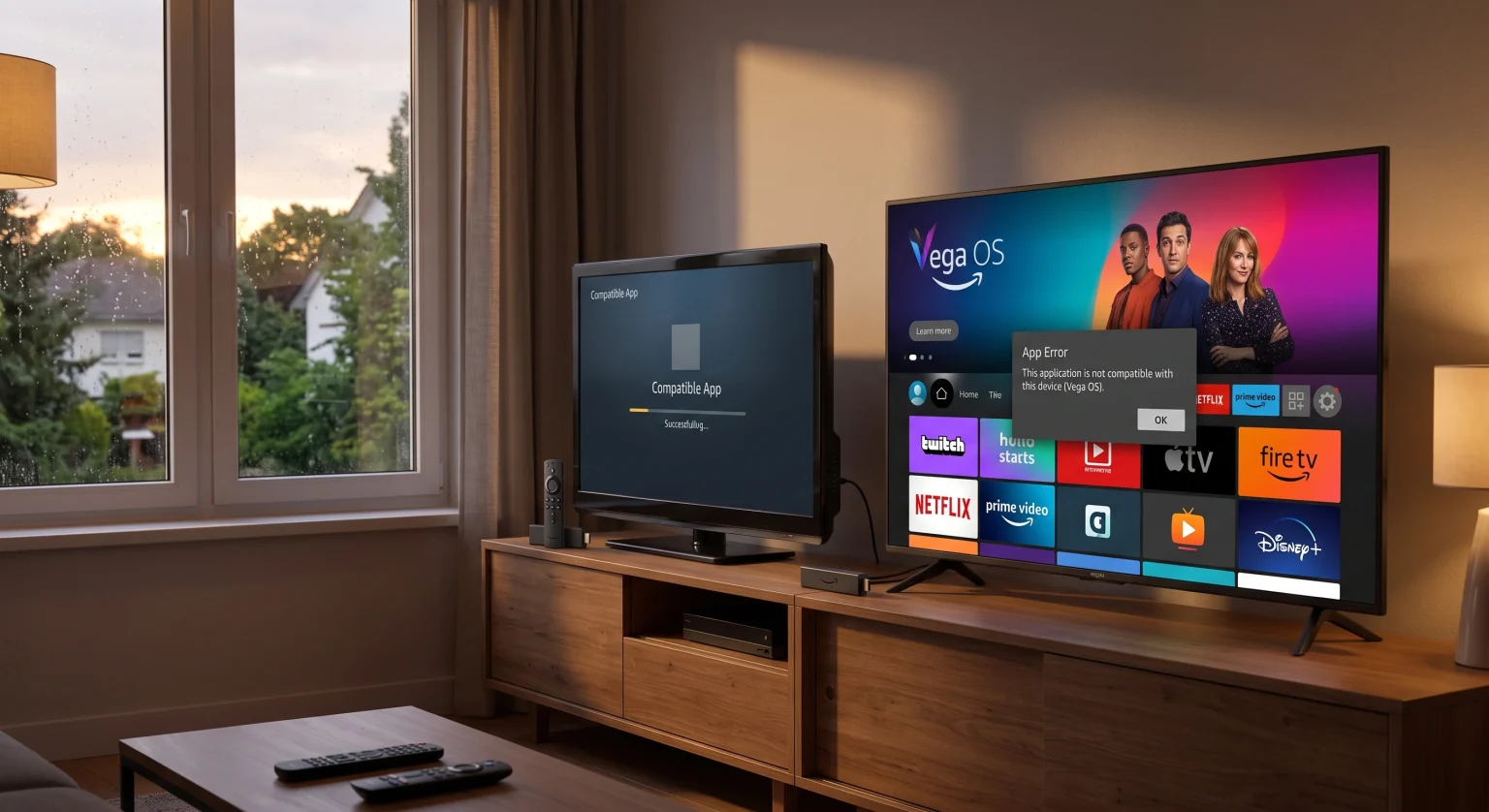
The Shift from Fire OS (Android) to Vega OS
Amazon’s legacy devices ran on Fire OS, which was built on an open Android framework. This meant installing third-party apps or custom media players was incredibly easy.
The newest entry-level Fire TV devices, however, run on Amazon’s proprietary Vega OS. Because Vega OS is built from the ground up using React Native and Linux, it completely drops support for traditional Android files.
Why Sideloading is Blocked on New Devices
On older devices, enabling Developer Options allowed users to install tools like Downloader. This made third-party APK installation a breeze.
With Vega OS, Amazon has removed the Developer Options toggle entirely. You can no longer sideload standard APK files onto these newer sticks.
Vega OS App Compatibility in Germany: What Works?
If you are setting up a new entertainment system in Germany, knowing which operating system powers your hardware is crucial. Major streaming platforms will naturally update their software, but independent apps might take longer to transition.
Many developers are currently porting their apps to React Native for Vega (RNV) to restore functionality. Alternatively, some use Amazon’s Cloud App Program to stream the legacy app from AWS servers directly to your TV.
Identifying Your Fire TV Operating System
Not sure what system you have? It largely depends on the model and release date of your device.
Older generation sticks like the Fire TV Stick 4K Max still use the classic Fire OS.
New entry-level models starting in late 2024 and beyond run the new proprietary system.
Feature Comparison: Fire OS vs. Vega OS
| Funktion | Legacy Fire TV (Fire OS) | New Fire TV (Vega OS) |
| Base Architecture | Android-based framework | Linux & React Native |
| Sideloading af APK-filer | Fully Supported via Downloader | Completely Blocked |
| App Ecosystem | Massive Android library | Growing native & cloud-hosted apps |
| Udviklerindstillinger | Available in Settings | Removed from Settings |
How Developers Are Bridging the Gap
The transition isn’t permanent doom for your favorite media players. The tech community is actively adapting to these changes.
Because the new platform relies heavily on web technologies, many developers are deploying web wrappers to maintain functionality. Additionally, Amazon provides a seamless pathway for existing Android apps to be streamed over the cloud while native versions are being built.
Next Steps for Streamers
If a critical app is missing from the Amazon Appstore, you have a few choices. You can keep using your older 4K Max stick, which retains full Android compatibility.
Alternatively, wait for the app developer to release an updated React Native version. The app landscape is shifting rapidly as developers adapt.
Securing Your Streaming Setup in Germany (Conclusion)
The transition to Amazon’s new software fundamentally changes how we consume media. Navigating Vega OS app compatibility ensures you don’t lose access to your favorite German streaming portals or international content.
Before purchasing your next streaming stick, verify its operating system to avoid any unwanted surprises.
Ready to optimize your streaming experience? Subscribe to our newsletter for the latest tech guides, or check out our premium setup packages to keep your home entertainment running flawlessly!
Ofte stillede spørgsmål (FAQ)
Can I install Android APKs on a Vega OS Fire TV?
No, you cannot. Vega OS is a proprietary operating system that does not support Android APK files or sideloading through Developer Options.
Which Fire TV devices use Vega OS?
Currently, Amazon’s newest entry-level devices, such as the Fire TV Stick 4K Select and new base models, run on the Vega platform. Older models like the 4K Max continue to use Fire OS.
Will my old streaming apps ever work on the new Fire TV?
Yes, if the app developer updates their software to React Native for Vega or utilizes Amazon’s Cloud App Program to stream the app virtually.