
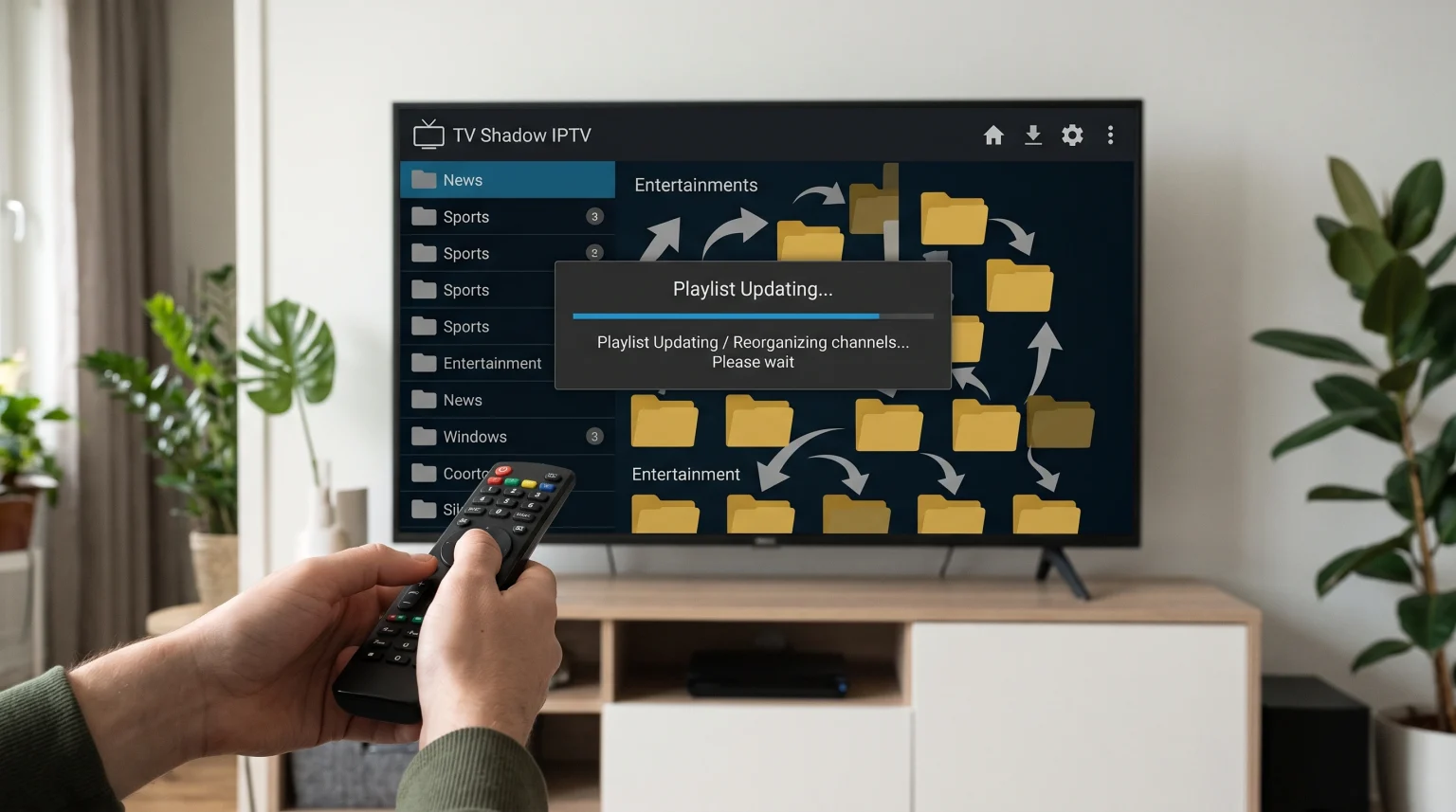
When you update an IPTV playlist, you often see that channels change their position. You may search for a sports channel and find it in a completely new category. This happens because IPTV providers constantly update their channel databases. Providers add new channels, remove broken links, and reorganize categories for better navigation.
When your IPTV player connects to the server, the app downloads this new structure. This download overwrites your local channel list. Understanding how these updates work helps you manage your channel list effectively. It also explains why your preferred channels do not stay in the exact same place. This guide explains why IPTV channels moved after update processes and how you can prevent this from frustrating your viewing experience.
Hurtigt svar
IPTV channels moved after update because the IPTV provider reorganized the master playlist on the provider server. When your IPTV app synchronizes with the server, the app downloads the newest channel structure. This server update overwrites the previous channel order in your app. Providers do this to add new channels, remove broken streams, or create new categories. To stop losing your preferred channel order, you should add your most watched channels to a “Favorites” list, because most IPTV apps do not change the Favorites list during a server update.
How IPTV Playlists Work
To understand why channels move, you must understand how an IPTV app communicates with an IPTV server. You usually connect your IPTV app to a server using a dynamic M3U link or an Xtream Codes API login.
When you use a dynamic link, your IPTV app does not store the channels permanently. Instead, the app acts as a mirror. Every time the app updates the playlist, the app looks at the provider server and copies the exact structure of the server.
Main Reasons Why Channels Change Position
Several specific technical actions cause your channel list to change during an update.
Server Reorganization
IPTV providers regularly perform server maintenance. During maintenance, a provider might create a new category for a specific sports tournament or a new category for 4K movies. When the provider creates a new category, the provider moves channels from the old category to the new category. Your IPTV app copies this new arrangement during the next update.
Added and Removed Channels
Providers add new channels when they become available. Providers delete channels when the broadcasting source stops working. If a provider adds ten new channels to the top of a category, all the other channels in that category move down by ten places. The channel numbers will change accordingly.
IPTV App Cache Deletion
Many IPTV apps delete the old channel cache entirely before downloading the new playlist. The app does not compare the old list with the new list. The app simply deletes the old list and builds a new list from zero. This removes any custom sorting you did inside the main channel list.
M3U-afspilningslister kontra Xtream Codes API
The connection method you use can affect how updates happen. Here is a comparison of how different connection methods handle playlist structures.
| Funktion | Dynamic M3U Link | Xtream Codes API | Static M3U File (Downloaded) |
| Update method | Downloads the entire text file again | Syncs data dynamically with the server | Does not update automatically |
| Channel order | Follows the exact file structure | Follows the server category structure | Remains exactly the same |
| Provider control | Provider controls the file structure | Provider controls the server database | User controls the downloaded file |
| Update frequency | Depends on app settings | Updates automatically upon login | Never updates automatically |
How to Keep Channels in the Same Place
It is frustrating when you cannot find a channel because IPTV channels moved after update. You can use specific strategies to keep your channels easy to find.
Use the Favorites Feature
The most reliable solution is to use the “Favorites” feature inside your IPTV app. Almost every modern IPTV app allows you to select a channel and mark the channel as a favorite.
When you mark a channel as a favorite, the app copies that channel into a special local folder on your television or device. When the main playlist updates, the app generally ignores the Favorites folder. The main playlist will change, but your favorite channels will remain exactly where you put them. If you use a quality service like TV Shadow IPTV, creating a Favorites list is the best way to organize your daily viewing.
Choose a Better IPTV App
Some IPTV apps handle updates better than other IPTV apps. Basic apps force you to accept the provider’s exact layout. Advanced apps allow you to hide categories or lock specific groups.
If you are setting up a new television, choosing the right operating system helps you access the best IPTV apps. For example, our guide to Det bedste Smart TV-operativsystem til IPTV i 2026: Tizen vs. Google TV vs. webOS explains the differences between television platforms and how they handle app installations.
Use a Playlist Editor
Advanced users can use external playlist editors. A playlist editor allows you to download your M3U list, rearrange the channels manually, and host the new list on your own local server. However, if you do this, you will not receive automatic updates from the provider when new channels launch.
Updates and Picture Quality
Sometimes users notice other changes after a playlist update. You might wonder if an update changes the resolution of a channel. Usually, the provider updates the stream link to a more stable source. If the new source has a different resolution, the picture quality will look different. If you recently bought a new television and experience quality issues, you might want to read our guide explaining Hvorfor ser IPTV sløret ud på et nyt 4K-tv?.
Live Football and Sports Updates
Playlist updates happen very frequently before major live football matches. Providers often create temporary categories called “Live Sports Today” or “Weekend Football”.
The provider moves popular sports channels into this temporary folder so users can find the matches quickly. When the weekend finishes, the provider deletes the temporary folder and moves the channels back to their normal country categories. This is a very common reason why sports channels change locations twice in one week.
Konklusion
It is completely normal that IPTV channels moved after update. This movement proves that the IPTV provider is actively maintaining the server, adding new content, and removing dead stream links. While the changing channel order can be confusing, the updates ensure that the service remains functional. To manage these changes easily, you should use the Favorites feature in your IPTV app. By saving your preferred channels to a local Favorites list, you can enjoy a stable viewing experience with services like TV Shadow IPTV, while still receiving the technical benefits of regular server updates.
OFTE STILLEDE SPØRGSMÅL
Why did my custom channel list disappear?
Your custom channel list disappeared because the IPTV app refreshed the playlist from the server. This refresh process usually overwrites any manual sorting you performed in the main channel list.
How often do IPTV playlists update?
This depends on your app settings. Most IPTV apps update the playlist every time you open the app. You can usually change this setting to update every 24 hours or update only manually.
Can I stop the playlist from updating?
Yes. You can disable automatic updates in most IPTV app settings. However, if you disable updates, you will not receive new channels, and broken channels will not be fixed.