
Are you frustrated because your IPTV 4K not working issue is ruining movie night? You are not alone. Across the United States, thousands of streamers wonder why their HD channels load instantly while Ultra HD streams freeze, lag, or fail entirely. If you want to stop staring at a buffering wheel, this guide has the exact answers you need.
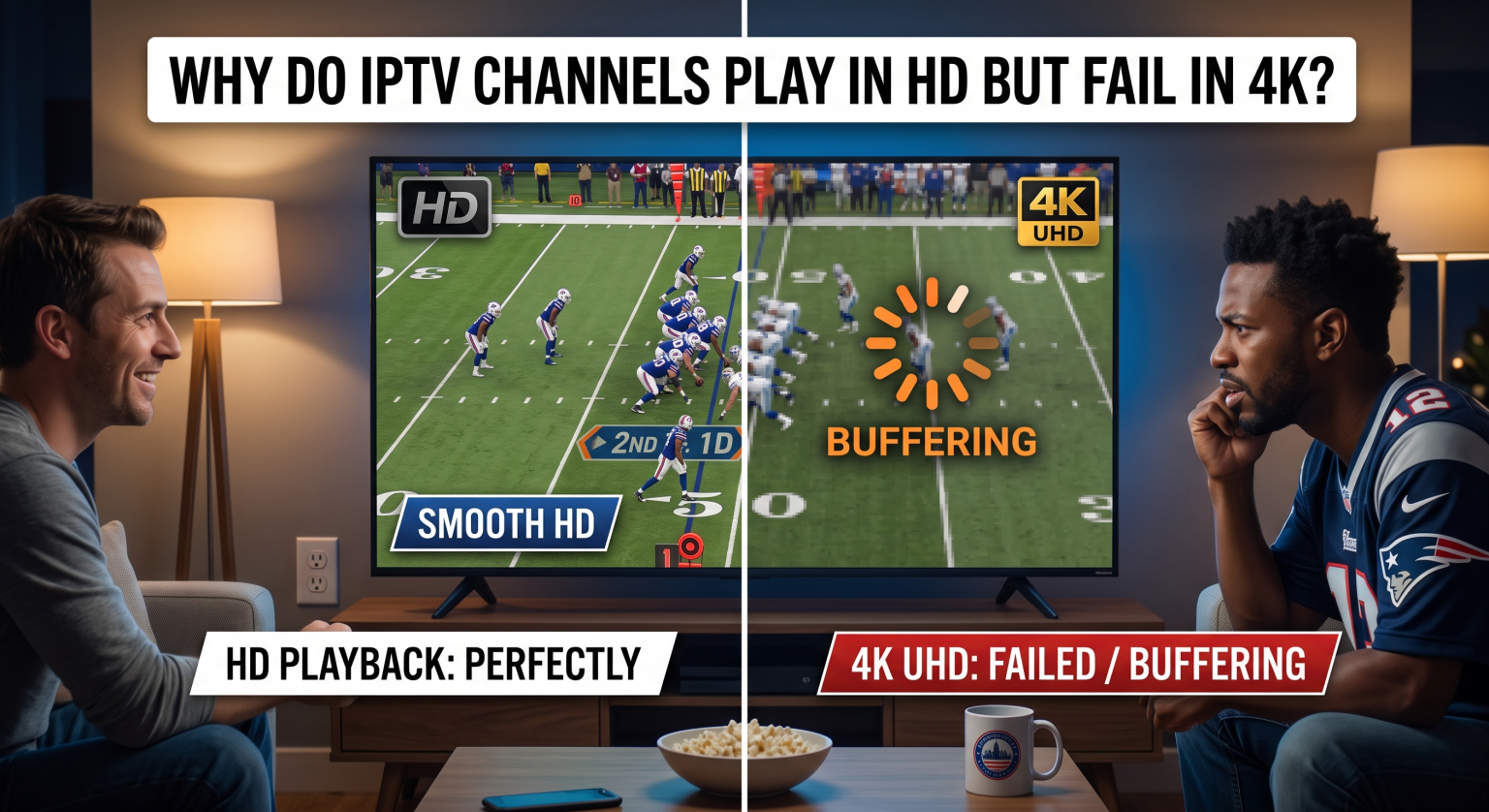
The Real Reasons Your IPTV 4K Not Working Issue Happens
When your favorite sports channel drops to 1080p or fails to load, it is easy to blame your provider. However, a 4K stream freezing is usually a hardware or network bottleneck. 4K video files are massive compared to standard HD and require a flawless setup.
1. Strict IPTV Bandwidth Requirements
Streaming standard HD requires roughly 10 to 15 Mbps. But 4K UHD demands a stable 25 to 50 Mbps. Meeting these IPTV bandwidth requirements is mandatory; without it, your stream will constantly buffer.
2. Common HEVC Decoder Issues on Older Devices
Most 4K streams use the H.265 (HEVC) video codec to compress massive amounts of data efficiently. Older Smart TVs and budget streaming sticks lack the built-in processing power for this. This directly leads to HEVC decoder issues where the video stutters violently while the audio continues.
3. ISP Throttling and Network Congestion
Internet service providers frequently throttle heavy data users. Even with a gigabit connection, your ISP might intentionally slow down IPTV traffic during peak evening hours.
HD vs. 4K IPTV: A Technical Comparison
Before diving into troubleshooting, it helps to understand the massive difference in data payload. Here is exactly why HD works effortlessly while 4K struggles on weaker setups.
| Funktionsmerkmale / Technische Daten | HD Streaming (1080p) | 4K UHD Streaming (2160p) |
| Minimum Internet Speed | 10 – 15 Mbps | 25 – 50 Mbps |
| Video Codec Used | Mostly H.264 (AVC) | H.265 (HEVC) or AV1 |
| Device Processing Power | Low (Works on most TVs) | High (Requires dedicated GPU/CPU) |
| Estimated Data Usage | ~1.5 GB to 3 GB per hour | ~7 GB to 14 GB per hour |
Proven Fixes for 4K IPTV Buffering Across the US
If you are dealing with 4K IPTV buffering in the US, you can take immediate steps to optimize your setup. Regional internet congestion from coast to coast means your home network needs to be operating perfectly.
Upgrade Your Hardware and Connections
Auf Ethernet umstellen: Wi-Fi is highly prone to signal interference and packet loss. Hardwire your streaming device directly to your router for maximum stability.
Buy a Dedicated Streamer: Invest in an Nvidia Shield TV Pro or a high-end Amazon Fire TV Stick 4K Max. These external devices handle massive 4K files flawlessly.
Tweak Your IPTV Player Settings
Sometimes the app software itself is the problem. Dive into your IPTV player settings and adjust the video decoding options. Switching from software decoding to hardware decoding can instantly fix a broken 4K stream. You can also try increasing the app’s buffer size to 5 or 10 seconds to combat minor speed drops.
Evaluate CDN Server Capacity
If your internet is blazing fast but 4K still fails, the problem might be your provider’s CDN server capacity. During major live events, budget IPTV services struggle to distribute massive 4K files to thousands of users simultaneously. Upgrading to a premium provider can solve this instantly.
Conclusion & Next Steps for US Streamers
Behebung eines IPTV 4K not working problem does not require a degree in IT. By securing a fast connection, bypassing ISP throttling with a VPN, and using capable hardware, streamers across the United States can finally enjoy crystal-clear Ultra HD. Stop settling for pixelated sports and endless buffering screens.
Sind Sie bereit, Ihr Streaming-Erlebnis zu verbessern? Check out our top-rated 4K IPTV provider recommendations today and sign up for a buffer-free premium plan!
Häufig gestellte Fragen (FAQ)
Why is my IPTV 4K not working but HD plays fine?
HD requires far less data and processing power. If your internet speed drops below 25 Mbps or your smart TV lacks a modern H.265 decoder, 4K streams will buffer while HD channels play perfectly.
Will a VPN fix my 4K IPTV buffering?
Yes, if your ISP is throttling your bandwidth. A premium VPN encrypts your web traffic, preventing your internet provider from identifying and slowing down your 4K stream.
How do I test my actual streaming speed?
Run a speed test directly on your Smart TV or streaming stick, not just your mobile phone. This reveals the true bandwidth that is actually reaching your television.