
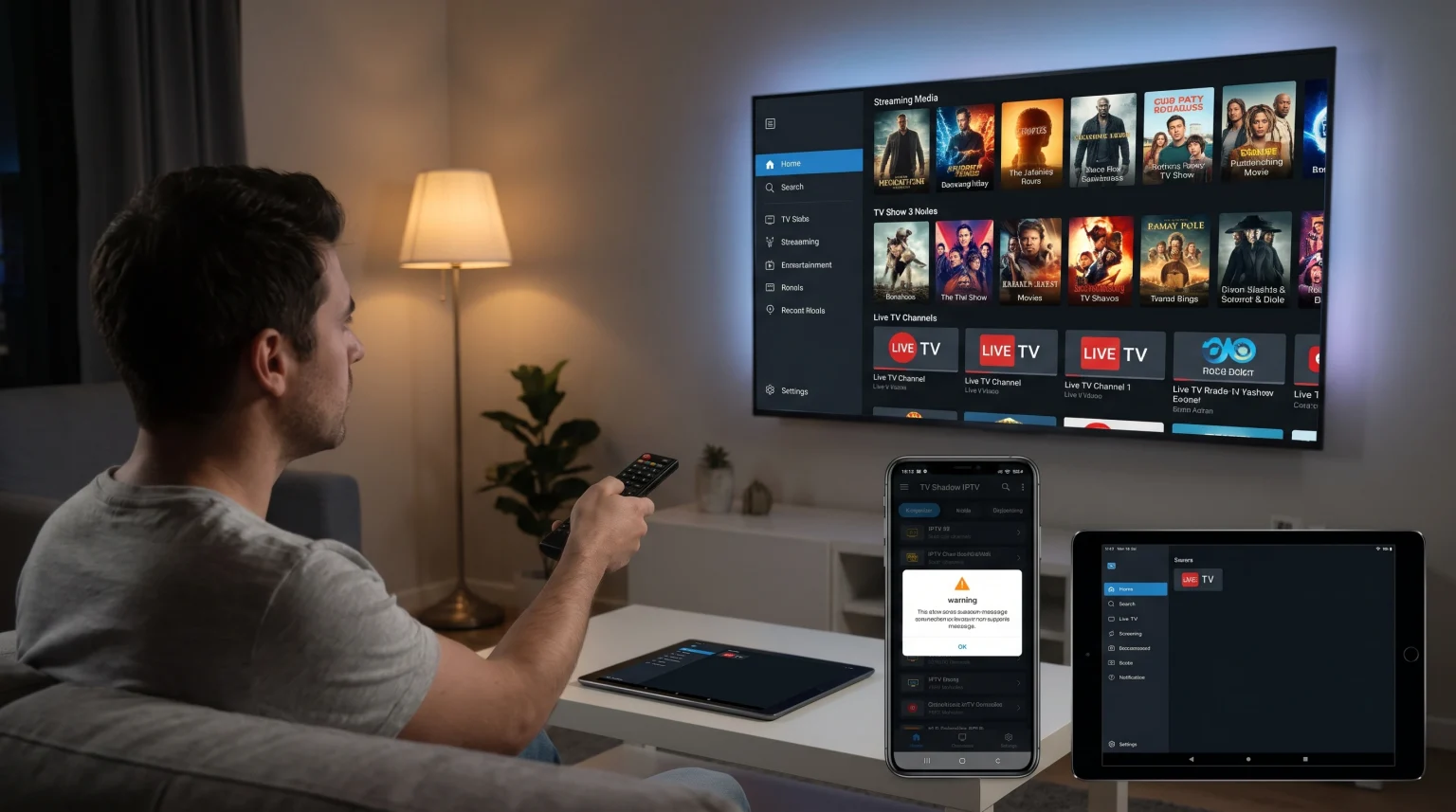
When you use an IPTV service, the provider may send support messages to your screen. These messages often include account expiration warnings, server maintenance alerts, or billing updates. However, many users notice that these IPTV support messages do not appear on every device in their home. This happens because different televisions, operating systems, and software applications handle notifications differently.
A message that displays correctly on an Android TV box might not appear on a Samsung Smart TV. This inconsistency can cause users to miss important service information. To solve this problem, you must understand how your specific IPTV player app, your device operating system, and your playlist format process incoming messages.
This guide explains why your IPTV support messages are missing and provides clear steps to fix the issue across different devices.
Kurze Antwort
If your IPTV support messages are not showing, the problem is usually your IPTV player application or your playlist format. To receive provider messages, you must use an IPTV application that supports provider notifications, such as Smarters Pro or Tivimate. You must also log in using the Xtream Codes API instead of a basic M3U URL. Basic M3U files only load video links and cannot receive text messages. Additionally, some Smart TV operating systems, like older versions of Samsung Tizen or LG webOS, may block in-app notifications.
Why IPTV Support Messages Are Important
IPTV providers, including TV Shadow IPTV, use support messages to communicate directly with users. These messages are important for several reasons:
Account Status: Providers send warnings before your subscription expires.
System Maintenance: Providers announce scheduled downtime or server upgrades.
Kundenbetreuung: Providers can reply to specific user problems directly inside the application.
Security Alerts: Providers notify users about required password changes or software updates.
If you cannot see these messages, your service might stop working without warning.
Main Reasons IPTV Support Messages Are Not Showing
Several technical factors control whether a message reaches your screen. You should check the following three areas first.
1. Xtream Codes API vs M3U Playlists
The most common reason messages do not appear is the login method.
An M3U playlist is a simple text file. It only contains web addresses for live video streams and video-on-demand content. An M3U file cannot receive dynamic text messages from a server.
The Xtream Codes API is a more advanced connection method. When you log in with a username, password, and server URL, the application creates a two-way connection. This API connection allows the server to send expiration dates, account information, and custom support messages. If you want to see messages, you must use the Xtream Codes API.
2. IPTV Player App Capabilities
Not all IPTV applications are the same. Some applications are designed only to play video. Other applications include full account management features.
Applications that usually support provider messages include:
IPTV Smarters Pro
Tivimate (Premium version)
XCIPTV
Applications that often do not support provider messages include:
Simple M3U players
Basic web browser players
Older, unsupported applications
3. Smart TV Operating System Limits
The operating system on your television controls how applications behave.
Google TV and Android TV allow applications to show system-level notifications easily. Samsung Tizen and LG webOS have stricter rules for third-party applications. If you use a native application on a Samsung or LG television, the operating system might block the support message. If you are comparing televisions, our guide to Das beste Smart-TV-Betriebssystem für IPTV im Jahr 2026 explains the differences between Tizen, Google TV and webOS.
Device and OS Comparison for IPTV Messaging
This table shows how different television platforms handle IPTV messaging features.
| Funktion | Android TV / Google TV | Samsung Tizen | LG webOS |
| Betriebssystem | Android-basiert | Tizen | webOS |
| App-Ökosystem | Google Play Store | Samsung Apps | LG Content Store |
| Message support | Hoch | Mittel | Mittel |
| API support | Ausgezeichnet | Depends on application | Depends on application |
How to Fix Missing IPTV Notifications
If you are missing messages, follow these steps to fix the problem.
Step 1: Change Your Login Method
If you currently use an M3U URL, ask your IPTV provider for Xtream Codes login details. Enter the URL, username, and password into a compatible application.
Step 2: Update Your IPTV Application
Software bugs can prevent messages from displaying. Open your device app store and install the latest version of your IPTV application.
Step 3: Check Device Notification Settings
Some devices allow you to block notifications for specific applications. Go to the main settings menu on your television or streaming device. Find the “Apps” or “Notifications” section. Ensure that notifications are enabled for your IPTV application.
Live Football and Uninterrupted Viewing
When watching live football, you do not want large messages blocking the screen during an important moment. Good IPTV applications allow you to read messages in a separate inbox menu rather than displaying them over the video.
If you are buying a new television for sports, you should also consider hardware specifications. For a smooth viewing experience, a fast refresh rate is important. Read our comparison of a 60-Hz- vs. 120-Hz-Fernseher für Live-Fußball to understand which hardware is best for live sports.
Schlussfolgerung
IPTV support messages not showing is a common problem caused by software limitations. To ensure you receive important alerts from TV Shadow IPTV, you should use a modern IPTV application and connect using the Xtream Codes API. Avoid basic M3U links if you want to see provider messages. By choosing the right application and keeping your device software updated, you can manage your IPTV account easily and avoid unexpected service interruptions.
Häufig gestellte Fragen (FAQ)
Why do messages show on my phone but not my TV?
Your phone and your television use different operating systems and different applications. The mobile application might support Xtream Codes API messages, while your television application might only use a basic M3U connection.
Can TV Shadow IPTV force a message to appear on my screen?
No. The provider can send the message to the server. Your specific device and application must download and display the message.
Does Samsung Tizen block IPTV messages?
Samsung Tizen does not intentionally block IPTV messages. However, there are fewer advanced IPTV applications available in the Samsung app store. These limited applications often lack the messaging feature.