
Many buyers want to watch local Swedish streaming apps on a Smart TV. SVT Play, TV4 Play, and Viaplay are popular streaming services in Sweden. However, not every Smart TV supports these applications. Application availability depends on the television brand, the television operating system, and the television model year.
For example, a Samsung Smart TV uses the Tizen operating system. An LG Smart TV uses the webOS operating system. A Sony Smart TV uses the Google TV operating system. Each operating system connects to a different application store. Before you buy a television, you must check the correct application store for your preferred Swedish streaming applications. This guide explains how to verify application support for different Smart TV brands in 2026.
Kurze Antwort
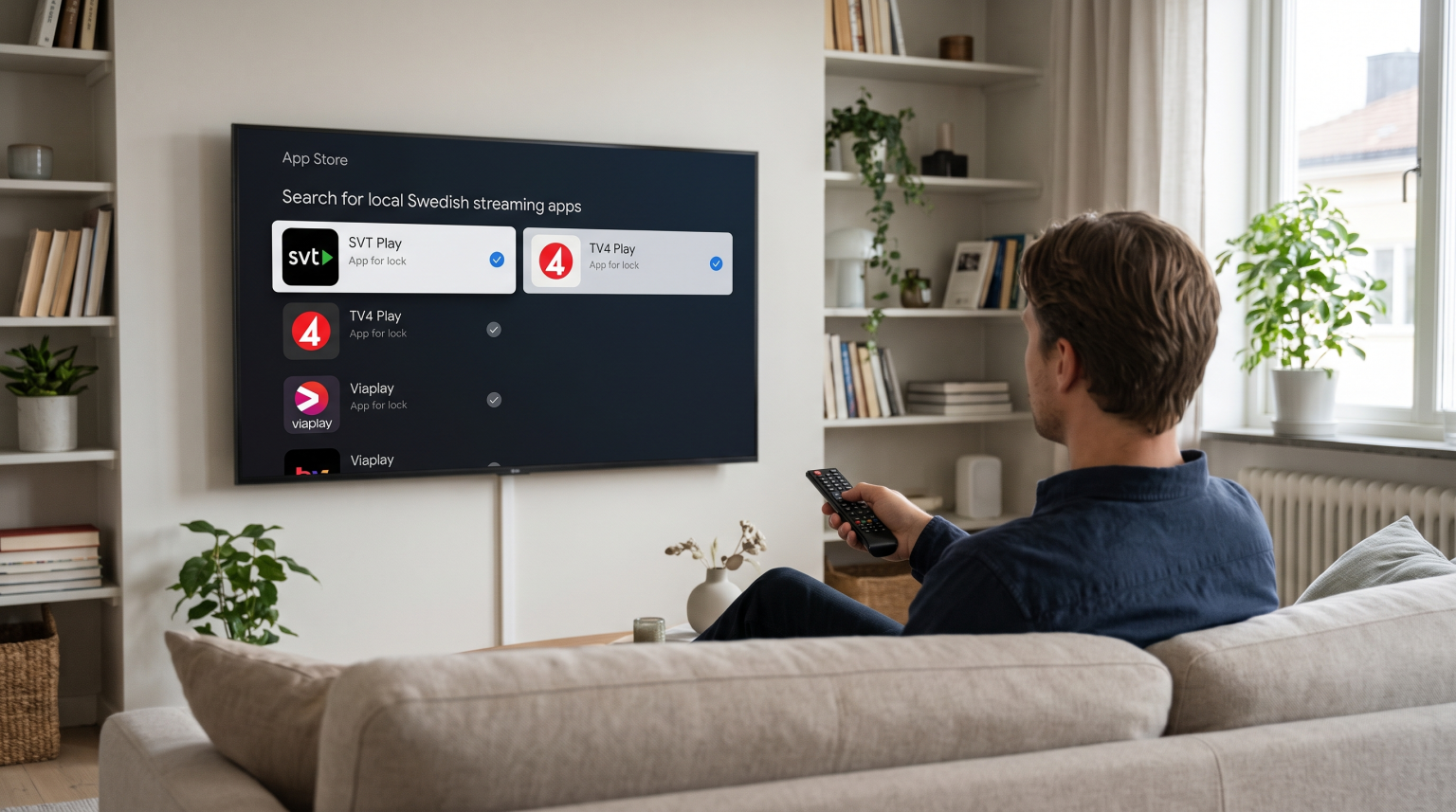
To check whether a Smart TV supports local Swedish streaming apps, you must first identify the television’s operating system. Samsung televisions use Tizen, LG televisions use webOS, and Sony televisions use Google TV. Search for your required application, such as SVT Play or Viaplay, on the official application store website for that specific operating system. You must also check the television model year, because older models often lose software support. Finally, ensure the television region is set to Sweden, because application stores hide local applications in foreign regions.
Why the Operating System Controls Application Availability
A Smart TV functions like a computer. The television needs an operating system to run applications. Television manufacturers use different operating systems. Developers for Swedish streaming apps must create a different version of their application for each operating system.
If an application developer does not create a version for the Tizen operating system, that application will not work on a Samsung television. If you want to understand these differences better, our guide to Das beste Smart-TV-Betriebssystem für IPTV im Jahr 2026 explains how Tizen, Google TV, and webOS operate.
Popular Swedish Streaming Apps
Swedish viewers usually look for four main applications:
SVT Play: The national public broadcaster application.
TV4 Play: A major commercial broadcaster application.
Viaplay: A premium streaming service for movies, series, and live sports.
Max (formerly HBO Max / Discovery+): A streaming service that holds rights to various sports and entertainment programs in Sweden.
These four applications are available on most modern Smart TV platforms. However, smaller regional applications might only be available on the Google Play Store.
Smart TV Operating System Comparison
This table compares how the major television operating systems handle applications.
| Funktion | Samsung Tizen | LG webOS | Sony Google TV |
| Betriebssystem | Tizen | webOS | Google TV |
| Application store | Samsung Apps | LG Content Store | Google Play Store |
| Swedish app support | Excellent (SVT, TV4, Viaplay) | Excellent (SVT, TV4, Viaplay) | Excellent (SVT, TV4, Viaplay) |
| Unterstützung für Android-Apps | No Android support | No Android support | Full Android support |
How to Verify Application Support by TV Brand
Samsung Smart-TVs
Samsung Smart TVs use the Tizen operating system. To check application availability, visit the official Samsung website for Sweden. Search the Samsung Smart TV application directory. Samsung usually supports major Swedish applications on televisions manufactured after 2019.
LG Smart-TVs
LG Smart TVs use the webOS operating system. You can verify application availability by visiting the LG Content Store website. Select the Swedish region on the website. Search for SVT Play or Viaplay. The LG Content Store will list the exact television models that support the application.
Sony Smart TVs
Sony Smart TVs use Google TV. Google TV is based on the Android operating system. Google TV connects to the Google Play Store. The Google Play Store offers the largest number of local Swedish streaming apps. If an application exists for Android mobile phones, a television version usually exists for Google TV.
How Region Settings Affect Swedish Streaming Apps
Smart TV application stores are locked to specific geographical regions. If you buy a Samsung Smart TV in Germany, the television will display German applications. The television will hide Swedish streaming apps.
To download Swedish streaming apps on a Smart TV, you must set the television region to Sweden during the initial setup process. If you already set up the television, you must reset the television to factory settings and choose Sweden as the new region.
Using TV Shadow IPTV alongside Local Applications
Many users want to watch both local Swedish streaming apps and international IPTV channels on the same television. TV Shadow IPTV delivers international channels using IPTV technology.
To use TV Shadow IPTV, your Smart TV must support IPTV player applications. Popular IPTV player applications include IPTV Smarters, Tivimate, and Nanomid. You must connect your TV Shadow IPTV M3U playlist or Xtream Codes login details to the IPTV player application. If you need a television that supports both local Swedish applications and excellent IPTV players, read our guide to the Die besten Smart-TVs für IPTV im Jahr 2026: Samsung, Sony, LG und TCL im Vergleich.
Watching Live Football on Swedish Streaming Apps
Swedish viewers often watch live football on Viaplay or TV4 Play. Live football requires a high-quality television to prevent blurry images.
When you buy a Smart TV for live football, look for a television with excellent motion handling. A television with a 120Hz refresh rate will display a moving football more smoothly than a television with a 60Hz refresh rate. Our article comparing a 60-Hz- vs. 120-Hz-Fernseher für Live-Fußball erläutert diese Technologie ausführlich.
Additionally, you should connect your Smart TV directly to your internet router using an Ethernet cable. An Ethernet cable provides a more stable connection than a Wi-Fi connection. A stable connection stops the streaming video from pausing during an important football match.
Schlussfolgerung
Checking whether a Smart TV supports local Swedish streaming apps is a simple process. You must identify the television operating system and check the official application store for that system. Samsung Tizen, LG webOS, and Sony Google TV all support the major Swedish streaming apps, including SVT Play, TV4 Play, and Viaplay. Always ensure your television region is set to Sweden, and prioritize televisions with 120Hz refresh rates if you plan to watch live football. By selecting the correct Smart TV, you can enjoy both local Swedish content and international services like TV Shadow IPTV on one device.
Häufig gestellte Fragen (FAQ)
Can I download SVT Play on a Samsung Smart TV?
Yes, SVT Play is available on Samsung Smart TVs. You can download SVT Play directly from the Samsung application store. Your television region must be set to Sweden.
Why is TV4 Play missing from my LG Smart TV?
TV4 Play might be missing because your television region is not set to Sweden. The application might also be missing if your LG Smart TV is too old to receive software updates.
Can I install Android applications on a Samsung TV?
No, you cannot install Android applications on a Samsung TV. Samsung TVs use the Tizen operating system. Tizen does not support Google Play Store applications.