
Let’s face it: getting your streaming setup dialed in on a big screen shouldn’t require an IT degree. If you’ve recently picked up a sleek new Samsung display, or you’re just tired of your current clunky app buffering right in the middle of a weekend match, finding a reliable IPTV player Samsung TV setup is probably at the top of your to-do list.
The landscape for Tizen OS apps has shifted going into 2026. Several older applications have stopped receiving updates, while fresh contenders have stepped up to handle massive modern playlists. Because Samsung’s Tizen OS is a closed system compared to Android TV, you can’t just sideload APKs with a single click. You have to rely on what’s actually optimized inside the official Samsung App Store.
In this breakdown, we are looking at the heavy hitters. I’ll cover performance, interface design, EPG (Electronic Program Guide) handling, and pricing, so you can stop scrolling through menus and actually start watching.
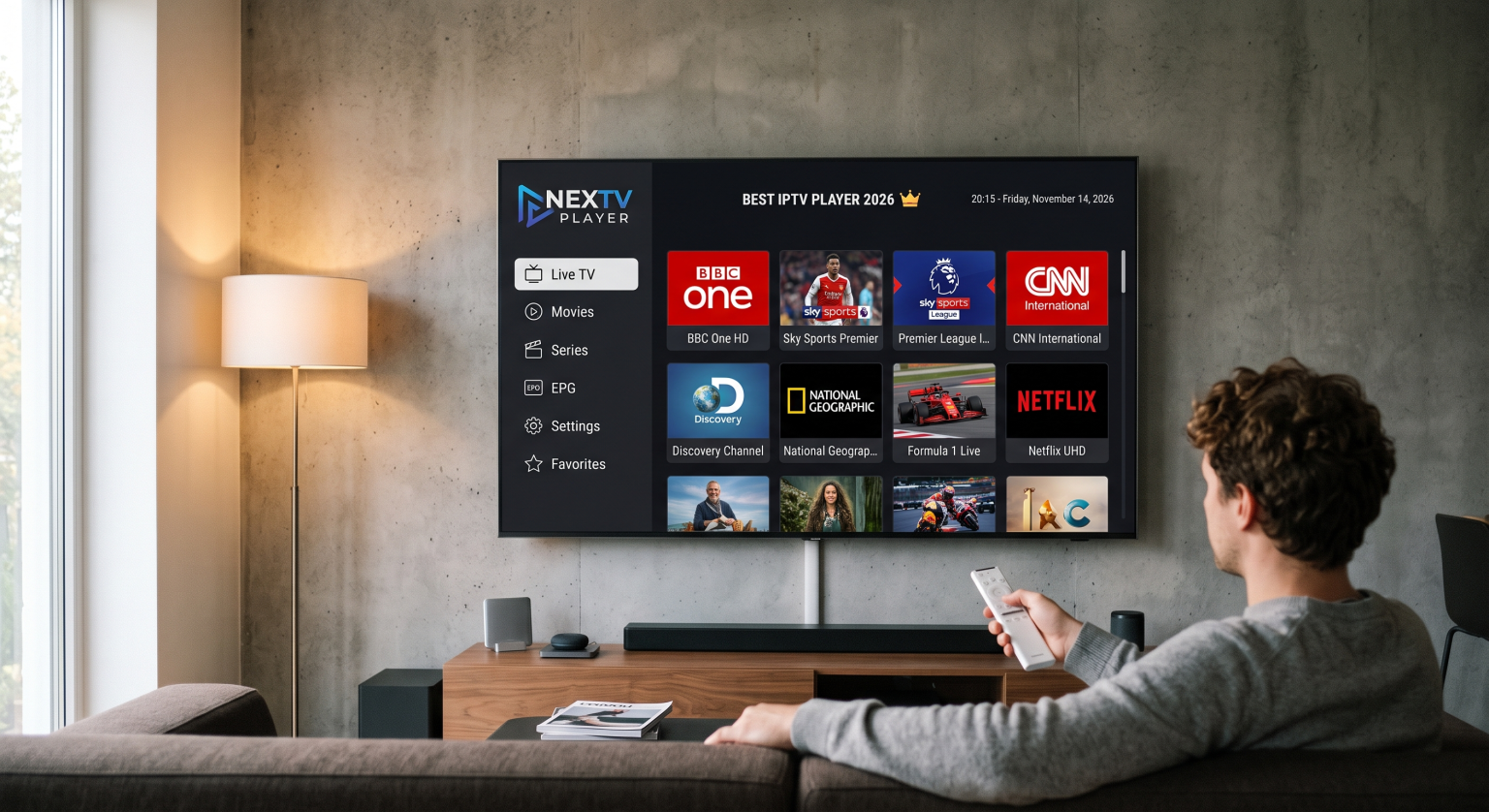
The Top Contenders on Tizen OS
1. IBO Player Pro (The Heavyweight)
Right now, Ibo Player Pro is arguably the most stable and responsive option sitting in the Samsung store. It is built from the ground up for remote control navigation which sounds like a given, but you would be surprised how many apps fail at this basic hurdle.
The Good: It handles massive M3U playlists and Xtream Codes API effortlessly. If you have a huge VOD library attached to your service, IBO won’t choke and crash while loading the movie posters.
The Catch: It requires device activation after a short free trial, meaning you have to use a web browser to pair your TV’s MAC address with your playlist URL.
2. IPTV Smarters Pro (The Crowd Favorite)
If you’ve streamed media on any device over the last few years, you know Smarters. The Samsung TV version remains a rock-solid daily driver. It categorizes Live TV, Movies, and Series into large, distinct tiles that anyone in the family can understand.
The Good: Amazing multi-user support. If you have different playlists for sports and cinema, or share the TV with someone who has their own subscription, switching profiles is seamless. Parental controls are also baked right in.
The Catch: The user interface hasn’t seen a massive design overhaul recently, so it looks slightly dated compared to the newer premium apps.
3. Nanomid Player (The Rising Star)
Nanomid has quietly built a massive and loyal following. It’s a premium application, but it justifies the upfront cost with arguably the cleanest streaming engine available on Tizen.
The Good: Incredible EPG integration and fast channel zapping. When you switch from one HD stream to another, the lag is virtually non-existent compared to older players.
The Catch: The one-time license fee is a bit higher than its competitors, though most users find it worth the investment to eliminate interface lag.
4. Smart IPTV (The Minimalist Classic)
SIPTV has been around forever and still holds its own, especially for users who prioritize speed over visuals. It is incredibly lightweight, meaning if you are rocking an older Samsung model, this app won’t bog down your TV’s memory.
The Good: Pure simplicity. You sync your playlist via their website, and your channels appear in a straightforward, fast-loading list.
The Catch: It lacks visual flair for VODs. You won’t find fancy movie posters or detailed IMDb cast lists here. It’s strictly about getting to your live television broadcast as fast as possible.
Head-to-Head Comparison
| App Name | Best For | Interface Style | EPG Support | Pricing Model |
| IBO Player Pro | Overall Performance | Modern & Fast | Excellent | Paid (Annual/Lifetime) |
| IPTV Smarters Pro | Multiple Subscriptions | Grid-based (Familiar) | Very Good | Free / Premium Unlock |
| Nanomid Player | Fast Zapping | Premium & Clean | Outstanding | Paid (Lifetime) |
| Smart IPTV | Older TV Models | Basic & Text-heavy | Good | Paid (Lifetime) |
Pro-Tips for a Stutter-Free Setup
Getting the right app installed is only half the battle. To get the most out of your television, you need to optimize the environment:
Hardwire your connection: Wi-Fi on smart TVs can be notoriously spotty due to internal hardware limitations. If your router is near the TV, run an Ethernet cable. It eliminates the vast majority of micro-stuttering on 4K streams.
Curate your playlist: Loading a raw 100,000-channel list will slow down any Tizen app. Use an online M3U editor to strip out the international countries and obscure VOD sections you will never watch before pushing the link to your TV.
Final Verdict
Choosing the right IPTV player Samsung TV setup really comes down to your daily viewing habits. If you want the most modern, responsive experience and don’t mind paying a small activation fee, IBO Player Pro is your best bet for 2026. On the other hand, if you are managing multiple subscriptions and want a familiar, foolproof interface for the whole family, IPTV Smarters Pro remains a heavyweight champion.
Take advantage of the 7-day free trials most of these developers offer. Load up your personal playlist, test the channel switching speed during peak evening hours, and see which interface actually feels right in your hands.