
Watching live football requires specific television hardware features. A television that looks excellent for movies might look terrible for sports. Live football involves fast camera movements, small moving objects, and bright green fields. If a television has weak motion handling, the football will look blurry. If a television has poor upscaling, a 1080p sports broadcast will look pixelated on a 4K screen. Choosing the best TV for live football in 2026 means focusing on refresh rates, motion processing, and panel brightness. Smart TV operating systems also determine which IPTV applications you can install. This guide explains exactly which features matter most for watching live sports and how to choose the right television for your specific needs.
Quick Answer
The best TV for live football in 2026 depends on your viewing environment and application needs. The Samsung QN90F Mini-LED is excellent for bright rooms because the Mini-LED panel reduces screen reflections during daytime matches. The LG C6 OLED provides perfect viewing angles for large groups. For the best software flexibility, Sony BRAVIA televisions use Google TV, which offers the largest selection of IPTV applications. You should always choose a television with a native 120Hz refresh rate and strong motion processing to prevent a blurry football.
Why Motion Handling and Refresh Rate Matter
When a camera pans quickly across a football pitch, the television must update the image very fast. If the television updates the image slowly, the viewer sees a blurred picture.
60Hz vs 120Hz Refresh Rates
The refresh rate measures how many times the television updates the picture every second. A 60Hz television updates 60 times per second. A 120Hz television updates 120 times per second. For live football, a 120Hz television is much better. The 120Hz screen keeps the players and the ball sharp during fast action. Many modern 2026 televisions offer 120Hz or even 144Hz panels. If you want to understand this technical difference in detail, read our guide comparing 60Hz vs 120Hz TV for Live Football.
Picture Processing and Upscaling
Most television channels do not broadcast live football in native 4K resolution. Broadcasters usually send a 720p or 1080p signal. A 4K television must enlarge this lower-resolution signal to fit the 4K screen. This process is called upscaling. Sony BRAVIA televisions use the XR processor. The XR processor is currently very effective at upscaling low-quality sports streams. Good upscaling makes grass look natural and keeps player numbers sharp. To learn more about this technology, read our explanation of What Is TV Upscaling and Does It Help IPTV?.
OLED vs Mini-LED Displays for Live Football
In 2026, the two main premium screen technologies are OLED and Mini-LED. Each technology has different benefits for sports viewers.
OLED televisions, such as the LG C6 and LG G6, control light at the individual pixel level. OLED panels provide perfect black levels. OLED panels also offer very wide viewing angles. Wide viewing angles are useful when you have friends sitting on the sides of your living room. Everyone sees the same accurate colors.
Mini-LED televisions, such as the Samsung QN90F and TCL QM8L, use thousands of tiny backlight zones. Mini-LED panels create extremely bright images. Mini-LED televisions are the best choice if you watch football in a room with large windows and bright sunlight. The high brightness overcomes window reflections.
Operating Systems and IPTV App Support
The operating system determines how easily you can watch live football through IPTV services. Different brands use different operating systems.
Samsung Tizen
Samsung televisions use the Tizen operating system. Tizen is fast and easy to use. However, Tizen does not support Android applications from Google Play. You can only install applications from the official Samsung Apps store. The availability of IPTV players on Samsung Tizen depends on your country and your television model year.
Sony BRAVIA Google TV
Sony BRAVIA televisions use the Google TV operating system. Google TV connects directly to the Google Play store. Google Play offers thousands of Android applications. For this reason, Google TV provides the highest number of IPTV applications and M3U players.
LG webOS
LG televisions use the webOS system. LG webOS includes a Magic Remote that acts like a computer mouse. Like Samsung Tizen, LG webOS is a closed system. LG webOS does not support Google Play Android applications. However, the official LG Content Store includes many popular IPTV players. If you want to compare these platforms deeply, read our article about Best Smart TV OS for IPTV in 2026.
Smart TV Comparison for Live Football
This table compares three popular 2026 Smart TV systems for sports viewing.
| Feature | Samsung Tizen | Sony Google TV | LG webOS |
| Operating system | Tizen | Google TV | webOS |
| App ecosystem | Samsung Apps | Google Play | LG Content Store |
| Android app support | No native Google Play support | Google TV app ecosystem | No native Google Play support |
| IPTV app availability | Depends on model and country | Wide availability | Depends on model and country |
| Motion processing name | Picture Clarity | Motionflow XR | TruMotion |
| Voice control | Bixby, Amazon Alexa | Google Assistant | LG Voice Search, Amazon Alexa |
TV Shadow IPTV and Smart TV Compatibility
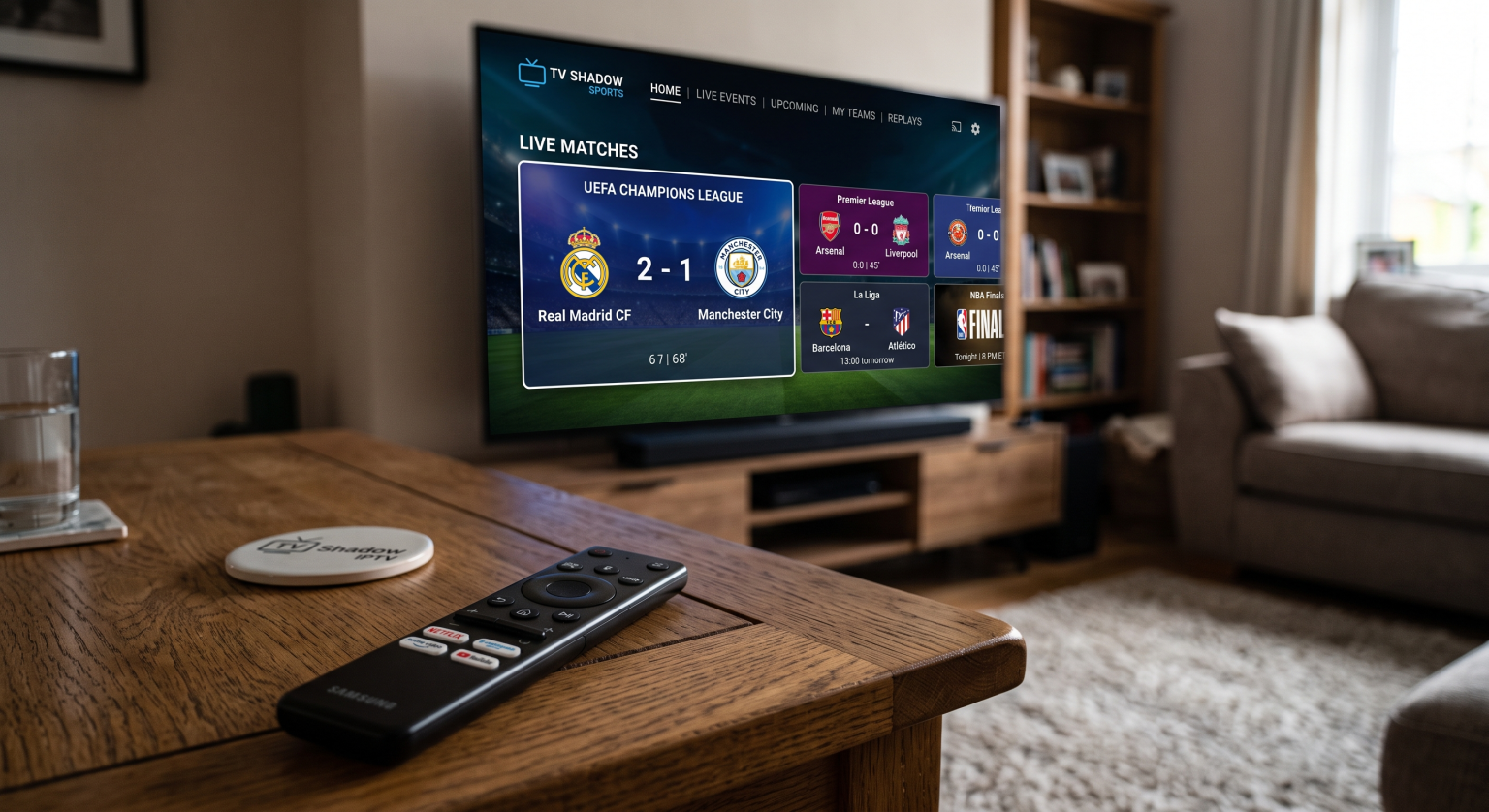
When using TV Shadow IPTV to watch live football, the television hardware and software both matter. TV Shadow IPTV delivers the streaming signal, but your Smart TV must decode and display that signal smoothly.
Many users access TV Shadow IPTV using M3U playlists or Xtream Codes. To use these formats, you must download a compatible IPTV player application on your television. Because Sony televisions use Google TV, Sony televisions offer the most options for downloading M3U and Xtream Codes players.
Samsung and LG televisions also support many popular IPTV players. However, because Samsung Tizen and LG webOS are closed operating systems, app availability can change based on the manufacturer’s app store policies.
If your television connects to the internet via Wi-Fi, ensure your router supports Wi-Fi 6 for maximum stability. For the best live football experience with TV Shadow IPTV, we always recommend connecting your television directly to your router using an Ethernet cable. An Ethernet cable prevents buffering caused by wireless interference.
Conclusion
Finding the best TV for live football requires looking beyond standard specifications. The resolution is less important than the motion handling, the upscaling processor, and the refresh rate. A 120Hz panel is necessary for smooth fast-action sports. Mini-LED televisions like the Samsung QN90F provide massive brightness for sunny rooms, while OLED televisions like the LG C6 provide perfect viewing angles for group gatherings. Finally, consider the operating system. If you plan to use TV Shadow IPTV, ensure your television operating system supports your preferred IPTV player application. Sony Google TV offers the most flexibility, while Samsung Tizen and LG webOS provide clean, fast interfaces with curated app stores.
Frequently Asked Questions (FAQ)
Why does the football look blurry on my new 4K TV?
The blur occurs because the television has poor motion processing or a low refresh rate. To fix this blur, open your television picture settings and activate the motion smoothing feature. Ensure your television has a 120Hz panel for the best results.
Is Wi-Fi or Ethernet better for watching live sports?
Ethernet is always better. Live football requires a constant, uninterrupted data stream. Wi-Fi signals can drop temporarily, causing the video to pause. An Ethernet cable provides a stable physical connection.
Can I install Google Play apps on a Samsung TV?
No. Samsung televisions use the Tizen operating system. Samsung Tizen cannot install or run Android applications from the Google Play store. You must use the official Samsung Apps store.
Which TV brand has the best upscaling for sports?
Sony is generally recognized for having the best upscaling technology in 2026. The Sony XR processor effectively sharpens 720p and 1080p sports broadcasts to fit a 4K screen clearly.
Do I need HDR to watch live football?
You do not strictly need HDR, but HDR makes a big difference. High Dynamic Range (HDR) provides brighter stadium lights and more realistic grass colors. The sports broadcast must support HDR to see this benefit.