
Missing kickoff because of your Champions League app not working? There is nothing more frustrating than a frozen screen on match day. If you are trying to stream the big game in the United States, you need a fast, reliable fix. Read on to restore your connection immediately.
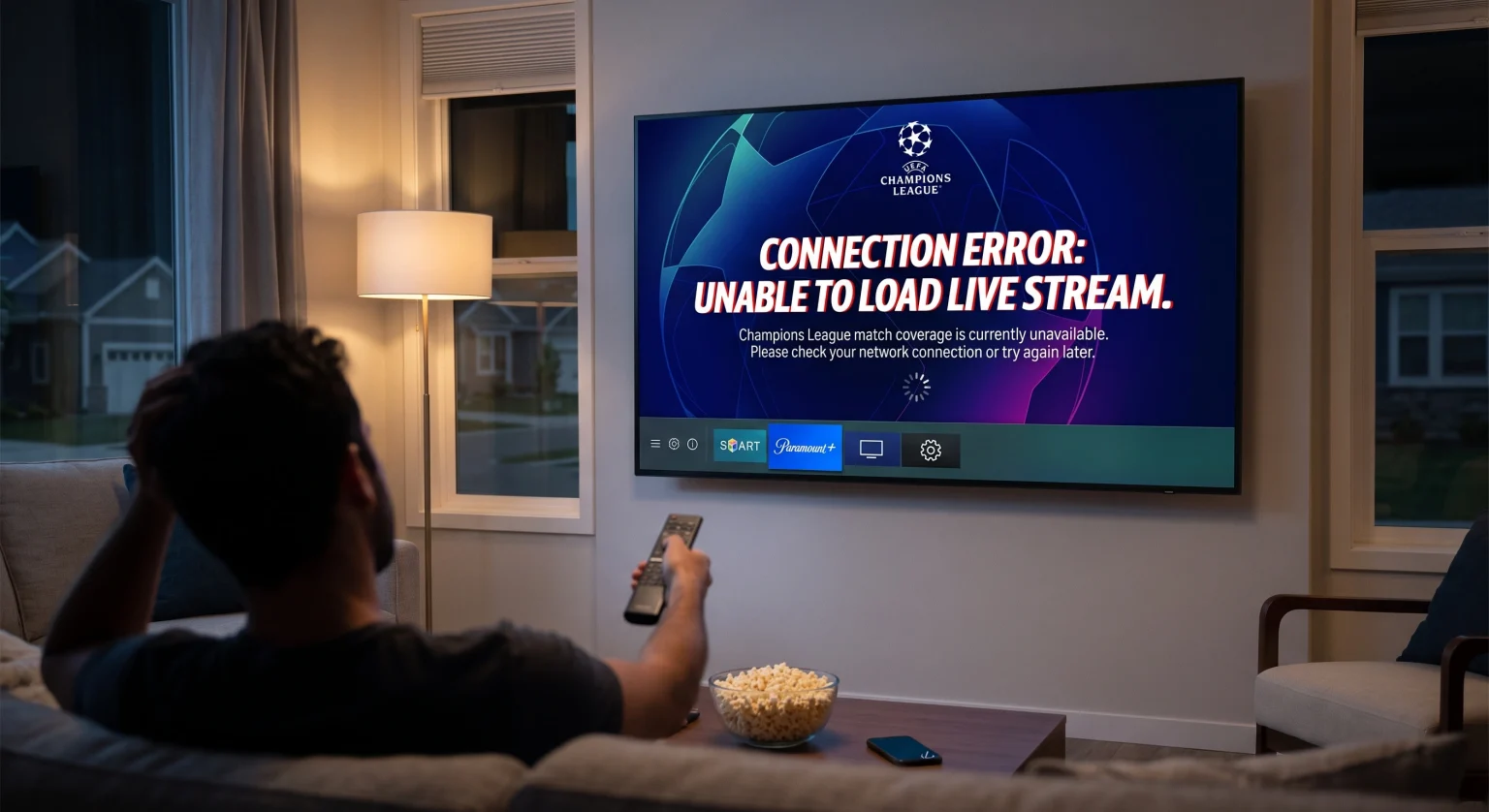
Why Is the Champions League App Not Working?
When a smart TV app crashing issue interrupts a live UEFA stream, a few usual suspects are to blame. Identifying the root cause saves you valuable time before the halftime whistle.
Network Instability: Live match stream issues often stem from a weak Wi-Fi signal, DNS errors, or provider throttling.
Corrupted Cache: Temporary data can bloat your TV’s memory over time, directly causing a stubborn UEFA app error.
Outdated Software: Running an older version of the official UEFA.tv or a broadcaster app will trigger version/licensing check failures.
How to Fix the Champions League App Not Working on Smart TVs in the United States
Whether you use the official UEFA app for highlights or Paramount+ for live US broadcasts, these steps apply globally. Follow this checklist to get back to the pitch.
1. Force-Stop and Restart the App
Sometimes, the app gets stuck on a loading spinner or a blank player. Force-stopping clears the active session and resets the connection. Reopen the app and wait for the live stream state to initialize properly.
2. Clear Your Smart TV Cache
If the video player area stays completely blank, your television’s cache is likely full. Clearing the exact app loading state forces a fresh connection to the servers. This resolves most UEFA streaming issues instantly without requiring a full reset.
3. Verify Local US Licensing and Entitlements
In the United States, live UCL matches are legally gated behind specific premium subscriptions like Paramount+ or CBS Sports. If your stream fails to load, ensure your account entitlement is active and you aren’t stuck behind a hidden login prompt.
Smart TV App Troubleshooting Comparison
Different television brands require unique steps to refresh app data. Use this quick reference guide to troubleshoot your specific operating system.
| Smart TV Brand | How to Clear App Cache | App Update Path |
| Samsung (Tizen) | Hold the Power button on the remote for 5 seconds | Apps > Settings > Auto Update |
| LG (WebOS) | Turn off the TV, unplug from wall for 2 minutes | LG Content Store > My Apps > Update |
| Android / Google TV | Settings > Apps > See All Apps > Clear Cache | Google Play Store > Manage Apps |
Advanced Fixes for Persistent UEFA Streaming Issues
If you have completed the basic steps and the app still fails, look directly at your home network hardware. Try switching from a wireless Wi-Fi connection to a wired Ethernet cable for maximum stability.
Additionally, check for core system updates on your television. A lingering smart TV app crashing bug is often patched in the manufacturer’s latest firmware release. If all else fails, delete and reinstall the application completely to trigger a fresh download.
Conclusion: Get Back to the Game in the United States
Do not let a minor technical glitch ruin your premium soccer viewing experience. By following this guide, you can quickly solve the Champions League app not working problem and get back to the action. From clearing your system cache to verifying your United States broadcast subscriptions, these fixes work for all major television brands.
Are you ready to enjoy uninterrupted, world-class soccer? Sign up for Paramount+ today or upgrade your home internet plan to ensure you never miss a historic Champions League moment again!
People Also Ask (FAQ)
Why is my live match stream showing a blank screen?
A blank screen usually means the app failed its version or licensing check. Restart the app, verify your internet connection, and ensure you are logged into your active US provider account.
How do I update the Champions League app on my Samsung TV?
Navigate to the “Apps” menu on your home screen, select the settings gear icon in the top corner, and turn on “Auto Update.” This effectively prevents the fix soccer app glitch from ever occurring on match days.
Can I watch live Champions League matches on the official UEFA app?
In the United States, live match broadcasts require rights holders like Paramount+. The official UEFA.tv app is generally restricted to highlights, replays, and youth or women’s matches due to exclusive regional licensing.