
Did your favorite streaming service suddenly vanish overnight? Having a Samsung TV app removed without warning is incredibly frustrating. Whether you are settling in for a movie night in the United States or trying to catch local news, a missing application immediately disrupts your viewing experience.
When Smart Hub apps disappeared from your screen, it isn’t usually a random glitch. Samsung strictly curates its ecosystem, and understanding why these apps vanish is the first step to getting them back.
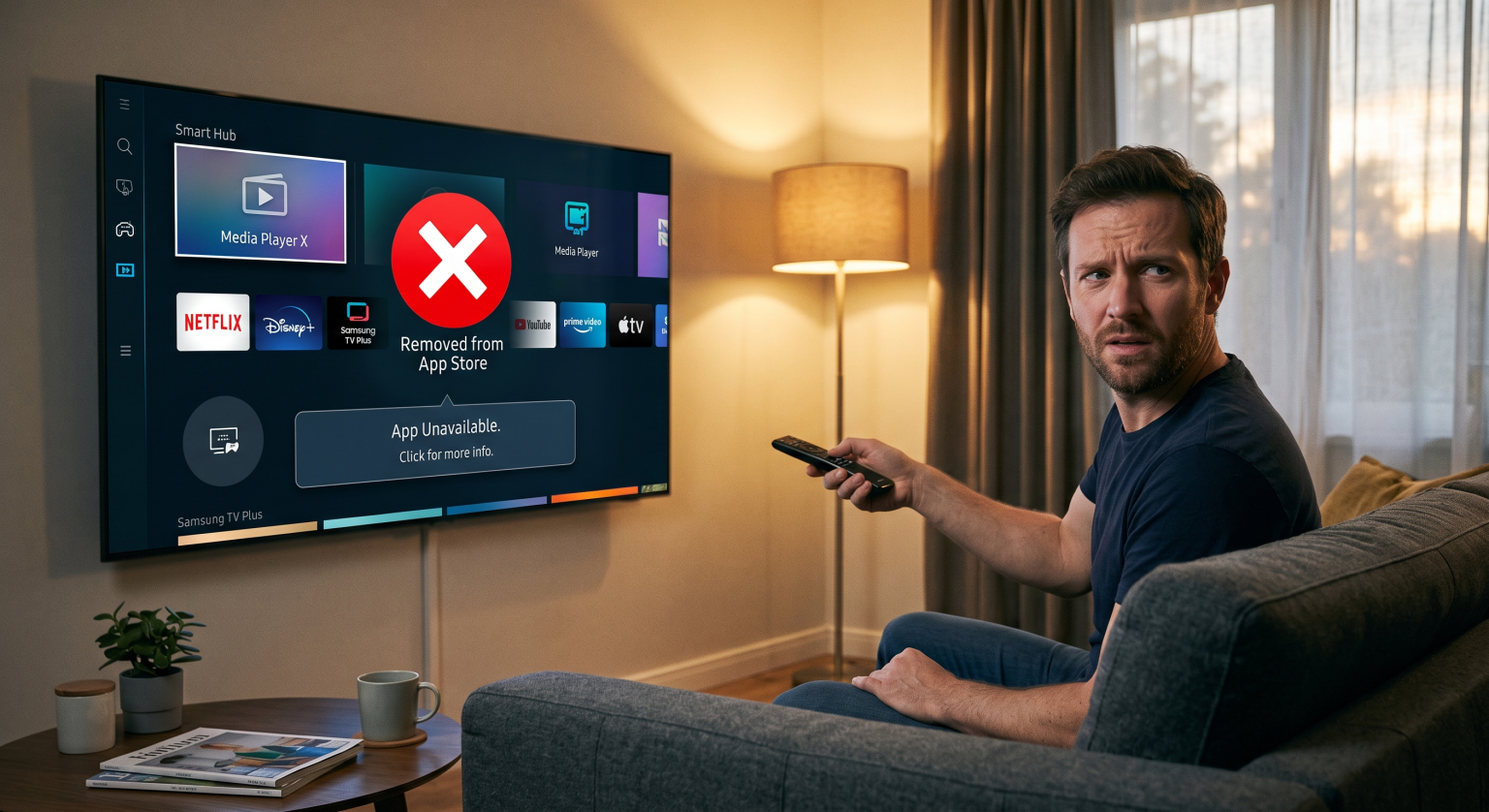
Top Reasons Your Favorite Apps Leave the Tizen OS Store
When an application drops out of the Tizen OS store, it typically boils down to three main culprits: security flaws, software mismatch, or expired licensing. Developers must maintain high standards to keep their software live.
If a developer fails to push an update, you will quickly face app compatibility issues. Furthermore, Samsung routinely audits its platform for user safety. Recently, the company purged hundreds of applications that violated privacy policies by including unauthorized background proxy software.
Security Violations and Privacy Standards
Samsung does not compromise on consumer privacy. If an app tries to run hidden background services or fails security checks, it gets banned immediately. This protects your home network from outside intrusions.
Outdated Software and Deprecation
As technology advances, older TV models simply cannot handle modern app requirements. If your TV hasn’t updated its firmware, you might find your older Samsung TV applications deleted automatically to prevent system crashes.
Comparison: Why Are Missing Smart TV Apps Disappearing?
Here is a quick breakdown of why an app might vanish and what you can do about it:
| Reason for Removal | Core Issue Explained | Recommended Action |
| Security Violations | Apps containing unauthorized proxy SDKs are banned to protect user data. | Wait for the developer to patch the security flaw and republish. |
| App Compatibility Issues | Older TVs cannot run the newly updated code required by the platform. | Manually update your TV firmware or purchase a modern streaming stick. |
| Geo-Blocking & Licensing | Regional content rights expire, heavily affecting the US streaming market. | Verify if the streaming service still legally operates in your local area. |
How to Fix It When a Samsung TV App Removed From the Store (US Edition)
First, check if your TV requires a system update. Go to your settings menu and navigate to the software update section. A simple refresh often restores missing smart TV apps that were temporarily hidden due to minor interface bugs.
If the app is permanently gone from the US storefront, your best alternative is investing in an external device. A Roku, Apple TV, or Amazon Fire Stick bypasses the native OS entirely. This ensures you never have to worry about an unexpected app removal again.
Don't Let Tech Glitches Ruin Movie Night!
Are you tired of dealing with missing smart TV apps and unexpected software headaches? You deserve a seamless entertainment experience.
Sign up for our premium tech newsletter today! Enter your email below to receive weekly troubleshooting guides, exclusive smart home hardware discounts, and instant alerts whenever a major Samsung TV app removed from the platform makes its return. Join 10,000+ happy US subscribers now!
People Also Ask (PAA)
Why did an app disappear from my Samsung TV?
Apps typically disappear due to developer discontinuation, security bans by Samsung, or firmware incompatibility on older TV models.
Can I reinstall a deleted Samsung TV app?
Yes, if the app is still supported. Navigate to the Apps section on your home screen, search for the application, and hit install.
Are apps region-locked on Samsung TVs?
Yes. Many applications are geo-restricted based on content licensing, meaning an app available in Europe might not be accessible in the United States.