
Ever missed a live sports match or your favorite broadcast? For the global streaming community, figuring out how XCIPTV scheduled recording works is the ultimate game-changer. Whether you’re watching locally or accessing content internationally, this powerful IPTV feature ensures you never miss a moment.
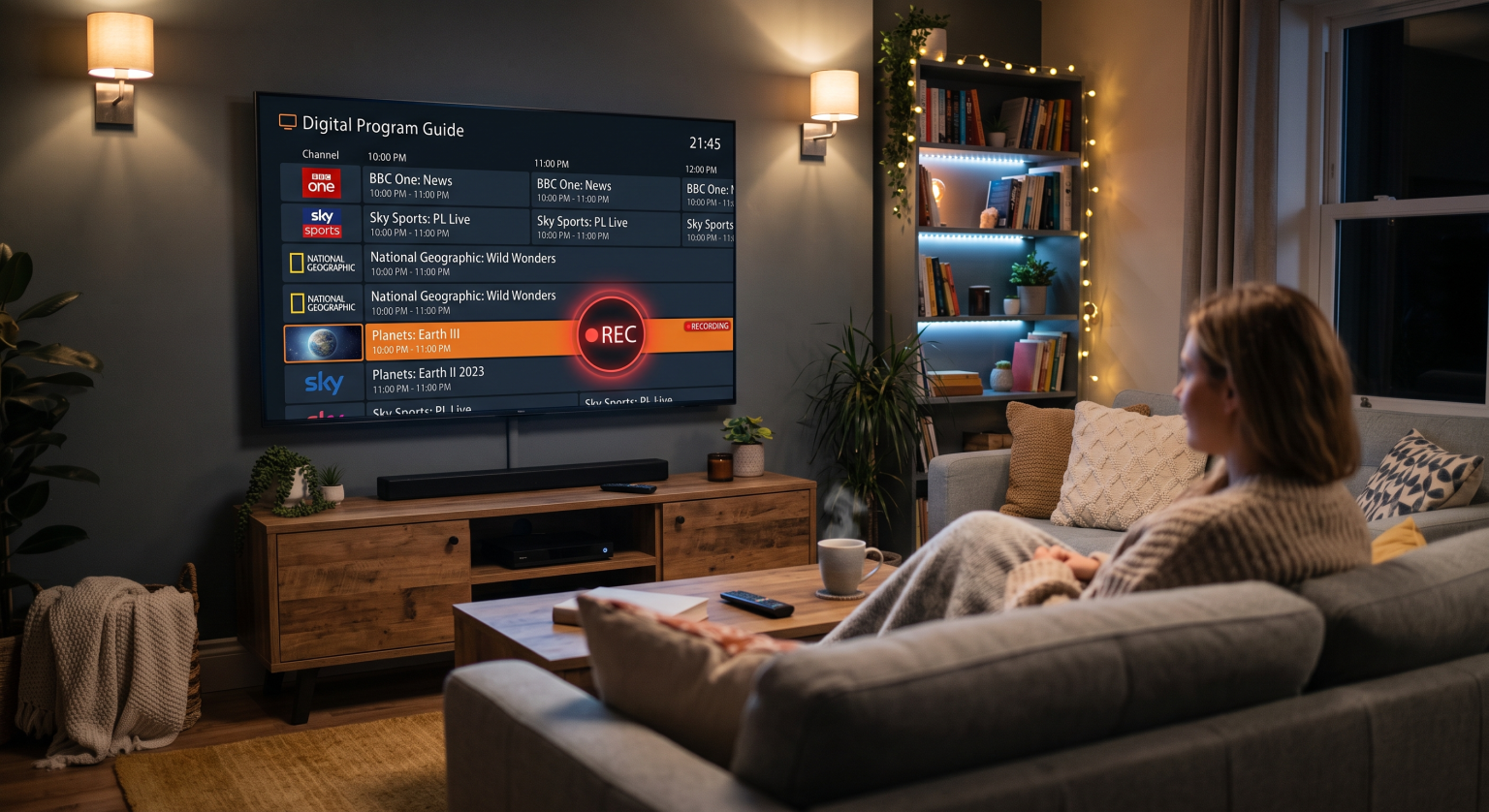
The Mechanics of XCIPTV Scheduled Recording
The XCIPTV app acts as a highly efficient digital video recorder (DVR) directly on your device. When you set up an XCIPTV scheduled recording, the application communicates with your IPTV provider’s Electronic Program Guide (EPG) to fetch exact broadcast timings.
As long as your Android TV box or Firestick is powered on and connected to a stable internet network, the app captures the live stream in real-time. It then securely saves the media file directly to your designated storage location for future offline playback.
Step-by-Step: Setting Up Your First Recording
Open the EPG View: Navigate to your live TV guide within the application’s main menu.
Select the Program: Click or long-press the specific upcoming show you wish to capture.
Adjust the Timer: Modify the start and end durations to allow a buffer, ensuring you don’t miss any overtime in live sports.
Choose Storage: Save the video file to your device’s internal memory or an assigned external USB drive.
Internal Memory vs. External DVR Storage for Global Users
A common hurdle for users worldwide is running out of default storage space on streaming sticks. A standard high-definition XCIPTV scheduled recording can consume several gigabytes of storage space very quickly. If your internal memory maxes out, the recording will automatically fail and stop.
To avoid this frustrating issue, connect an external USB flash drive using an OTG cable. Once connected, navigate to the app’s settings and change your default recording directory to the newly added external drive. This simple tweak guarantees hours of uninterrupted live TV recording.
XCIPTV Scheduled Recording vs. Catch-Up TV vs. VOD
Wondering which playback feature best suits your daily streaming habits? Here is a breakdown of how local live TV recording compares to other popular network options.
| Feature | XCIPTV Scheduled Recording | Catch-Up TV | Video On Demand (VOD) |
| Content Source | Real-time live TV stream | Past live TV broadcasts | Pre-uploaded media library |
| Availability | Kept forever on your local drive | Usually limited to 24-48 hours | Available anytime on servers |
| Storage Needed | High (Requires internal/USB space) | None (Hosted Server-side) | None (Hosted Server-side) |
| Flexibility | Custom start/stop timers | Fixed timings set by provider | Full pause/play control |
Best Practices for a Flawless XCIPTV Scheduled Recording
To get the absolute most out of your IPTV player, follow these straightforward technical optimization rules:
Maintain a Stable Connection: Live streaming capture requires continuous data. A wired Ethernet connection is highly recommended over Wi-Fi to eliminate buffering.
Update Your EPG: Ensure your EPG source URL refreshes daily so your program schedule remains completely accurate.
Manage Device Memory: Clear your app cache regularly to prevent the XCIPTV player from freezing or crashing during a long recording session.
Ready to Upgrade Your Streaming Experience?
Mastering XCIPTV scheduled recording gives you total, uncompromising control over your entertainment, no matter where you are worldwide. Don’t let difficult time zones or busy work schedules dictate your viewing habits anymore.
If you are looking for a flawless, buffer-free IPTV experience with ultra-reliable EPG integration, you need the right setup. [Click here to explore our premium subscription plans] and start building your ultimate personal DVR library today!
People Also Ask (PAA)
Why does my recording stop after a few minutes?
This typically happens due to a brief drop in your internet connection or maxing out your local storage space. Always ensure you have a stable network and ample USB memory before starting a long session.
Can I watch another channel while recording?
This entirely depends on your specific IPTV subscription plan. If your provider only allows one active network connection, switching to another channel will instantly stop the recording. You need a multi-connection plan to watch and record simultaneously.
Does my streaming device need to stay on?
Yes. Unlike cloud-based DVRs, the XCIPTV app records locally directly to your hardware. Your device must remain awake, powered on, and actively connected to the internet for the capture to work successfully.