
¿Has vaciado recientemente la caché de tu smart TV o has eliminado tu aplicación de streaming favorita, y te has dado cuenta de que tu Se ha perdido la activación de la IPTV tras la reinstalación? Desde luego, no eres el único que está pasando por esta experiencia tan frustrante. Innumerables usuarios de todo el mundo se enfrentan a este mismo momento de pánico cuando sus canales premium desaparecen de repente.
La buena noticia es que tu dinero no se ha perdido y es probable que no tengas que comprar una nueva licencia. En esta guía te explicaremos exactamente por qué se ha reiniciado tu reproductor y cómo Recupera tu licencia de IPTV en unos sencillos pasos.
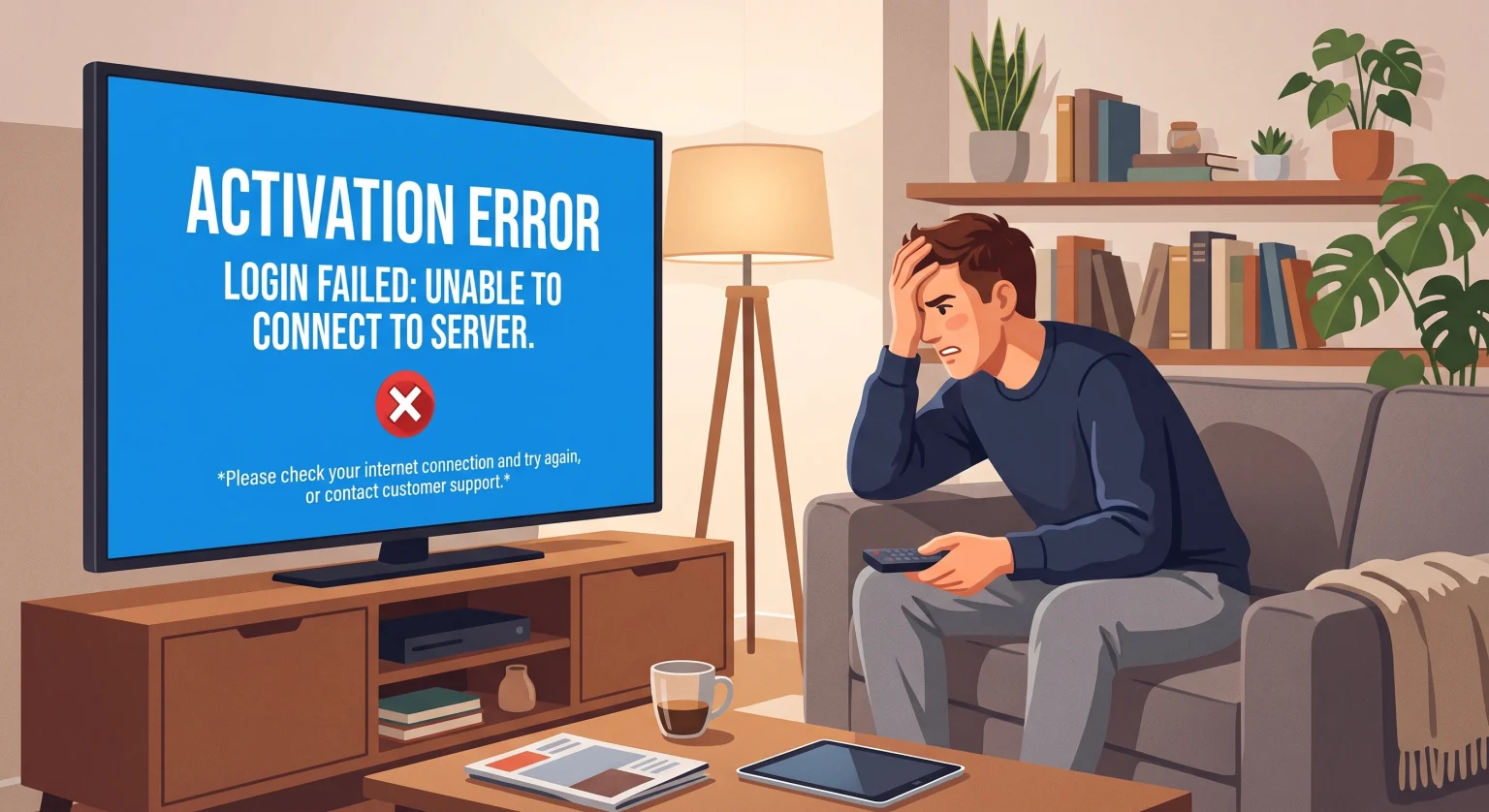
¿Por qué se ha perdido mi activación de IPTV tras la reinstalación?
Para entender por qué has dejado de tener acceso premium, tienes que entender Asignación de direcciones MAC. La mayoría de los reproductores de IPTV modernos no utilizan nombres de usuario y contraseñas tradicionales para activar la aplicación. En su lugar, vinculan tu pago único directamente al identificador de hardware único de tu dispositivo, conocido como dirección MAC o ID del dispositivo.
Al desinstalar y volver a instalar la aplicación, a veces esta genera un nuevo ID de dispositivo virtual o, simplemente, olvida su conexión previa con el servidor del desarrollador. Como el sistema no reconoce la aplicación recién instalada como la versión “de pago”, te pide que compres una código de activación del reproductor otra vez.
Cómo gestionan las diferentes aplicaciones de IPTV las reinstalaciones
Comprender cómo gestiona las licencias tu aplicación concreta es la clave para una rápida recuperación. A continuación se ofrece un desglose de los tres tipos principales de activación que utilizan los reproductores de IPTV más populares a nivel mundial:
| Método de activación | Cómo funciona | ¿Qué ocurre al reinstalar? | Cómo restablecer el acceso |
| Dirección MAC de hardware | La licencia está vinculada a la tarjeta de red física del televisor o del dispositivo. | Normalmente se restaura automáticamente. Si no es así, es posible que la aplicación esté conectada a una red diferente (Wi-Fi en lugar de LAN). | Vuelve a la conexión de red original o envía un correo electrónico al desarrollador indicando la dirección MAC. |
| Identificador de dispositivo virtual | La aplicación genera un identificador alfanumérico aleatorio la primera vez que se inicia. | Alto riesgo: La aplicación genera un identificador completamente nuevo, lo que hace que parezca un dispositivo sin pagar. | Ponte en contacto con el servicio de asistencia de la aplicación y facilítales el recibo de pago original y el ID del dispositivo anterior. |
| Cuenta / Código OTP | Licencia vinculada a una dirección de correo electrónico o a un código PIN específico. | El método más seguro. La aplicación te pedirá que inicies sesión al volver a instalarla. | Solo tienes que introducir tu correo electrónico o tu PIN para, al instante, Restablecer el servicio IPTV Premium acceso. |
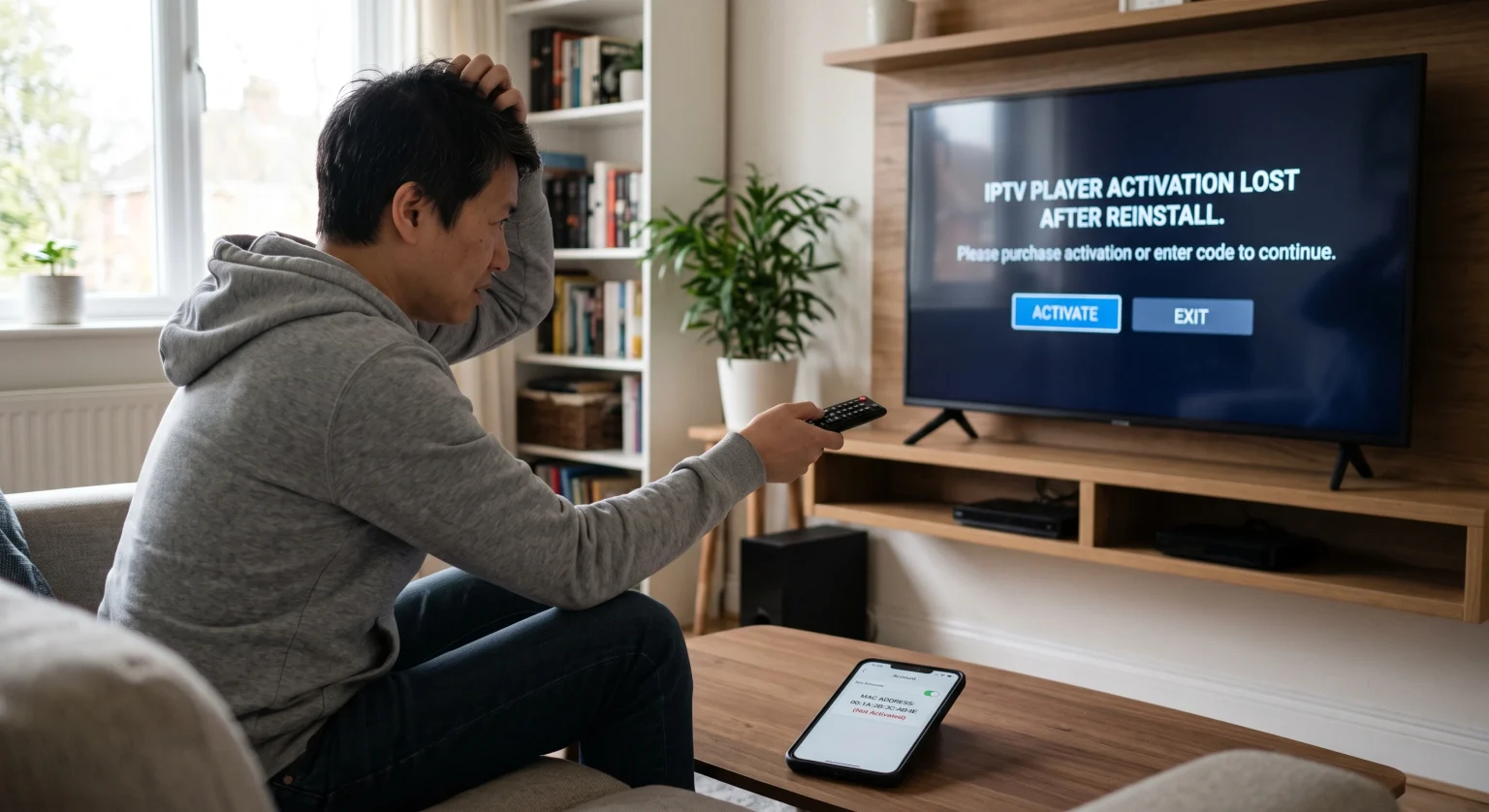
Paso a paso: cómo restablecer el acceso a IPTV Premium
Si en la pantalla te piden que pagues, no saques todavía la tarjeta de crédito. Sigue este procedimiento al pie de la letra para sortear el bloqueo de pago y recuperar tu cuenta.
1. Averigua cuál es tu dirección MAC actual
Abre el menú de configuración de tu reproductor de IPTV recién reinstalado. Anota la dirección MAC o el ID del dispositivo que aparece en pantalla. Identificadores de dispositivos están estrechamente vinculadas al hardware, y conocer las características del tuyo es el primer paso para solucionar los problemas.
2. Comprueba tu conexión a Internet
Si tu aplicación utiliza una dirección MAC de hardware, recuerda que tu televisor tiene dos direcciones MAC distintas: una para el Wi-Fi y otra para Ethernet (LAN). Si activaste la aplicación mientras estabas conectado a una red Wi-Fi, pero ahora estás conectado a un router, la aplicación mostrará una dirección MAC no validada. Solo tienes que volver a tu tipo de conexión original.
3. Ponte en contacto con el desarrollador de la aplicación
Si los dos primeros pasos no dan resultado, busca el recibo de cuando pagaste inicialmente la cuota de activación. Envía un correo electrónico al desarrollador de la aplicación (no al proveedor de tu lista de reproducción) con tu recibo y tu dirección MAC actual. Ellos podrán transferir manualmente tu Restablecimiento de la suscripción a IPTV en sus servidores de backend.
¿Estás listo para mejorar tu experiencia de streaming con entretenimiento sin interrupciones ni esperas? No dejes que los fallos de las aplicaciones te frenen. [Haz clic aquí para descubrir hoy mismo nuestras suscripciones a IPTV premium, con cobertura mundial] ¡y disfruta de acceso inmediato a miles de canales en directo y contenidos a la carta!
Preguntas frecuentes (PAA)
¿Tengo que volver a pagar si reinstalo mi aplicación de IPTV?
No, las activaciones de los juegos suelen ser licencias de por vida para un dispositivo concreto. Siempre que puedas demostrar tu compra original o facilitar tu dirección MAC original, el desarrollador te restablecerá el acceso de forma gratuita.
¿Cómo puedo averiguar mi dirección MAC después de reinstalar el sistema?
Abre tu aplicación de IPTV y ve a la pestaña “Configuración”, “Cuenta” o “Activación”. Tu dirección MAC (una cadena de 12 caracteres como 00:1A:2B:3C:4D:5E) aparecerá destacada en la pantalla.
¿Al restablecer mi Smart TV se borrará mi activación de IPTV?
Sí, un restablecimiento completo de fábrica en un Smart TV borrará la aplicación y podría generar un nuevo ID de dispositivo virtual al reinstalarla. Probablemente tendrás que ponerte en contacto con el desarrollador de la aplicación para transferir tu licencia premium anterior al nuevo ID generado.