
¿Te preocupa quién pueda estar mirando tu pantalla mientras ves contenidos en streaming? Si utilizas la televisión por protocolo de Internet, tu proveedor de servicios de Internet (ISP) y que terceros puedan ver exactamente lo que ves.
A medida que el fenómeno del «cord-cutting» se extiende por todo el mundo, proteger tu huella digital ya no es opcional. Veamos si un VPN para la privacidad en IPTV es la solución definitiva para un streaming seguro, sin interrupciones y anónimo.
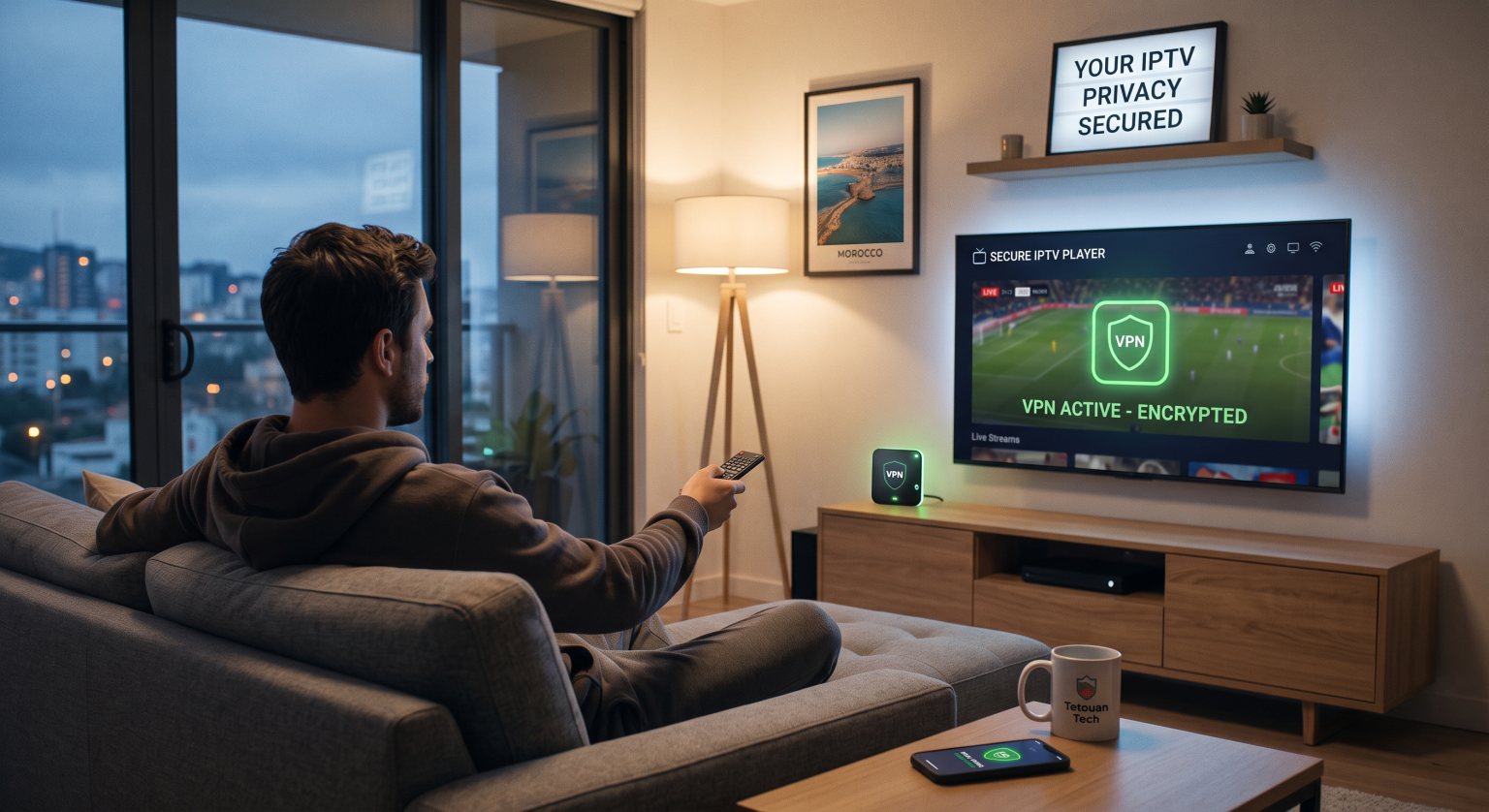
Las principales ventajas de una VPN para la privacidad de la IPTV a nivel mundial
Cuando te conectas a un servicio de streaming sin protección, tus datos sin procesar quedan totalmente expuestos. Un VPN para la privacidad en IPTV actúa como un túnel cifrado para tu tráfico de Internet, lo que mantiene tu actividad oculta a miradas indiscretas.
Tanto si ves contenidos en streaming a nivel local como si accedes a servidores de todo el mundo, esta tecnología oculta tu identidad digital. Impide que los fisgones, los anunciantes y tu proveedor de servicios de Internet registren tus hábitos diarios de streaming.
Acaba con la limitación de velocidad y el seguimiento por parte de los proveedores de acceso a Internet
Los proveedores de servicios de Internet suelen supervisar las actividades que consumen mucho ancho de banda, como los eventos deportivos en directo y el streaming en alta definición. Si detectan un uso intensivo, podrían ralentizar deliberadamente tu conexión para ahorrar capacidad de red.
Utilizando un conexión segura de IPTV oculta tu tipo de tráfico específico a tu proveedor. Esto te ayuda a evitar la limitación de velocidad del proveedor de servicios de Internet para disfrutar de una experiencia de entretenimiento fluida, sin interrupciones y sin retrasos.
Oculta tu dirección IP frente a las amenazas cibernéticas
Las plataformas de streaming no verificadas y de terceros pueden convertirse, en ocasiones, en un terreno propicio para los piratas informáticos. Sin protección digital, tu red doméstica personal queda expuesta a todos los usuarios de ese servidor.
Una VPN te permite ocultar tu dirección IP detrás de un servidor remoto y seguro. Esto garantiza que tu ubicación real y tus dispositivos personales permanezcan totalmente anónimos y a salvo de ataques selectivos.
Comparativa de seguridad en streaming: ¿qué configuración es la mejor?
No todas las soluciones de privacidad son iguales. A continuación se compara cómo se comportan diferentes configuraciones de red a la hora de intentar lograr una verdadera seguridad en el streaming.
| Característica | Sin protección | Aplicación VPN gratuita | Servicio VPN premium |
| Enmascaramiento de direcciones IP | No (Totalmente al descubierto) | Sí (pero a menudo se producen fugas de datos) | Sí (protección rigurosa contra fugas) |
| Velocidad y almacenamiento en búfer | Alto riesgo de limitación de velocidad por parte del proveedor de Internet | Muy lento, se carga con frecuencia | Ultrarrápido y optimizado para vídeo |
| Cifrado de datos | Ninguno | Básico (actividad que se registra con frecuencia) | Nivel militar (política estricta de no guardar registros) |
| Ideal para | No recomendado | Navegación informal por los mensajes | Transmisión segura de IPTV |
Cómo configurar una experiencia de streaming cifrada
Configurar tu protección es increíblemente sencillo, incluso si no eres un experto en tecnología. Solo tienes que seguir estos sencillos pasos para proteger tu red doméstica.
Elige un proveedor de confianza: Busca políticas estrictas de no registro de datos, ancho de banda ilimitado y servidores de alta velocidad.
Instala la aplicación: Descarga el software de VPN directamente en tu smart TV, Firestick, ordenador o router Wi-Fi.
Conectarse a un servidor: Elige un servidor cercano a tu ubicación física para disfrutar de la mayor velocidad posible.
Inicia tu retransmisión: Abre tu aplicación de televisión y disfruta transmisión cifrada con total tranquilidad.
Asegura tu conexión hoy mismo
En el panorama digital actual, ver la televisión en directo sin la protección de una red supone un riesgo enorme para tus datos personales. Un VPN para la privacidad en IPTV Es absolutamente imprescindible para cualquier persona que vea contenidos en streaming en cualquier parte del mundo, que valore su seguridad digital y que quiera disfrutar de una experiencia de visualización impecable.
No dejes que los proveedores de servicios de Internet rastreen tus hábitos ni limiten tu velocidad ni un minuto más. Haz clic aquí para descubrir nuestros planes de VPN Premium mejor valorados ¡Y protege tu privacidad en el streaming hoy mismo!
Preguntas frecuentes (Preguntas relacionadas)
¿Una VPN evita que la IPTV se cuelgue?
Sí, si el problema de buffering se debe a que tu proveedor de Internet ralentiza tu conexión. Al enmascarar tu tráfico, una VPN evita la limitación selectiva del ancho de banda, lo que te permite aprovechar toda la velocidad de tu conexión a Internet.
¿Es legal utilizar una VPN para ver contenidos en streaming?
El uso de una VPN para proteger tu privacidad en línea es totalmente legal en la mayoría de los países del mundo. No obstante, debes asegurarte siempre de que el contenido en streaming al que accedes cumpla con la legislación local en materia de derechos de autor.
¿Una VPN gratuita permite ver la televisión en directo?
Por lo general, no. Los servicios gratuitos imponen límites estrictos de datos, opciones limitadas de servidores y velocidades de conexión lentas. Esto provoca, inevitablemente, un buffering interminable y una mala calidad de vídeo durante las retransmisiones en directo.