
Te sientas a ver una película, pero el constante Cargamiento en búfer de VOD en IPTV arruina por completo la experiencia. ¿Lo más frustrante? Que cambias a un canal de deportes en directo y funciona a la perfección, sin ningún tipo de problema.
Si estás experimentando retrasos en el vídeo bajo demanda, independientemente de dónde te encuentres, no eres el único. Este problema concreto de streaming afecta a innumerables usuarios de todo el mundo, pero las soluciones son sorprendentemente sencillas. Veamos exactamente por qué ocurre esto y cómo puedes solucionarlo hoy mismo.
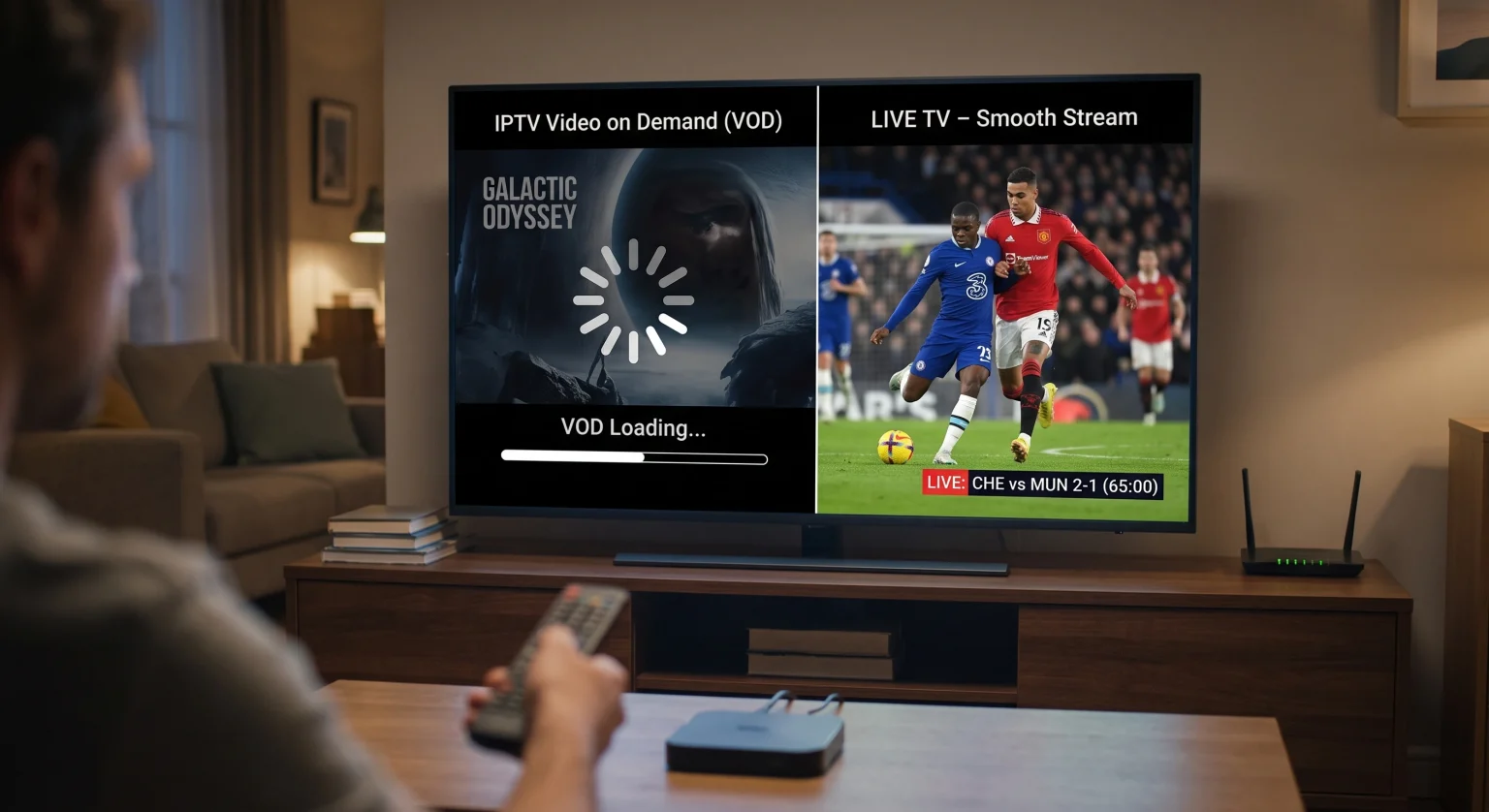
¿A qué se debe el almacenamiento en búfer del VOD de IPTV cuando la televisión en directo funciona correctamente?
Parece ilógico que una película pregrabada se reproduzca con dificultades, mientras que una retransmisión en directo se vea perfectamente. Sin embargo, la tecnología de fondo que sustenta estos dos servicios es completamente diferente.
Cuando te ocurre Cargamiento en búfer de VOD en IPTV, normalmente todo depende de cómo almacene y envíe tu proveedor los archivos multimedia de gran tamaño. A diferencia de las retransmisiones en directo, los archivos de vídeo bajo demanda (VOD) requieren un ancho de banda considerable y recursos de servidor localizados para funcionar correctamente.
Sobrecarga del servidor por archivos estáticos de gran tamaño
La televisión en directo se transmite a muchos usuarios a la vez mediante una única señal. Por el contrario, el vídeo bajo demanda (VOD) requiere una conexión directa e individual a un archivo de vídeo concreto alojado en el Servidores de proveedores de IPTV.
Si miles de usuarios de tu región están descargando archivos de películas en 4K de gran tamaño al mismo tiempo, las unidades de almacenamiento de esos servidores se sobrecargan. Esto provoca enormes atascos de datos que dan lugar a una reproducción entrecortada.
Limitación agresiva del ancho de banda por parte del proveedor de servicios de Internet
Los proveedores de servicios de Internet (ISP) supervisan activamente tu consumo diario de datos. Cuando detectan un flujo masivo y continuo de paquetes de datos procedentes de servicios de vídeo a la carta, ralentizan intencionadamente tu conexión.
Este Limitación de velocidad por parte del proveedor de servicios de Internet se centra directamente en los archivos estáticos de gran tamaño. Dado que las retransmisiones en directo utilizan protocolos de enrutamiento ligeramente diferentes y velocidades de transmisión dinámicas, a menudo logran eludir estas restricciones de la red local sin ser detectadas.
Televisión en directo frente a vídeo bajo demanda: análisis técnico
Para comprender de verdad tu Problemas con la transmisión de IPTV, hay que fijarse en los mecanismos de transmisión. A continuación te ofrecemos un breve resumen de por qué estos dos formatos ofrecen un rendimiento diferente con exactamente la misma conexión a Internet.
| Característica | Transmisiones de IPTV en directo | Vídeo bajo demanda (VOD) |
| Método de entrega | Multidifusión (una transmisión a muchos usuarios) | Unicast (una transmisión directa por usuario) |
| Carga del servidor | Bajo (se está procesando una sola fuente activa) | Alto (descarga de archivos pesados y estáticos) |
| Estructura de archivos | Variable, ajustada dinámicamente | Archivos multimedia corregidos y comprimidos en gran medida |
| Control de los proveedores de servicios de Internet | Moderado | Muy alto (a menudo con una limitación estricta) |
Soluciones probadas para acabar rápidamente con el buffering del VOD de IPTV
No tienes por qué aguantar que se cuelgue constantemente durante la noche de cine. Si optimizas tu configuración local, podrás eliminar Cargamiento en búfer de VOD en IPTV para siempre.
1. Dirige tu tráfico a través de una VPN
Dado que a los proveedores de acceso a Internet les encanta limitar la velocidad de las transmisiones multimedia pesadas, ocultar tu tráfico en línea es tu mejor defensa. Utilizar un servicio de alta calidad VPN para IPTV cifra tu conexión de datos de extremo a extremo.
Cuando tu proveedor de Internet no detecta que estás reproduciendo un archivo de película de gran tamaño, no te limitará la velocidad. A menudo, esta es la solución inmediata y definitiva para los cortes en el servicio de vídeo bajo demanda.
2. Borra la caché de tu dispositivo y de las aplicaciones
Tu reproductor de IPTV almacena datos de forma temporal para garantizar que la navegación y la reproducción funcionen sin problemas. Con el tiempo, una caché sobrecargada o dañada puede provocar graves problemas de reproducción.
Accede al menú de configuración de tu dispositivo de streaming.
Busca tu aplicación de IPTV concreta en la lista de aplicaciones.
Haz clic borrar la caché de la aplicación para liberar memoria esencial.
Reinicia tu dispositivo e intenta reproducir la película de nuevo.
3. Ajusta la configuración de tu reproductor multimedia
A veces, el reproductor predeterminado de tu aplicación tiene dificultades para descodificar el códec de audio o vídeo específico de un archivo VOD. Cambiar la configuración de tu aplicación para utilizar un reproductor externo, como VLC o MX Player, puede resolver este problema de inmediato.
Además, prueba a aumentar el tamaño del búfer del reproductor en los ajustes. Esto obliga a la aplicación a descargar una mayor parte de la película por adelantado, lo que permite suavizar cualquier caída temporal de la conexión local.
Cómo lidiar con Cargamiento en búfer de VOD en IPTV No debería ser una lucha diaria. Si entiendes la diferencia entre las transmisiones en directo y los archivos estáticos, y aplicas una solución rápida con una VPN o la caché, podrás volver enseguida a tu maratón de películas.
¿Estás listo para disfrutar de una experiencia de entretenimiento impecable y sin interrupciones, independientemente de la región en la que te encuentres? [Haz clic aquí para conocer hoy mismo nuestros planes de IPTV premium de alta velocidad] ¡Y disfruta de servidores de vídeo bajo demanda ultrarrápidos diseñados para que no haya interrupciones!
Preguntas frecuentes (FAQ)
¿Por qué se me cuelga constantemente la televisión a la carta, pero la televisión en directo funciona bien?
La televisión a la carta se cuelga Esto ocurre por las mismas razones que el retraso en el VOD. Se basa en la descarga de un archivo enorme y pregrabado desde un servidor, en lugar de conectarse a una señal de emisión en directo, lo que lo hace vulnerable a los mismos cuellos de botella del servidor y del proveedor de acceso a Internet.
¿Qué velocidad de conexión a Internet se necesita realmente para el VOD?
Para disfrutar de una reproducción fluida en 1080p, necesitas una conexión muy estable de al menos 15-20 Mbps. Si vas a ver contenido VOD en 4K, deberías disponer de un mínimo de 50 Mbps dedicados exclusivamente a tu dispositivo de streaming.
¿Puede mi proveedor de IPTV solucionar el retraso en el VOD?
Si el problema se debe a una sobrecarga del servidor por parte del proveedor, solo este puede solucionarlo mejorando su infraestructura regional. Sin embargo, el uso de una VPN o el vaciado de la caché local resuelve el problema por parte del usuario aproximadamente el 80% de las veces.