
Nexstream and TiviMate are two of the most popular IPTV applications available in 2026. Users install these applications to organize and watch live television channels, movies, and series. Both applications are strictly media players. They do not include any media content, and users must provide their own playlists from a legal service.
This article compares the features of Nexstream vs TiviMate. Both applications share many core functions, but they target slightly different users. We will compare device compatibility, user interface design, playlist management, and special features. This comparison will help you decide which IPTV player is the correct choice for your viewing habits and your hardware.
Respuesta rápida
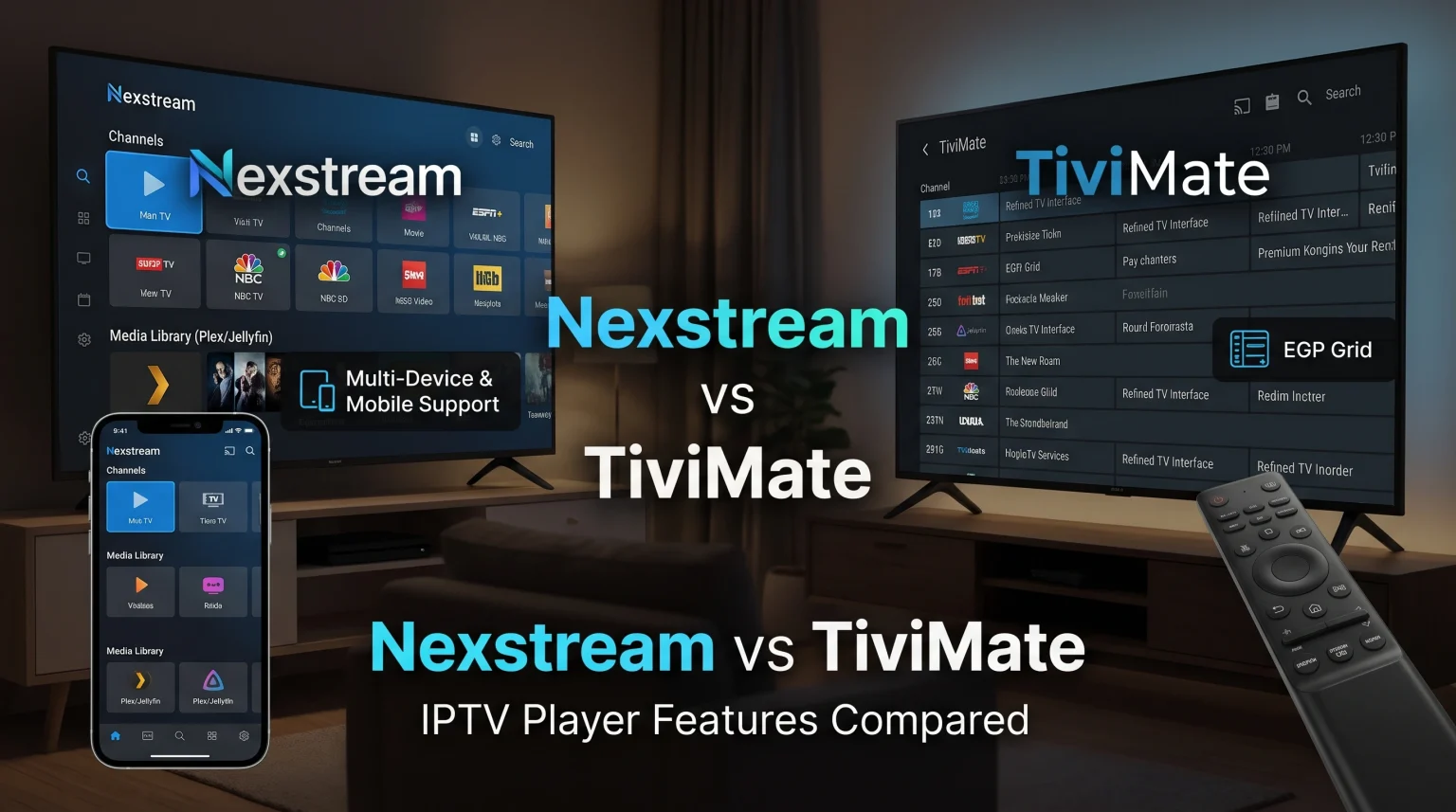
The main difference between Nexstream and TiviMate is device compatibility. TiviMate is designed strictly for Android TV devices and remote control navigation. Nexstream works well on Android TV, but Nexstream also features a touch-optimized interface for Android mobile phones and tablets.
TiviMate is best for users who only watch television on a large Smart TV screen and want a traditional cable television experience. Nexstream is better for users who want to synchronize their playlists across a Smart TV, a mobile phone, and a tablet using multiple profiles.
Device and Operating System Compatibility
TiviMate and Nexstream both require the Android operating system. You can install both applications on hardware such as Google Chromecast, Nvidia Shield, and televisions that use Google TV or Android TV.
If you want to understand how different television platforms handle applications, you can read our guide to El mejor sistema operativo para Smart TV para IPTV en 2026.
Neither application works natively on Samsung Tizen or LG webOS. If you own a Samsung or LG television, you cannot install these players directly on the television. You must connect an external Android TV streaming device to the HDMI port.
Mobile Phone Support
TiviMate is not optimized for touch screens. The developer clearly states that TiviMate is intended for television screens only.
Nexstream includes a specific interface for mobile phones. You can use touch gestures to navigate the menus. You can also rotate the Nexstream application to watch video in portrait mode.
IPTV Features and Playlists
Both applications support the most common IPTV formats. You can add M3U playlists, and you can also connect using Xtream Codes credentials. TiviMate additionally supports Stalker Portal connections.
Both players allow you to add multiple playlists at the same time.
Nexstream offers a feature to merge multiple playlists. This means Nexstream can combine channels from different sources into one unified catalog. The application can automatically remove duplicate channels during this process.
Guía electrónica de programas (EPG)
Both players support the XMLTV format for the Electronic Program Guide. The EPG displays the television schedule. Both applications display the schedule in a clear grid format, similar to a traditional television guide.
User Interface and Navigation
TiviMate provides a very refined interface for large screens. Many users prefer TiviMate because the navigation feels identical to a premium cable television box. You can change channels quickly using the remote control arrows, and you can organize your favorite channels easily.
Nexstream also provides fast channel navigation with a remote control. Nexstream includes a specific “compatibility” video mode. This mode fixes a common problem on Android TV devices where the screen turns black but the audio continues playing. Nexstream also features an automatic failover function. If a live stream stops working, Nexstream can automatically switch to a backup stream.
Special Features: Multiview and Media Servers
Both applications support a Multiview feature. Multiview allows you to watch several live channels on the same screen simultaneously. This feature is very useful if you want to monitor multiple news channels or sports events at the same time.
Nexstream includes integration with local media servers. You can connect Nexstream directly to a Plex or Jellyfin media server. This allows you to watch your private video files in the same application as your live television channels. TiviMate does not support Plex or Jellyfin, because TiviMate focuses strictly on IPTV playlists.
Nexstream also features an artificial intelligence subtitle function. The application can generate text subtitles in real time for live television channels using on-device speech recognition.
Performance for Live Football
When you watch live football, picture quality depends mostly on your television hardware and your internet connection. If you are buying a new television specifically for sports, you can read our comparison of Televisores de 60 Hz frente a 120 Hz para ver el fútbol en directo.
However, the IPTV player software also affects the viewing experience. Both Nexstream and TiviMate process live video streams efficiently. Both players support hardware decoding. Hardware decoding ensures that the video plays smoothly without unnecessary buffering or stuttering.
Both applications support Catch-up television. If your playlist provider supports the Catch-up feature, you can rewind live football matches or watch previous broadcasts directly inside the application.
Tabla comparativa
| Característica | Nexstream | TiviMate |
| Operating system required | Android, Android TV, Fire OS | Android TV |
| Touch screen support | Sí | No |
| Playlist formats | M3U, códigos Xtream | M3U, Xtream Codes, Stalker |
| Multiple playlists | Sí | Sí |
| Merge playlists automatically | Sí | No |
| Multiview | Sí | Sí |
| Catch-up support | Sí | Sí |
| Local media server support | Plex, Jellyfin | No |
| Offline downloads | Sí | No |
Conclusión
Al comparar Nexstream vs TiviMate, the correct choice depends on how many devices you use.
TiviMate remains an excellent choice for users who only watch television on a single Android TV device. TiviMate offers a highly polished interface that is perfectly optimized for a television remote control.
Nexstream is the better choice for users who want to watch television on multiple devices. Nexstream provides full mobile phone support, offline downloads, and automatic playlist merging. Nexstream also adds unique features such as real-time subtitles and Plex media server integration. Both applications deliver excellent video playback stability for live television and sports.
Preguntas frecuentes (FAQ)
Can I install Nexstream or TiviMate on a Samsung Smart TV?
No, you cannot install these applications directly on a Samsung Smart TV. Samsung televisions use the Tizen operating system, and these applications require the Android operating system. You must use an external Android TV device.
Do these applications include television channels?
No, neither application includes television channels. Nexstream and TiviMate are empty video players. You must provide your own M3U playlist or Xtream Codes login from a legal service provider.
Which application is better for a mobile phone?
Nexstream is much better for a mobile phone. Nexstream includes a touch-optimized interface and allows you to watch video in portrait mode. TiviMate is designed strictly for television screens and remote controls.