
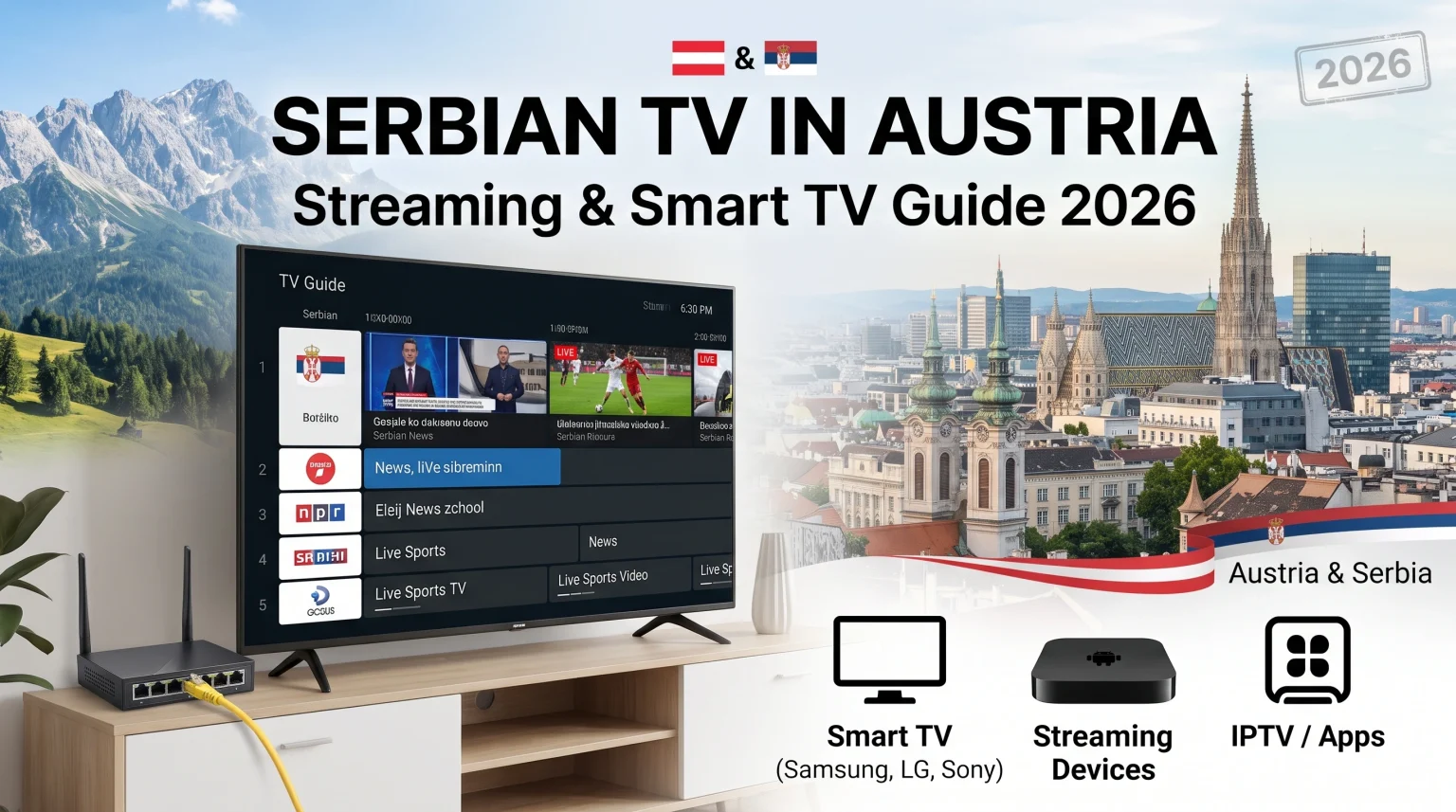
Many households in Austria want reliable access to Serbian television channels for daily news, movies, entertainment, and live sports. Watching Serbian TV in Austria is different from watching local Austrian channels because Serbian terrestrial broadcasts do not reach Austrian homes through standard antennas. Viewers in Austria therefore rely on internet-based streaming services, satellite dishes, or Internet Protocol Television (IPTV) applications installed on a Smart TV.
Choosing the right setup depends on your television model, your internet connection, and the types of Serbian channels you watch most often. In 2026, Smart TV operating systems such as Samsung Tizen, LG webOS, and Google TV handle streaming apps in different ways. This guide explains how Serbian TV Austria setups work, how Smart TV platforms compare, and how to get stable playback for live television and sports.
Respuesta rápida
The best way to watch Serbian TV in Austria depends on your living situation and your television hardware. Official diaspora streaming platforms, such as MTEL Austria with the MOVE platform, are suitable for viewers who want a dedicated app without manual configuration. General IPTV player applications are suitable for viewers who prefer flexible playlist management using M3U links or Xtream Codes. Google TV televisions offer the widest selection of streaming apps, while Samsung Tizen and LG webOS televisions work best for viewers who want a built-in interface with native app store support.
Popular Serbian TV Channels Watched in Austria
Serbian viewers living in Vienna, Graz, Linz, Salzburg, and other Austrian cities typically look for a mix of national broadcasters, entertainment networks, and regional sports channels.
Common channel categories include:
Public and national channels: Channels such as RTS (Radio Television of Serbia) provide daily news, cultural programs, and national broadcasts.
Commercial entertainment channels: Networks such as Pink, Prva, B92, and Happy TV broadcast talk shows, series, movies, and reality television.
Sports channels: Regional sports networks, including Arena Sport, cover domestic Serbian football, basketball, and international competitions.
Regional Balkan channels: Many households in Austria also watch channels from Bosnia and Herzegovina, Croatia, and Montenegro alongside Serbian channels.
Channel availability always depends on the specific streaming provider and regional broadcasting rights in Austria. Some live broadcasts or sports events may be subject to geographic restrictions depending on the service you use.
Main Ways to Watch Serbian TV in Austria
Viewers in Austria have three main technical methods for receiving Serbian television channels. Each method has distinct hardware and installation requirements.
1. Dedicated Diaspora Streaming Services
Dedicated diaspora services deliver Serbian and Balkan channels directly over the internet through official Smart TV and mobile applications. Following the acquisition of NetTV Plus by Telekom Srbija in 2025, services such as MTEL Austria and the MOVE platform are widely used by Balkan households in Austria.
These services usually provide an Electronic Program Guide (EPG), catch-up television, and Video on Demand (VOD) libraries. Setup is straightforward because the user installs the provider’s official application and logs in with an account.
2. Internet Protocol Television (IPTV) Players
Internet Protocol Television (IPTV) players allow viewers to load channel lists and watch live television over a broadband internet connection. Users install a compatible IPTV player application on a Smart TV or an external streaming box.
IPTV players do not include television channels by themselves. Instead, users connect their own subscription or playlist using standard formats such as M3U playlists or Xtream Codes. This approach gives viewers more control over the interface, channel groups, and EPG layout.
3. Satellite Television
Satellite television remains an option for detached houses in Austria. A satellite dish requires a clear view toward the southern sky and physical mounting on a roof or balcony.
Many apartment buildings in Austrian cities prohibit satellite dishes on exterior facades. Because of building rules and weather interference, most urban households in Austria now prefer internet-based streaming over satellite dishes.
Smart TV Operating Systems for Serbian TV Streaming
The operating system on your television determines which streaming applications and IPTV players you can install directly. App availability always depends on your country, your TV model, your model year, your operating-system version, and the manufacturer’s app-store policy.
If you are deciding between television platforms, our guide to El mejor sistema operativo para Smart TV para IPTV en 2026: Tizen, Google TV y webOS explains the technical differences in detail.
Samsung Tizen
Samsung Smart TVs use the Tizen operating system. Samsung Tizen does not support Android applications from Google Play. Instead, users download apps from the official Samsung Apps store.
Samsung Tizen supports several dedicated diaspora streaming apps and native IPTV players such as IBO Player and IPTV Smarters Pro. Samsung Tizen may be suitable for users who prefer Samsung’s Smart TV interface and want to avoid external streaming boxes.
Sony BRAVIA and Google TV
Sony BRAVIA televisions, along with many TCL and Philips models, use the Google TV operating system. Google TV provides direct access to the Google Play Store.
Google TV offers the largest selection of streaming applications and IPTV players, including Android-based players such as TiviMate, IPTV Smarters Pro, and IBO Player. Sony BRAVIA with Google TV may be more suitable for users who want deeper integration with Google’s app ecosystem and more choices for player customization.
For a direct comparison of these two platforms, read our article on Samsung Tizen frente a Sony BRAVIA Google TV: ¿cuál es mejor para la IPTV en 2026?.
LG webOS
LG Smart TVs use the webOS operating system. Similar to Samsung Tizen, LG webOS uses its own official app store rather than Google Play.
LG webOS supports major diaspora streaming apps and native IPTV players such as IBO Player and IPTV Smarters Pro. LG webOS may be suitable for users who like LG’s Magic Remote pointer navigation and want a clean built-in app store.
External Streaming Devices
Older Smart TVs often have slower processors and outdated app stores. Connecting an external streaming device, such as an Android TV box, Google TV streamer, Amazon Fire TV Stick, or Apple TV, solves this problem. External devices typically receive more frequent app updates and offer smoother menu navigation than older built-in television systems.
Comparison of Smart TV Platforms for Serbian TV Austria
The table below compares the main Smart TV operating systems used for streaming Serbian channels in Austria.
| Característica | Samsung Tizen | Sony BRAVIA Google TV | LG webOS |
| Sistema operativo | Tizen | Google TV | webOS |
| Ecosistema de aplicaciones | Samsung Apps | Google Play | LG Content Store / Apps |
| Compatibilidad con aplicaciones para Android | No es compatible de forma nativa con Google Play | Native Google TV app ecosystem | No es compatible de forma nativa con Google Play |
| IPTV player availability | Native store players, depends on model and country | Wide Android player selection, depends on app and country | Native store players, depends on model and country |
| Remote control navigation | Standard Samsung remote | Standard Sony Google TV remote | Standard remote or LG Magic Remote |
| External streaming box needed | Optional, useful for older TVs | Rarely needed on recent models | Optional, useful for older TVs |
IPTV Compatibility and Setup on Smart TVs
If you use an IPTV player to organize Serbian television channels, compatibility between the player app and your Smart TV operating system is important. TV Shadow IPTV provides technical guides and information to help users understand how IPTV players work across different television brands. TV Shadow IPTV has no official relationship or partnership with Samsung, Sony, LG, Google, or any other television manufacturer.
Not every IPTV application works on every television. Before choosing an IPTV player, check the following technical features:
M3U compatibility: An M3U playlist is a standard file or web link that contains channel names and stream addresses. Most modern IPTV players support M3U links.
Xtream Codes compatibility: Xtream Codes is a login method that uses a server URL, a username, and a password instead of a long M3U link. Xtream Codes login is easier to enter with a television remote control.
Electronic Program Guide (EPG) support: An EPG displays current and upcoming television programs in a grid. A well-designed IPTV player loads EPG data quickly and matches the correct time zone for Austria (Central European Time).
Remote-control usability: Television apps must work smoothly with directional arrows, channel-up buttons, and back buttons. Some mobile apps do not work well on a television screen without a dedicated TV interface.
Operating-system limitations: Samsung Tizen and LG webOS do not support Android-only players such as TiviMate. On Samsung and LG televisions, users must choose players available in the official Samsung or LG app store, or connect an external Android TV or Google TV device.
Watching Live Serbian Football and Sports in Austria
Live football and basketball are among the most popular reasons to stream Serbian TV in Austria. Sports broadcasts are more demanding than standard news or talk shows because fast camera movement exposes weaknesses in both the internet connection and the television hardware.
Manejo del movimiento y frecuencia de actualización
Live football involves rapid ball movement and fast camera panning across a green pitch. Televisions with better motion processing keep moving players sharper and reduce motion blur.
A television’s refresh rate, measured in Hertz (Hz), also affects how smoothly sports appear on screen. To learn how panel speed impacts sports broadcasts, see our guide on Televisores de 60 Hz frente a 120 Hz para ver el fútbol en directo.
Picture Quality and 4K Upscaling
Many live television channels broadcast in High Definition (HD) rather than native Ultra High Definition (4K UHD). When you watch an HD Serbian sports channel on a modern 4K television, the television’s processor must upscale the image to fill the 4K screen.
Good upscaling keeps scoreboard text legible and reduces jagged edges around players. You can read more about this process in our article explaining ¿Qué es la mejora de resolución de la televisión y es útil para la IPTV?.
High Dynamic Range (HDR) and Picture Settings
Most standard Serbian television broadcasts use Standard Dynamic Range (SDR) rather than High Dynamic Range (HDR). When watching live sports on a Smart TV, avoid overly aggressive dynamic contrast or artificial sharpening settings. Using a neutral “Standard” or “Sports” picture mode with moderate motion smoothing usually produces a cleaner image.
Improving Streaming Stability in Austria
Even the best Smart TV cannot compensate for an unstable home network. Buffering and freezing during evening prime time or major football matches are usually caused by local network bottlenecks.
Follow these practical steps to improve streaming stability:
Use an Ethernet cable instead of Wi-Fi: A wired Ethernet connection between your router and your Smart TV provides a more consistent signal than Wi-Fi. Wi-Fi signals in Austrian apartment buildings often suffer from interference caused by neighboring routers.
Comprueba la velocidad de tu conexión a Internet: Standard HD streaming requires a stable connection of at least 15 to 20 megabits per second (Mbps), while 4K streaming requires higher bandwidth. Connection stability is more important than maximum download speed.
Restart your router and Smart TV regularly: Clearing temporary memory on your Smart TV helps prevent streaming apps from slowing down over time.
Keep Smart TV firmware updated: Manufacturer software updates often fix network bugs and improve video decoding performance.
Conclusión
Watching Serbian TV in Austria is straightforward when you match your streaming method to your television hardware. Dedicated diaspora services such as MTEL Austria provide a simple, ready-to-use experience, while IPTV players offer greater flexibility for users who manage their own M3U or Xtream Codes playlists.
For Smart TV hardware, Google TV models provide the broadest app compatibility, whereas Samsung Tizen and LG webOS models work well for viewers who prefer native manufacturer interfaces. Whichever platform you choose, pairing your television with a wired Ethernet connection and proper picture settings will deliver the most reliable experience for daily Serbian television and live sports. For more Smart TV setup guides and technical comparisons, explore the resources on TV Shadow IPTV.
Preguntas frecuentes (FAQ)
Can I watch Serbian TV channels in Austria without a satellite dish?
Sí. You can watch Serbian TV channels in Austria over the internet using a Smart TV, an external streaming device, a smartphone, or a computer. Internet-based streaming does not require an outdoor dish and works in apartment buildings with strict facade rules.
Do I need a Virtual Private Network (VPN) to watch Serbian TV in Austria?
No, you do not need a VPN if you use a streaming service designed for international viewers in Austria. Domestic Serbian websites often block foreign internet addresses and also block many VPN services. Dedicated diaspora platforms work directly on Austrian internet connections.
Which Smart TV brand is best for Serbian TV apps?
No single television brand is best for every user. Sony BRAVIA and other Google TV televisions offer the widest selection of streaming and IPTV apps through Google Play. Samsung Tizen and LG webOS televisions offer simple built-in app stores that support popular diaspora apps and native IPTV players.