
You sit down to watch a movie, but suddenly, the screen goes dark. Instead of your favorite show, your app is demanding an IPTV parental control PIN.
If you never set this up, it can be incredibly frustrating to find your premium channels locked. This happens because high-quality streaming platforms prioritize family safety by blocking mature content by default.
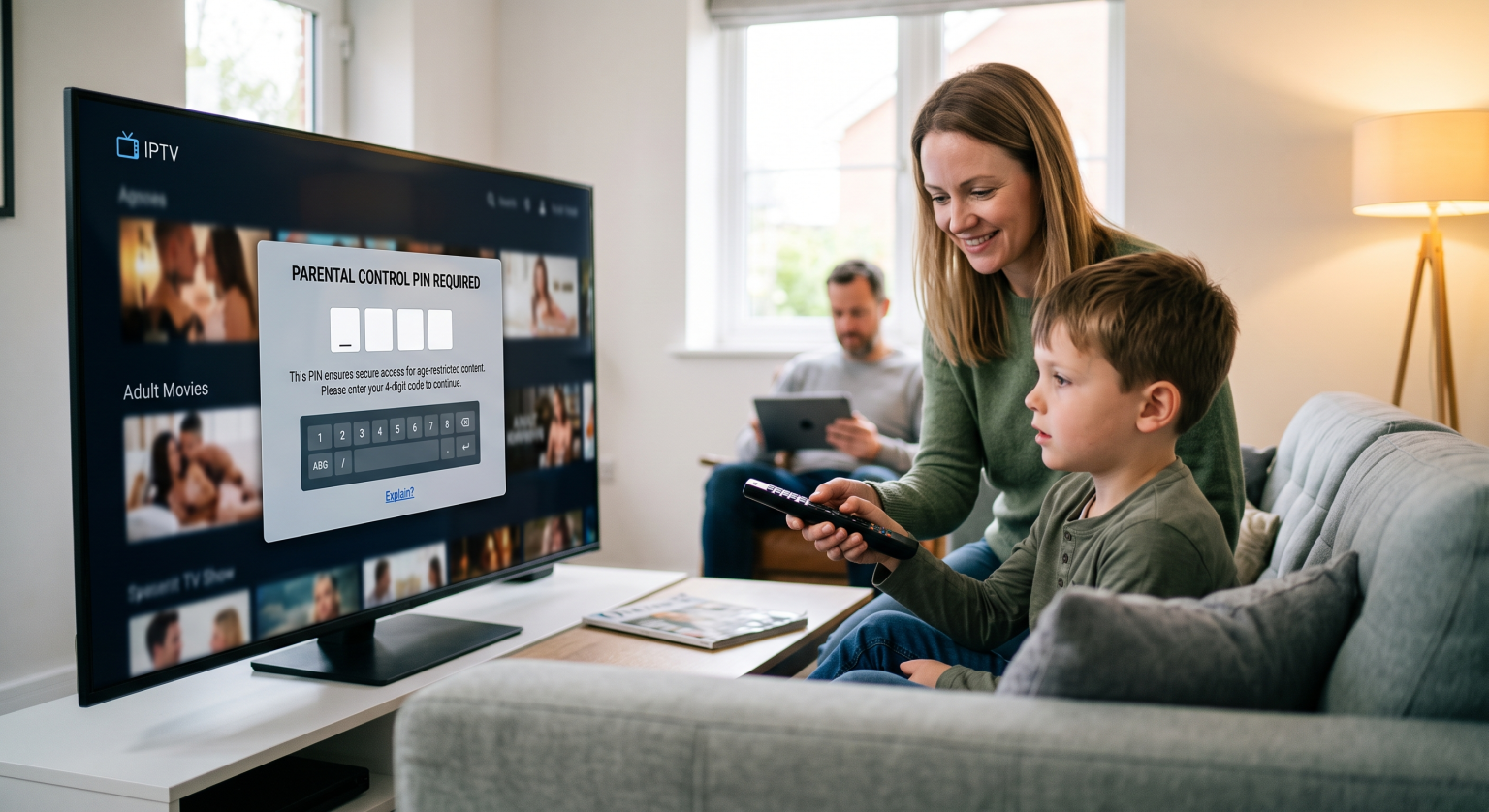
What Exactly is an IPTV Parental Control PIN?
Un IPTV parental control PIN is a standard four-digit security code used to restrict access to specific live TV channels or VOD categories. It acts as a digital gatekeeper for your home entertainment setup.
By requiring this code, the application ensures that young viewers cannot accidentally stumble into adult content or violent programming. Most top-tier media players have this channel lock feature enabled right out of the box to comply with global streaming security standards.
Why Your Streaming Security Triggers These Prompts
Service providers often pre-configure specific categories to require a password. If a channel group is labeled as mature, the system automatically triggers the lock screen.
This VOD restriction isn’t a glitch; it is a vital part of modern streaming security. It keeps your household viewing experience completely safe, no matter who holds the remote control in your region.
Compare Top Apps: How They Handle Parental Locks
Different applications manage these restrictions in their own unique ways. Here is how the top players handle standard locks and defaults:
| Lecteur multimédia | Default PIN Code | How to Reset or Bypass Lock | Best Security Feature |
| TiviMate | 0000 | Reset directly via Settings > Parental Control | Locks specific playlist categories seamlessly |
| IPTV Smarters Pro | 0000 or 1234 | Clear app data or reinstall the application | Multi-user profile management |
| XCIPTV | Provider-set (often 0000) | Contact your service provider to clear the cache | Hardcodes adult categories natively |
How to Reset Your Forgotten Code
If you are locked out of your favorite streams, there is no need to panic. Try these quick troubleshooting steps to regain access:
Enter default passwords: Start by inputting standard codes like “0000”, “1234”, or “8888”.
Clear device cache: Navigate to your smart TV settings, select your media player, and clear the app cache to wipe local data.
Contact your provider: If all else fails, your hosting provider can quickly reset your IPTV parental control PIN from their backend system.
Take Control of Your Viewing Experience Today
Understanding how your IPTV parental control PIN works is the first step to enjoying uninterrupted, secure streaming. Once properly configured, you have total control over exactly what plays on your screen.
Are you tired of dealing with clunky interfaces, locked channels, and constant streaming errors? Upgrade your viewing experience today by exploring our premium, buffer-free subscription plans tailored to your exact needs!
Questions fréquentes (FAQ)
How do I disable the parental lock permanently?
Navigate to your app’s main settings menu and locate the parental controls section. You can toggle the feature off completely, though you will need to enter the current PIN to authorize the change.
Why is my app asking for a PIN when I didn't set one?
Many premium service providers enable mature content filters by default to protect families. Simply input the default password (usually 0000) to unlock the channels and change the settings.
Can my provider see my PIN?
Typically, the code is stored locally on your device rather than on the provider’s servers. However, providers can often push a network update to reset the lock if you get entirely stuck.