
You sit down to watch a match in Germany, but your stream keeps buffering on the big screen. Frustratingly, you open the same app on your mobile, and it streams flawlessly. If you are wondering why IPTV works phone not Smart TV on the exact same Wi-Fi, you are not alone. This happens because televisions and smartphones process internet data very differently.
Whether you live in a bustling Berlin apartment or a rural Bavarian home, local Wi-Fi interference heavily impacts television hardware. By understanding the root causes, you can quickly optimize your setup for a buffer-free experience.
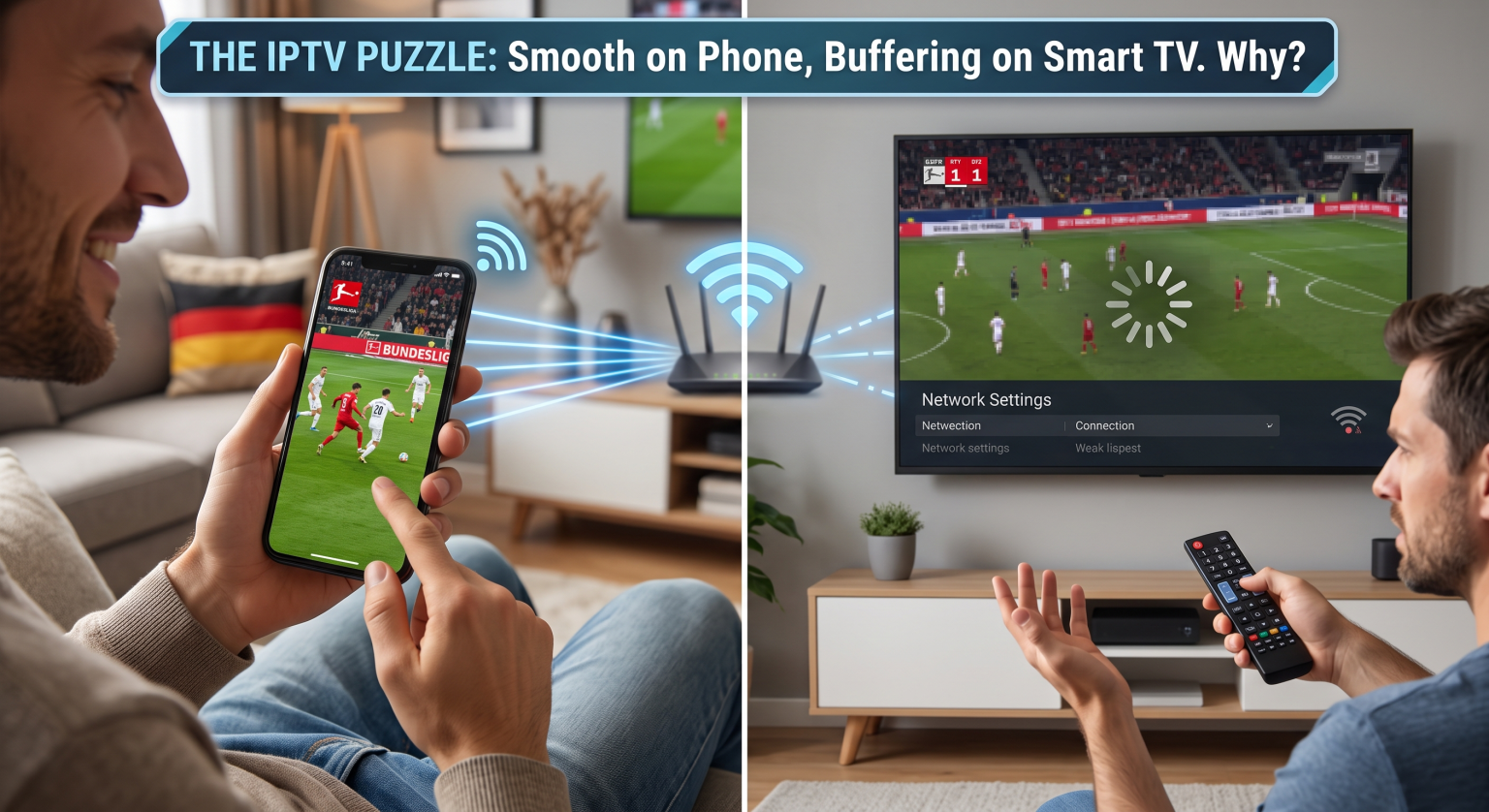
The Main Reasons Why IPTV Works Phone Not Smart TV
Many users mistakenly assume their provider is offline when their television stream fails. However, if your service works perfectly on your mobile device, your subscription is entirely fine. The issue lies in how your specific screen interacts with your local network.
Wi-Fi Band Differences (5GHz vs. 2.4GHz)
Your phone might automatically connect to the faster 5GHz Wi-Fi band, while your television connects to the slower 2.4GHz band. The 2.4GHz band is prone to congestion, especially in densely populated German cities. This band difference is a massive reason why your IPTV works phone not Smart TV.
Hardware and Processing Power Limits
Most modern smartphones possess powerful processors and excellent RAM management. In contrast, older televisions lack the hardware necessary to decode high-bitrate 4K streams smoothly. When a device lacks processing power, the app will constantly crash or freeze.
App Compatibility and Software Updates
Mobile operating systems receive frequent updates for advanced media players. Built-in television systems like Tizen or webOS often run outdated software with limited codec support. This restriction prevents heavy media applications from functioning correctly.
Mobile vs. Television Wi-Fi Capabilities: A Direct Comparison
To clearly understand why your IPTV works phone not Smart TV, review how these devices handle wireless streaming environments.
| Functie | Modern Smartphone | Standard Smart TV |
| Wi-Fi Band Default | Frequently defaults to faster 5GHz networks. | Often restricted to slower 2.4GHz networks. |
| Processor & RAM | Powerful multi-core CPU with optimal RAM management. | Limited processing power; struggles with 4K decoding. |
| App Compatibility | Frequent updates for premium apps like Zappify of XCIPTV. | Outdated OS limits app choices and performance. |
| Network Routing | Superior internal antennas easily bypass local interference. | Weak antennas susceptible to physical wall blocks. |
How to Fix When IPTV Works Phone Not Smart TV in Germany
You do not need to buy a brand new television to solve these connectivity issues. Follow these proven Problemen met IPTV oplossen steps to get your big screen running smoothly.
Force a 5GHz Network Connection: Access your router settings and separate your 2.4GHz and 5GHz bands. Manually connect your television to the 5GHz network for maximum speed and stability.
Clear the TV Cache: Corrupted data often blocks streams. Go into your television’s settings, locate your media player, and select “Clear Cache” to refresh the application.
Upgrade Your Player App: Default television apps are frequently unreliable. Switch to robust, updated players like TiviMate, IPTV Smarters Pro, of XCIPTV for better codec support.
Change DNS Settings: Some regional ISPs actively throttle streaming traffic. Update your network settings to use a reliable public DNS like Cloudflare (1.1.1.1) to bypass local restrictions.
Optimize Your Home Cinema Setup Today
German households demand high-quality, uninterrupted streaming, and a buffering television is unacceptable. Now that you know exactly why IPTV works phone not Smart TV, you can apply these technical tweaks to secure a flawless connection.
Klaar om je kijkervaring naar een hoger niveau te tillen? Subscribe to a premium streaming service today or upgrade to a dedicated Android TV box to banish buffering for good!
Veelgestelde vragen (PAA)
Why is it that my IPTV works phone not Smart TV?
Smartphones utilize superior Wi-Fi antennas, faster processors, and modern 5GHz network connections. Televisions often rely on weaker hardware and congested 2.4GHz bands, causing the exact same stream to buffer.
How do I fix a Smart TV that won't play IPTV?
First, ensure your television is connected to a 5GHz Wi-Fi network instead of a 2.4GHz band. Next, try clearing the app cache, changing your DNS to 1.1.1.1, and switching to a more reliable player like TiviMate.
Does my ISP block my IPTV on the TV?
Some internet service providers actively throttle high-bandwidth streaming traffic on specific devices like televisions. Changing your router’s DNS settings or using a VPN can often bypass these targeted network blocks.