
Choosing the right television for streaming can be difficult. Buyers often compare Sony BRAVIA models with LG Smart TVs. The most important difference for IPTV users is the operating system. Sony uses Google TV. LG uses webOS.
This article compares Sony BRAVIA and LG Smart TVs to help you decide which television works best for your IPTV needs. We will look at application availability, ease of use, picture quality for live sports, and operating system limits.
Snel antwoord
Sony BRAVIA televisions use Google TV. This operating system provides access to the Google Play Store. Google TV is excellent for IPTV because it supports many popular IPTV applications. You can also manually install applications.
LG Smart TVs use webOS. The webOS interface is fast and easy to navigate. However, LG has a smaller selection of IPTV applications. You cannot manually install Android applications on webOS.
Sony is usually better for users who want maximum application choices. LG is better for users who want a simple, smooth interface with a pointer remote control.
Operating Systems: Google TV vs webOS
The operating system controls everything on your television. It determines which applications you can download and how the television connects to the internet. If you want to understand all major television software, read our guide to Het beste besturingssysteem voor smart-tv's voor IPTV in 2026.
Sony BRAVIA and Google TV
Modern Sony BRAVIA televisions run on Google TV. Google TV is based on the Android TV operating system. This gives Sony televisions a huge advantage for streaming. The Google Play Store contains thousands of applications. The system also receives regular software updates from Google.
LG Smart TV and webOS
LG Smart TVs run on webOS. LG developed this operating system specifically for its televisions. webOS is a closed system. This means LG completely controls which applications are allowed in the LG Content Store. The system is famous for being fast, stable, and visually clean.
IPTV App Availability and Installation
To use a service like TV Shadow IPTV, you need an IPTV player application. The television operating system decides which players you can use.
Google Play Store on Sony
Sony BRAVIA televisions offer the best application compatibility. You can open the Google Play Store and download famous IPTV players. Popular applications like TiviMate, Smarters Pro, and XCIPTV are natively available. These applications support M3U playlists and Xtream Codes API.
LG Content Store on webOS
LG Smart TVs do not support Android applications. You cannot use TiviMate on an LG television. Instead, you must use the IPTV players available in the LG Content Store. Good options for LG include IBO Player, SET IPTV, and Nanomid. These applications work well, but you have fewer choices than on a Sony television.
Can You Sideload Apps?
“Sideloading” means installing an application directly from a file instead of using the official application store.
Sony BRAVIA: You can sideload APK (Android Package) files easily. If an IPTV application is removed from the store, you can still install it.
LG Smart TV: You cannot sideload applications. You can only use the applications that LG provides in the official store.
Comparison Table: Sony Google TV vs LG webOS
| Functie | Sony BRAVIA (Google TV) | LG Smart TV (webOS) |
| Besturingssysteem | Google TV (Android) | webOS |
| App Store | Google Play Store | LG Content Store |
| Native IPTV Apps | Many choices (TiviMate, Smarters Pro) | Limited choices (IBO Player, SET IPTV) |
| Ondersteuning voor sideloading | Yes (APK files) | Nee |
| VPN Application Support | Excellent (Many native VPN apps) | Very limited |
| Remote Control | Standard remote with voice | Magic Remote (screen pointer) |
Watching Live Football on Sony and LG TVs
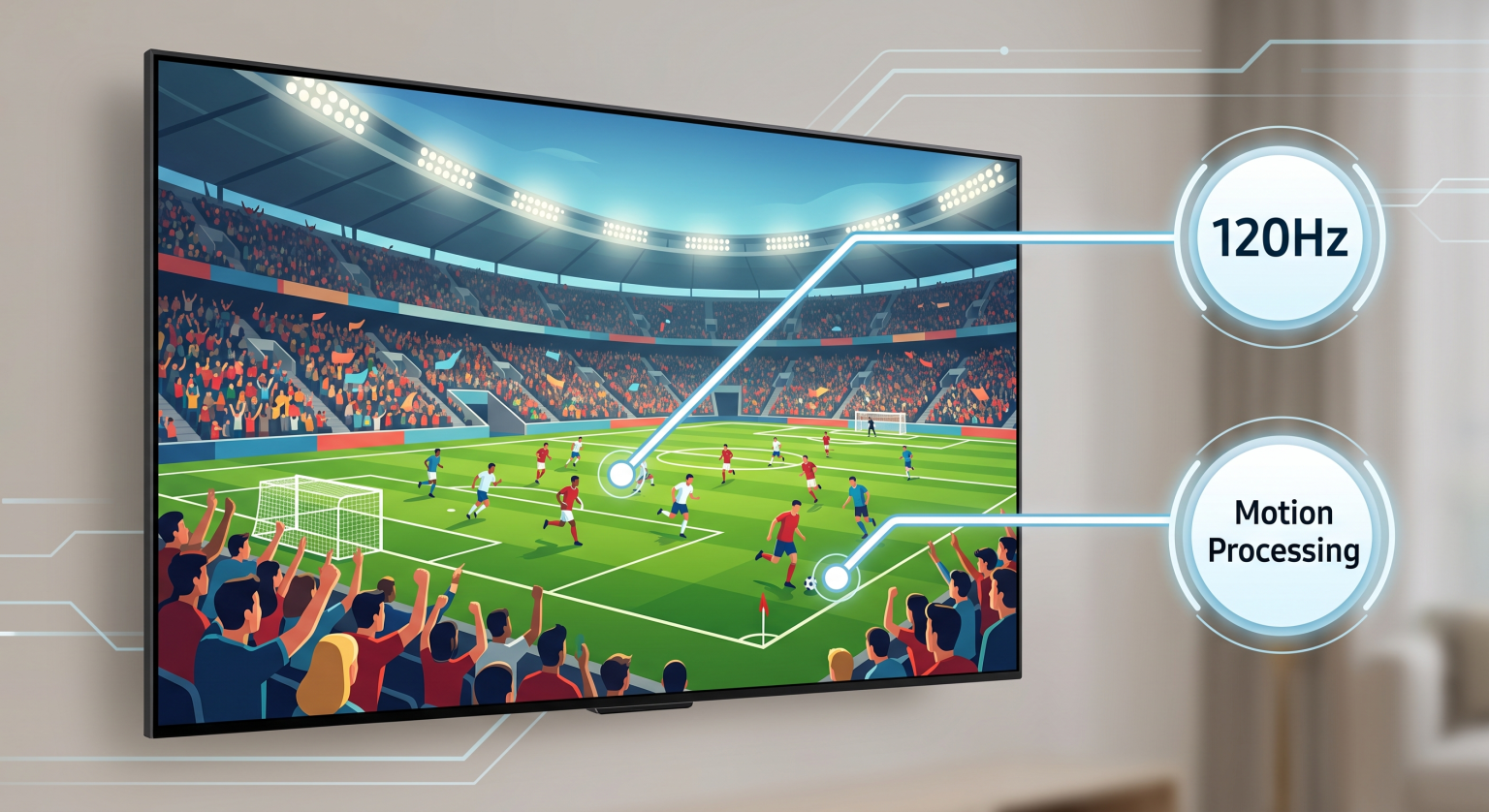
Live sports require good television hardware. Football moves fast across the screen. A slow television will make the football look blurry. Both Sony and LG manufacture excellent televisions for sports, but they use different technologies.
If you want to know more about refresh rates for sports, read our comparison of Een tv van 60 Hz versus een tv van 120 Hz voor live voetbal.
Bewegingsverwerking en beeldverwerking
Sony BRAVIA televisions are famous for picture processing. Sony uses the XR Processor in premium models. This processor smooths fast motion very naturally. The football remains clear when the camera moves quickly across the field.
LG Smart TVs also handle motion well, especially LG OLED models. OLED screens have an instant response time. This means the pixels change color immediately, which prevents blurred images behind fast-moving objects.
Picture Upscaling for IPTV
IPTV streams often use 1080p or 720p resolution. Modern televisions use 4K resolution. The television must make the smaller image fit the larger screen. This process is called upscaling. Sony generally offers the best upscaling technology on the market. A 1080p football stream will often look sharper on a Sony BRAVIA than on competing televisions.
If your streams do not look clear, read our article explaining Waarom ziet IPTV er wazig uit op een nieuwe 4K-tv?.
Remote Controls and Usability
The remote control is important for IPTV. You will use it to navigate Electronic Program Guides (EPG) and type passwords.
LG Magic Remote: LG includes the Magic Remote with most Smart TVs. When you point the remote at the screen, a cursor moves like a computer mouse. This makes typing long IPTV server addresses and passwords very fast.
Sony Remote: Sony uses a traditional remote control with directional buttons. It is very well built and includes voice search. However, typing on a screen keyboard using directional buttons takes more time.
Network Connectivity for IPTV
IPTV requires a stable internet connection. Both Sony BRAVIA and LG Smart TVs include Wi-Fi and Ethernet (cable) connections.
For the best IPTV experience, you should always connect your television to your internet router using an Ethernet cable. Wi-Fi signals can drop or suffer interference. A cable connection prevents the television stream from pausing or buffering during an important football match.
Both Sony and LG usually equip their televisions with 100 Mbps Ethernet ports. This speed is more than enough for 4K IPTV streaming.
Conclusie
Both Sony BRAVIA and LG Smart TVs are excellent choices for IPTV, but they serve different users.
Choose a Sony BRAVIA television if you want freedom. The Google TV operating system lets you install the best IPTV players, including TiviMate. You can sideload applications and use native VPN services. Sony also provides fantastic picture upscaling for sports streams.
Choose an LG Smart TV if you want a fast, simple experience. The webOS interface is very smooth. The Magic Remote makes navigating menus and typing passwords much easier. While you have fewer IPTV application choices, the available applications work perfectly with services like TV Shadow IPTV.
Veelgestelde vragen (FAQ)
Can I install TiviMate on an LG Smart TV?
No. TiviMate is an Android application. LG Smart TVs use webOS. webOS cannot run Android applications. You must use a Sony BRAVIA television or an external Android TV stick to use TiviMate.
Does Sony BRAVIA support M3U playlists?
Yes. You can download many applications from the Google Play Store on your Sony television that support M3U playlists and Xtream Codes.
Which operating system is faster, Google TV or webOS?
LG webOS generally feels faster and lighter. Google TV is a heavier operating system because it has more features. However, both systems run very smoothly on premium television models.
Can I use a VPN on Sony and LG TVs?
Sony BRAVIA is much better for VPN users. You can download official VPN applications directly from the Google Play Store. LG webOS has very few native VPN applications. To use a VPN with an LG television, you usually need to install the VPN directly on your internet router.
Do I need a 4K television for IPTV?
Yes, mostly because it is hard to buy a high-quality television today that is not 4K. Even if your IPTV provider streams in 1080p, a good 4K television will upscale the image to make it look sharp and clear.
Can I sideload applications on LG webOS?
No. LG operates a closed system. You can only install applications that are officially approved and listed in the LG Content Store. If you want to sideload applications, you need a Google TV or Android TV device.