
Is jouw XCIPTV EPG not working? You are certainly not alone. When your electronic program guide fails, navigating through channels becomes a frustrating guessing game. For streaming enthusiasts across the United States, fixing a blank TV guide quickly is essential to getting back to your favorite shows.
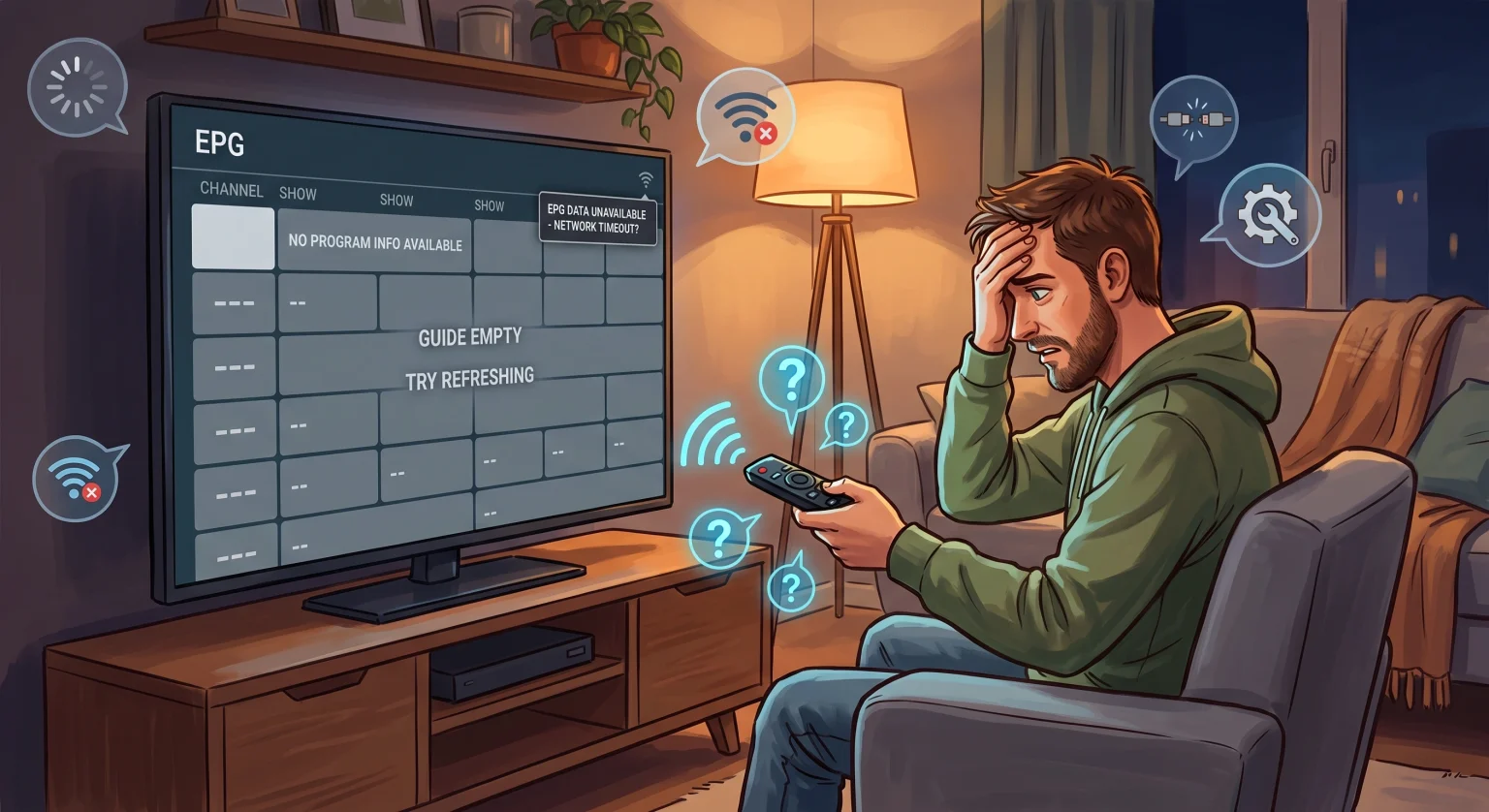
Why You Are Getting XCIPTV No Program Info
Wanneer je TV guide not loading correctly disrupts your evening, the issue is rarely a broken streaming device. The primary culprit is usually a communication breakdown between your app and the provider’s XMLTV source.
In many cases, the application fails to fetch the latest programming schedule due to a few common culprits:
Accumulated cache bloat that blocks the app from downloading new daily schedules.
Sudden network drops that interrupt the connection during a background EPG sync.
Mismatched time zone settings that cause an EPG, making it look like the guide is broken when it is simply displaying incorrect hours.
Top Solutions When XCIPTV EPG Is Not Working in the US
Before assuming your service provider is down, there are several local fixes you can perform on your Android box or Fire TV stick. These quick tweaks usually resolve the problem in minutes.
1. Force a Manual EPG Update
Apps are usually set to download the guide automatically once a day. If your internet dropped during this sync, your guide remains blank. Open the XCIPTV menu, navigate to Settings, select EPG, and hit “Force EPG Update” to instantly refresh EPG data.
2. Clear Your Application Cache
A corrupted cache can trap old files and block new program information from loading. Navigate to your device’s main settings, find the XCIPTV app under “Manage Applications,” and click “Clear Cache”. Do not click “Clear Data,” as this will wipe your login credentials.
3. Adjust the EPG Time Shift
If the guide displays programs but the schedule is off by a few hours, you are dealing with a timezone mismatch. Go into your app settings and adjust the EPG offset or time shift by +1 or -1 hour until the schedule perfectly aligns with what is currently airing on screen.
Comparing EPG Sync Methods
Choosing the right connection method dramatically impacts your guide’s overall stability. Check out this comparison of the three most common setup options to see why some fail more often than others:
| Installatieprocedure | EPG Sync Reliability | Moeilijkheidsgraad van de installatie | Common Troubleshooting Need |
| Xtream Codes API | Extremely High (Auto-syncs) | Easy (Username/Password) | Simple cache clear |
| URL van de M3U-afspeellijst | Matig | Medium (Requires long URLs) | Often needs a separate m3u EPG url |
| Local XMLTV File | Low (Manual updates) | Moeilijk | Constant manual file uploads |
Fixing Missing Channels in Your IPTV Player Guide
Sometimes the guide is not completely blank; instead, a handful of specific channels stubbornly display “No Information”. This is an isolated issue, not a total app failure.
This happens when the channel name in your provider’s playlist does not exactly match the naming convention in the EPG database. Unfortunately, this specific IPTV-speler guide fix must be handled by your provider, as only they can correct the backend channel identifiers to match the guide.
Wrapping Up: Secure Seamless Streaming in the United States
Omgaan met een XCIPTV EPG not working doesn’t have to ruin your weekend viewing experience. By simply clearing your cache, forcing a manual update, and ensuring you are using an Xtream Codes login instead of a clunky M3U link, you can resolve the majority of program guide errors.
Why Your IPTV Channels Have No TV Guide
This video provides an excellent visual breakdown of why EPG data goes missing and helps you pinpoint whether it is a local app issue or a problem on your provider’s end.
Veelgestelde vragen (Mensen vragen ook)
Why does the EPG work on some channels but not others?
Als je XCIPTV EPG not working issue only affects a few channels, your application is actually functioning correctly. This means your provider’s XMLTV source simply lacks the scheduling data for those specific networks, or the channel IDs are mismatched on their end.
How often should I refresh my EPG data?
Most premium streaming apps update the electronic program guide automatically once every 24 hours. If you leave your device running constantly, forcing a manual refresh every few days helps prevent stale data and missing schedules.
Does my VPN cause a TV guide not loading error?
Yes, sometimes a VPN connection can accidentally block the server hosting the EPG download URL. If your guide fails to populate immediately after turning on a VPN, try switching to a different server location or temporarily disabling it to force an EPG update.