
Are you tired of buffering, clunky interfaces, or apps that constantly crash during the big game? Finding the right IPTV player Sony Google TV setup can instantly transform your living room into a premium home theater. For viewers in the US, where live sports and local news demand rock-solid performance, choosing the perfect app is crucial.
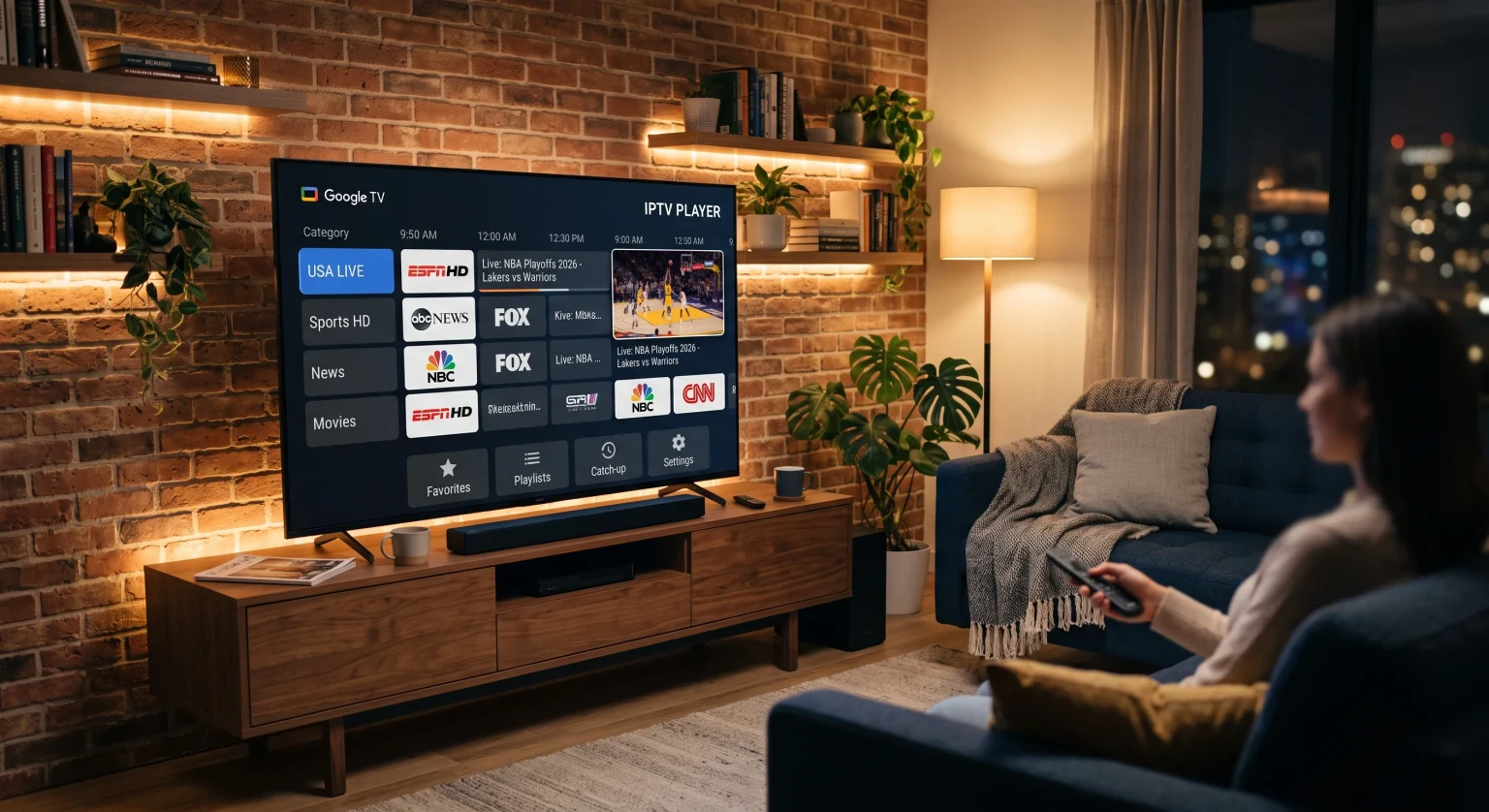
Why You Need a Dedicated IPTV Player Sony Google TV App
En Android TV IPTV app isn’t just a basic video player; it’s the high-performance engine that powers your live TV and VOD libraries. Unlike generic media software, a specialized application optimizes real-time streaming specifically for your large screen.
Flawless UI: Seamlessly navigate menus using your Sony Bravia remote.
High-Speed Parsing: Load massive M3U playlist player files without freezing or crashing.
Advanced Codecs: Handle modern HD and 4K broadcast streams with ease.
Using a native application ensures you get a cable-like experience without the lag. This means faster channel switching and reliable EPG TV guide support for your daily viewing.
Top 3 Choices for Viewers in 2026
Let’s explore the leading live TV streaming software options currently dominating the market. These apps have been tested for stability, remote control compatibility, and overall user experience.
1. TiviMate: The Premium Standard
TiviMate is widely regarded as the undisputed king of smart TV apps. It boasts a beautifully refined interface that feels natively built for your Sony Bravia XR streaming setup. With robust catch-up capabilities, scheduled recording, and multiview, it replicates a premium set-top box experience flawlessly.
2. IPTV Smarters Pro: The Versatile All-Rounder
If you want something quick and universally compatible, IPTV Smarters Pro is an incredible choice. It accepts both local M3U files and the Xtream Codes API, making login an absolute breeze. While the interface isn’t as meticulously polished as TiviMate on massive screens, its generous free tier makes it highly attractive.
3. OTT Navigator: The Power User’s Dream
OTT Navigator truly shines when it comes to advanced playlist management. It offers regex filtering and auto-grouping, which is ideal if you are juggling multiple subscription sources.
App Comparison: Features at a Glance
| Funksjon / App | TiviMate | IPTV Smarters Pro | OTT Navigator |
| Beste bruksområde | Premium UI & EPG | Quick Setup & Free Use | Advanced Filtering |
| Sony TV Remote Optimization | Excellent (Leanback mode) | Good (Basic TV interface) | Excellent (TV-first design) |
| Formater for spillelister | M3U, Xtream, Stalker | M3U, Xtream API | M3U, Xtream API |
| Average Channel Switch Time | 0.82 seconds | 1.41 seconds | 0.95 seconds |
How to Optimize Your US Viewing Experience
To get the absolute most out of your setup, ensure your television is connected via an Ethernet cable rather than Wi-Fi whenever possible. A hardwired connection minimizes network latency, ensuring your IPTV player Sony Google TV delivers buffer-free, crystal-clear quality.
Furthermore, keeping your television’s firmware and your streaming applications fully updated prevents compatibility issues. This guarantees smooth playback for high-bitrate sports and movies.
Conclusion: Elevate Your US Streaming Setup Today
Choosing the ultimate IPTV player Sony Google TV ultimately comes down to your personal viewing habits and technical requirements. For most US viewers seeking a flawless living room experience, TiviMate remains the gold standard. By pairing a top-tier app with your high-end television, you guarantee a seamless, cable-like interface without the exorbitant monthly fees.
Ready to revolutionize your home entertainment? Download your preferred player from the Google Play Store on your Sony TV right now, input your provider’s credentials, and start enjoying a buffer-free world of limitless content today!
Ofte stilte spørsmål (FAQ)
What is the best IPTV player Sony Google TV users recommend?
TiviMate is widely considered the top choice due to its clean, native TV interface, lightning-fast channel switching, and excellent program guide integration.
Can I install IPTV Smarters Pro directly on my Sony Google TV?
Ja. You can easily download it directly from the built-in Google Play Store on your television for a quick, hassle-free installation.
Do these streaming players come with built-in live channels?
No. Legitimate media players like TiviMate and Smarters do not include any media content out of the box. You must provide your own valid playlist from a third-party service provider.