
High Dynamic Range (HDR) improves picture quality on modern Smart TVs. It makes bright parts of the video brighter and dark parts darker. The two most advanced HDR formats in 2026 are HDR10+ and Dolby Vision. Both formats use dynamic metadata. This means the television adjusts the picture quality for every single scene.
Imidlertid, not every television supports both formats. Television manufacturers often choose to support only one advanced format. If you want the best image quality for movies, series, or IPTV streams, you must know which format your television supports.
This guide explains how to check your television specifications. It also explains the difference between Samsung Tizen vs. Sony BRAVIA Google TV: Hvilken er best for IPTV i 2026? and shows you how these formats affect your daily viewing experience.
Kort svar
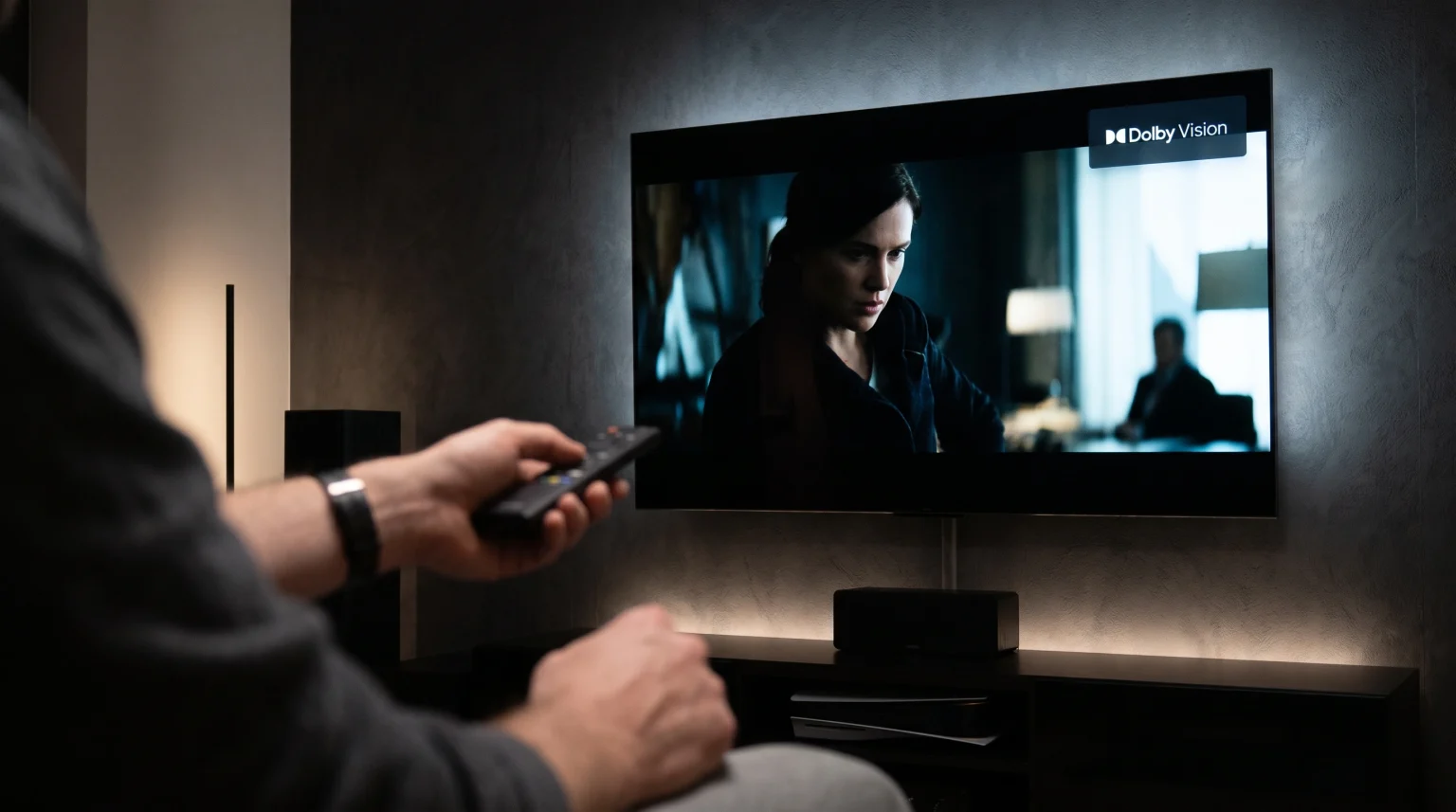
To check if your Smart TV supports HDR10+ or Dolby Vision, search for your exact television model number on the manufacturer’s official website. You can also look for the official HDR10+ or Dolby Vision logos on the original television box. Finally, you can play a Dolby Vision or HDR10+ video on a streaming application. Most LG, Sony, and Philips televisions display a small pop-up logo in the top right corner of the screen when an advanced HDR format starts playing.
Understanding HDR10 Plus vs Dolby Vision TV Support
All modern HDR televisions support the basic HDR10 format. This basic format uses static metadata. It applies one single picture setting to the entire movie.
HDR10+ and Dolby Vision are more advanced. They use dynamic metadata. They send new instructions to the television for every frame or scene. This creates a much better picture.
Television manufacturers usually divide their support:
Samsung supports HDR10+ but does not support Dolby Vision.
LG supports Dolby Vision but does not support HDR10+.
Sony supports Dolby Vision but does not support HDR10+.
Some brands like TCL and Hisense often support both formats.
How to Check Your TV Specifications
You can verify your television’s HDR support using three easy methods.
1. Check the Official Website
Find your exact television model number. You can usually find this number on a sticker on the back of the television. You can also find it in the television settings menu under “About This TV”. Type this model number into the manufacturer’s official website. Look at the “Video” or “Picture” specifications.
2. Check the On-Screen Display
Open a streaming application that supports Dolby Vision or HDR10+. Play a movie that features this technology. On most Dolby Vision televisions, a small “Dolby Vision” logo will appear on the screen for three seconds. Some televisions require you to press the “Info” button on the remote control to see the active video format.
3. Check the Box and Manual
If you still have the original box, look for the official logos. Dolby Vision uses a specific double-D logo. HDR10+ uses a text logo. The printed user manual also lists the supported formats in the technical specifications section.
TV Brand Comparison for HDR Support
Different television brands use different operating systems and support different HDR technologies.
Samsung Tizen
Samsung created the HDR10+ format. Therefore, all new Samsung Smart TVs support HDR10+. Samsung televisions do not support Dolby Vision. If you play a Dolby Vision video on a Samsung television, the television will show the basic HDR10 format instead.
LG webOS
LG is a strong supporter of Dolby Vision. LG OLED and premium LED televisions provide excellent Dolby Vision performance. LG televisions do not support HDR10+.
Sony BRAVIA Google TV
Sony televisions use the Google TV operating system. Premium Sony BRAVIA televisions support Dolby Vision. They do not support HDR10+. Sony televisions process Dolby Vision very accurately using their internal picture processors. If you want to know more about the Sony operating system, read our guide to Det beste Smart TV-operativsystemet for IPTV i 2026: Tizen vs Google TV vs webOS.
Comparison Table: Smart TV HDR Formats
Here is a simple comparison of how major TV brands handle HDR formats in 2026.
| Funksjon | Samsung TV | LG TV | Sony TV | TCL TV |
| Basic HDR10 Support | Ja | Ja | Ja | Ja |
| HDR10+ Support | Ja | Nei | Nei | Yes (Most models) |
| Dolby Vision Support | Nei | Ja | Ja | Yes (Most models) |
| Operativsystem | Tizen | webOS | Google TV | Google TV / Roku |
HDR and Smart TVs for IPTV Use
If you use TV Shadow IPTV, your television hardware and software are very important. TV Shadow IPTV delivers high-quality streams, but your television must have the correct applications to play them.
Not every IPTV application is available on every television.
Samsung Tizen and LG webOS have closed application stores. You can find popular IPTV players like IBO Player or Flix IPTV, but the selection is limited.
Sony and TCL televisions use Google TV. They have access to the Google Play Store. This gives you many more choices for IPTV applications.
For the best experience with TV Shadow IPTV, you need an IPTV player that supports M3U playlists or Xtream Codes. A good IPTV application will also display the Electronic Program Guide (EPG) correctly and respond quickly to your remote control.
Please note that television manufacturers do not guarantee that every third-party IPTV application will work perfectly. Always check your local application store.
Watching Live Football in HDR
Live football and other sports require specific television features. HDR can make a football pitch look very realistic, but motion handling is more important than HDR for sports.
When you watch live football, the camera moves very fast. A television with a 120Hz refresh rate will display this fast motion much better than a television with a 60Hz refresh rate. The picture will be smooth, and the football will not look blurry. If you are choosing a television specifically for sports, read our comparison of 60 Hz- og 120 Hz-TV-er til direktesendt fotball.
Internet connection quality also matters. Live sports require a stable connection. You should connect your Smart TV directly to your internet router using an Ethernet cable. An Ethernet cable provides a more stable connection than Wi-Fi. This prevents the video stream from stopping during an important football match.
Konklusjon
Understanding your television’s technical specifications helps you get the best picture quality. Checking for HDR10+ or Dolby Vision support is easy. You can search your model number online, check the original box, or look for the on-screen pop-up logo during video playback.
Samsung televisions support HDR10+. LG and Sony televisions support Dolby Vision. If you want maximum compatibility, brands like TCL often support both formats. Whether you are watching a 4K movie or using TV Shadow IPTV for daily entertainment, choosing the right television will give you bright, clear, and realistic colors.
Ofte stilte spørsmål
Does Dolby Vision work on Samsung TVs?
No. Samsung televisions do not support Dolby Vision. If you play a Dolby Vision movie on a Samsung television, the television will automatically display the standard HDR10 version instead.
Which is better, HDR10+ or Dolby Vision?
Both formats provide excellent picture quality using dynamic metadata. Dolby Vision is more popular in the film industry and on streaming services. However, the visual difference between the two formats is very small on a high-quality television.
Can a TV support both HDR10+ and Dolby Vision?
Yes. Some television brands, such as TCL, Hisense, and Panasonic, support both formats. This is very useful because the television will always play the best available HDR format.