
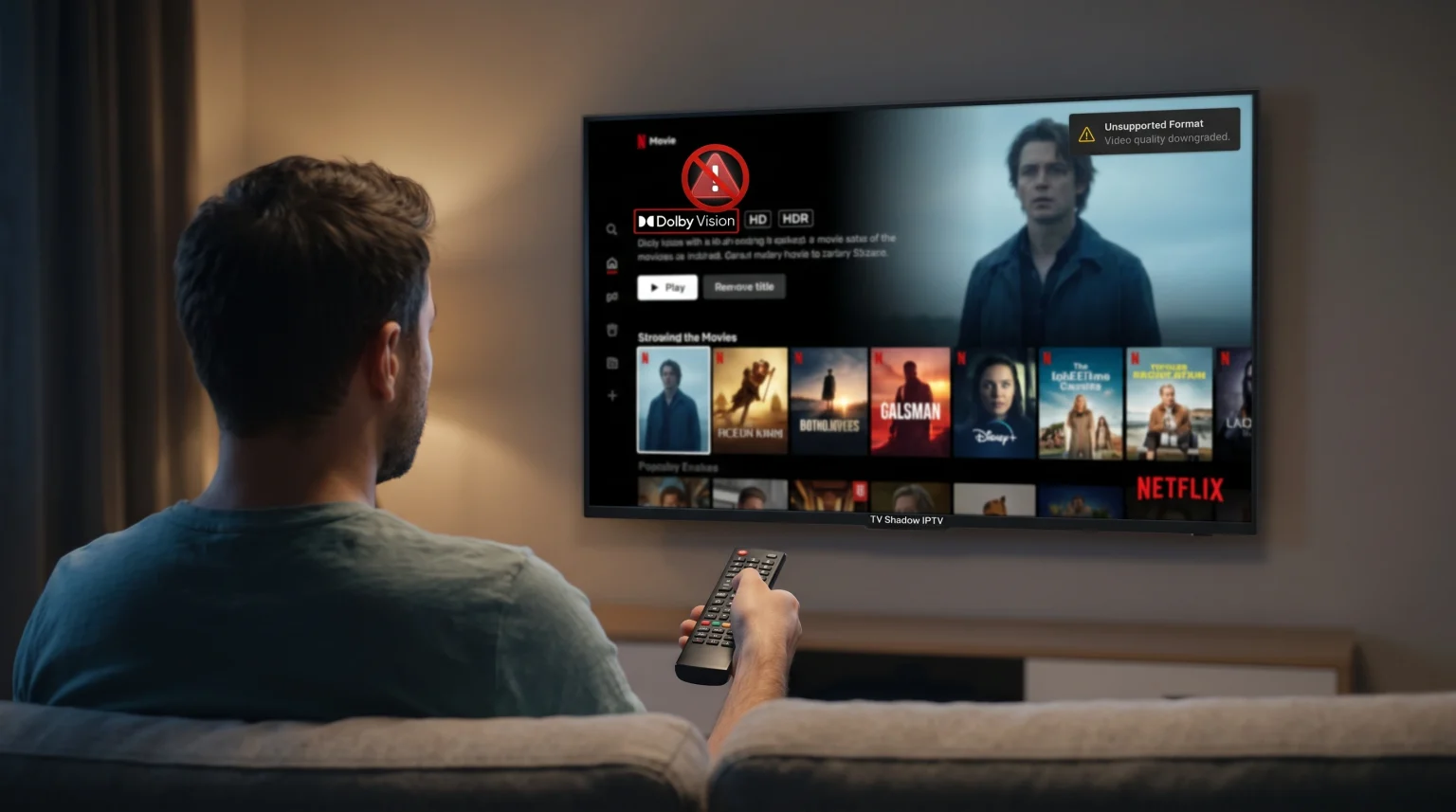
You sit down to watch a movie, but the Dolby Vision logo does not appear on your television screen. Instead, the television displays standard HDR10 or standard definition video. Finding Dolby Vision missing streaming apps is a common problem for users of Netflix, Disney+, Max, and Amazon Prime Video.
This problem happens for several technical and administrative reasons. Sometimes, a streaming service changes its subscription plans. In other cases, your internet connection speed drops, which forces the streaming application to lower the video quality.
Hardware connections also cause this problem. If your HDMI cable cannot transfer enough data, the television will disable Dolby Vision automatically. Additionally, software updates for your Smart TV operating system or the specific streaming application can temporarily break HDR compatibility.
This article explains why Dolby Vision disappears from streaming applications and how you can restore the correct video format on your television.
Kort svar
If you see Dolby Vision missing streaming apps, the most common cause is a slow internet connection. Streaming applications automatically disable Dolby Vision when your internet speed drops below 25 Mbps. The second common cause is your account subscription tier. Services like Netflix and Max restrict Dolby Vision to their most expensive premium plans. Finally, check your television settings. You must enable “Enhanced Format” or “Deep Color” for the specific HDMI port you are using.
Account Subscription Changes
Streaming services change their pricing structures frequently. In recent years, many platforms moved 4K video and Dolby Vision into their highest pricing tiers.
If Dolby Vision disappears from your Netflix or Max application, check your account settings. You may be using a standard subscription plan. Standard plans usually limit video quality to 1080p resolution and standard dynamic range (SDR). You must upgrade to the premium subscription tier to unlock Dolby Vision capability.
Internet Connection and Bandwidth Drops
Streaming applications use dynamic resolution scaling. This technology monitors your internet speed in real time.
Dolby Vision requires a large amount of internet bandwidth. Netflix recommends a steady connection of at least 15 Mbps to 25 Mbps for 4K HDR content. If your Wi-Fi connection becomes unstable, the streaming application will automatically lower the video quality to prevent the video from pausing. When this happens, Dolby Vision turns off.
To fix this problem, connect your television directly to your internet router using an Ethernet cable. An Ethernet connection provides a more stable data transfer than a wireless connection.
Software Updates and Legal Disputes
Sometimes, the streaming application itself is the problem. Application developers release software updates that contain bugs. A bug can prevent the application from recognizing that your television supports Dolby Vision.
In some cases, legal issues cause streaming platforms to remove Dolby Vision. For example, in early 2026, Disney+ temporarily lost Dolby Vision dynamic HDR streaming in certain regions due to a patent dispute with a technology company. During this time, Disney+ users only received standard HDR10 video.
If Dolby Vision disappears after an application update, you must wait for the developer to release a new update that fixes the problem.
HDMI Cables and Television Settings
If you use an external streaming device like an Apple TV 4K or a Nvidia Shield, the HDMI cable is very important.
Dolby Vision requires high-speed data transfer. You must use an HDMI 2.0 or HDMI 2.1 cable. The cable and the television port must also support HDCP 2.2 copy protection. If the HDMI cable is damaged or old, the streaming device will disable Dolby Vision.
Additionally, most Smart TVs do not enable Dolby Vision automatically for external devices. You must open your television settings and find the HDMI input menu. You must change the HDMI port setting from “Standard” to “Enhanced Format” or “HDMI Deep Color”.
HDR10 vs Dolby Vision Comparison
Understanding the difference between standard HDR formats helps you know what your television is displaying.
| Funksjon | Standard HDR10 | Dolby Vision |
| Metadata type | Static metadata | Dynamic metadata |
| Color depth | 10-bit color | Up to 12-bit color |
| Brightness limits | Up to 1,000 nits | Up to 10,000 nits |
| Frame adjustment | One setting for the whole movie | Adjusts scene by scene |
| Industry adoption | Supported by almost all 4K TVs | Requires specific hardware license |
IPTV Compatibility and Dolby Vision
Users of TV Shadow IPTV often ask if IPTV applications support Dolby Vision.
Most IPTV services deliver live television channels in standard definition, high definition, or standard 4K resolution. Dolby Vision is primarily used by large video-on-demand services like Netflix and Apple TV+. It is very rare for live IPTV channels to broadcast in Dolby Vision.
When you use an IPTV player on your Smart TV, the player handles M3U playlists and Xtream Codes. The availability of specific features depends on the application you use. Your Smart TV operating system also limits which IPTV applications you can install in the official app store. If you are comparing television operating systems, our guide to Det beste Smart TV-operativsystemet for IPTV i 2026 forklarer forskjellene mellom Tizen, Google TV og webOS.
For TV Shadow IPTV, focus on using an IPTV application that offers a reliable Electronic Program Guide (EPG) and easy remote control usability.
Live Football and Sports Streaming
When you watch live football, picture quality is very important. However, Dolby Vision is usually not the most important feature for live sports.
For live football, you should prioritize motion handling and the television refresh rate. A television with a 120Hz refresh rate will display a moving football much clearer than a 60Hz television. If you want to know more about this, read our article explaining the 60 Hz- og 120 Hz-TV-er til direktesendt fotball.
When streaming live sports in 4K resolution, stability is crucial. Always use an Ethernet cable instead of Wi-Fi to prevent buffering. A stable network connection ensures the picture processing remains smooth during fast camera movements.
Konklusjon
Finding Dolby Vision missing streaming apps is frustrating, but the solutions are usually simple. First, check your internet connection speed. Second, verify that your account subscription includes 4K HDR streaming. Third, make sure you are using a high-speed HDMI cable connected to an enhanced HDMI port on your television. While external factors like patent disputes or application bugs can temporarily remove Dolby Vision, checking your local hardware and network settings solves the problem most of the time.
Ofte stilte spørsmål
Why does Dolby Vision switch to HDR10?
Dolby Vision switches to HDR10 when the streaming application cannot support dynamic metadata. This happens if your internet speed drops, if you use an unsupported HDMI port, or if the streaming service removes Dolby Vision support for that specific movie.
Does every 4K television support Dolby Vision?
No. Samsung televisions do not support Dolby Vision. Samsung televisions use a competing format called HDR10+. Sony, LG, and TCL televisions generally support Dolby Vision, but you must check the specific television model specifications.
Why is Dolby Vision missing on my Netflix app?
Netflix restricts Dolby Vision to its Premium subscription plan. If you downgraded your account to the Standard plan, Netflix will remove Dolby Vision capability. Check your Netflix account settings to verify your current plan.