
Many users buy a new Samsung Smart TV and realize they cannot find their favorite IPTV application. This situation happens because Samsung Smart TVs use the Tizen operating system. Tizen is a different software platform than Android TV. Therefore, popular Android applications do not exist on Samsung televisions.
This article explains why certain IPTV apps are missing from the Samsung App Store. We will explain how the Tizen operating system works, how regional restrictions affect application availability, and what alternatives exist for your television.
Kort svar
Some IPTV apps are missing from Samsung Tizen because the television uses a proprietary Linux-based operating system, not Android. Samsung Tizen does not support standard Android APK files. Developers must create a specific Tizen version of their application. Additionally, Samsung enforces strict App Store security policies and regional restrictions. If an application violates a policy, Samsung removes the application. If your preferred IPTV app is missing, you can use a compatible Tizen alternative or connect an external Google TV streaming device.
Understanding the Samsung Tizen Operating System
Samsung manufactures its Smart TVs with an operating system called Tizen. Tizen is a closed, Linux-based software platform. This system is very fast and works efficiently with Samsung hardware components.
However, Tizen uses a different programming language than Android. Android TV and Google TV use APK (Android Package Kit) application files. Samsung Tizen uses web applications based on HTML5, CSS, and JavaScript. Because of this structural difference, an IPTV app built for Android will not work on a Samsung television. App developers must build a completely new application specifically for the Tizen platform. Many small developers do not have the money or time to develop a second version of their application.
Why Do IPTV Apps Disappear From the Samsung App Store?
Sometimes an IPTV app is available in the Samsung App Store, but disappears weeks or months later. This application removal happens for several factual reasons.
Regional Restrictions and Geoblocking
The Samsung App Store content changes depending on the user’s geographical country. An IPTV app may receive approval in Europe but remain blocked in the United States. Developers or local broadcasting authorities can restrict an application to specific geographical regions. If your Samsung account is registered in a restricted country, the application will not appear in your search results.
Strict Security and App Store Policies
Samsung manually tests and approves every application in the Samsung App Store. The company requires strict compliance with user privacy and network security rules. If an IPTV app contains a security flaw, Samsung removes the application immediately. Furthermore, some applications fail to update their software code to meet new Samsung standards. When an application uses outdated code, the application is permanently deleted from the store.
Hardware and OS Version Compatibility
Older Samsung televisions run older versions of Tizen OS. Modern IPTV applications require modern software features to process large video files and large channel lists. If an app developer stops supporting older Tizen versions, the application will disappear from the store for older television models. Users with older televisions will see fewer available applications than users with modern televisions.
App Availability Comparison
Hvis du sammenligner operativsystemer for TV-er, kan du sjekke ut vår guide til Det beste Smart TV-operativsystemet for IPTV i 2026: Tizen vs Google TV vs webOS explains the differences between platforms in more detail.
| Funksjon | Samsung Tizen | Google TV / Android TV |
| Operating system base | Linux / HTML5 | Android |
| App-økosystem | Samsung App Store | Google Play-butikken |
| Støtte for Android APK-filer | Nei | Ja |
| Sideloading difficulty | Very high (requires Developer Mode) | Low (direct APK installation) |
| Tilgjengelighet av IPTV-apper | Limited native options | Very large selection |
IPTV App Compatibility on Samsung
Because this article is for TV Shadow IPTV, we must explain how to watch IPTV on a Samsung Smart TV. Although Android applications are missing, Samsung Tizen still offers several functional IPTV players.
Users can find applications such as IBO Player, Smart IPTV, and Nanomid in the Samsung App Store. These applications support standard M3U playlists and Xtream Codes API.
To use an IPTV player on Samsung Tizen, you need a provider that supplies an M3U link or Xtream Codes login details. The television processor handles the Electronic Program Guide (EPG). However, because Samsung remote controls have very few physical buttons, navigating large EPG menus can be slower compared to using an Android TV remote control. You can read more about Er Samsung Tizen et godt valg for IPTV i 2026? to understand hardware limitations.
Sideloading Limitations on Samsung Tizen
On Android TV, users can easily “sideload” missing applications. Sideloading means installing an application manually from an external source, such as a USB drive.
On Samsung Tizen, sideloading is extremely difficult for standard users. Samsung requires a computer, specific Tizen Studio developer software, and an active Developer Mode network connection to install unauthorized applications. The user must manually push the application file to the television using a local IP address. Therefore, if an IPTV app is missing from the Samsung App Store, sideloading is rarely a practical solution for daily television viewers.
Live Football and Streaming Performance
Many users use their Samsung television to watch live football. Samsung televisions offer excellent motion handling and picture processing. However, streaming live sports requires a stable internet connection.
If your IPTV app buffers during a football match, the problem is often the Wi-Fi connection, not the Tizen operating system. For the best live football experience, always connect your Samsung Smart TV directly to your internet router using an Ethernet cable. A wired Ethernet connection prevents signal drops during fast-moving sports broadcasts. You can also read our technical guide about choosing a 60 Hz- og 120 Hz-TV-er til direktesendt fotball.
Best Alternatives if Your App is Missing
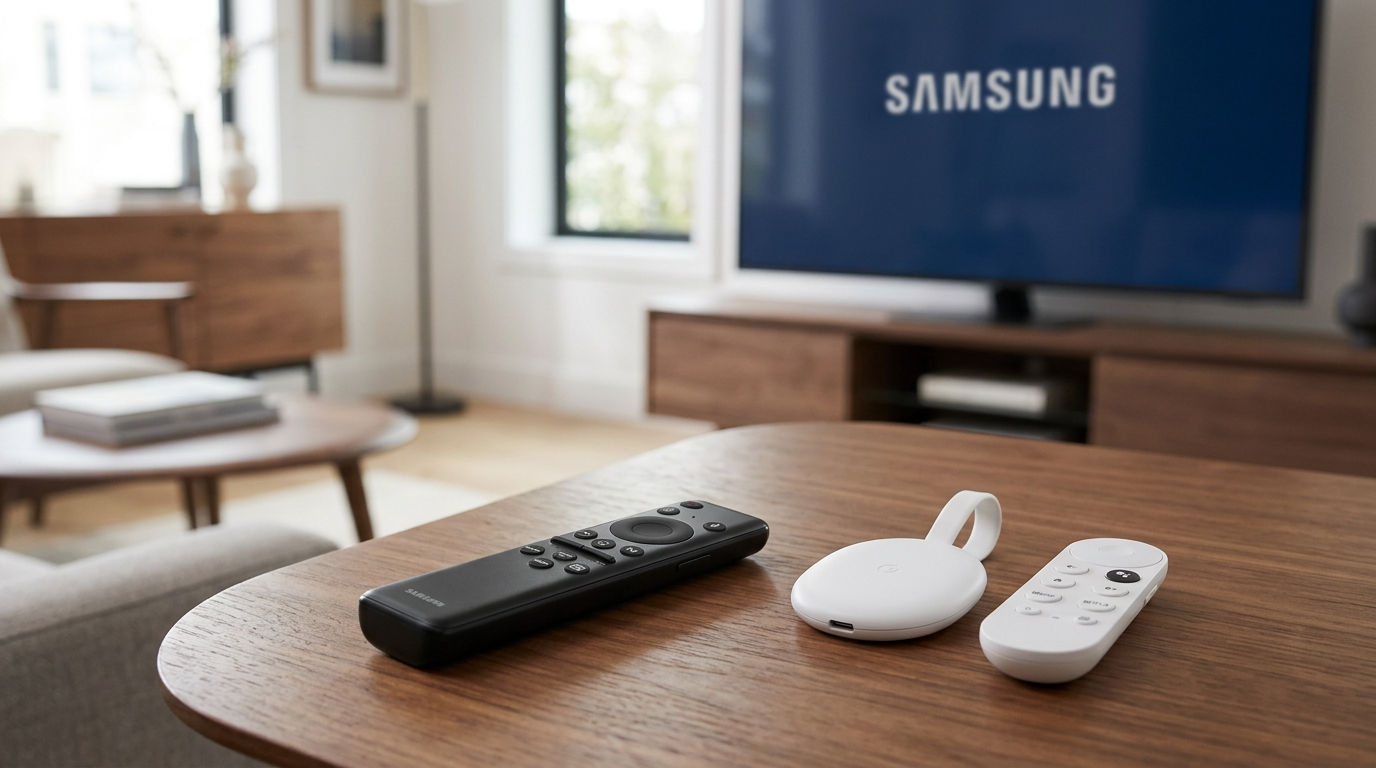
If your favorite IPTV app is missing from Samsung Tizen, do not buy a new television. The easiest solution is to connect an external streaming device to your television.
You can connect a Google Chromecast with Google TV, an Amazon Fire TV Stick, or an NVIDIA Shield to the television’s HDMI port. These external devices run Android TV or Fire OS. When you use an external Android device, you bypass the Samsung Tizen operating system completely. You can then access the Google Play Store and download any Android IPTV application directly.
Konklusjon
Samsung Tizen is a fast and responsive operating system, but the platform has a restricted application ecosystem. Many popular IPTV apps are missing from Samsung Tizen because the television does not support Android APK files. Additionally, strict App Store rules and regional geoblocking limit which applications are available to users.
Hvis du bruker en tjeneste som TV Shadow IPTV, you can download compatible Tizen players directly from the Samsung App Store. If your preferred application is unavailable, adding an external Google TV device offers a permanent, easy, and inexpensive solution.
Ofte stilte spørsmål (FAQ)
Can I install Android APK files on my Samsung Smart TV?
No, you cannot install Android APK files on a Samsung Smart TV. Samsung televisions use the Tizen operating system, which is structurally incompatible with the Android software format.
Why did my IPTV app disappear from the Samsung App Store?
Your IPTV app likely disappeared because of security issues, developer license expiration, or regional restrictions. Samsung frequently removes applications that violate store policies or fail to update their security code.
Is TiviMate available on Samsung Tizen?
No, TiviMate is not available on Samsung Tizen. The developer designed TiviMate exclusively for Android TV and Google TV devices. You can only use TiviMate on a Samsung television by connecting an external Android TV streaming stick.
Can I change my Samsung TV region to find missing apps?
Yes, you can change your Samsung TV region settings to access a different country’s App Store. However, changing the geographical region may delete your existing local applications and reset your television settings.
What is the best way to watch IPTV if an app is missing?
The best way to watch IPTV when an application is missing is to use an external Android TV streaming stick. An external device provides full access to the Google Play Store on any brand of television.