
You just set up a pristine new screen, grabbed the remote, and searched for your favorite streaming service. Frustratingly, you quickly realize the IPTV app not available on TV, leaving you cut off from your go-to channels. If you are facing this exact issue, you are certainly not alone.
Different television brands operate on entirely different software ecosystems. Understanding why certain streaming applications are restricted can save you hours of troubleshooting. Let’s break down the technical walls keeping your favorite apps off your screen and explore the easiest ways to bypass them.
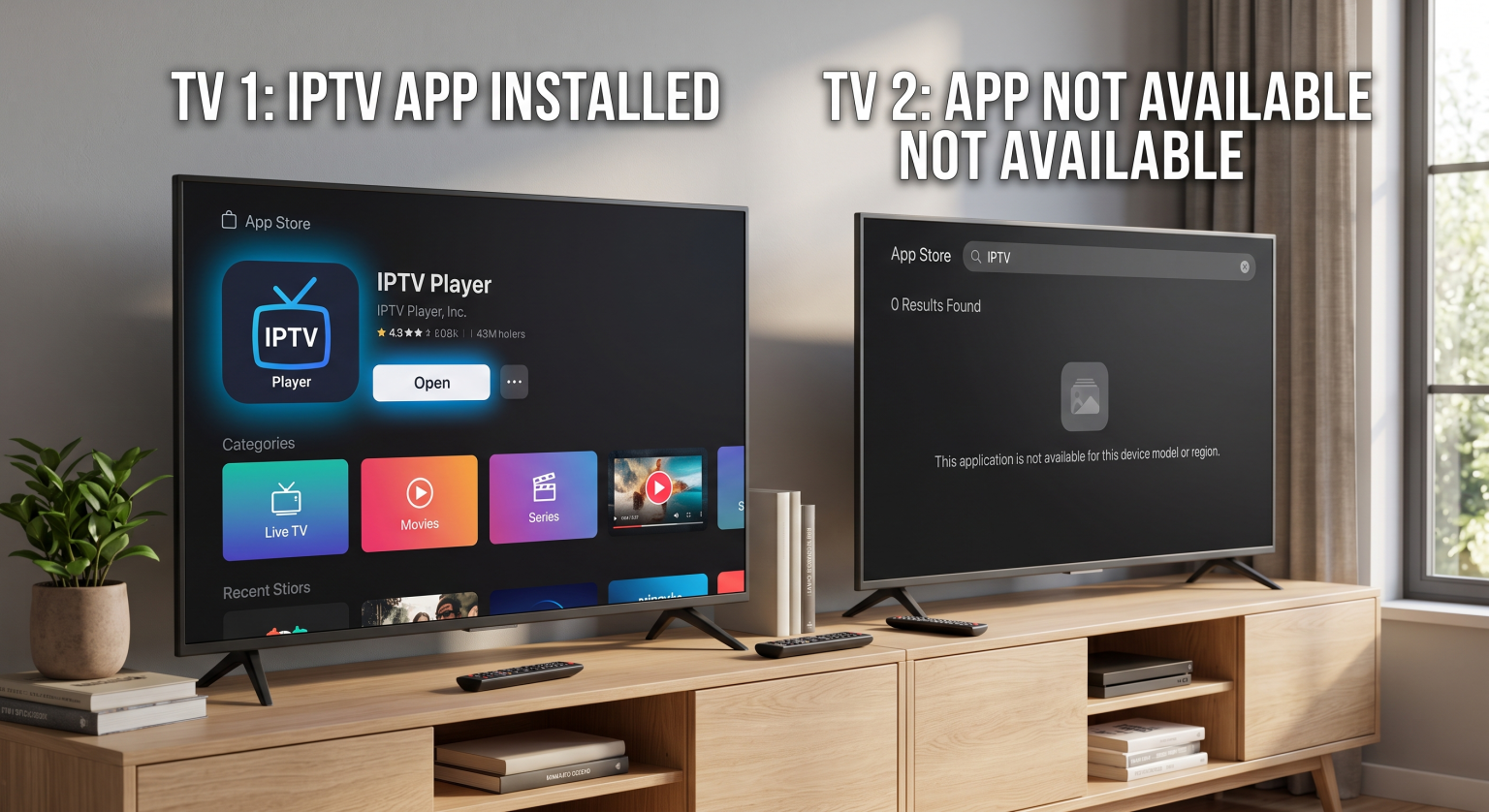
The Real Reasons Your IPTV App Not Available on TV
Finding your preferred IPTV application missing usually comes down to three main culprits. It is rarely a glitch, but rather a deliberate limitation set by the manufacturer or developer.
Operating System (OS) Differences
Not all smart screens speak the same language. A Samsung display uses Tizen, LG uses WebOS, and brands like Sony or TCL typically use Android TV. Developers must code a unique version of their app for each of these operating systems. If a developer lacks the budget or time, they simply won’t release a version for that specific platform.
Regional Restrictions and Geo-Blocking
Sometimes, the app exists for your TV’s OS, but it is hidden from your specific local market. Geo-restrictions frequently dictate digital storefronts. A streaming app fully licensed in Europe might not be visible in other regions due to broadcasting rights, compliance issues, or regional censorship.
Hardware and Firmware Limitations
Older televisions simply do not have the processing power to run modern, heavy applications. If you haven’t performed a firmware update recently, your TV’s app store may deliberately hide newer applications to prevent crashes.
Smart TV OS Comparison
To understand why you might see the IPTV app not available on TV error, it helps to compare the top operating systems. Below is a breakdown of how the big three handle third-party streaming software.
| Smart TV Operating System | Built-in App Store Variety | Sideloading Difficulty | Best egnet for… |
| Android TV (Sony, TCL) | Excellent (Google Play Store) | Very Easy (APK files supported) | Tech-savvy users wanting maximum flexibility. |
| Tizen (Samsung) | Good, but highly curated | Difficult (Requires developer mode/USB) | Users who prefer mainstream, official apps. |
| WebOS (LG) | Moderat | Very Difficult | Users looking for a smooth, user-friendly interface. |
How to Fix the "IPTV App Not Available on TV" Error
You do not need to buy a brand-new screen just to watch your favorite internet protocol television content. There are several highly effective workarounds to get your channels up and running.
Use a Streaming Stick or Android TV Box
The most reliable solution is bypassing your TV’s native software entirely. Plugging an Android TV-boks, Amazon Fire Stick, or Chromecast into your HDMI port gives you instant access to a massive, unrestricted app store. This instantly solves compatibility issues on older or highly restricted models.
Sideloading the Application
If your screen runs on an Android-based OS, you can manually install the app using an APK file. Sideloading IPTV apps involves downloading the installation file to a USB drive and plugging it directly into your display. Just ensure you allow “Unknown Sources” in your security settings before attempting this.
Change Your App Store Region
If the app is blocked locally, changing your device’s region settings can sometimes force the storefront to update. By switching your location setting to a different country, the previously hidden app may magically appear. Keep in mind that you may need a VPN for the application to function correctly after downloading.
Ready to stop buffering and start watching? Dealing with missing apps doesn’t have to ruin your entertainment plans. Explore our premium, high-speed IPTV subscription plans today and enjoy flawless compatibility across all your favorite devices [Click here to view our pricing plans and start your free trial!]
Ofte stilte spørsmål (PAA)
Why did my IPTV app disappear from my Smart TV?
App stores frequently purge applications that violate new developer guidelines or fail to update their software. If the developer abandons the app, the TV manufacturer will automatically remove it from the store and sometimes from your device to ensure system stability.
Can I install any IPTV app on a Samsung TV?
No, Samsung uses a proprietary OS called Tizen, which does not support standard Android (APK) files. You are strictly limited to what is available in the Samsung Smart Hub unless you use a secondary streaming stick.
Is using a VPN necessary for downloaded streaming apps?
While a VPN isn’t always required to download an app, it is highly recommended if you are trying to bypass regional content blocks. A VPN masks your location, ensuring smooth, unrestricted access to global servers.