
You sit down to stream your favorite show, only to see a frustrating error message. If you’ve discovered an IPTV app not compatible with device hardware, you are not alone. Here is exactly why this happens and how you can bypass these restrictions to start streaming instantly.
When you see a “not available” message, it rarely means the app is completely broken. Instead, it usually points to software mismatches, regional licensing blocks, or strict app store policies. Depending on your local area, these restrictions can completely hide your favorite streaming apps from your television’s native store.
Understanding these technical roadblocks is the first step toward reclaiming your entertainment.
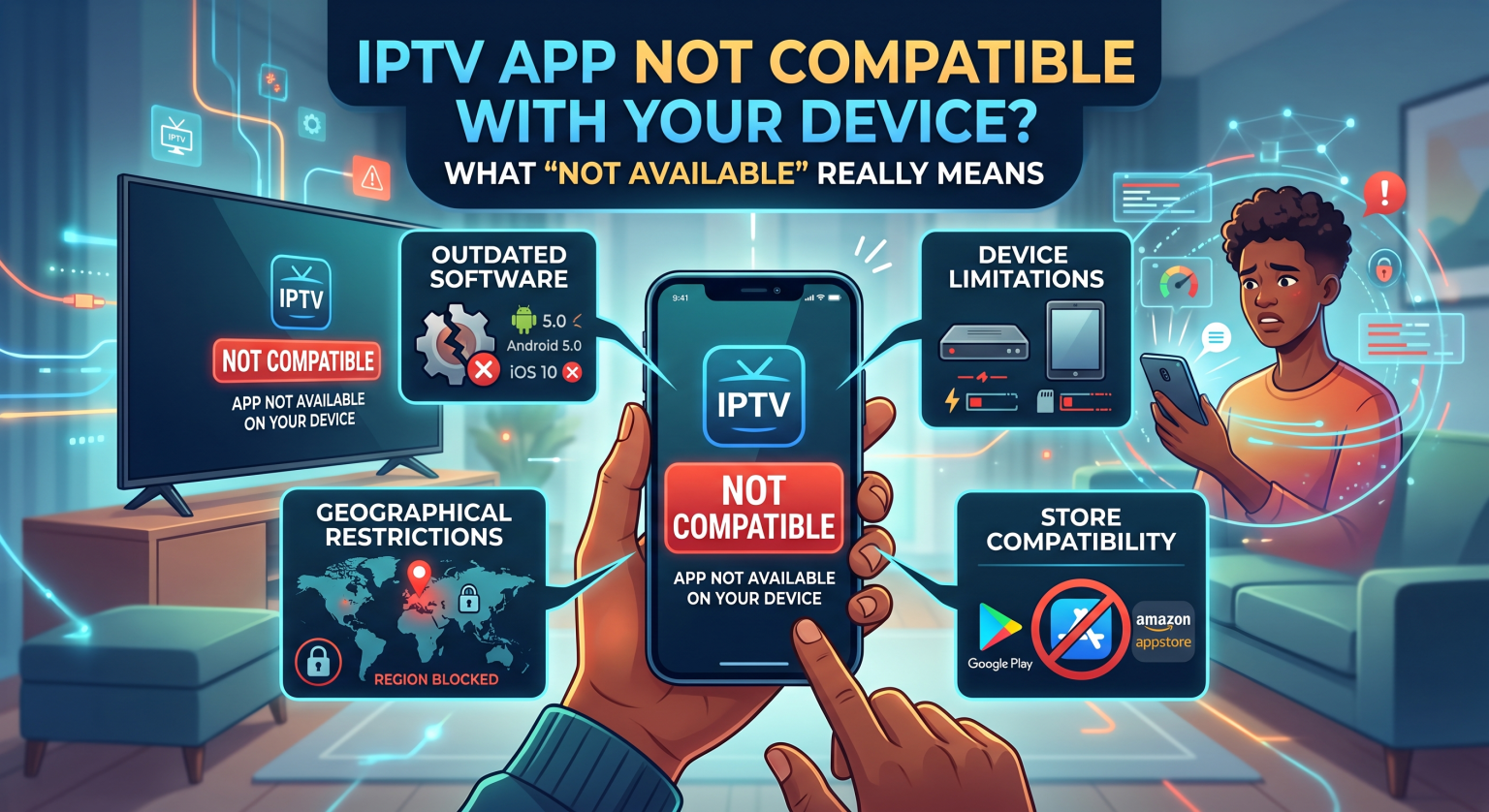
Why Is Your IPTV App Not Compatible With Device?
There are a few primary reasons why you might encounter the IPTV app not compatible with device error on your screen. The most common culprit is an outdated operating system on your television or streaming stick. If your TV hasn’t received a firmware update in years, modern applications simply lack the framework required to run on it.
Another major factor is IPTV device compatibility restrictions set by the manufacturer. Brands like Samsung and LG use proprietary operating systems (Tizen and WebOS) rather than Android. Because of this, many developers do not build versions of their apps for these specific platforms.
Finally, you might be dealing with a smart TV app store block. Major tech companies frequently purge third-party streaming apps from their official stores to comply with broad copyright guidelines.
Geo-Restricted IPTV Apps: The Local Region Block
Sometimes, the app is perfectly compatible with your hardware but is actively blocked in your specific location. Geo-restricted IPTV apps will display a “not available in your country” error based on your IP address. This happens because developers often lock their software to comply with regional broadcasting laws and digital licensing agreements.
If you are trying to download an app that isn’t authorized for your local area, the app store will hide it automatically. Fortunately, you can often bypass these digital borders by utilizing a reliable Virtual Private Network (VPN).
Comparing Your Best Bypass Options
If you are stuck dealing with unsupported IPTV players, you have a few practical workarounds. Here is a breakdown of the most effective solutions to get your system up and running:
| Fix / Workaround | Vanskelighetsgrad | Best egnet til | Key Pros & Cons |
| Sideloading av APK-filer | Middels | Android TV & Amazon Firestick | Pro: Free to do Con: Manual updates required |
| External TV Boxes | Lav | Older or Restricted Smart TVs | Pro: Universal app access Con: Requires hardware purchase |
| Browser Web Players | Lav | PC, Mobile, and Tablets | Pro: Zero installation needed Con: Clunky remote navigation |
Bypassing Smart TV App Store Blocks
When your television’s native store fails you, sideloading IPTV apps is often the most reliable solution. Sideloading simply means downloading the application’s installation file (APK) directly from the web rather than an official store. This method bypasses manufacturer restrictions entirely, giving you total control over what goes on your device.
If sideloading sounds too technical, bypassing your television’s native OS is the next best step. You can easily overcome Android TV box limitations or smart TV blocks by purchasing an external streaming stick. Devices like the Nvidia Shield, Amazon Fire TV Stick, or generic Android boxes offer open ecosystems with far fewer application restrictions.
By shifting your streaming platform to an external device, your TV essentially just becomes a monitor. This completely eliminates the nightmare of navigating streaming platform restrictions dictated by your TV manufacturer.
Ready to stop dealing with frustrating errors and start enjoying flawless streaming in your region? Upgrade your viewing experience today by choosing a premium, universally compatible IPTV service that works perfectly on any device. [Click here to explore our flexible pricing plans and start your risk-free trial right now!]
Ofte stilte spørsmål (FAQ)
Why did my IPTV app suddenly disappear from my smart TV?
Manufacturers regularly update their app store compliance policies, resulting in a sudden smart TV app store block for third-party players. If an app violates new terms of service or regional licensing, it will be automatically uninstalled or hidden.
Can I force an incompatible app to install on my TV?
You cannot force an Android app onto a non-Android operating system like Roku, WebOS, or Tizen. However, if you are using an Android-based device, you can bypass store restrictions by sideloading IPTV apps via the Downloader application.
How do I fix the "not available in your region" error?
This error indicates that the app is geo-blocked in your local area. The fastest way to resolve this is by installing a premium VPN on your router or streaming device to mask your location.