
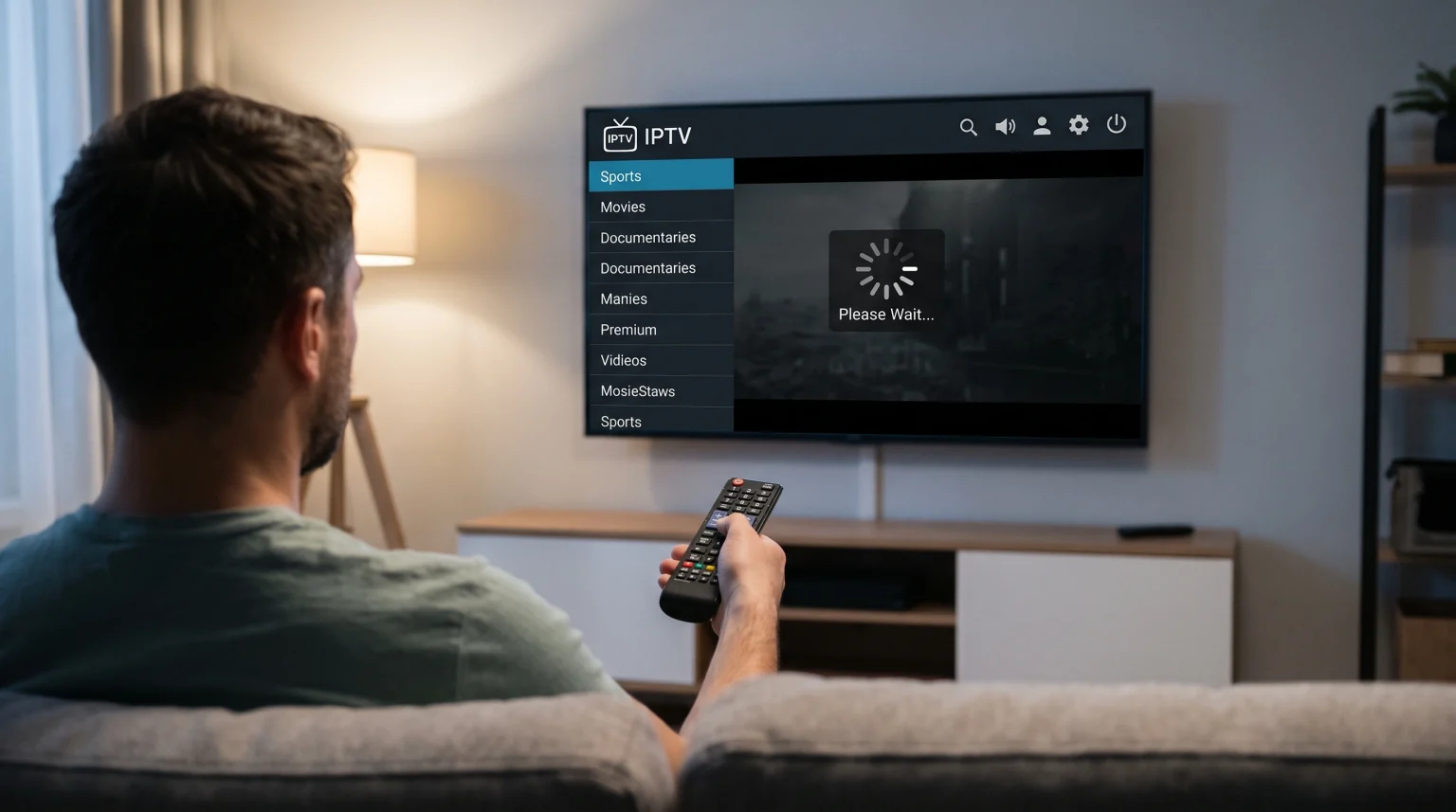
Many users experience an IPTV category switching freeze. This problem happens when you change from one group of channels to another. The television screen stops moving. The remote control does not respond. The IPTV application appears broken.
This technical problem is frustrating. You want to watch television quickly, but you must wait for the application to load the new data. We will explain exactly why this freezing happens. We will also explain how you can fix this problem on your Smart TV, Android box, or streaming stick.
Kort svar
An IPTV category switching freeze usually happens because your television or streaming device lacks enough memory (RAM) to process a large playlist quickly. When you change categories, the IPTV application must load thousands of new channel names and Electronic Program Guide (EPG) data simultaneously.
If your device has a slow processor, or if you use a very large M3U playlist file, the application will freeze while it reads the text. You can fix this problem by deleting unused country categories, using a faster device, or connecting via the Xtream Codes API instead of an M3U file.
Why Memory (RAM) Causes the Screen to Freeze
Smart televisions are not desktop computers. They have limited processing power. A standard television usually contains only 2 gigabytes (GB) or 3 GB of memory (RAM).
Your television uses this memory to run the operating system and the IPTV application. A modern IPTV playlist often contains more than 50,000 live channels and 100,000 movies. When you click a new category on your remote control, the application must move this massive list of text into the active memory.
If the memory is full, the television must delete old data before it can load new data. During this exchange process, the television cannot accept new commands. The screen freezes until the memory transfer is complete.
If you frequently experience freezing, you should read our guide on De beste smart-TV-ene for IPTV i 2026: Sammenligning av Samsung, Sony, LG og TCL. A television with a faster processor will switch categories much faster.
Playlist Formats: M3U vs Xtream Codes API
The way you connect to your IPTV service changes how fast categories load. There are two common connection methods: M3U files and the Xtream Codes API.
An M3U connection requires your television to download the entire playlist at one time. This creates a very heavy file.
The Xtream Codes API uses a database connection. When you use the Xtream Codes API, the television only requests the specific category you want to watch. The application does not load the other categories until you click them.
Connection Format Comparison
| Funksjon | M3U File Connection | Xtream Codes API |
| Data loading method | Loads all categories at once | Loads categories only when selected |
| Memory usage | Svært høy | Lav |
| Category switching speed | Slow | Rask |
| Risk of application freeze | Høy | Lav |
| Automatic EPG updates | Can be slow | Fast and optimized |
For the best performance, you should always use the Xtream Codes API.
Electronic Program Guide (EPG) Overload
The Electronic Program Guide (EPG) provides the television schedule. It shows what program is playing right now.
EPG files contain massive amounts of text data. When you experience an IPTV category switching freeze, the application is often struggling to match the channel names with the correct EPG schedule.
Some IPTV applications try to download the entire 7-day EPG for every category at the same time. This process forces the processor to work at maximum capacity. To prevent this, you can open your IPTV application settings and reduce the EPG update frequency. Set the EPG to update only one day of information instead of seven days.
Internet Connection and Router Problems
Your internet connection can also cause an IPTV category switching freeze. When you open a new category, the application sends multiple fast requests to the remote server.
Some internet routers see these fast requests as a security threat. The router blocks the connection for a few seconds. This causes the application to freeze on the screen.
Wi-Fi connections can also lose data packets during this process. A wired network connection is always more stable. Connect an Ethernet cable directly from your internet router to your television. This provides a direct path for the category data to download without wireless interference.
Optimizing TV Shadow IPTV Performance
Hvis du bruker TV Shadow IPTV, you can configure your setup to prevent category switching freezes.
First, ask our support team to remove regions and countries you do not watch. If you only speak English and Spanish, you do not need the television channels for 50 other countries. Removing these unnecessary categories reduces your playlist size by 80 percent.
Second, choose a modern IPTV player application. Some older applications have bad memory management. A modern application will clear the memory automatically when you switch categories.
Live Football and Category Switching
An IPTV category switching freeze is very annoying during live football matches. Live sports events require high bandwidth.
If you are watching one football match and decide to check the score of a different match in another category, the application must drop the current video stream, load the new category text, and connect to a new video server.
Because live football uses high frame rates, the television processor is already working hard to keep the image smooth. If you force the processor to also load a new category, the television will freeze.
To improve your sports experience, you can read our explanation on 60 Hz- og 120 Hz-TV-er til direktesendt fotball]. You can also read about Hvorfor ser IPTV uskarpt ut på en ny 4K-TV?].
Konklusjon
An IPTV category switching freeze is a hardware and data problem. It happens when a large playlist forces a weak television processor to read too much text at one time.
You can solve this problem quickly. First, ask your provider to delete categories you do not need. Second, connect your IPTV application using the Xtream Codes API instead of an M3U file. Finally, connect your television directly to your router with an Ethernet cable. By reducing the size of your playlist and managing your device memory, you can switch categories smoothly without waiting.
Ofte stilte spørsmål (FAQ)
Why does my screen freeze only when I open the VOD category?
Video on Demand (VOD) categories contain thousands of movie posters. Your television must download these image files every time you open the category. This requires more internet speed and memory than a simple list of live television channels.
Will deleting the application cache stop the freezing?
Yes, deleting the cache often stops the freezing temporarily. When you clear the cache in your television settings, you delete old corrupted data. The IPTV application has more free memory to load new categories.
Does a faster internet speed fix category switching freezes?
Not always. A faster internet speed helps download the text quickly, but the television processor must still read the text. If your television has a slow processor, the screen will still freeze even with a gigabit internet connection.