
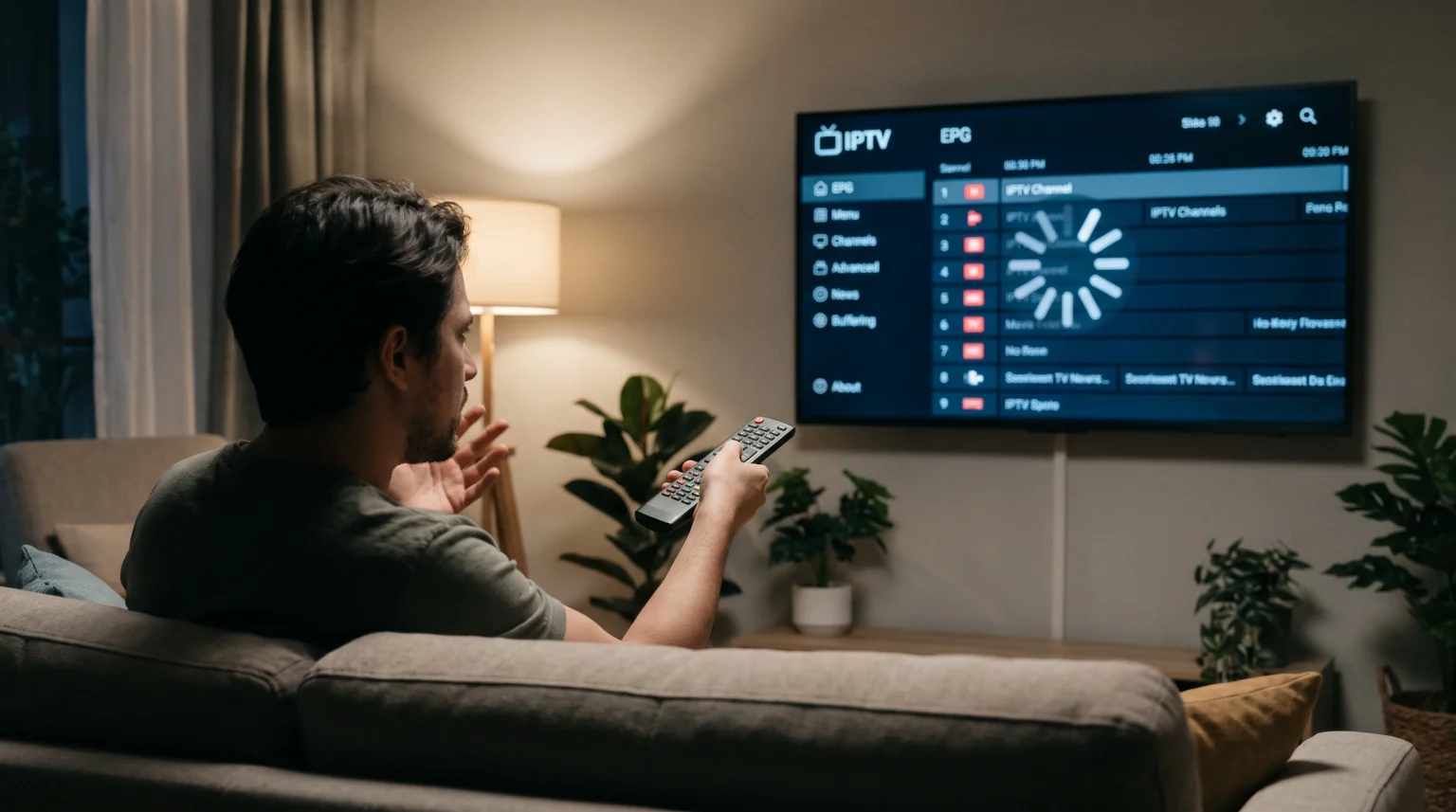
When you press a button on your television remote control, the IPTV application should respond immediately. Slow remote control navigation makes it difficult to change channels, browse movies, or load the television guide. This problem happens when the television hardware struggles to process the application data, or when the remote control connection fails.
Many users experience a delay between pressing the directional pad and seeing the cursor move on the screen. This input lag can ruin the television viewing experience. You do not always need to buy a new television to fix this issue. You can usually solve slow remote navigation by changing specific application settings, clearing the device memory, or fixing the physical remote connection.
This guide explains why your IPTV player remote navigation is slow. We provide clear steps to improve the application speed. We also examine how different Smart TV operating systems manage IPTV applications differently.
Kort svar
IPTV player remote navigation is slow because the device memory is full, the electronic program guide (EPG) is too large, or the remote control has a weak connection. You can fix slow navigation by clearing the IPTV application cache. You should also reduce the EPG update frequency to one day. If you use a Bluetooth remote control, replace the batteries and pair the remote control with the television again. Using a dedicated streaming device instead of the native television operating system can also improve navigation speed.
Common Causes of Slow Remote Control Navigation
Understanding the hardware and software causes will help you fix the navigation delay.
Insufficient Device Memory (RAM)
Smart televisions have limited Random Access Memory (RAM). When you open an IPTV application, the television loads the channel list and the interface into the RAM. If your television has less than two gigabytes of RAM, the operating system will struggle to process the data quickly. This lack of memory causes the remote control cursor to freeze or move slowly across the screen.
Large Electronic Program Guide (EPG) Files
The Electronic Program Guide (EPG) displays the television schedule. Many IPTV providers offer EPG data for seven or fourteen days. Loading fourteen days of schedule data for thousands of channels requires high processing power. When the IPTV application tries to update this massive XMLTV file in the background, the television processor becomes overloaded. This overload directly causes slow remote control navigation.
Bluetooth and Infrared Connection Issues
Modern Smart TVs use Bluetooth remote controls, while older televisions use infrared (IR) remote controls. Low batteries cause weak Bluetooth signals. A weak signal delays the command from the remote control to the television. For infrared remote controls, physical objects blocking the television sensor will cause the remote control to miss commands or respond slowly.
Massive M3U Playlists
An M3U playlist contains the streaming links for the IPTV channels. Some playlists contain more than 100,000 items, including live channels, movies, and television series. Loading a massive M3U playlist forces the IPTV application to index thousands of text lines. This heavy indexing process slows down the entire application interface.
How to Fix Slow IPTV Player Navigation
You can perform several maintenance steps to restore fast remote control navigation.
Clear the Application Cache
The cache stores temporary data to help the application load faster. However, a corrupted or full cache will slow down the application.
To clear the cache on an Android TV or Google TV:
Open the television Settings menu.
Select Apps.
Select your IPTV application.
Select Clear Cache.
Do not select Clear Data unless you want to delete your login information.
Reduce the EPG Update Frequency
You must reduce the background processing load on the television CPU. Open the settings menu inside your IPTV application. Find the EPG settings section. Change the EPG update frequency to update only once per day. Change the EPG timeline to display only one or two days of television schedule. This change reduces the file size and immediately improves remote control navigation speed.
Switch to Xtream Codes API
If your IPTV player supports it, use the Xtream Codes API login instead of an M3U URL. The Xtream Codes API separates the live channels from the movies and television series. The application only loads the category you select. This targeted loading requires much less memory than loading a massive M3U file. Using Xtream Codes usually eliminates remote control lag.
Optimize the Remote Control Hardware
If the IPTV application menus are fast but the remote control is still slow, check the hardware. Replace the batteries in the remote control with new alkaline batteries. If you use a Bluetooth remote control, open the television settings, unpair the remote control, and pair the remote control again. Move any wireless routers away from the television, because Wi-Fi routers can interfere with Bluetooth frequencies.
Smart TV Operating Systems and Remote Performance
The operating system of your television determines how efficiently it runs IPTV applications. Some operating systems handle background tasks better than others.
If you are currently choosing a new television, you can read our complete guide comparing Det beste Smart TV-operativsystemet for IPTV i 2026: Tizen vs Google TV vs webOS]
| Operativsystem | Standard Remote Type | Memory Management | Typical IPTV Navigation Speed |
| Samsung Tizen | Bluetooth (Solar/Battery) | Aggressive background app closing | Fast on new models, can slow down on older models |
| Google TV (Sony/TCL) | Bluetooth | Keeps apps active in background | Very fast if device has 2GB+ RAM |
| LG webOS | Magic Remote (Bluetooth/IR) | Moderate app management | Fast, pointer interface works well for IPTV |
Samsung Tizen uses very efficient code, which usually provides smooth remote control navigation. However, older Samsung televisions may experience slow navigation when loading modern IPTV applications. Google TV provides excellent performance, but the Google Play Store allows heavy applications that can consume too much RAM.
Setting Up TV Shadow IPTV for Fast Navigation
When you configure your setup for TV Shadow IPTV, choosing the right application ensures the remote control responds quickly. We recommend using premium IPTV applications that optimize memory usage.
Applications like Tivimate (for Android TV) or IBO Player (for Samsung and LG) offer settings to hide unused channel groups. Hiding unused countries or categories reduces the amount of data the application must process. When the application processes fewer categories, the remote control navigation becomes significantly faster. Remember that TV Shadow IPTV provides the playlist data, but your television hardware and the specific IPTV application determine the navigation speed.
Optimizing Your TV for Live Football Streaming
Live sports streaming requires heavy processing power. The television must process fast motion, high bitrates, and picture upscaling simultaneously. When you watch live football, the television processor works at maximum capacity. This heavy processing can cause the remote control to freeze when you try to change the channel or open the EPG.
If you want to know more about television hardware for sports, read our comparison of 60 Hz- og 120 Hz-TV-er til direktesendt fotball.
To fix remote control lag during live football matches:
Turn off motion smoothing (often called Auto Motion Plus or TruMotion) in the television picture settings.
Connect your television to the internet router using an Ethernet cable instead of Wi-Fi.
Close all other background applications.
Turning off motion smoothing frees up processor power. The processor can then handle remote control commands faster. Connecting an Ethernet cable provides a stable connection, so the IPTV application does not waste processing power trying to buffer a weak Wi-Fi signal. If the picture quality is poor during sports, you can read our guide explaining Hvorfor ser IPTV uskarpt ut på en ny 4K-TV?].
Konklusjon
IPTV player remote navigation slow issues are frustrating, but they are usually easy to fix. The problem almost always comes from the television processor struggling to manage too much data. By clearing the application cache, reducing the EPG update schedule, and hiding unused channel categories, you can immediately speed up your remote control response.
If software fixes do not work, check your remote control batteries and Bluetooth pairing. For older televisions with weak processors, buying a dedicated external streaming device is the best long-term solution for fast IPTV navigation. Maintaining a clean television operating system ensures that you can always browse your channels quickly and smoothly.
Ofte stilte spørsmål
Why does my IPTV remote lag only during peak evening hours?
The remote control lags because the television is struggling to buffer the video stream. During peak hours, internet provider networks become congested. When the IPTV application uses all the television memory to buffer the slow video stream, there is no memory left to process remote control commands.
Does buying a premium IPTV application fix slow navigation?
Yes, buying a premium application often fixes slow navigation. Premium applications are programmed better than free applications. They manage television memory efficiently, which keeps the remote control cursor moving smoothly across the screen.
Will a factory reset fix my slow Smart TV remote?
A factory reset often fixes a slow remote control. A factory reset deletes all cached data, removes broken system files, and clears the television RAM. This process restores the television to its original speed.