
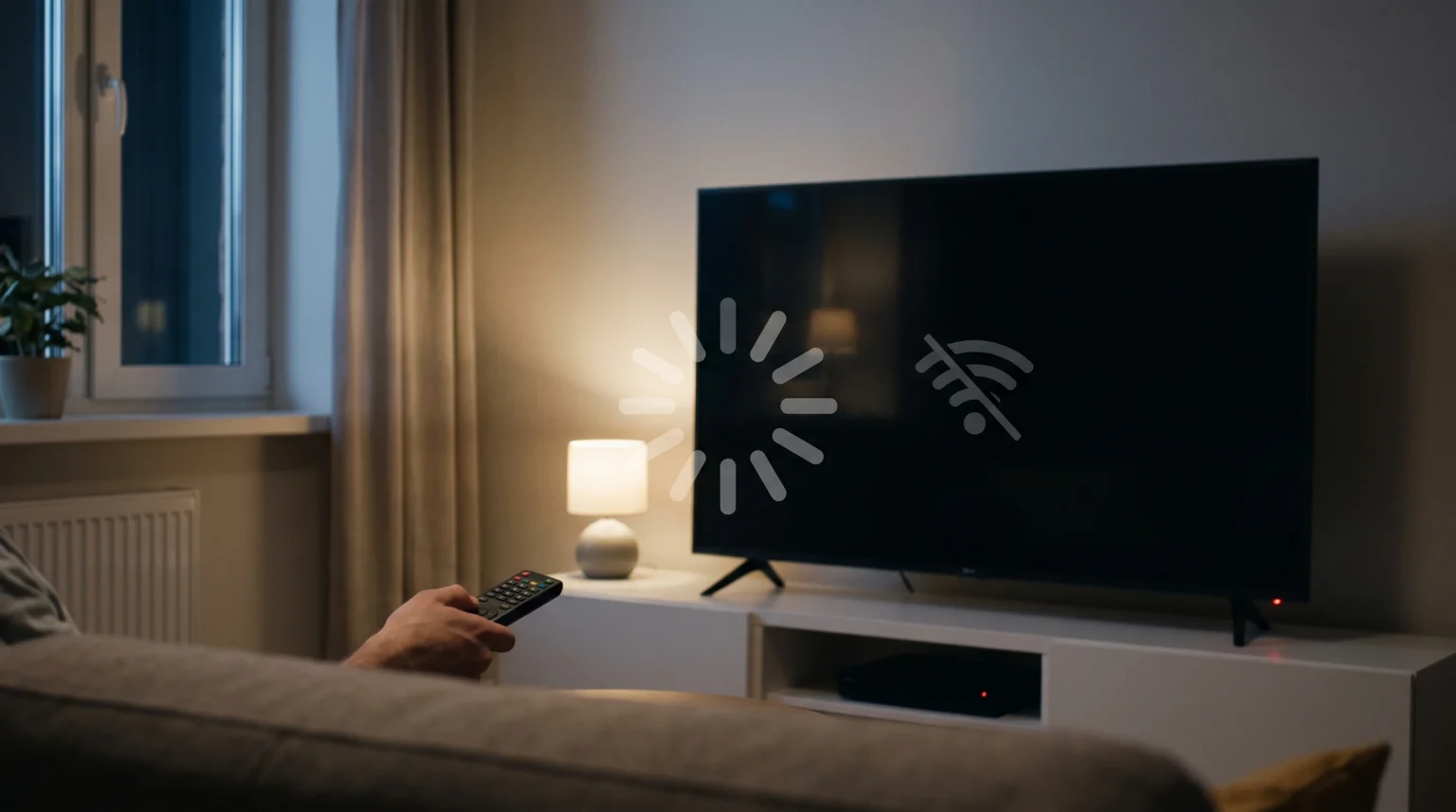
Many users notice that their IPTV stops after standby. When you press the power button on your television remote, the television does not shut down completely. Instead, it enters a low-power standby mode. During this standby mode, the television turns off the screen and cuts power to internal components to save electricity.
This power reduction directly affects active applications. The television stops the network connection and pauses the operating system. Because an IPTV application requires a constant internet connection to receive live video data, the video stream fails immediately when the network disconnects. When you turn the television screen back on, the IPTV application must rebuild the connection to the server, reload the electronic program guide (EPG), and request the video stream again.
Kort svar
IPTV stops after standby because modern Smart TVs disable network connections and suspend background applications to save energy. When the television enters standby mode, it disconnects from Wi-Fi or Ethernet. The IPTV application loses its connection to the video server. When you wake the television, the stream cannot resume automatically. The application must reconnect to the internet and load the stream from the beginning. You can often fix this problem by enabling “Network Standby” or “Keep Wi-Fi On” in your television settings.
The Technical Reason: Power Management and Network Sleep
To understand why IPTV stops after standby, you must understand how a Smart TV uses power. Modern televisions are essentially large computers. They have processors, memory, and operating systems.
Regulatory standards require televisions to consume very little electricity when the screen is dark. To meet these environmental standards, television manufacturers use aggressive power management.
Network Disconnection
The most common reason a stream stops is network disconnection. When the television enters standby mode, it turns off the Wi-Fi module or the Ethernet port. A live video stream requires a continuous flow of data packets. If the Wi-Fi module turns off for even three seconds, the connection to the IPTV server breaks.
Application Suspension
Smart TVs do not allow applications to run fully in the background. When the screen turns off, the television operating system moves the active IPTV application into a suspended state. The operating system stops the application from using the processor. Some televisions also clear the random access memory (RAM) to keep the system running quickly. If the television clears the RAM, the IPTV application closes completely.
Operating System Comparison
Different television brands handle standby modes differently. The operating system determines how quickly an application closes and whether the network stays active.
Hvis du sammenligner operativsystemer for TV-er, kan du sjekke ut vår guide til Det beste Smart TV-operativsystemet for IPTV i 2026] explains the differences between Tizen, Google TV, and webOS in more detail.
| Funksjon | Samsung Tizen | LG webOS | Sony Google TV |
| Operativsystem | Tizen | webOS | Google TV (Android) |
| App suspension speed | Veldig raskt | Middels | Langsommere |
| RAM clearing in standby | Aggressive | Moderat | Moderat |
| Network standby option | Yes (Settings dependent) | Yes (Settings dependent) | Yes (Settings dependent) |
| IPTV background playback | Nei | Nei | Nei |
How Standby Mode Affects Your IPTV Application
When you use an IPTV service like TV Shadow IPTV, you usually connect through a specific application using an M3U playlist or Xtream Codes. The standby mode interrupts this specific connection process.
Live Server Connections
Video-on-demand services like Netflix handle standby modes easily. Netflix can remember your exact timestamp and buffer the video. Live IPTV streams work differently. A live stream transmits data in real-time. If the television goes into standby mode, the server stops sending data to your television. When you turn the television back on, the application cannot simply resume. It must request a new live connection from the server.
Electronic Program Guide (EPG) Reloading
Many IPTV applications download the EPG into the television memory. If the television clears the memory during standby mode, the application must download the EPG again when the television wakes up. This causes a delay before you can change channels or see the television schedule.
The Impact on Live Football and Sports Viewing
Standby mode causes significant problems for live sports viewing. If you are watching live football and the television enters a screen-saver standby mode, you will lose the stream.
Live football requires a constant, heavy data connection. When the stream drops, the television loses the video buffer. Reconnecting to a high-quality live sports stream can take several seconds. During a live football match, a ten-second delay means you might miss an important goal.
Additionally, restarting the stream can sometimes reset your television picture settings. If you want to understand how picture settings affect sports, read our guide on Hvorfor ser IPTV uskarpt ut på en ny 4K-TV?.
How to Prevent Your TV from Disconnecting in Standby
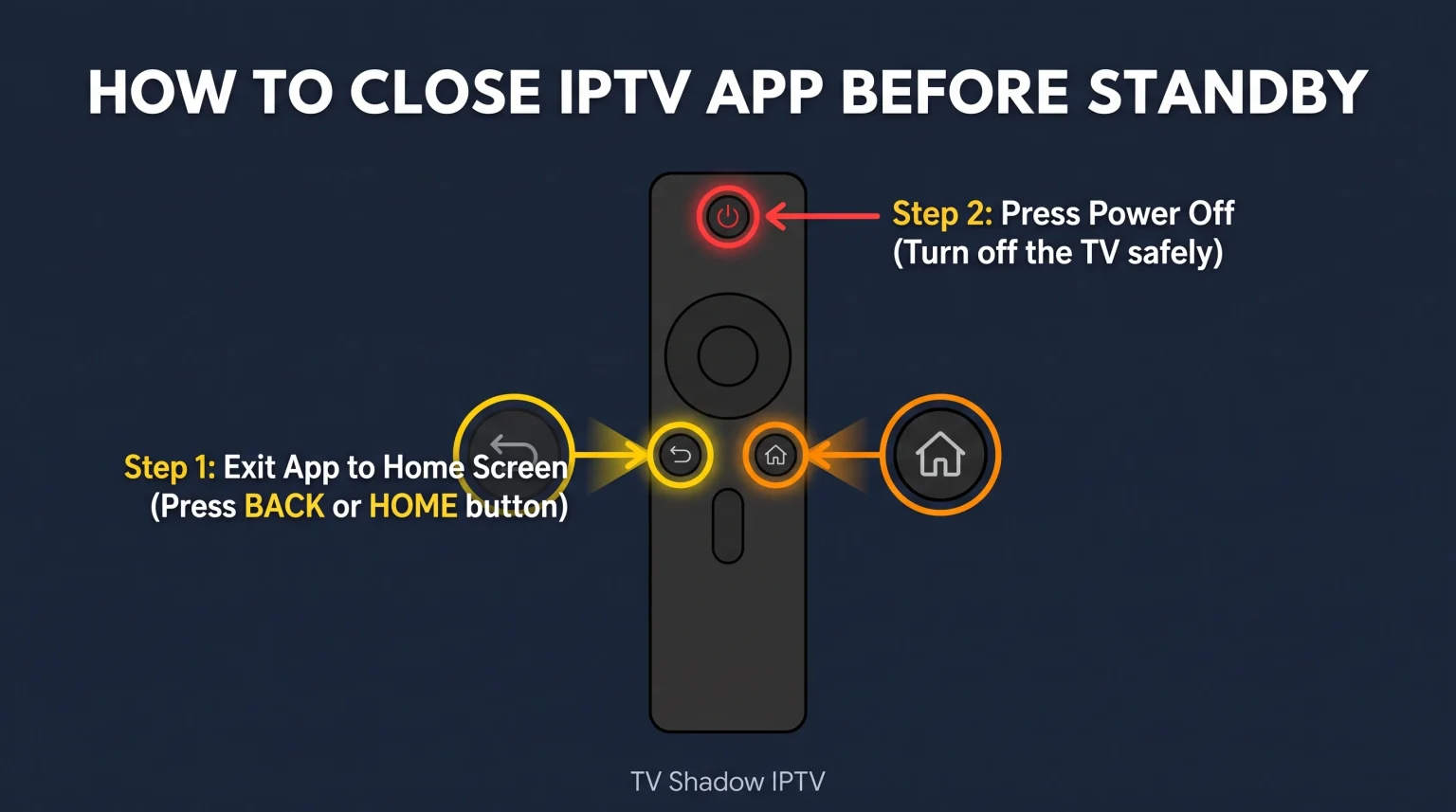
You can change your television settings to keep the network active. This will not keep the video playing while the screen is off, but it will help the IPTV application reconnect faster when you turn the screen back on.
Samsung Televisions (Tizen)
Open the television Settings menu.
Select General.
Select Network.
Select Expert Settings.
Turn on “Power On with Mobile” or “Network Standby”. This keeps the Wi-Fi module active.
LG Televisions (webOS)
Open the All Settings menu.
Select General.
Select Devices.
Select TV Management.
Enable “Quick Start+”. This feature keeps applications in memory longer and maintains network readiness.
Sony Televisions (Google TV)
Åpne Innstillinger-menyen.
Select Network & Internet.
Enable “Remote Start”. This setting allows the television to maintain a network connection while in standby mode.
If you are looking to buy a new television that handles these connections well, you can read our comparison of the De beste smart-TV-ene for IPTV i 2026: Sammenligning av Samsung, Sony, LG og TCL.
Alternative Solutions for Constant Playback
If your Smart TV continually closes your IPTV application, you may want to use an external streaming device. External devices handle standby modes differently than built-in television operating systems.
Devices like the Nvidia Shield, Apple TV 4K, or Chromecast with Google TV have their own power settings. You can configure an external device to stay powered on constantly. If the external device never enters standby mode, the IPTV application will never lose its connection to the server. You can turn off the television screen, and the external box will maintain the live stream.
Konklusjon
It is completely normal that your IPTV stops after standby. This happens because modern televisions must conserve energy. To save power, the television operating system shuts down the Wi-Fi connection, disables the Ethernet port, and suspends the active IPTV application.
Because live video streams require a continuous connection to the server, the stream fails as soon as the television enters this low-power state. While you cannot usually keep a live video stream playing while the television screen is turned off, you can improve the experience. By enabling features like “Network Standby” or “Quick Start+” in your television settings, you can help your device reconnect to the network faster. This ensures your IPTV application can rebuild the server connection quickly when you want to resume watching.
Ofte stilte spørsmål
Why does my IPTV app freeze when I turn the TV back on?
When you turn the television back on, the IPTV application tries to play video from a broken connection. The network disconnected during standby, but the application does not realize this immediately. The application freezes while it waits for network data that will not arrive. You usually need to restart the application.
Can I play IPTV audio while the TV screen is off?
Usually, no. Most Smart TVs tie screen power and application power together. When you turn off the screen, the television suspends the application. Some specific music applications have special permission to run in the background, but video applications like IPTV players do not have this permission.
Does using an Ethernet cable stop the standby disconnection?
An Ethernet cable provides a more stable connection than Wi-Fi while the television is running. However, most televisions still disable the Ethernet port during standby mode to save power. Therefore, an Ethernet cable will not prevent the stream from stopping when the television sleeps.
Will "Quick Start" settings use more electricity?
Yes. Features like LG’s “Quick Start+” or Sony’s “Remote Start” keep the network hardware active. This consumes more electricity than a standard standby mode. However, the extra electricity usage is generally very small.
Does TV Shadow IPTV have a setting to prevent standby?
The IPTV service provider cannot control your television hardware. TV Shadow IPTV delivers the stream to your application, but your television operating system controls the power management. You must change the settings on the television itself.
Why does Netflix resume perfectly but IPTV fails?
Netflix uses pre-recorded video files. The Netflix application saves your exact time position locally. When the television wakes up, Netflix simply requests the file from that specific time. IPTV is a live data feed. There is no file to resume, only a live server connection that must be established again.
Do Android TV boxes have the same standby problem?
It depends on the box settings. Most Android TV boxes allow you to disable sleep mode completely. If you disable sleep mode on an Android box, the IPTV application will continue running and receiving data even if you turn off your television screen.