
Samsung Tizen is the operating system used on all Samsung Smart TVs. In 2026, millions of people use Samsung televisions to watch live television and video on demand. Many users want to know if the Samsung Tizen system works well with Internet Protocol Television (IPTV). Because Samsung Tizen is a closed operating system, it handles applications differently than Android televisions. Users must download media players directly from the Samsung App Store. This article explains how Samsung Tizen performs with IPTV services in 2026, which media players are available, and whether this operating system is the right choice for your television viewing needs.
Kort svar
Ja, Samsung Tizen is very good for IPTV in 2026. The Samsung App Store includes popular and reliable IPTV players such as Smart IPTV, IBO Player, and Nanomid. These applications work perfectly with M3U playlists and Xtream Codes. Imidlertid, Samsung Tizen does not support Android applications or the Google Play Store. Samsung Tizen is perfect for users who want a simple, built-in television experience. Users who want to install custom Android applications or use TiviMate will need an external Google TV streaming device.
The Samsung Tizen Operating System in 2026
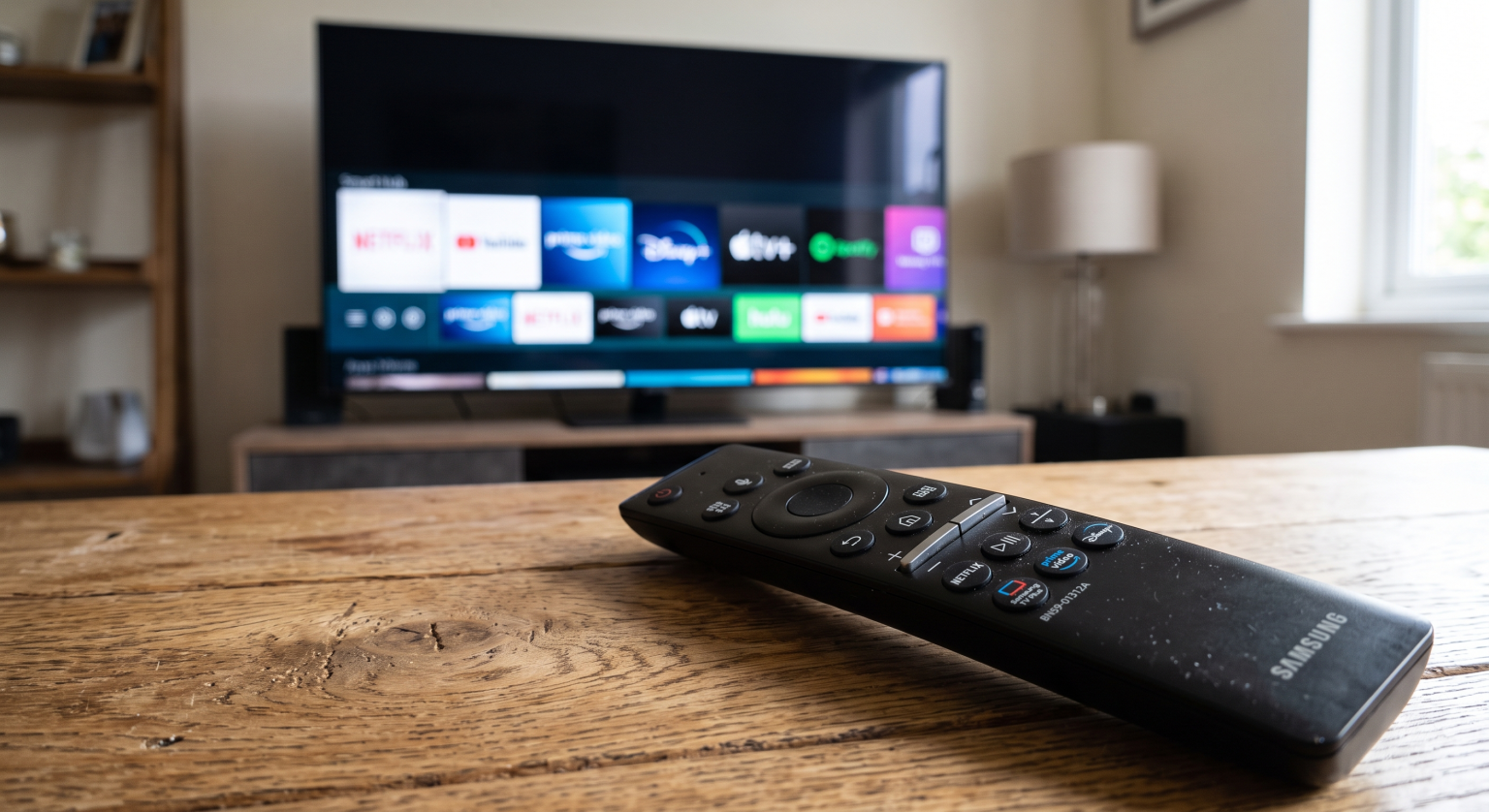
Samsung Tizen is a fast and responsive operating system. Samsung designs Tizen specifically for Samsung televisions. This means the software matches the television hardware perfectly. The interface is easy to navigate using the Samsung remote control.
In recent years, Samsung improved the software update policy. Samsung now offers up to seven years of Tizen operating system upgrades for many television models released from 2023 onward. This long update period ensures that your Samsung Smart TV will remain secure and compatible with modern streaming applications until at least 2030. The modern Tizen operating system also supports the HEVC (H.265) video codec. This codec provides excellent video quality for 4K streams while using less internet bandwidth.
IPTV App Availability on Samsung Tizen
To watch IPTV on a Samsung television, you must install an IPTV player application. You can find these applications in the official Samsung App Store.
The Samsung App Store provides several excellent IPTV applications in 2026. The most popular applications include:
Smart IPTV (SIPTV)
IBO-spiller
Nanomid
SS IPTV
IPTV Smarters Pro
These applications allow you to connect your IPTV service using an M3U playlist URL or Xtream Codes login details. They also support the Electronic Program Guide (EPG). The EPG shows you the schedule for live television channels.
Please note that application availability depends on your country and your television model year. Sometimes, an application is available in Europe but not available in the United States. If an application is removed from the local Samsung App Store, you may need to change the television region settings to download the application.
The Android TV and Google Play Limitation
The biggest limitation of Samsung Tizen is that it is not an Android operating system. Samsung Tizen does not include the Google Play Store.
Because Tizen is not Android, you cannot install Android Package (APK) files. You cannot sideload custom applications from the internet. You can only install applications that Samsung has officially approved for the Samsung App Store.
For example, TiviMate is one of the most popular IPTV players in the world. Imidlertid, TiviMate is an Android application. You cannot install TiviMate on a Samsung Tizen television. If you want to use TiviMate on a Samsung television, you must connect an external Android device, such as a Google Chromecast or an Amazon Fire TV Stick.
Samsung Tizen vs Sony BRAVIA Google TV: Which Is Better for IPTV in 2026?
Comparison: Samsung Tizen vs Google TV for IPTV
If you are deciding between a Samsung television and a television with Google TV (such as Sony BRAVIA), it is helpful to compare the software.
| Funksjon | Samsung Tizen | Google TV (Sony or TCL) |
| Operativsystem | Tizen | Google TV |
| App-butikk | Samsung App Store | Google Play-butikken |
| Støtte for Android-apper | Ingen innebygd støtte | Fullstendig innebygd støtte |
| Sideloading (APK files) | Nei | Ja |
| Utvalg av IPTV-apper | Good (Smart IPTV, IBO Player) | Excellent (TiviMate, Smarters Pro) |
| Software updates | Up to 7 years on new models | Depends on the manufacturer |
Samsung Tizen provides a very smooth user experience. Google TV provides more flexibility for installing applications.
Picture Quality and Upscaling for IPTV
IPTV streams can sometimes have lower video quality than official broadcast television. Samsung televisions include excellent picture processing technology. Samsung uses artificial intelligence to upscale lower-resolution video. Upscaling means the television software improves a standard High Definition (HD) image to look closer to a 4K resolution image. This feature makes standard IPTV channels look much better on a large screen.
Live Football and Sports Streaming
Many users buy IPTV services to watch live football and other sports. Samsung televisions are generally excellent for sports viewing.
Samsung televisions offer very good motion handling. Motion handling is how well the television displays fast movement without blurring. When you watch a football match, the camera moves quickly across the field. Good motion handling keeps the football clearly visible.
For the best sports experience, choose a Samsung television with a 120Hz refresh rate. A 120Hz television refreshes the image 120 times per second. This results in smoother video than a standard 60Hz television.
60 Hz- og 120 Hz-TV-er til direktesendt fotball
When streaming live sports, internet stability is very important. Wi-Fi connections can lose data packets. Data loss causes the video stream to pause or buffer. We always recommend connecting your Samsung Smart TV to your internet router using an Ethernet cable. A wired Ethernet connection provides maximum stability for live sports streams.
TV Shadow IPTV-kompatibilitet
TV Shadow IPTV provides premium streaming services. TV Shadow IPTV does not have an official relationship with Samsung or any television manufacturer.
Imidlertid, the TV Shadow IPTV service is fully compatible with Samsung Tizen televisions. Because TV Shadow IPTV supports standard M3U playlists and the Xtream Codes API, you can use our service with almost any IPTV player in the Samsung App Store.
To use TV Shadow IPTV on your Samsung television:
Download a compatible player (such as IBO Player or Smart IPTV) from the Samsung App Store.
Open the application and find the MAC address displayed on the screen.
Visit the developer website for that application.
Enter your MAC address and your TV Shadow IPTV playlist link.
Restart the application on your television to load the channels.
Konklusjon
I 2026, Samsung Tizen remains a strong and reliable operating system for IPTV. The system is fast, secure, and easy to use. The Samsung App Store offers several high-quality IPTV players, including Smart IPTV and IBO Player. The new seven-year update policy also makes Samsung a safe long-term investment.
The only major disadvantage of Samsung Tizen is the lack of Android support. If you require specific Android applications like TiviMate, or if you want to sideload APK files, Samsung Tizen is not the correct choice. For most standard users, however, a Samsung Smart TV provides a fantastic, built-in IPTV experience without the need for extra devices.
Ofte stilte spørsmål (FAQ)
Can I install TiviMate on a Samsung Tizen TV?
Nei, you cannot install TiviMate on a Samsung Tizen television. TiviMate is an Android application. Samsung Tizen does not support Android applications. You must use an external Android streaming stick to use TiviMate on a Samsung television.
Why is my IPTV app not in the Samsung App Store?
Application availability depends on your geographic region and television model. Samsung sometimes removes IPTV applications from specific regional stores. If an application is missing, you can search for alternative applications like IBO Player, or you can change your television region settings.
How do I stop IPTV buffering on a Samsung Smart TV?
The best way to stop buffering is to connect your television directly to your router with an Ethernet cable. Wi-Fi signals can be unstable. You should also clear the cache of your IPTV application or restart the television to improve performance.
Does Samsung Tizen support M3U playlists?
Ja, Samsung Tizen supports M3U playlists. You do not load the M3U playlist directly into the television software. Instead, you load the M3U playlist into an IPTV player application that you downloaded from the Samsung App Store.
How long will my Samsung TV receive Tizen updates?
Samsung recently announced that modern televisions will receive free Tizen operating system upgrades for up to seven years. This policy generally applies to Samsung televisions released in 2023 and later.