
Are you planning to upgrade your home streaming setup this year? Before you hit checkout, you must understand the massive shifts in Fire TV app compatibility 2026. With Amazon’s recent transition to a brand-new operating system, buying the wrong device might mean losing access to your favorite applications.
Why Fire TV App Compatibility 2026 is Changing
The Shift from Android to Vega OS
Amazon is officially ditching its Android-based Fire OS for the new Linux-based Vega OS. New models currently hitting the US market, such as the Fire TV Stick HD and the Fire TV Stick 4K Select, exclusively run this proprietary software. As a result, the landscape for new Fire TV operating system apps is drastically different today.
Because Vega OS is not built on Android, traditional Android APKs simply will not run natively on newer devices. Developers must completely port their software directly to the Amazon Appstore for it to function. This transition is actively causing headaches for US consumers who expect seamless, plug-and-play access to independent media tools.
The End of Sideloading
If you enjoy tweaking your device, beware. The new Vega OS completely blocks the installation of apps from unknown sources for security reasons. This means popular custom media players and third-party smart TV apps can no longer be sideloaded onto the newest Amazon streaming sticks.
Comparing Amazon Streaming Devices in the US Market
Whether you are streaming local sports in the US or enjoying international cinema, you need the right hardware. Not all current devices on the market run the restrictive Vega OS just yet.
Here is a breakdown of how different devices handle Amazon Fire Stick sideloading 2026:
| Device Category | Operativsystem | Sideloading Support | App Compatibility Level |
| Fire TV Stick HD (2026) / 4K Select | Vega OS (Linux-based) | Blocked (No APKs allowed) | Limited (Appstore Only) |
| Fire TV Stick 4K Max (Older Gen) | Fire OS (Android-baserat) | Supported | High (Vast Android Support) |
| Google TV Streamer 4K | Android TV-operativsystemet | Supported | High (Google Play + Sideloading) |
How to Ensure Your Favorite Third-Party Applications Work
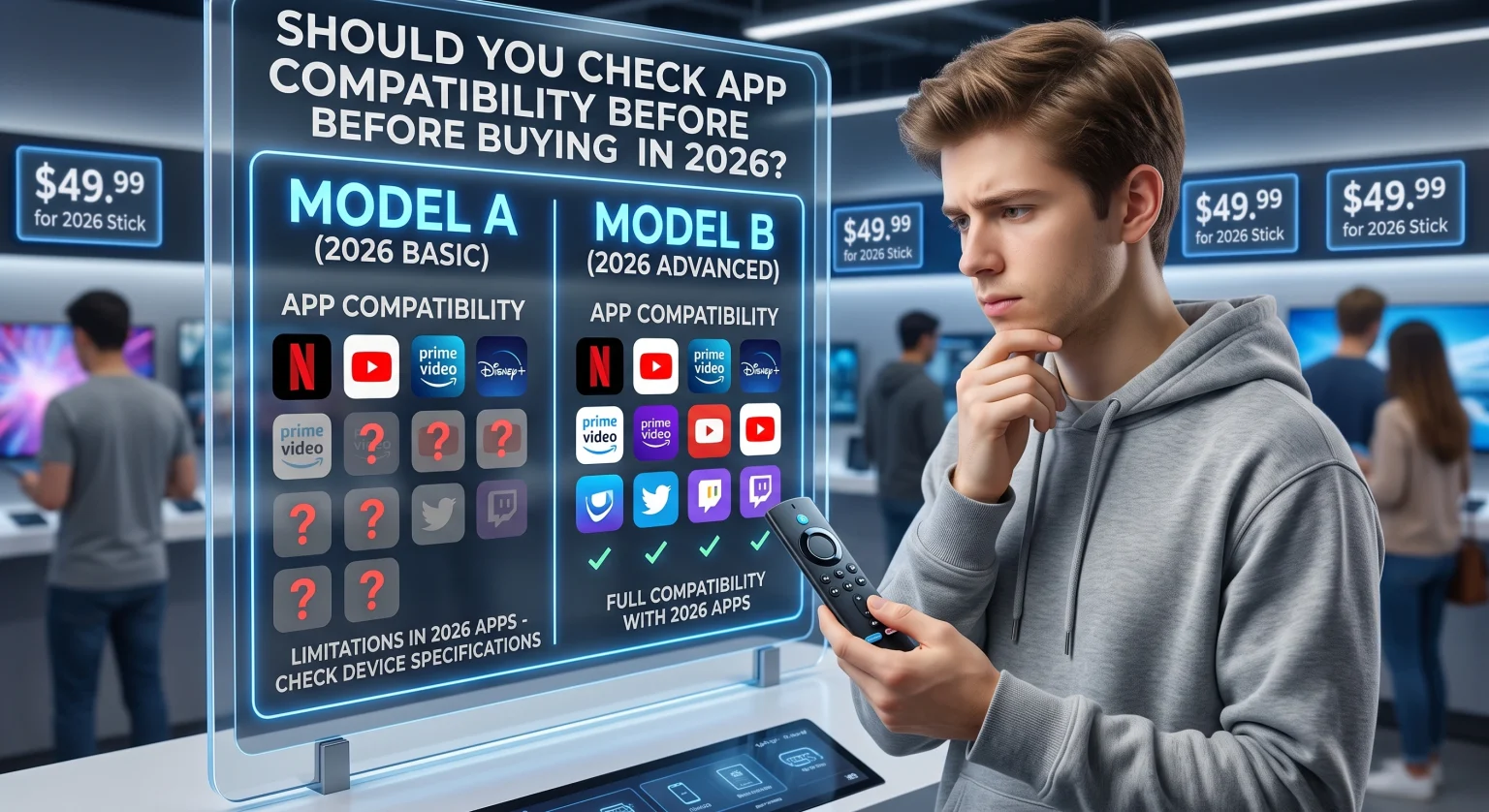
To guarantee optimal app functionality, always check the exact model specifications before making a purchase. Major platforms like Netflix, Hulu, and Prime Video are perfectly compatible with the new Vega OS framework. However, niche US regional streaming apps or indie media servers might not have made the jump yet.
Verify the OS: Look for “Vega OS” in the product description before buying.
Check Developer Updates: See if your favorite third-party developer has released a Vega OS native version.
Consider Alternatives: If you absolutely need to sideload Android apps, opt for an older Fire OS device or switch to a dedicated Android TV box.
Make the Right Streaming Choice Today
Understanding the nuances of Fire TV app compatibility 2026 can save you from a frustrating purchase. If you value a closed, secure, and blazing-fast system, the newest Vega OS devices are phenomenal. If you require open-source freedom and third-party access, grab a legacy Fire OS model while they last in the US.
Ready to optimize your streaming setup? Subscribe to our premium newsletter below for the latest tech reviews, app compatibility updates, and exclusive local deals on the best home theater hardware!
Vanliga frågor (Andra frågor som ofta ställs)
Will older Fire TV sticks still support sideloading?
Yes, older devices running the Android-based Fire OS will continue to support sideloading for the foreseeable future. However, new models running Vega OS strictly prohibit installing apps from unknown sources.
Can I run Android APKs on the 2026 Fire TV Stick HD?
Nej. Because the newest models run on the Linux-based Vega OS, traditional Android APKs are incompatible. You must download applications directly from the official Amazon Appstore.
Is it worth buying a Fire TV in 2026?
If you only use mainstream apps like Netflix and Prime Video, the fast and responsive Vega OS is excellent. But if you rely heavily on sideloading, you should seek out older inventory or alternative streaming boxes in US retail stores.