
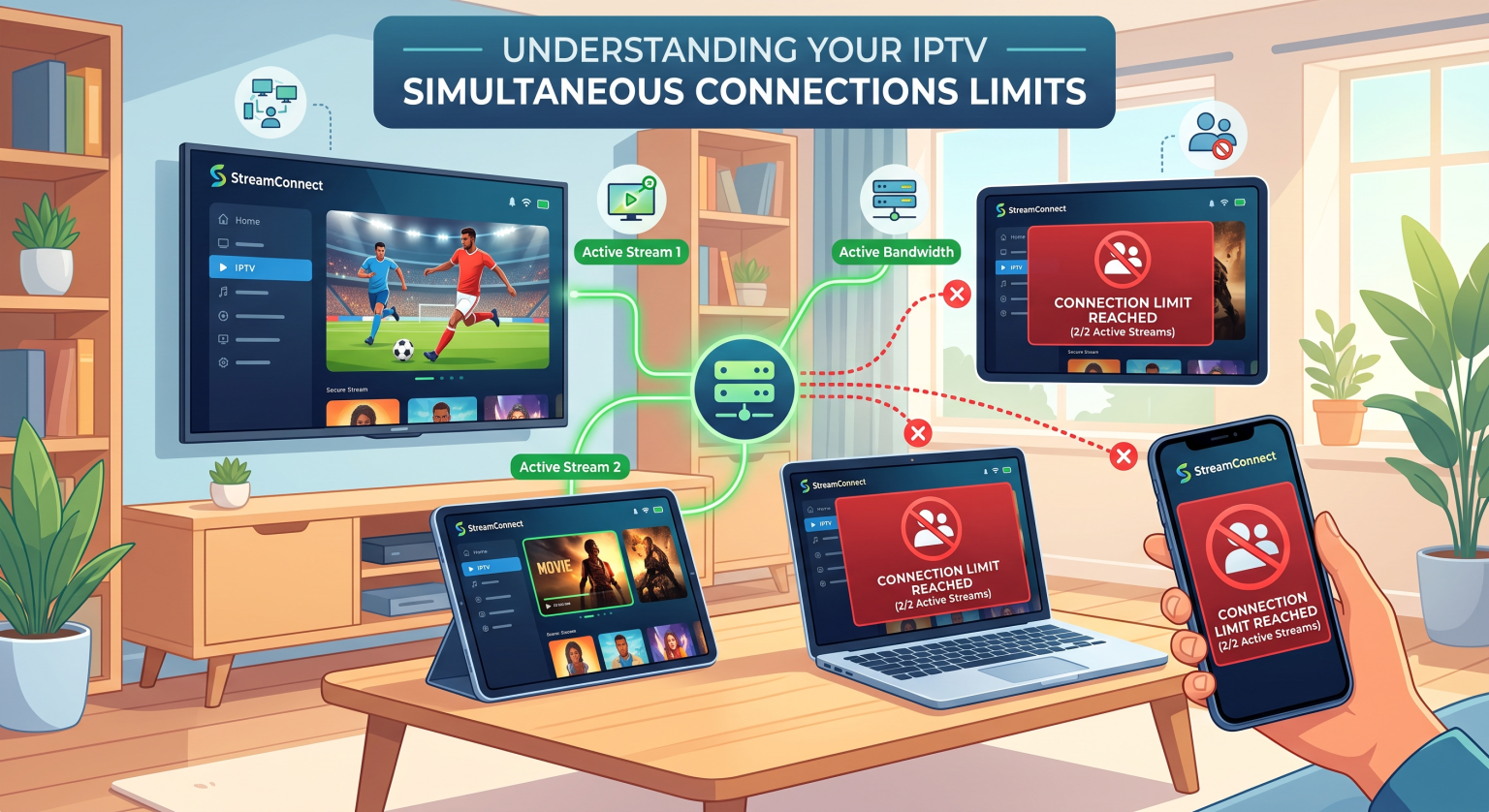
You downloaded your new streaming app on the living room TV, bedroom TV, tablet, and smartphone. But when your family tries to watch a game and a movie at the exact same time, someone gets an annoying error screen. Why does this happen? It all comes down to IPTV simultaneous connections.
What Are IPTV Simultaneous Connections?
Most modern streaming providers allow you to download and install their app on as many gadgets as you want. However, your specific IPTV subscription plan dictates how many of those screens can actively play video at the exact same moment.
Think of it like the water pipes in your home. You can have many faucets installed in different rooms, but turning them all on at once drops the water pressure. To prevent buffering, providers cap your concurrent streams to maintain a high-quality experience for everyone in your area.
Why Providers Restrict Multiple Device Streaming
If you have an app installed on four devices, it can be incredibly frustrating to realize you only have a 2-device limit. Providers enforce these device limits for a few very important reasons:
Server Bandwidth: Video streaming requires massive amounts of data. Limiting active streams prevents server overload during peak watching hours.
Account Sharing: Providers want to stop users from sharing a single account with five different households in different cities.
Tiered Pricing: Capping streams allows companies to offer cheaper basic plans for solo viewers and premium plans for larger families.
Comparing Standard Streaming Capacity Plans
To get the most out of your setup, you need a plan that matches your household’s actual viewing habits. Here is how typical streaming capacity breaks down across different subscription tiers:
| Plan Tier | Allowed App Installations | Max Concurrent Streams | Best Fit For |
| Basic Solo | Unlimited | 1 Stream | Single users or couples who watch together. |
| Standard Family | Unlimited | 2 Streams | Small households needing basic multi-room viewing. |
| Premium Household | Unlimited | 4+ Streams | Large families, heavy sports fans, and multiple kids. |
How to Optimize Your Multi-Room Viewing
The easiest way to fix the “too many devices” error is to manage your IPTV simultaneous connections proactively. Always log out of the app on devices you rarely use, like an old tablet or a guest room television.
If your family frequently fights over the remote, it is time to stop struggling with a basic package. Upgrading to a premium tier that supports higher multiple device streaming is the only permanent, legal fix. This ensures the kids can watch cartoons upstairs while you catch the big game in the living room.
Ready for Buffer-Free Streaming?
Stop settling for restrictive limits that keep your family from enjoying their favorite shows. Upgrade your entertainment experience with a plan built for true flexibility. [Click here to view our Premium Plans] and unlock up to 4 IPTV simultaneous connections idag!
People Also Ask (FAQs)
Can I use my IPTV simultaneous connections on two different WiFi networks?
It depends on your provider’s terms of service. Some allow you to stream on mobile data while away from home, while others strict lock your active streams to a single household IP address.
Does using a VPN affect my IPTV connection limits?
A VPN secures your traffic, but it does not magically give you more streams. Your provider’s server still recognizes your unique account credentials and will enforce your plan’s exact device limits.
How do I kick a device off my account?
If you hit your stream limit but only have one TV on, a background device might be active. You can usually log into your provider’s web portal and click “Sign out of all devices” to reset your connections.