
If you’ve just bought a new Samsung, LG, or Android TV and you’re wondering if you still need an external box to stream your favorite channels, the short answer is: yes, you can absolutely use IPTV directly on a Smart TV.
In fact, the native apps available in 2026 have gotten so good that many people are ditching their streaming sticks entirely.
But there’s a catch. Your TV doesn’t come with the channels pre-loaded. You need two things: an IPTV player (the app) and an IPTV service provider (the subscription).
Here is exactly how to get it running, which apps are actually worth your time, and how to avoid the most common setup errors.
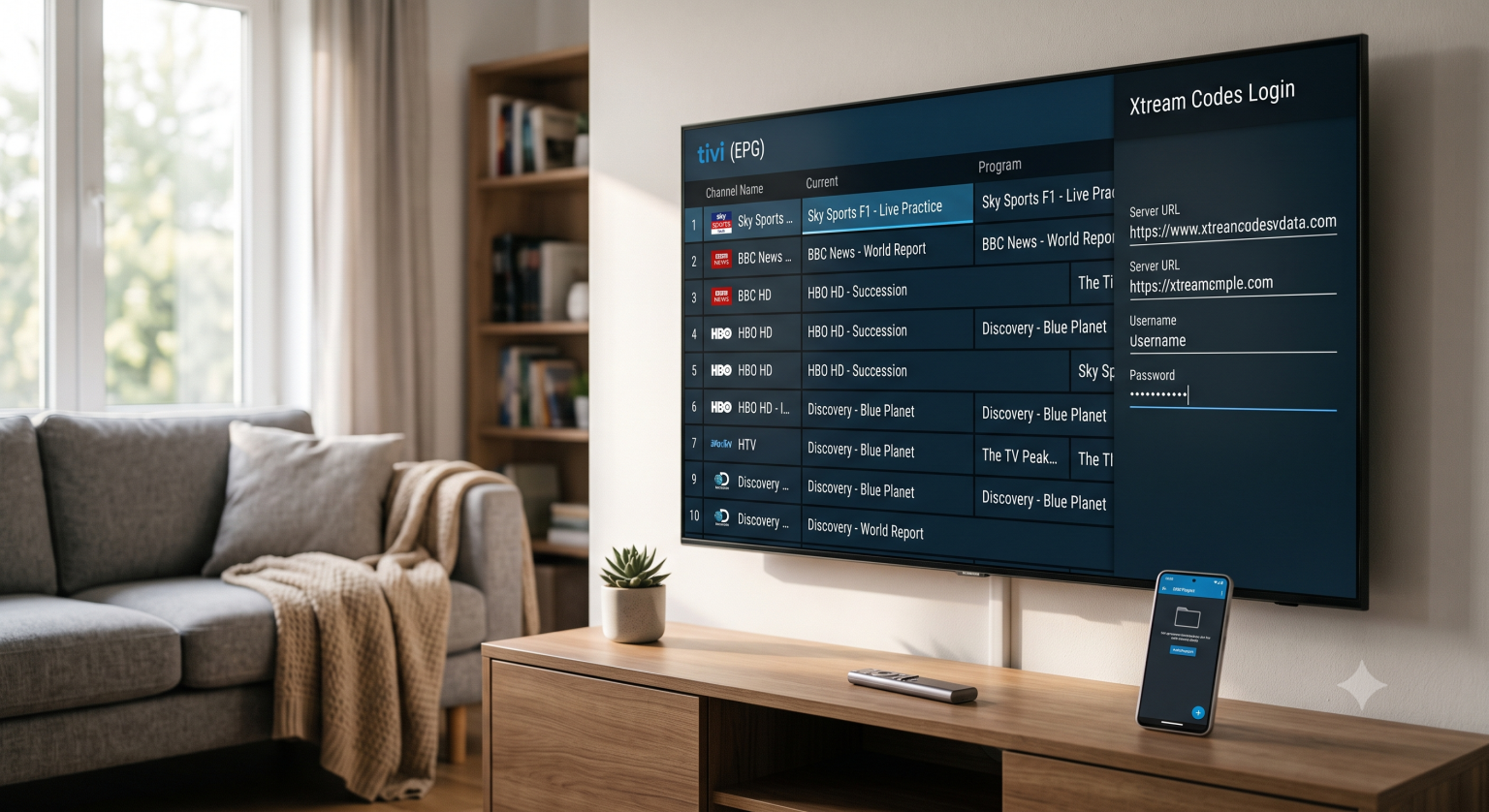
The Best IPTV Apps for Smart TVs Right Now
Not all Smart TVs are created equal. An app that works flawlessly on a Sony (Android TV) might not even exist on a Samsung (Tizen) or LG (WebOS). Here are the top players this year based on your TV’s operating system:
1. TiviMate (Best for Android TV & Google TV)
If your TV runs on Android (like Sony, TCL, or Hisense), TiviMate is the absolute gold standard. It has the cleanest interface, the fastest channel switching, and an Electronic Program Guide (EPG) that looks and feels like a traditional premium cable box.
The Good: Unmatched UI, smooth recording features, multiple playlist support.
The Catch: The premium version requires a small one-time fee, and it isn’t available on Samsung or LG native stores.
2. IPTV Smarters Pro (Best All-Rounder)
Smarters Pro is the most widely supported app out there. It’s free, easy to navigate, and works on almost every television platform. The interface splits neatly into Live TV, Movies, and Series, making it incredibly user-friendly for beginners.
The Good: Extremely easy setup using the Xtream Codes API.
The Catch: The layout can feel a little dated compared to newer players.
3. Smart IPTV (Best for Older Samsung / LG Models)
Often called SIPTV, this is one of the original apps for WebOS and Tizen. It’s lightweight and handles massive channel lists without crashing the TV’s limited memory.
The Good: Excellent performance on low-spec TVs.
The Catch: The MAC address activation process can be a headache if you ever need to replace your television.
4. IBO Player & SET IPTV
Both of these are fantastic alternatives if Smarters isn’t available in your specific regional app store. They handle modern streaming protocols beautifully and have a reputation for stability.
How to Set Up IPTV on Your Smart TV (Step-by-Step)
Forget typing out massive M3U links with your TV remote. Nobody has time for that. Most premium providers today use the Xtream Codes API, which is vastly superior and much harder to mess up.
Here is how to connect it:
Download your player of choice from your TV’s native app store.
Open the app and select “Login with Xtream Codes.”
Enter the credentials provided by your service:
Name: (Just pick a nickname for your playlist)
Username: Provided by your host.
Password: Provided by your host.
Portal URL / Server URL: This is the web address of the server.
Hit Add User. The app will connect to the server and pull your live channels, VODs, and TV guide data automatically.
Expert Tips: Beating Buffering and EPG Errors
If you want a flawless streaming experience, here are two technical tweaks that separate a frustrating setup from a perfect one.
Decoding Matters (H.265 & AV1) If you are streaming live sports in 4K, bandwidth is your biggest enemy. Dive into your TV or player settings and ensure hardware decoding is enabled. Modern streams utilize highly efficient video codecs; if your Smart TV supports hardware-accelerated H.265 (HEVC) or the newer AV1 codec, it will decode high-quality video using a fraction of the data rate required by older H.264 streams. This is the secret to eliminating buffering during peak weekend traffic.
Fixing the “No Information” TV Guide Nothing is more annoying than an empty channel guide. If your schedule isn’t populating, it usually points to an XMLTV error. If you are using an M3U playlist instead of Xtream Codes, double-check that the specific EPG URL provided by your host is pasted perfectly into your app’s settings. If it is, try clearing the app cache and manually hitting “Update EPG” to force the XML file to parse correctly.
So, Should You Still Use a Streaming Stick?
While Smart TVs are highly convenient, their internal processors are generally weaker than dedicated streaming devices. If you notice your TV menus lagging when loading a 60,000+ channel list, or if the manufacturer suddenly removes your favorite IPTV app from their store (which happens more often than you’d think), spending a few bucks on a dedicated 4K streaming stick is an easy backup plan.
But for the vast majority of users in 2026? Your Smart TV is more than capable of handling the job. Pick the right app, punch in your login details, and start watching.